
Advanced AI Image Generator with Fine-Tuned Settings
Use an advanced AI image generator with fine-tuned settings to control prompts and generation options. Adjust settings, review results, refine output.
AI Image Generator
0/20000 characters
My images
Loading...
What are fine-tuned settings in an AI image generator?
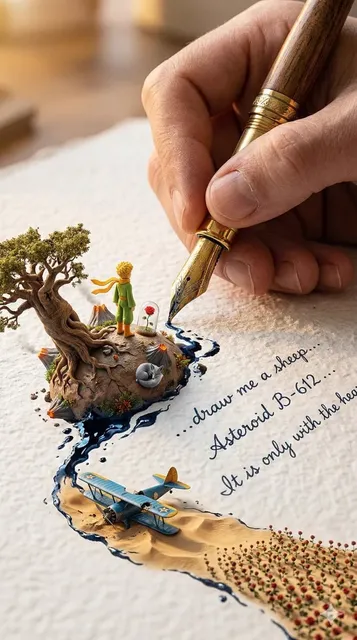
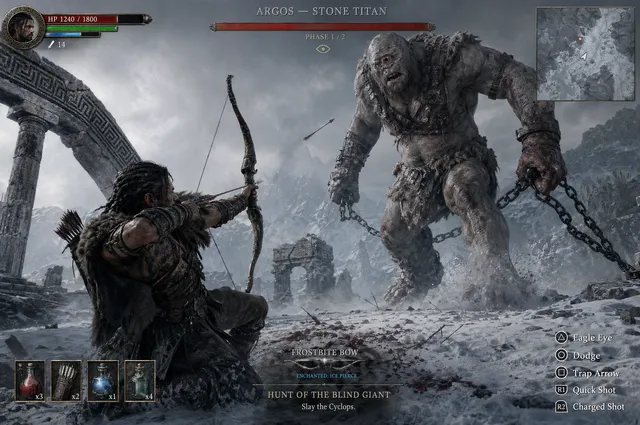
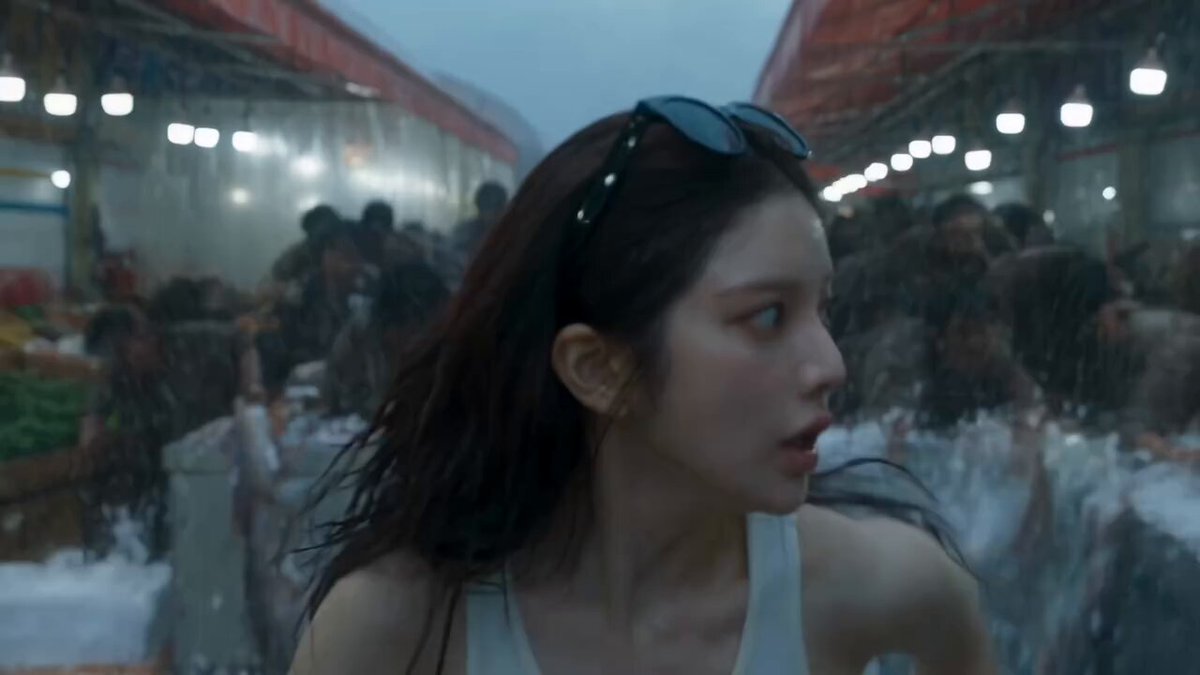
Fine-tuned settings in an AI image generator are adjustable parameters that influence the generation process. Combined with detailed prompts, these settings let you control composition, style, and detail level, enabling iterative refinement to achieve specific visual results.
Advanced AI Image Generator with Fine-Tuned Settings
Precise product shot
Input
A minimalist product photo of a ceramic teapot on a stone pedestal, matte sage green glaze, soft studio light, plain beige background
Expected output
A clean product-style image with the described teapot, color, and lighting
Controlled character design
Input
A fantasy character concept of a scarred warrior in leather armor, cold blue lighting, detailed face, full-body view
Expected output
A character concept image that follows the described armor, lighting, and framing
Tuned landscape mood
Input
A misty mountain landscape at dawn, layered ridges, cool blue tones with warm sunrise highlights, wide cinematic composition
Expected output
A landscape image with the described layering, palette, and cinematic framing
Generate images with precise prompts and adjustable generation settings
Fine control over output
Combine a detailed prompt with the available generation settings to steer composition, style, and detail.
Iterate in small steps
Change one part of the prompt or one setting at a time to see exactly what moves the result.
Review before reuse
Inspect every image for accuracy and rights before using it in your work.
How It Works
1
Describe the image
Describe the desired image.
2
Choose settings
Choose the available generation settings.
3
Generate and review
Generate, review, and download a suitable result.
Getting more from generation settings
Advanced results come from pairing specific prompts with deliberate setting choices.
Input Constraints
- Describe subject, style, and composition precisely.
- Do not claim model names or version-specific features.
- Avoid prompts for deceptive or misleading content.
- Keep input text within the tool's supported prompt scope.
Practical Tips
- Write the subject first, then style, then lighting.
- Adjust one setting at a time to learn its effect.
- Regenerate instead of over-editing a weak result.
- Save prompts that work for repeatable results.
Privacy
- Do not upload personal or sensitive material unless you have permission to use it.
Usage Rights
- Confirm that you have the rights needed for the inputs and intended use of the result.
Prompt recipes
Copy a structure, then adjust the subject, lighting, camera, and output details for your own result.
Layered environment control
A medieval tavern interior with stone fireplace in background, wooden tables in midground, single candle in sharp focus on foreground table, warm orange firelight contrasting cool blue window light from right
Explicitly defines foreground, midground, and background elements with distinct focal plane and dual light sources, giving clear compositional structure to control.
Texture and material specification
Close-up of weathered copper door handle with green patina, rough cast iron mounting plate with visible rust, smooth aged oak door behind, diffused overcast daylight, macro detail level
Names specific materials and their surface conditions along with photographic approach to control texture rendering and detail priority.
Precise color palette control
Abstract geometric composition with only three colors: deep navy blue hexagons, burnt orange triangles, and cream negative space, flat design style, balanced composition
Limits color palette explicitly and assigns colors to specific shapes, reducing variability and giving clear color control parameters.
Atmospheric depth control
A fantasy castle on a distant mountaintop rendered in light blue atmospheric perspective, middle-distance forest in deeper green, foreground meadow flowers in saturated colors, aerial perspective demonstration
Uses atmospheric perspective terminology with explicit depth zones and saturation instructions to control perceived distance and layering.
Lighting setup specification
Portrait with three-point lighting setup: key light from 45 degrees camera left creating cheek highlight, fill light from right reducing shadow intensity to 50 percent, rim light from behind separating subject from dark grey background
Uses photography lighting vocabulary with specific positions and intensity relationships to create predictable and adjustable studio lighting.
Style isolation control
A single red apple on white surface, photorealistic rendering with subsurface scattering on skin, sharp focus across entire apple, no artistic interpretation, pure photographic realism
Explicitly constrains style to photorealism and names rendering technique to prevent artistic drift and maintain consistent visual treatment.
Best use cases
Match the workflow to the input you have and the result you need before opening the generator.
Iterative concept development
Input: Base prompt with one variable element you plan to systematically adjust across generations
Result: Controlled variations showing impact of specific changes
Tool: AI Image Generator
Technical illustration control
Input: Structured prompt with explicit foreground/midground/background and lighting setup
Result: Technically precise image with predictable depth and composition
Tool: AI Image Generator
Style consistency across series
Input: Detailed style constraints with subject variation while maintaining lighting and palette
Result: Multiple images with cohesive visual language
Tool: AI Image Generator
Learning prompt impact
Input: Simple base prompt with systematic addition of one descriptor at a time
Result: Clear understanding of which prompt elements drive specific visual changes
Tool: AI Image Generator
Limitations to know before generating
- Available settings vary by tool and may not offer the specific parameter control you expect from the term 'fine-tuned'
- Complex multi-variable adjustments make it difficult to isolate which setting caused a specific change
- Prompt language still has stronger influence than most settings — poor prompts cannot be fixed by settings alone
- Iterative refinement requires time and systematic testing to understand setting interactions
- No setting combination guarantees exact replication of a reference image or specific artistic vision
Creative Suite: AI Video Generator & AI Image Generator Tools
Power up your creative workflow with our AI-driven tools. Generate stunning videos, create images, and apply custom adjustments - our AI Video Generator and AI Image Generator offer a complete solution for all your creative needs.
Strictly Prohibits Adult/NSFW Content








Pricing
Choose the credit package that works best for you.
No hidden fees • Cancel anytime • Unused credits roll over
Starter
Perfect for trying out AI creation.
Credits
200 credits / month
- Up to 20 videos per month
- Up to 100 images per month
$6.99/ month$9.9930% OFF
Billed monthly
First-time subscribers get 30% off their first month, then standard price
What's included
- Credits never expire
- Standard models
- HD, Watermark-Free Downloads
- Private Generation
- Faster Generation Speed
- Ad-free experience
Basic
Perfect for light creators.
Credits
500 credits / month
- Up to 50 videos per month
- Up to 250 images per month
$13.99/ month$19.9930% OFF
Billed monthly
First-time subscribers get 30% off their first month, then standard price
What's included
- Credits never expire
- Standard models
- HD, Watermark-Free Downloads
- Private Generation
- Faster Generation Speed
- Ad-free experience
Pro
PopularBest value for creators
Credits
1,200 credits / month
- Up to 120 videos per month
- Up to 600 images per month
$39.99/ month
Billed monthly
What's included
- Credits never expire
- All models + Early access to new models
- HD, Watermark-Free Downloads
- Private Generation
- Faster Generation Speed
- Ultra HD resolution
- Ad-free experience
Ultra
For video creators and power users.
Credits
5,000 credits / month
- Up to 500 videos per month
- Up to 2,500 images per month
$99.99/ month
Billed monthly
What's included
- Credits never expire
- All models + Early access to new models
- HD, Watermark-Free Downloads
- Private Generation
- Faster Generation Speed
- Ultra HD resolution
- Ad-free experience
Free
Standard models only — upgrade to unlock premium models.
Credits
10 free credits on signup
Questions? Contact us at support@domer.io
Fine-tune your next generation
Open the text-to-image tool, refine your prompt and settings, and generate an image to review.