
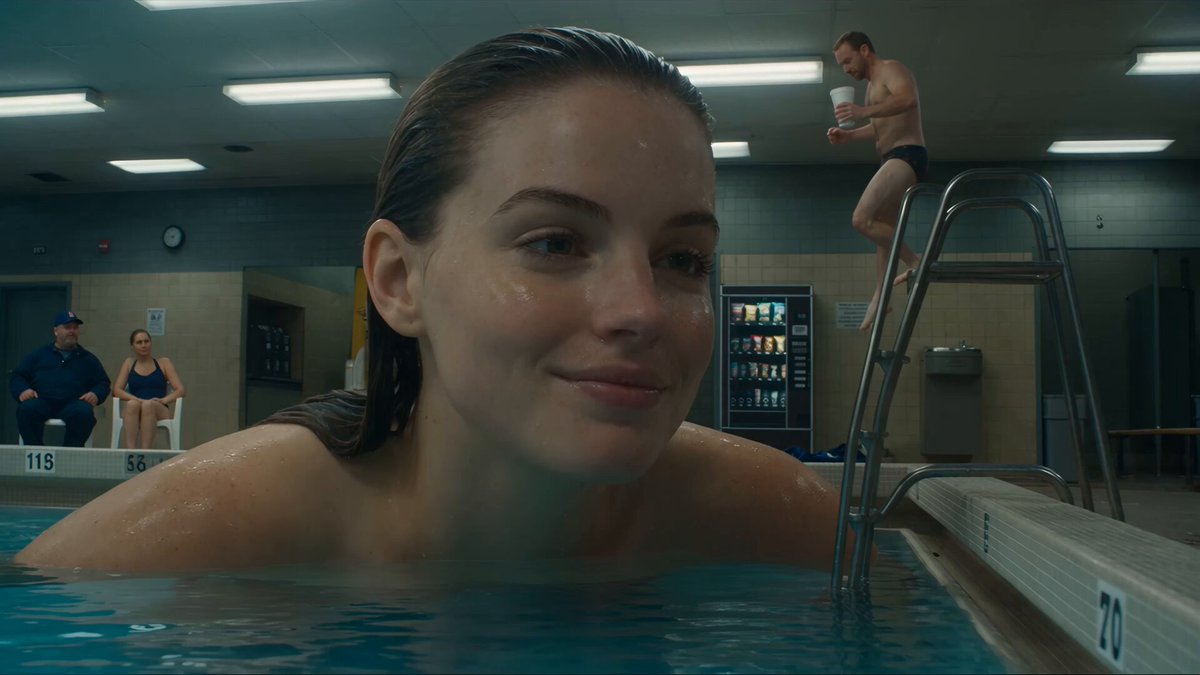
AI Art Generator Based on Description
Use ai art generator based on description to turn a written description into a generated image. Describe the subject, style, and mood, choose settings, and.
AI Image Generator
0/20000 characters
My images
Loading...
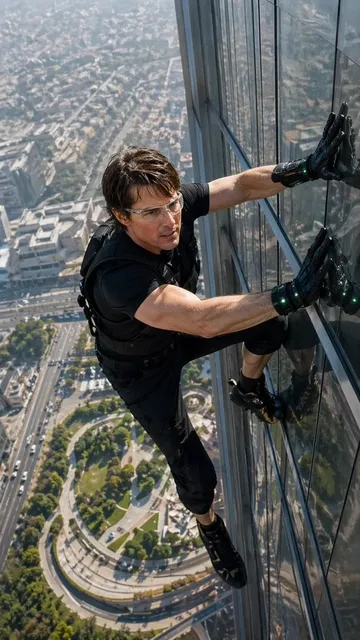
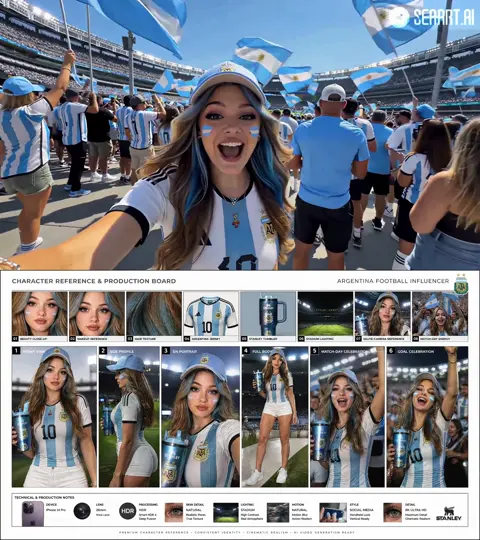
How does an AI art generator based on description work?
An AI art generator based on description creates images from text prompts. You write a description of the subject, setting, style, and mood you want, then the tool generates a matching image. You can refine the description and regenerate until the result matches your vision.
AI Art Generator Based on Description
Misty mountain village
Input
A small mountain village at sunrise, cobblestone streets winding between stone cottages, mist rising from the valley, warm golden light
Expected output
A landscape image of a mountain village with mist, cobblestone paths, and warm sunrise light
Surreal water portrait
Input
A portrait of a woman whose hair transforms into flowing water, soft blue and teal tones, dreamlike atmosphere, fine art style
Expected output
A surreal portrait with hair rendered as flowing water in blue tones
Fantasy floating castle
Input
A fantasy castle floating above white clouds, glowing towers, pastel sunset sky, magical light particles around the structure
Expected output
A fantasy scene of a floating castle in a pastel sky with glowing light effects
Turn a written description into a matching image without manual drawing skills.
Skip the skill barrier
Describe what you see in your mind and get a visual result without needing to draw, paint, or use complex software.
Refine until it matches
Adjust your description and regenerate until the image matches what you imagined.
Create custom visuals
Generate images for stories, presentations, concept art, or personal creative projects directly from your words.
How It Works
1
Describe the desired image.
Describe the desired image.
2
Choose the available generation settings.
Choose the available generation settings.
3
Generate, review, and download a suitable result.
Generate, review, and download a suitable result.
Writing better descriptions
More specific descriptions tend to produce more accurate results.
Input Constraints
- Start with the main subject and what it is doing
- Add the setting, lighting, and mood after the subject
- Specify an art style if you want a particular visual treatment
Practical Tips
- Use visual adjectives like 'glowing', 'misty', 'sharp', or 'soft' to set the feel
- Keep descriptions under three sentences for faster iteration
- If the result is off, change one element at a time — lighting, color, or composition
Privacy
- Do not upload personal or sensitive material unless you have permission to use it.
Usage Rights
- Confirm that you have the rights needed for the inputs and intended use of the result.
Prompt recipes
Copy a structure, then adjust the subject, lighting, camera, and output details for your own result.
Fantasy landscape concept
A vast alien landscape with twin moons in a purple sky, bioluminescent plants glowing in the foreground, jagged crystal formations in the distance, cinematic wide shot, sci-fi concept art style
Combines specific visual elements (twin moons, bioluminescent plants, crystal formations) with style and framing keywords for a coherent concept art result.
Character portrait with mood
A close-up portrait of an elderly wizard with a long white beard, wise eyes, wearing deep blue robes with gold embroidery, warm candlelight illuminating his face, oil painting style
Describes physical features, clothing details, lighting, and style clearly, giving the generator enough detail for a focused portrait.
Urban scene with atmosphere
A rainy Tokyo street at night, neon signs reflecting in wet pavement, a lone figure with an umbrella walking away, bokeh lights in the background, moody cinematic photography style
Sets the scene with location, weather, lighting, and a human element, plus a clear photography style for a cinematic result.
Abstract art with emotion
An abstract expressionist painting representing joy, bold brushstrokes in warm yellows and oranges, dynamic movement across the canvas, thick impasto texture, energetic and spontaneous feel
Describes emotion, color palette, painting technique, and texture, allowing the generator to interpret the abstract concept visually.
Product concept visualization
A sleek modern coffee maker on a marble kitchen counter, brushed stainless steel finish, minimalist Scandinavian design, soft morning light from a window, product photography style with shallow depth of field
Describes the product, material, design aesthetic, setting, and photography technique for a professional product visualization.
Mythical creature illustration
A majestic phoenix rising from flames, feathers made of fire in red, orange, and gold, wings spread wide, dark background with glowing embers, dramatic fantasy illustration style
Clearly describes the mythical subject, its visual elements (fire feathers), composition (wings spread), and style for a striking fantasy illustration.
Best use cases
Match the workflow to the input you have and the result you need before opening the generator.
Concept art for creative projects
Input: Detailed description of scene or character with style keywords like 'cinematic', 'concept art', or 'illustration'
Result: Professional-looking concept art matching the described subject and style
Tool: Text to Image with concept art or cinematic style keywords
Custom social media graphics
Input: Description of subject with mood and color palette, plus style like 'flat design', 'minimalist', or 'vibrant'
Result: Eye-catching graphic suitable for social media posts or stories
Tool: Text to Image with square aspect ratio and graphic style keywords
Story or blog illustrations
Input: Scene description matching the content topic, with mood and style like 'editorial illustration' or 'storybook art'
Result: Illustration that complements written content and conveys the right mood
Tool: Text to Image with illustration or editorial art style keywords
Product or brand visuals
Input: Description of product or brand concept with style like 'product photography', 'minimalist', or 'luxury aesthetic'
Result: Professional brand or product visual for marketing use
Tool: Text to Image with product photography or brand style keywords
Personal creative exploration
Input: Any subject or idea with descriptive visual details and optional style keywords
Result: Visual interpretation of your idea for inspiration or personal enjoyment
Tool: Text to Image with any available settings
Limitations to know before generating
- The tool interprets your description but cannot guarantee exact details. Complex scenes with many specific elements may require multiple attempts.
- Text descriptions work best for visual concepts that can be described concretely. Abstract ideas without visual anchors may produce inconsistent results.
- The tool does not upload or reference existing images. All generation starts from text descriptions only.
- Style keywords like 'oil painting' or 'photorealistic' guide the aesthetic, but results depend on how clearly you describe the subject and setting.
- Generated images are not guaranteed to be commercially licensed. Confirm rights for your intended use.
Creative Suite: AI Video Generator & AI Image Generator Tools
Power up your creative workflow with our AI-driven tools. Generate stunning videos, create images, and apply custom adjustments - our AI Video Generator and AI Image Generator offer a complete solution for all your creative needs.
Strictly Prohibits Adult/NSFW Content








Pricing
Choose the credit package that works best for you.
No hidden fees • Cancel anytime • Unused credits roll over
Starter
Perfect for trying out AI creation.
Credits
200 credits / month
- Up to 20 videos per month
- Up to 100 images per month
$6.99/ month$9.9930% OFF
Billed monthly
First-time subscribers get 30% off their first month, then standard price
What's included
- Credits never expire
- Standard models
- HD, Watermark-Free Downloads
- Private Generation
- Faster Generation Speed
- Ad-free experience
Basic
Perfect for light creators.
Credits
500 credits / month
- Up to 50 videos per month
- Up to 250 images per month
$13.99/ month$19.9930% OFF
Billed monthly
First-time subscribers get 30% off their first month, then standard price
What's included
- Credits never expire
- Standard models
- HD, Watermark-Free Downloads
- Private Generation
- Faster Generation Speed
- Ad-free experience
Pro
PopularBest value for creators
Credits
1,200 credits / month
- Up to 120 videos per month
- Up to 600 images per month
$39.99/ month
Billed monthly
What's included
- Credits never expire
- All models + Early access to new models
- HD, Watermark-Free Downloads
- Private Generation
- Faster Generation Speed
- Ultra HD resolution
- Ad-free experience
Ultra
For video creators and power users.
Credits
5,000 credits / month
- Up to 500 videos per month
- Up to 2,500 images per month
$99.99/ month
Billed monthly
What's included
- Credits never expire
- All models + Early access to new models
- HD, Watermark-Free Downloads
- Private Generation
- Faster Generation Speed
- Ultra HD resolution
- Ad-free experience
Free
Standard models only — upgrade to unlock premium models.
Credits
10 free credits on signup
Questions? Contact us at support@domer.io
Put your description to work
Open the text-to-image tool, type a description of the image you want, and see it generated in seconds.