
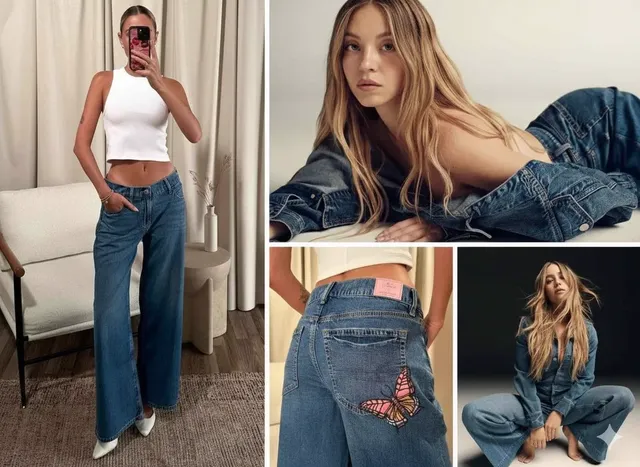
AI art generator character design made simple
Turn a written concept into a design image, review it, and refine the details with a character design generator.
AI Image Generator
0/20000 characters
My images
Loading...
How do I design a character with AI art generation?
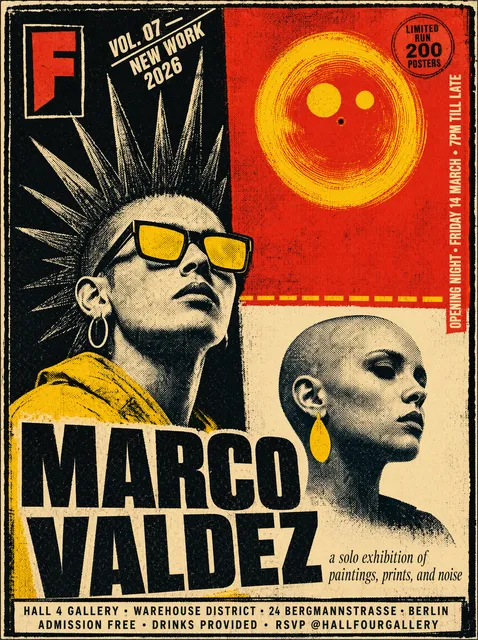
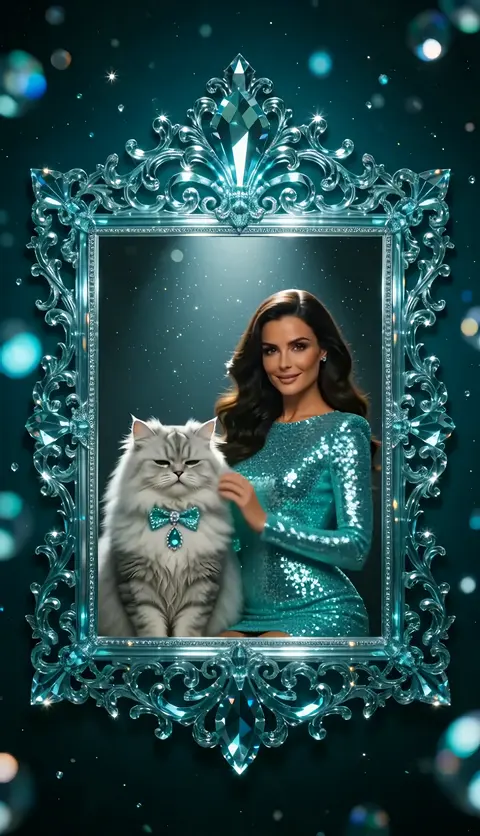
Describe the character's role, costume, props, and pose in text. Choose generation settings, then generate an image. Review the result, adjust your description if needed, and regenerate until the design matches your intent. Download the final image to use as a reference or share.
AI art generator character design made simple
Game protagonist concept
Input
A scrappy pilot with goggles, a patched flight jacket, and a coiled rope over one shoulder, standing beside a small propeller plane
Expected output
A character design image of the pilot with the goggles, jacket, rope, and the small plane in the background.
Fantasy support character
Input
A healer with a white hooded robe, a wooden staff with a glowing green crystal, and a pouch of herbs at the belt
Expected output
A character concept of the healer with the hooded robe, glowing staff crystal, and herb pouch.
Sci-fi officer variant
Input
A stern fleet officer in a dark uniform with silver rank marks, holding a datapad, corridor lights behind them
Expected output
A character design image of the officer with the dark uniform, rank marks, datapad, and corridor setting.
Turn a written character concept into a design image, review it, and refine the details.
Move from notes to visuals
Turn a written character brief into a generated design image you can share or keep as a reference.
Test design directions
Adjust costume, pose, or palette in the prompt to compare a few directions before choosing one.
Build a reference set
Generate multiple views or variants of a character and keep the ones that best match the design intent.
How It Works
1
Describe the image
Describe the desired image.
2
Choose settings
Choose the available generation settings.
3
Generate and review
Generate, review, and download a suitable result.
Tips for a character design prompt
List the character's silhouette, costume, and key props so the design reads clearly in the image.
Input Constraints
- Describe an original character concept, not a copied existing design.
- Name the costume, props, and pose you want to test.
- Keep the background simple so the character stays the focus.
- Avoid requesting likenesses of real people or copyrighted characters.
Practical Tips
- Start with the character's role, then add distinguishing costume details.
- Name one or two signature props that define the character.
- Specify the view you want, such as front view or three-quarter view.
- Generate a few variants and compare them before choosing a direction.
Privacy
- Do not upload personal or sensitive material unless you have permission to use it.
Usage Rights
- Confirm that you have the rights needed for the inputs and intended use of the result.
Prompt recipes
Copy a structure, then adjust the subject, lighting, camera, and output details for your own result.
Rogue thief with twin daggers
A rogue in dark leather armor with a hood, holding twin curved daggers, crouched on a rooftop at night, moonlight from behind, fantasy illustration style, side view
Combines role, costume, signature weapons, environment, and lighting to establish a stealthy character archetype.
Mage with elemental focus
A mage in flowing robes with embroidered flame patterns, holding a staff topped with a glowing fire orb, standing in a stone tower, warm firelight, fantasy art style, front view
Details costume decoration, a magical prop, setting, and lighting to convey the character's elemental specialty.
Mechanic with toolbelt and wrench
A mechanic in grease-stained overalls, wearing goggles on the forehead, holding a large wrench, standing in a workshop with machinery in the background, industrial art style, three-quarter view
Describes costume wear, key tool, environment, and art style to define a working-class character design.
Space explorer with helmet
An explorer in a white spacesuit with orange accents, helmet under one arm, holding a scanning device, standing on a rocky alien landscape with two moons in the sky, science fiction illustration style, full-body view
Combines costume colors, gear, handheld tech, exotic setting, and genre to establish a sci-fi explorer concept.
Samurai with katana and armor plates
A samurai in dark blue armor with red cord bindings, holding a katana in a ready stance, cherry blossoms falling in the background, traditional Japanese art style, side view
Details armor colors, weapon, pose, cultural setting elements, and art style to create a recognizable warrior design.
Detective with trench coat and magnifying glass
A detective in a long tan trench coat and fedora, holding a magnifying glass, standing under a streetlamp in the rain, noir illustration style, front view
Combines iconic costume, investigative tool, atmospheric setting, and genre lighting to define a classic detective character.
Best use cases
Match the workflow to the input you have and the result you need before opening the generator.
Protagonist design for a game or story
Input: Role, signature costume details, one or two defining props
Result: A clear character design showing silhouette, costume, and props
Tool: Text to Image with detailed character description
Character lineup or party
Input: Consistent art style and lighting wording, reused across multiple prompts
Result: Multiple characters with visual consistency for a cohesive set
Tool: Text to Image with a repeatable prompt template
Character turnaround or multiple views
Input: Same costume and prop wording, different view angle in each prompt
Result: Front, side, and back views of the same character design
Tool: Text to Image with view direction specified per prompt
Variant designs for review
Input: Base character wording plus one changed element per variant
Result: Multiple design options to compare before choosing one
Tool: Text to Image with incremental prompt edits
Limitations to know before generating
- The tool generates from your wording, so vague or generic prompts produce unpredictable designs.
- Exact facial features, complex armor details, or intricate patterns may require multiple iterations to match your intent.
- Consistent appearance across multiple images depends on repeating the same descriptive wording in each prompt.
- Generated designs are visual concepts; always review them for suitability before using in a final project.
- The tool does not guarantee that all costume details will appear exactly as described; adjust the prompt and regenerate if needed.
Creative Suite: AI Video Generator & AI Image Generator Tools
Power up your creative workflow with our AI-driven tools. Generate stunning videos, create images, and apply custom adjustments - our AI Video Generator and AI Image Generator offer a complete solution for all your creative needs.
Strictly Prohibits Adult/NSFW Content








Pricing
Choose the credit package that works best for you.
No hidden fees • Cancel anytime • Unused credits roll over
Starter
Perfect for trying out AI creation.
Credits
200 credits / month
- Up to 20 videos per month
- Up to 100 images per month
$6.99/ month$9.9930% OFF
Billed monthly
First-time subscribers get 30% off their first month, then standard price
What's included
- Credits never expire
- Standard models
- HD, Watermark-Free Downloads
- Private Generation
- Faster Generation Speed
- Ad-free experience
Basic
Perfect for light creators.
Credits
500 credits / month
- Up to 50 videos per month
- Up to 250 images per month
$13.99/ month$19.9930% OFF
Billed monthly
First-time subscribers get 30% off their first month, then standard price
What's included
- Credits never expire
- Standard models
- HD, Watermark-Free Downloads
- Private Generation
- Faster Generation Speed
- Ad-free experience
Pro
PopularBest value for creators
Credits
1,200 credits / month
- Up to 120 videos per month
- Up to 600 images per month
$39.99/ month
Billed monthly
What's included
- Credits never expire
- All models + Early access to new models
- HD, Watermark-Free Downloads
- Private Generation
- Faster Generation Speed
- Ultra HD resolution
- Ad-free experience
Ultra
For video creators and power users.
Credits
5,000 credits / month
- Up to 500 videos per month
- Up to 2,500 images per month
$99.99/ month
Billed monthly
What's included
- Credits never expire
- All models + Early access to new models
- HD, Watermark-Free Downloads
- Private Generation
- Faster Generation Speed
- Ultra HD resolution
- Ad-free experience
Free
Standard models only — upgrade to unlock premium models.
Credits
10 free credits on signup
Questions? Contact us at support@domer.io
Start your character design
Open the text-to-image tool, describe your character concept, and generate a design image to review and refine.