
Create
AI Art Generator Fre — Create Art from Text
Use ai art generator fre to describe artwork in plain words and generate visual results. Choose settings, review options, and download the version that fits.
AI Image Generator
0/20000 characters
My images
Loading...
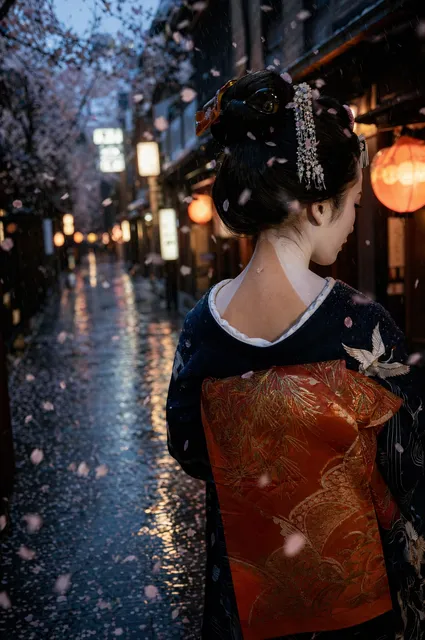
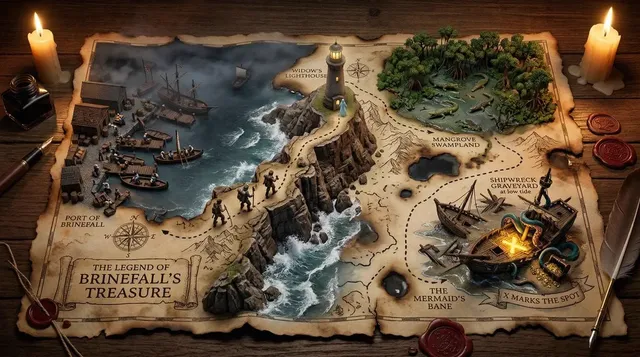
What does ai art generator fre do?
It turns text descriptions of artwork into generated images. You describe the subject, style, mood, and composition, then review and download the result that matches your creative direction.
AI Art Generator Fre — Create Art from Text
Fantasy landscape artwork
Input
Fantasy landscape with floating islands, waterfalls cascading into clouds, ancient ruins on the largest island, purple and gold sunset sky, epic scale
Expected output
A fantasy landscape with floating islands, waterfalls, ruins, and a vibrant sunset sky
Character portrait in oil painting style
Input
Oil painting portrait of a medieval knight in armor, weathered face, battle scars, dramatic chiaroscuro lighting, dark background, renaissance style
Expected output
A renaissance-style oil painting portrait of a knight with dramatic lighting
Abstract geometric art
Input
Abstract geometric composition, overlapping translucent triangles and circles, neon color palette, depth through layering, modern digital art style
Expected output
An abstract geometric digital art piece with neon colors and layered transparency
Turn a written description of artwork into a visual image you can review and download.
No art skills needed
Turn written descriptions into visual art without needing drawing, painting, or digital design experience.
Multiple style exploration
Experiment with oil painting, digital art, abstract, realistic, and countless other styles by changing your prompt.
Rapid creative iteration
Generate multiple variations of the same concept by tweaking your text description and seeing instant results.
How It Works
1
Describe the artwork
Describe the desired image.
2
Choose settings
Choose the available generation settings.
3
Generate and review
Generate, review, and download a suitable result.
Getting the most from the AI art generator
These guidelines help produce better artwork from your prompts.
Input Constraints
- Include an art style reference like oil painting, digital art, or watercolor
- Describe lighting, color palette, and composition for control
- Keep subjects clear and specific for best results
Practical Tips
- Start with the art style first, then describe the subject
- Add a mood word like serene, dramatic, or whimsical for atmosphere
- Use artist references sparingly and only for style, not specific works
Privacy
- Do not upload personal or sensitive material unless you have permission to use it.
Usage Rights
- Confirm that you have the rights needed for the inputs and intended use of the result.
Prompt recipes
Copy a structure, then adjust the subject, lighting, camera, and output details for your own result.
Oil painting portrait with mood lighting
Portrait of a woman in her 40s with short curly hair, wearing a green wool coat, oil painting technique with visible brushstrokes, warm indoor lighting from the left, muted earth tones, dark brown background, realistic proportions
Combines a clear subject, named medium, lighting direction, and color palette so the output has a consistent painterly feel.
Watercolor botanical study
Watercolor illustration of three sunflowers in a glass vase, soft wet-on-wet washes, delicate yellow and green hues, paper texture visible, white background with subtle color bleeding at edges
Specifies the watercolor technique and wet-on-wet effect, which guides the tool toward translucent, flowing color.
Digital fantasy character concept
Digital painting of a cyberpunk hacker sitting in a neon-lit alley, glowing holographic screens floating around, purple and teal color scheme, high detail on face and hands, depth of field with blurred background
Defines the medium as digital painting and includes subject, setting, lighting color, and depth cues for a focused character portrait.
Charcoal sketch with dramatic contrast
Charcoal sketch of an old man's hands holding a worn book, strong cross-hatching for shadows, high contrast between light and dark areas, paper texture, minimal background detail
Names the medium and shading technique, which helps the output show visible linework and a hand-drawn quality.
Abstract expressionist composition
Abstract expressionist painting with bold sweeping strokes of red, orange, and black on a cream canvas, impasto texture, gestural marks, no recognizable subjects, emotional energy
References the abstract expressionist movement and impasto technique, guiding the tool toward thick, energetic brushwork.
Anime-style landscape scene
Anime-style landscape of a Japanese mountain village in spring, cherry blossoms in full bloom, traditional wooden houses with tiled roofs, soft pastel colors, clean line art, blue sky with fluffy clouds
Specifies anime style and includes clean line art plus pastel colors, which matches the expected visual language of that genre.
Best use cases
Match the workflow to the input you have and the result you need before opening the generator.
Concept art for a game character
Input: Detailed character description with costume, pose, lighting, and art style
Result: A visual reference you can refine or hand off to an illustrator
Tool: Text to Image with digital painting or concept art style in the prompt
Blog header image for a travel post
Input: Scene description with location, time of day, mood, and color palette
Result: An atmospheric image that sets the tone for the article
Tool: Text to Image with landscape or photographic style in the prompt
Social media post graphic
Input: Simple subject with bold colors, clear composition, and minimal background
Result: An eye-catching image that reads well at small sizes
Tool: Text to Image with clean, high-contrast style and centered subject
Mood board reference for interior design
Input: Room layout, furniture, color scheme, lighting, and material textures
Result: A visual sketch that helps clients understand the design direction
Tool: Text to Image with realistic or architectural rendering style
Limitations to know before generating
- Generated images may not match your description exactly; review and adjust the prompt as needed.
- Complex scenes with many subjects or fine details may require several iterations to get right.
- Art style references are interpreted by the model and may not perfectly replicate the named technique.
- Results vary depending on prompt wording; small changes can lead to different outputs.
- You are responsible for confirming you have the rights to use the generated image in your intended context.
Creative Suite: AI Video Generator & AI Image Generator Tools
Power up your creative workflow with our AI-driven tools. Generate stunning videos, create images, and apply custom adjustments - our AI Video Generator and AI Image Generator offer a complete solution for all your creative needs.
Strictly Prohibits Adult/NSFW Content








Pricing
Choose the credit package that works best for you.
No hidden fees • Cancel anytime • Unused credits roll over
Starter
Perfect for trying out AI creation.
Credits
200 credits / month
- Up to 20 videos per month
- Up to 100 images per month
$6.99/ month$9.9930% OFF
Billed monthly
First-time subscribers get 30% off their first month, then standard price
What's included
- Credits never expire
- Standard models
- HD, Watermark-Free Downloads
- Private Generation
- Faster Generation Speed
- Ad-free experience
Basic
Perfect for light creators.
Credits
500 credits / month
- Up to 50 videos per month
- Up to 250 images per month
$13.99/ month$19.9930% OFF
Billed monthly
First-time subscribers get 30% off their first month, then standard price
What's included
- Credits never expire
- Standard models
- HD, Watermark-Free Downloads
- Private Generation
- Faster Generation Speed
- Ad-free experience
Pro
PopularBest value for creators
Credits
1,200 credits / month
- Up to 120 videos per month
- Up to 600 images per month
$39.99/ month
Billed monthly
What's included
- Credits never expire
- All models + Early access to new models
- HD, Watermark-Free Downloads
- Private Generation
- Faster Generation Speed
- Ultra HD resolution
- Ad-free experience
Ultra
For video creators and power users.
Credits
5,000 credits / month
- Up to 500 videos per month
- Up to 2,500 images per month
$99.99/ month
Billed monthly
What's included
- Credits never expire
- All models + Early access to new models
- HD, Watermark-Free Downloads
- Private Generation
- Faster Generation Speed
- Ultra HD resolution
- Ad-free experience
Free
Standard models only — upgrade to unlock premium models.
Credits
10 free credits on signup
Questions? Contact us at support@domer.io
Start generating AI art
Open the generator, describe the artwork you want to see, and watch your idea become a visual.