
Create
ai art generator photoshop assets
Use ai art generator photoshop to create focused assets. Generate options, review details, and download the best fit for compositing.
AI Image Generator
0/20000 characters
My images
Loading...
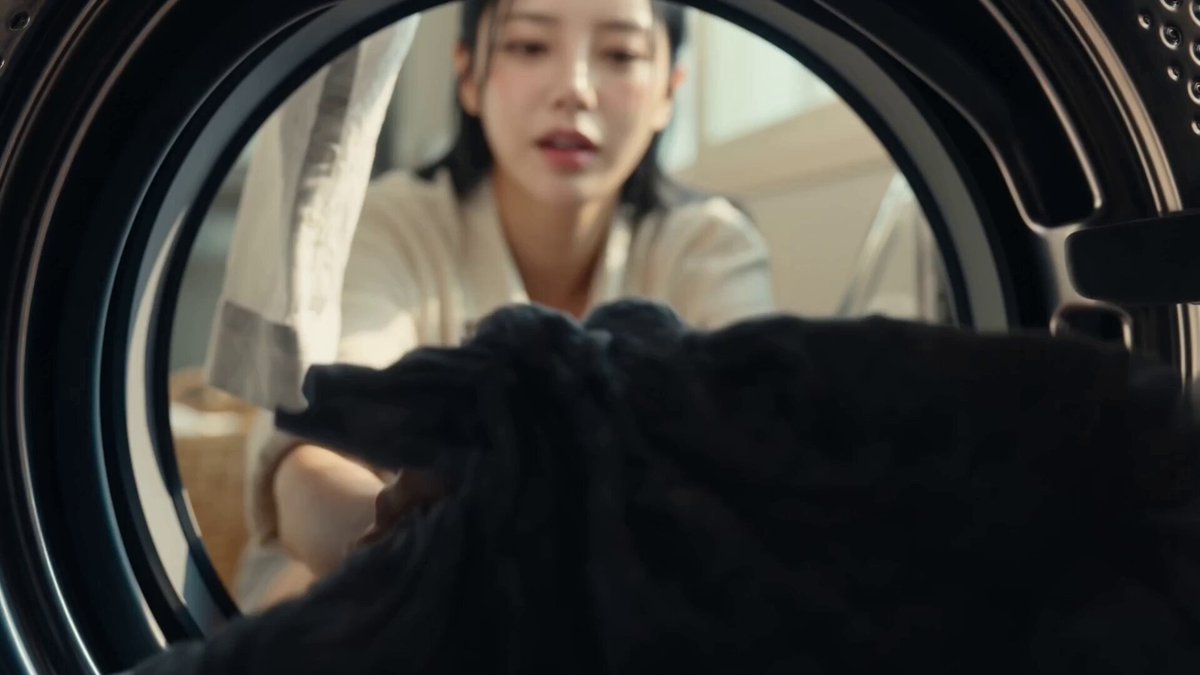
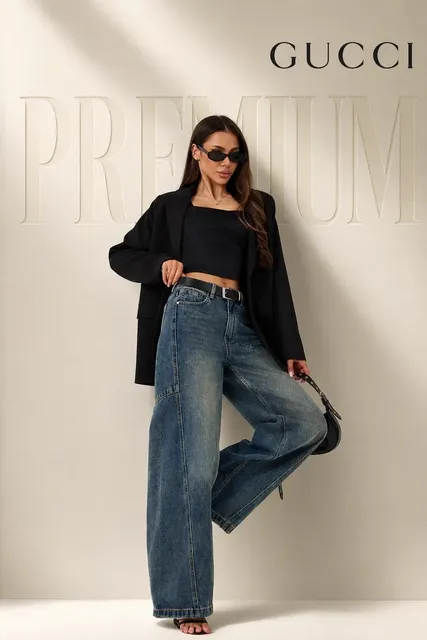
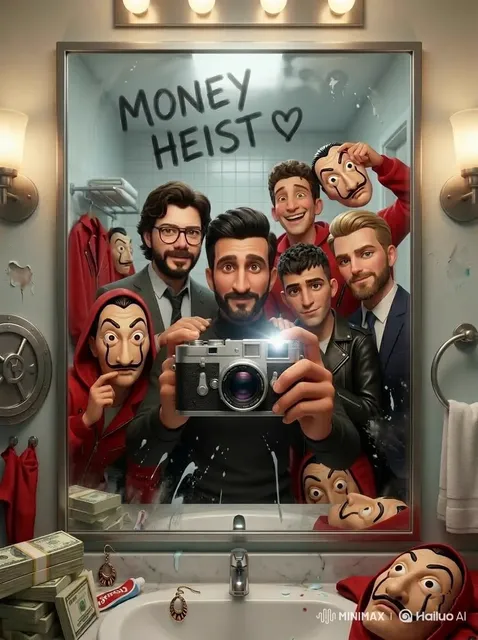
What is an AI art generator for Photoshop workflows?
An AI art generator for Photoshop workflows creates custom visual assets—textures, backgrounds, overlays, and elements—that you can import into Photoshop for compositing. Describe the asset you need, generate options, review the results, and download the image to use as a layer, texture, or background in your project.
ai art generator photoshop assets
Textured Abstract Background
Input
An abstract watercolor texture background with splashes of indigo, copper, and cream, organic flowing shapes, subtle paper grain texture, high resolution
Expected output
A high-resolution abstract texture with watercolor effects, rich color splashes, and natural paper grain suitable as a Photoshop background layer
Fire Element Overlay
Input
A realistic fire element with bright orange and yellow flames, subtle smoke wisps, dark background for easy compositing, photorealistic flame detail
Expected output
A photorealistic fire element with flame layers, smoke accents, and dark backing that can be composited into Photoshop projects
Stylized Illustration Asset
Input
A stylized magical crystal floating in the air with inner glow, surrounded by small light particles, transparent-style background, fantasy illustration
Expected output
A fantasy illustration asset featuring a glowing crystal with particle effects on a clean background for Photoshop compositing
Generate AI art assets for Photoshop compositing and design workflows
Create Custom Assets
Generate exactly the visual element you need for your Photoshop project instead of searching through stock libraries for something close.
Rich Textures and Backgrounds
Produce unique textures, gradients, and abstract backgrounds that add depth to your composites without spending hours creating them manually.
Streamline Your Workflow
Generate source imagery in seconds and import directly into Photoshop for further editing, masking, and compositing.
How It Works
1
Describe the desired image.
Describe the desired image.
2
Choose the available generation settings.
Choose the available generation settings.
3
Generate, review, and download a suitable result.
Generate, review, and download a suitable result.
Photoshop-Ready Asset Tips
Design prompts with compositing in mind.
Input Constraints
- Avoid descriptions of real people by name.
- Do not upload personal or sensitive reference images.
- Keep subject matter appropriate for general design use.
Practical Tips
- Describe whether you need a clean background for easy masking.
- Mention the resolution needs for your project.
- Specify the asset type: texture, element, overlay, or background.
Privacy
- Do not upload personal or sensitive material unless you have permission to use it.
Usage Rights
- Confirm that you have the rights needed for the inputs and intended use of the result.
Prompt recipes
Copy a structure, then adjust the subject, lighting, camera, and output details for your own result.
Grunge texture overlay
A grungy concrete wall texture with cracks and stains, gray and beige tones, subtle variation, high resolution, tileable texture style.
Naming tileable and high resolution ensures the texture can be used as a repeating overlay in Photoshop without obvious seams.
Bokeh light background
Soft bokeh light circles on a dark background, warm golden and orange tones, out-of-focus lights, photographic bokeh effect, clean black background.
A clean dark background makes it easy to blend the bokeh lights into other compositions using layer blend modes.
Smoke element for compositing
Wispy white smoke rising against a black background, realistic smoke tendrils, soft edges, photorealistic smoke element, high contrast for masking.
High contrast and a black background make it simple to isolate the smoke using blend modes or layer masks in Photoshop.
Watercolor splash texture
A watercolor paint splash in shades of teal and turquoise, organic fluid shapes, white background, high-resolution scan texture style.
A white background and scan texture style create a clean asset that can be easily inverted or masked for design work.
Fantasy glow effect
A glowing magical orb with soft blue and purple light rays, particle effects around it, dark background, fantasy illustration style, suitable for overlay.
Dark backgrounds and glow effects are designed for overlay blending, making them instantly compositable in Photoshop projects.
Best use cases
Match the workflow to the input you have and the result you need before opening the generator.
Background layer for a composite
Input: Texture, color palette, resolution requirement, and background or texture style
Result: A high-resolution background or texture that fits your composite's color scheme and mood
Tool: Text to Image
Overlay or effect element
Input: Effect description (smoke, fire, light), dark or clean background, photorealistic or stylized
Result: A clean element with high contrast that can be masked or blended into a composite
Tool: Text to Image
Illustration asset for a design
Input: Subject, illustration style, clean or transparent-style background, and desired mood
Result: A stylized asset ready to be composited into a design or poster
Tool: Text to Image
Limitations to know before generating
- The generator produces flat images; you will need to mask, adjust, or blend them in Photoshop for complex composites.
- Transparent backgrounds are not generated directly; describe a clean or dark background and mask manually.
- Resolution is limited by available generation settings; check the output resolution before starting detailed work.
- Complex elements with fine detail may require additional cleanup or refinement in Photoshop.
Creative Suite: AI Video Generator & AI Image Generator Tools
Power up your creative workflow with our AI-driven tools. Generate stunning videos, create images, and apply custom adjustments - our AI Video Generator and AI Image Generator offer a complete solution for all your creative needs.
Strictly Prohibits Adult/NSFW Content








Pricing
Choose the credit package that works best for you.
No hidden fees • Cancel anytime • Unused credits roll over
Starter
Perfect for trying out AI creation.
Credits
200 credits / month
- Up to 20 videos per month
- Up to 100 images per month
$6.99/ month$9.9930% OFF
Billed monthly
First-time subscribers get 30% off their first month, then standard price
What's included
- Credits never expire
- Standard models
- HD, Watermark-Free Downloads
- Private Generation
- Faster Generation Speed
- Ad-free experience
Basic
Perfect for light creators.
Credits
500 credits / month
- Up to 50 videos per month
- Up to 250 images per month
$13.99/ month$19.9930% OFF
Billed monthly
First-time subscribers get 30% off their first month, then standard price
What's included
- Credits never expire
- Standard models
- HD, Watermark-Free Downloads
- Private Generation
- Faster Generation Speed
- Ad-free experience
Pro
PopularBest value for creators
Credits
1,200 credits / month
- Up to 120 videos per month
- Up to 600 images per month
$39.99/ month
Billed monthly
What's included
- Credits never expire
- All models + Early access to new models
- HD, Watermark-Free Downloads
- Private Generation
- Faster Generation Speed
- Ultra HD resolution
- Ad-free experience
Ultra
For video creators and power users.
Credits
5,000 credits / month
- Up to 500 videos per month
- Up to 2,500 images per month
$99.99/ month
Billed monthly
What's included
- Credits never expire
- All models + Early access to new models
- HD, Watermark-Free Downloads
- Private Generation
- Faster Generation Speed
- Ultra HD resolution
- Ad-free experience
Free
Standard models only — upgrade to unlock premium models.
Credits
10 free credits on signup
Questions? Contact us at support@domer.io
Create a Photoshop-Ready Asset
Open the text-to-image tool and describe the visual element you need.