
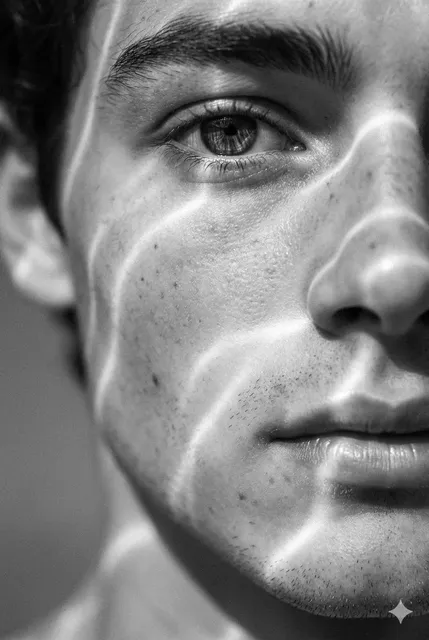
AI art generator.com text-to-image tool
Use ai art generator.com to create artwork from text. Describe your subject, style, and mood, then generate and review images before downloading.
AI Image Generator
0/20000 characters
My images
Loading...
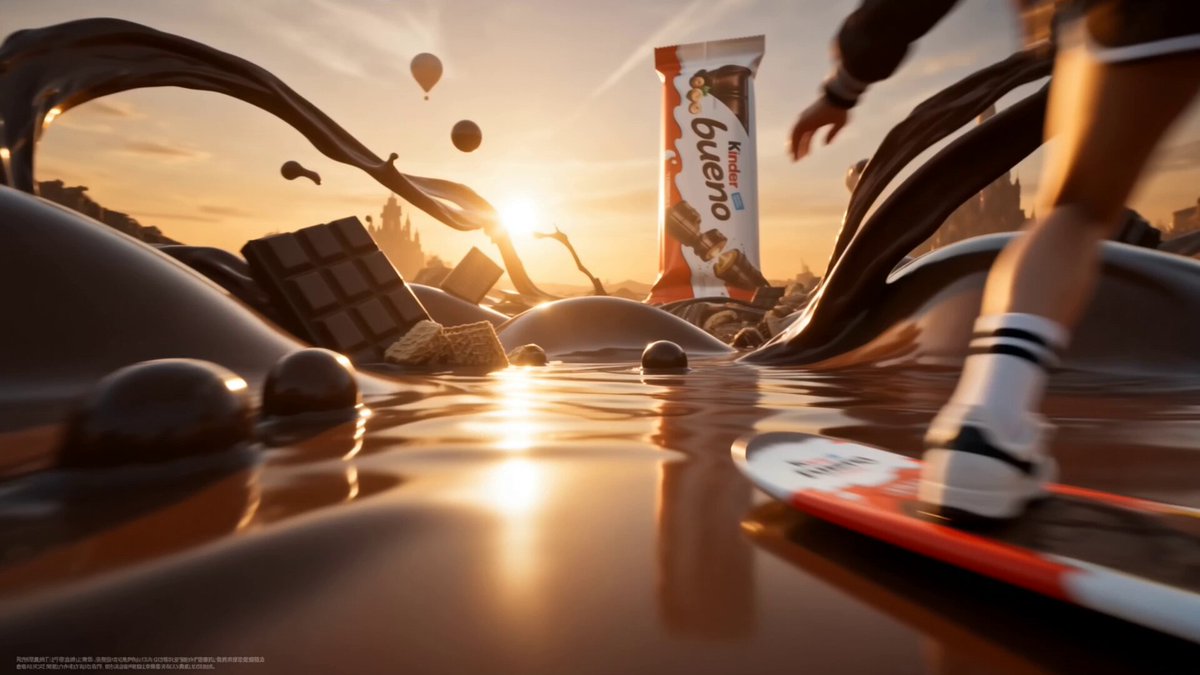
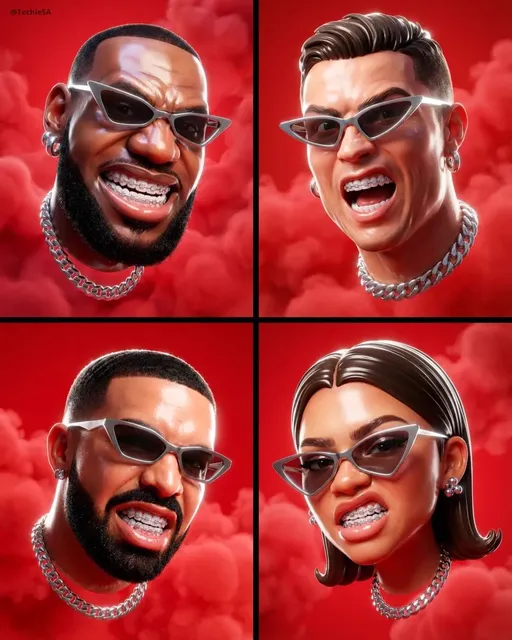
How do I use an AI art generator to create artwork?
Describe the artwork you want—subject, art style, colors, and mood. Choose generation settings like style presets or aspect ratio. Generate the image, review the result, adjust your description if needed, and regenerate until you have an image you want to download.
AI art generator.com text-to-image tool
Fantasy landscape in oil style
Input
A fantasy landscape with floating islands, waterfalls cascading into clouds, and a glowing crystal city in the distance, painted in a dreamy oil painting style.
Expected output
A wide-format digital artwork with layered sky tones, soft cloud gradients, and textured brushwork in the landscape elements.
Character portrait in anime style
Input
A young warrior with silver hair and a red scarf, standing in a destroyed city at sunset, dramatic lighting, anime illustration style.
Expected output
A portrait-oriented character illustration with bold linework, vibrant hair and scarf colors, and a warm sunset glow behind the figure.
Abstract geometric composition
Input
An abstract arrangement of overlapping translucent geometric shapes in cyan, magenta, and gold against a dark background.
Expected output
A colorful abstract digital piece with clean geometric edges, color overlaps creating secondary tones, and even lighting across the composition.
Generate digital artwork from text prompts.
Create art without drawing skills
Turn text descriptions into visual artwork. Your creativity in writing prompts replaces the need for traditional artistic training.
Explore multiple art styles
Request different artistic genres, movements, or visual treatments in your prompt and generate results that match your creative direction.
Rapid concept visualization
Describe an artistic idea and get a visual concept in moments. Iterate on prompts to refine the composition, colors, or mood.
How It Works
1
Describe the desired image
Describe the desired image.
2
Choose the available generation settings
Choose the available generation settings.
3
Generate, review, and download
Generate, review, and download a suitable result.
Writing effective art prompts
Including an art style or medium in your prompt helps direct the visual result.
Input Constraints
- Describe the subject of the artwork.
- Mention the art style if relevant.
- Indicate the mood or color direction.
Practical Tips
- Reference a specific art movement for style consistency.
- Describe lighting and atmosphere to set the mood.
- Keep prompts focused on one main subject for clarity.
- Experiment with different stylization levels in your wording.
Privacy
- Do not upload personal or sensitive material unless you have permission to use it.
Usage Rights
- Confirm that you have the rights needed for the inputs and intended use of the result.
Prompt recipes
Copy a structure, then adjust the subject, lighting, camera, and output details for your own result.
Impressionist garden scene
A garden with blooming flowers, a stone path, and dappled sunlight through trees, painted in an impressionist style with loose brushstrokes and bright colors
Combines a peaceful subject with a recognizable art movement and describes the visual technique for clear style direction.
Cyberpunk street at night
A rainy cyberpunk street at night with neon signs, reflections on wet pavement, and silhouettes of pedestrians, digital art style with high contrast
Describes genre, atmosphere, lighting, and medium to create a cohesive futuristic scene.
Watercolor mountain sunset
A mountain range at sunset with soft pink and orange sky, painted in a watercolor style with flowing color gradients and wet-on-wet technique
Names the subject, time of day, color palette, and watercolor technique for a recognizable traditional art style.
Art Deco poster design
An Art Deco poster featuring a stylized city skyline, geometric patterns, and bold typography in gold and black, vintage illustration style
References a specific design era and describes the visual elements for a cohesive period style.
Surrealist dreamscape
A surrealist dreamscape with a floating staircase leading to a giant eye in the sky, melting clocks, and a desert below, painted in a smooth oil style with strange juxtapositions
Combines surreal imagery with a traditional painting medium and describes the dreamlike composition.
Minimalist line art portrait
A minimalist portrait of a person's profile using only black continuous lines on a white background, modern illustration style
Describes subject, technique, color palette, and modern aesthetic for a clean, focused result.
Best use cases
Match the workflow to the input you have and the result you need before opening the generator.
Concept art for a creative project
Input: Subject, art style or movement, and mood or color direction
Result: A visual concept that sets the artistic direction for the project
Tool: Text to Image with detailed style description
Exploring different art movements
Input: Same subject with different art movement keywords in each prompt
Result: Multiple versions showing the subject in various historical or contemporary styles
Tool: Text to Image with style variation
Personal artwork for display
Input: Subject with emotional or aesthetic intent, specific style, and composition
Result: A finished artwork image suitable for printing or display
Tool: Text to Image with artistic and composition keywords
Visual reference for traditional art
Input: Subject, desired composition, lighting, and color palette
Result: A reference image to guide traditional painting or drawing
Tool: Text to Image with reference-focused wording
Limitations to know before generating
- The tool interprets art style keywords loosely and may not replicate exact brushwork or techniques of a specific artist or era.
- Complex compositions with multiple subjects or precise arrangements may require several iterations to match your intent.
- Color accuracy and lighting depend on clear description; vague mood or palette keywords produce unpredictable results.
- Generated artwork is a digital interpretation; always review the result for suitability before using it in a project.
- Describing a real artist's name may not produce accurate results; reference art movements or techniques instead.
Creative Suite: AI Video Generator & AI Image Generator Tools
Power up your creative workflow with our AI-driven tools. Generate stunning videos, create images, and apply custom adjustments - our AI Video Generator and AI Image Generator offer a complete solution for all your creative needs.
Strictly Prohibits Adult/NSFW Content








Pricing
Choose the credit package that works best for you.
No hidden fees • Cancel anytime • Unused credits roll over
Starter
Perfect for trying out AI creation.
Credits
200 credits / month
- Up to 20 videos per month
- Up to 100 images per month
$6.99/ month$9.9930% OFF
Billed monthly
First-time subscribers get 30% off their first month, then standard price
What's included
- Credits never expire
- Standard models
- HD, Watermark-Free Downloads
- Private Generation
- Faster Generation Speed
- Ad-free experience
Basic
Perfect for light creators.
Credits
500 credits / month
- Up to 50 videos per month
- Up to 250 images per month
$13.99/ month$19.9930% OFF
Billed monthly
First-time subscribers get 30% off their first month, then standard price
What's included
- Credits never expire
- Standard models
- HD, Watermark-Free Downloads
- Private Generation
- Faster Generation Speed
- Ad-free experience
Pro
PopularBest value for creators
Credits
1,200 credits / month
- Up to 120 videos per month
- Up to 600 images per month
$39.99/ month
Billed monthly
What's included
- Credits never expire
- All models + Early access to new models
- HD, Watermark-Free Downloads
- Private Generation
- Faster Generation Speed
- Ultra HD resolution
- Ad-free experience
Ultra
For video creators and power users.
Credits
5,000 credits / month
- Up to 500 videos per month
- Up to 2,500 images per month
$99.99/ month
Billed monthly
What's included
- Credits never expire
- All models + Early access to new models
- HD, Watermark-Free Downloads
- Private Generation
- Faster Generation Speed
- Ultra HD resolution
- Ad-free experience
Free
Standard models only — upgrade to unlock premium models.
Credits
10 free credits on signup
Questions? Contact us at support@domer.io
Start creating AI art
Open the text-to-image tool, write a description of the artwork you want, and generate a result you can review and download.