
AI Based Vector Image Generator
Use ai based vector image generator to describe icons, logos, or infographics in plain text. Choose settings, generate clean graphics, and download.
AI Image Generator
0/20000 characters
My images
Loading...
What is an AI based vector image generator?
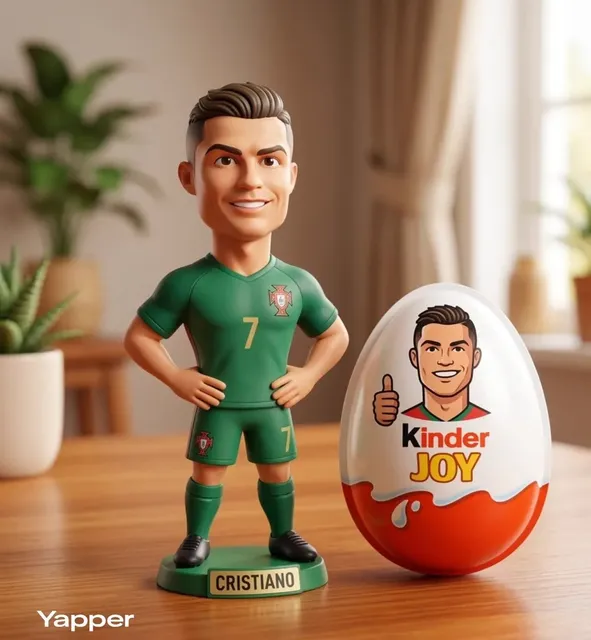
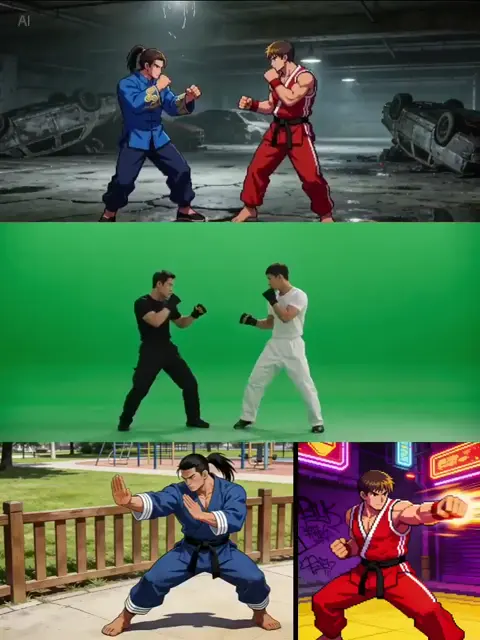
An AI based vector image generator turns text descriptions into clean, geometric graphics that resemble vector illustrations. You write a prompt describing shapes, colors, and layout, choose available settings, then generate and download the result.
AI Based Vector Image Generator
Weather icon set
Input
A set of flat weather icons including sun, cloud, rain, and snow, simple rounded shapes, consistent style, clean outlines
Expected output
A consistent icon set with flat colors, simple shapes, rounded corners, and uniform visual weight
Geometric animal logo
Input
A minimalist logo of a bird made from geometric triangles and circles, clean lines, two-color palette, modern design
Expected output
A vector logo with geometric construction, clean color separation, and minimalist modern aesthetic
Infographic workflow
Input
An infographic showing a three-step workflow with icons and connecting arrows, clean layout, color-coded sections, professional
Expected output
A clear infographic with iconography, numbered steps, connecting elements, and organized information hierarchy
Create clean, geometric graphics from written descriptions
Describe any visual in natural language
Turn a text description into an image without needing design or art skills.
Iterate quickly on ideas
Adjust your prompt and generate again to refine the result without manual editing.
Works for any creative need
From concept art to social media visuals, describe what you want and the tool handles the rendering.
How It Works
1
Describe the desired image
Describe the desired image.
2
Choose settings
Choose the available generation settings.
3
Generate and review
Generate, review, and download a suitable result.
Tips for better results
Clear and specific descriptions produce more useful images.
Input Constraints
- Keep descriptions focused on visual elements and composition
- Avoid including real people or trademarked characters
- Do not generate images that could be used to deceive or impersonate
Practical Tips
- Be specific about colors, lighting, and composition
- Mention the mood or atmosphere you want
- Include details about perspective and framing
- Describe what should be in the foreground and background
Privacy
- Do not upload personal or sensitive material unless you have permission to use it.
Usage Rights
- Confirm that you have the rights needed for the inputs and intended use of the result.
Prompt recipes
Copy a structure, then adjust the subject, lighting, camera, and output details for your own result.
Icon set for a productivity app
A set of 6 flat icons for a task app: checkmark, calendar, bell, folder, star, settings gear. Minimal line style, consistent stroke weight, single blue accent color, white background
Specifies icon count, theme, consistent style, and a unified color approach for UI coherence.
Data visualization diagram
A three-column comparison chart showing feature tiers: Basic, Pro, Enterprise. Each column has 4 bullet points and a colored header bar. Clean grid layout, green-blue-purple headers, white background
Describes the structure, content layout, and color coding needed for a clear comparison table.
Geometric brand pattern
A seamless geometric pattern with interlocking hexagons and triangles, two-tone navy and gold, clean edges, modern technical feel
Requests a repeating pattern with specific shapes and colors, useful for backgrounds or brand assets.
Isometric office illustration
An isometric view of a small office with a desk, chair, laptop, plant, and bookshelf. Soft pastel colors, clean geometric shapes, minimal shadows
Sets the perspective, lists the objects, and defines the color mood for a cohesive isometric scene.
Process flow infographic
A horizontal 4-step process diagram: Research, Design, Build, Launch. Each step has a circle icon, a label, and a right-pointing arrow connecting to the next. Blue gradient, white background
Specifies the sequence, icon style, connectors, and color scheme for a clear process visualization.
Best use cases
Match the workflow to the input you have and the result you need before opening the generator.
UI icon set for an app
Input: List of icon functions, consistent style keyword, color palette
Result: A set of uniform icons ready for interface design
Tool: Text to Image
Infographic for a presentation
Input: Data structure, layout type, color scheme, and key labels
Result: A clean diagram showing steps, comparisons, or hierarchies
Tool: Text to Image
Geometric logo or brand mark
Input: Shape description, color palette, minimalist or modern style
Result: A simple logo concept with clean lines and limited colors
Tool: Text to Image
Pattern or background texture
Input: Repeating shape, color scheme, seamless or grid layout
Result: A tileable pattern for web backgrounds or print
Tool: Text to Image
Limitations to know before generating
- Generated images are raster outputs styled to look like vector graphics, not true vector SVG or AI files.
- Complex text or detailed labeling may not render cleanly; review and regenerate if text is unclear.
- Consistent icon sets require careful prompt wording; small variations in phrasing can shift style between icons.
- Geometric precision may vary; manual refinement in vector software may be needed for production use.
Creative Suite: AI Video Generator & AI Image Generator Tools
Power up your creative workflow with our AI-driven tools. Generate stunning videos, create images, and apply custom adjustments - our AI Video Generator and AI Image Generator offer a complete solution for all your creative needs.
Strictly Prohibits Adult/NSFW Content








Pricing
Choose the credit package that works best for you.
No hidden fees • Cancel anytime • Unused credits roll over
Starter
Perfect for trying out AI creation.
Credits
200 credits / month
- Up to 20 videos per month
- Up to 100 images per month
$6.99/ month$9.9930% OFF
Billed monthly
First-time subscribers get 30% off their first month, then standard price
What's included
- Credits never expire
- Standard models
- HD, Watermark-Free Downloads
- Private Generation
- Faster Generation Speed
- Ad-free experience
Basic
Perfect for light creators.
Credits
500 credits / month
- Up to 50 videos per month
- Up to 250 images per month
$13.99/ month$19.9930% OFF
Billed monthly
First-time subscribers get 30% off their first month, then standard price
What's included
- Credits never expire
- Standard models
- HD, Watermark-Free Downloads
- Private Generation
- Faster Generation Speed
- Ad-free experience
Pro
PopularBest value for creators
Credits
1,200 credits / month
- Up to 120 videos per month
- Up to 600 images per month
$39.99/ month
Billed monthly
What's included
- Credits never expire
- All models + Early access to new models
- HD, Watermark-Free Downloads
- Private Generation
- Faster Generation Speed
- Ultra HD resolution
- Ad-free experience
Ultra
For video creators and power users.
Credits
5,000 credits / month
- Up to 500 videos per month
- Up to 2,500 images per month
$99.99/ month
Billed monthly
What's included
- Credits never expire
- All models + Early access to new models
- HD, Watermark-Free Downloads
- Private Generation
- Faster Generation Speed
- Ultra HD resolution
- Ad-free experience
Free
Standard models only — upgrade to unlock premium models.
Credits
10 free credits on signup
Questions? Contact us at support@domer.io
Create your image now
Open the tool, type your description, and generate the image you need.