
Create
AI characters AI character generator
Generate character images from text descriptions. Describe role, appearance, and setting, then review and refine the result for your project.
AI Image Generator
0/20000 characters
My images
Loading...
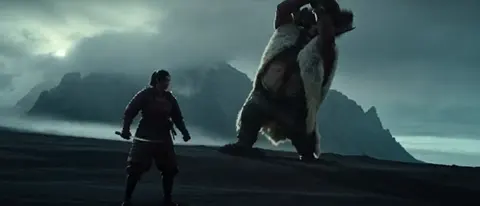
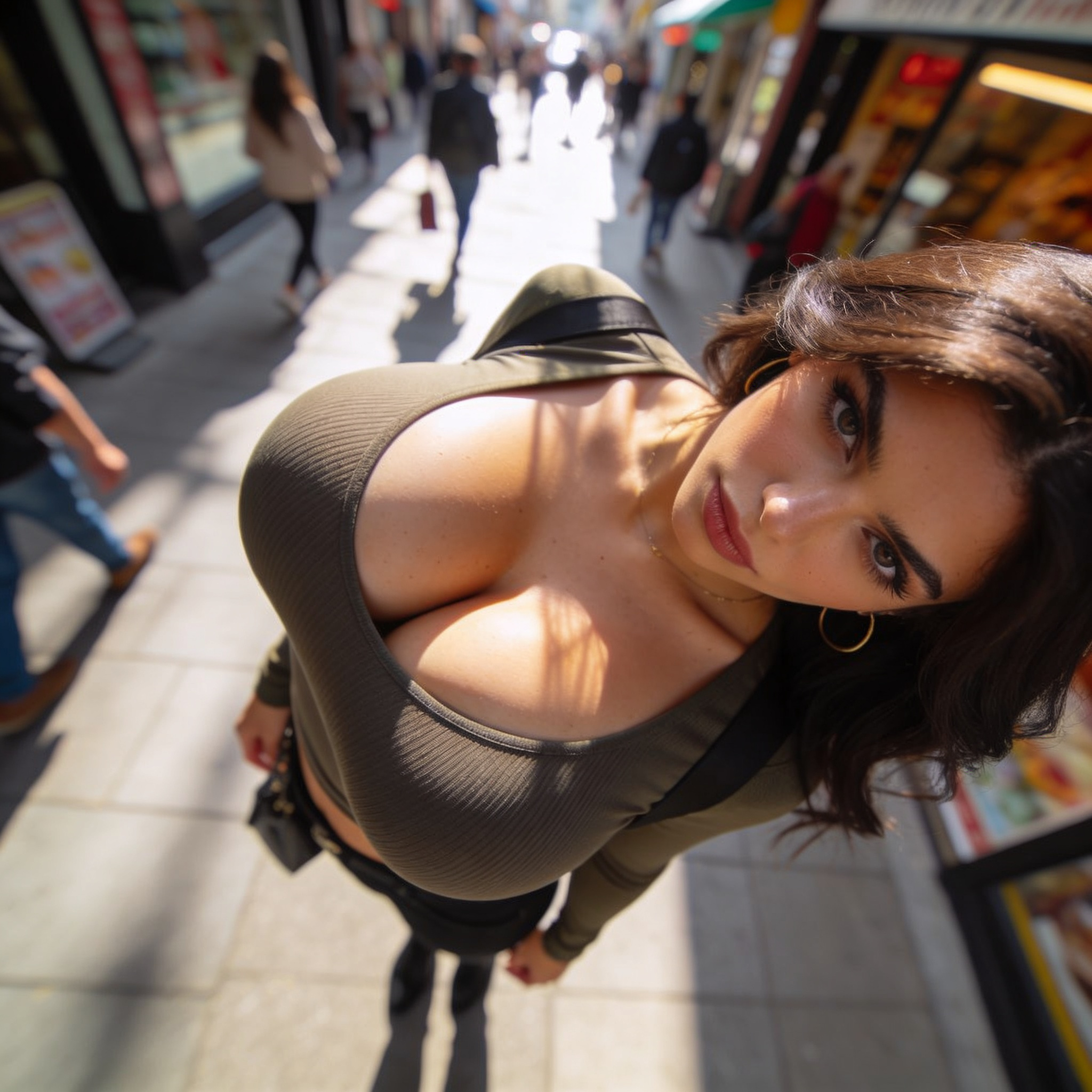
What does this character generator do?
This tool turns a brief character description into a visual image. Describe the character's role, key features, and setting in natural language, and the generator produces an image you can review and use in your creative work. It's designed for fast visual iteration and consistent character design across projects.
AI characters AI character generator
Fantasy knight
Input
A young knight with a dented shield and a loyal wolf companion, standing in a castle courtyard at golden hour.
Expected output
A fantasy image of the knight and wolf in the sunlit courtyard, with the shield details from the prompt.
Sci-fi medic
Input
A calm sci-fi medic with a white-and-teal uniform and a small drone hovering nearby, standing in a softly lit ship corridor.
Expected output
A clean sci-fi character image showing the medic, uniform, and hovering drone.
Village storyteller
Input
An older storyteller with a patchwork coat and a carved walking stick, telling tales beside a fire in a small village square.
Expected output
A warm evening scene of the storyteller by the fire with the patchwork coat and carved stick.
Generate original character images from short text descriptions for creative projects, storytelling, or visual development.
Turn ideas into visuals
Describe a character in a sentence and get an image that makes the idea concrete.
Keep projects consistent
Build a matching set of character images for a story, game, or illustration project.
Explore many directions
Change one detail at a time and generate again to compare looks quickly.
How It Works
1
Describe your character idea
Describe the desired image.
2
Choose settings
Choose the available generation settings.
3
Generate and review
Generate, review, and download a suitable result.
Prompting characters that work
Give each character a role, a distinctive feature, and a setting so the result feels specific.
Input Constraints
- Focus on one main character per prompt.
- Describe appearance, outfit, and setting.
- Do not name protected or real people.
Practical Tips
- Name the character's role first, such as knight, medic, or inventor.
- Add one memorable detail like a scar or a prop.
- Set the mood with lighting or time of day.
- Review each result before reusing it.
Privacy
- Do not upload personal or sensitive material unless you have permission to use it.
Usage Rights
- Confirm that you have the rights needed for the inputs and intended use of the result.
Prompt recipes
Copy a structure, then adjust the subject, lighting, camera, and output details for your own result.
Detective with signature prop
A sharp-eyed detective in a worn gray trench coat, holding a brass magnifying glass, standing under a streetlamp in a foggy cobblestone alley at night.
Combines a clear role, distinctive prop, atmospheric setting, and lighting to create a character with instant visual identity and narrative weight.
Cheerful inventor in workshop
A young inventor with oil-stained goggles pushed up on their forehead, wearing a leather apron, surrounded by gears and blueprints in a cluttered workshop with warm afternoon sunlight.
Uses occupation, costume detail, environmental props, and lighting to ground the character in a believable, lived-in space with personality.
Wandering merchant with cultural detail
A traveling merchant with a wide-brimmed straw hat and a colorful woven sash, carrying a wooden staff, walking along a dusty desert road at sunset.
Specifies wardrobe, cultural texture, travel context, and time of day to produce a character that feels authentic and rooted in a specific world.
Guardian with symbolic animal
A forest guardian with antlers growing from their head, wearing moss-covered armor, accompanied by a glowing white stag, standing in a moonlit clearing.
Blends fantasy anatomy, natural materials, companion creature, and mystical lighting to create a character with symbolic visual language and mythic presence.
Pilot in action pose
A confident starship pilot in a dark blue flight suit with orange reflective stripes, helmet under one arm, standing in front of a sleek spacecraft on a landing platform at dawn.
Defines role, costume function, action pose, and sci-fi context to produce a character image ready for use in worldbuilding or narrative visualization.
Rebel leader with weathered gear
A rebel leader with a patched jacket and a red bandana, holding a walkie-talkie, standing on a rooftop overlooking a city at dusk, wind blowing their hair.
Uses worn costume details, modern props, urban setting, and environmental movement to convey backstory and current-moment tension.
Best use cases
Match the workflow to the input you have and the result you need before opening the generator.
Character design for storytelling
Input: Role, distinctive feature, outfit, and setting with mood lighting
Result: A character image that communicates personality and context
Tool: Text to Image with role-first descriptions and atmospheric keywords
Visual development for games or comics
Input: Consistent core description with varied poses and environments
Result: A set of character images showing the same design in different scenes
Tool: Text to Image with repeated character details and varied settings
Concept exploration and iteration
Input: Single character detail changed per prompt (outfit, prop, or lighting)
Result: Multiple variations to compare design directions
Tool: Text to Image with incremental prompt adjustments
Building a character cast
Input: Different roles and appearances with shared art style keywords
Result: A cohesive set of characters that feel like they belong in the same world
Tool: Text to Image with consistent style and setting language across prompts
Limitations to know before generating
- Character consistency across multiple generations depends on repeating the same core description exactly.
- Fine details like facial features or costume ornaments may vary between generations even with identical prompts.
- Complex multi-character scenes or precise spatial relationships may require several iterations to achieve.
- The generator produces visual representations, not character personalities or narrative backstories.
- Review each generated image for quality and suitability before using it in client-facing or published projects.
Creative Suite: AI Video Generator & AI Image Generator Tools
Power up your creative workflow with our AI-driven tools. Generate stunning videos, create images, and apply custom adjustments - our AI Video Generator and AI Image Generator offer a complete solution for all your creative needs.
Strictly Prohibits Adult/NSFW Content








Pricing
Choose the credit package that works best for you.
No hidden fees • Cancel anytime • Unused credits roll over
Starter
Perfect for trying out AI creation.
Credits
200 credits / month
- Up to 20 videos per month
- Up to 100 images per month
$6.99/ month$9.9930% OFF
Billed monthly
First-time subscribers get 30% off their first month, then standard price
What's included
- Credits never expire
- Standard models
- HD, Watermark-Free Downloads
- Private Generation
- Faster Generation Speed
- Ad-free experience
Basic
Perfect for light creators.
Credits
500 credits / month
- Up to 50 videos per month
- Up to 250 images per month
$13.99/ month$19.9930% OFF
Billed monthly
First-time subscribers get 30% off their first month, then standard price
What's included
- Credits never expire
- Standard models
- HD, Watermark-Free Downloads
- Private Generation
- Faster Generation Speed
- Ad-free experience
Pro
PopularBest value for creators
Credits
1,200 credits / month
- Up to 120 videos per month
- Up to 600 images per month
$39.99/ month
Billed monthly
What's included
- Credits never expire
- All models + Early access to new models
- HD, Watermark-Free Downloads
- Private Generation
- Faster Generation Speed
- Ultra HD resolution
- Ad-free experience
Ultra
For video creators and power users.
Credits
5,000 credits / month
- Up to 500 videos per month
- Up to 2,500 images per month
$99.99/ month
Billed monthly
What's included
- Credits never expire
- All models + Early access to new models
- HD, Watermark-Free Downloads
- Private Generation
- Faster Generation Speed
- Ultra HD resolution
- Ad-free experience
Free
Standard models only — upgrade to unlock premium models.
Credits
10 free credits on signup
Questions? Contact us at support@domer.io
Generate your character image
Open the text-to-image tool, describe your character idea, and generate a visual you can review and reuse.