
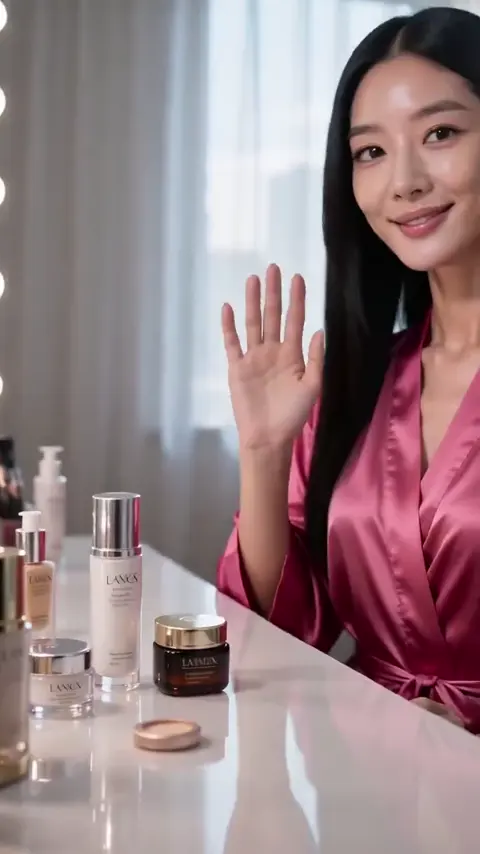
AI Generated Thumbnail Maker
Describe the scene, subject, and mood for your video cover, choose the settings, then generate and review a thumbnail that works at small sizes.
AI Image Generator
0/20000 characters
My images
Loading...
What is an AI generated thumbnail maker?
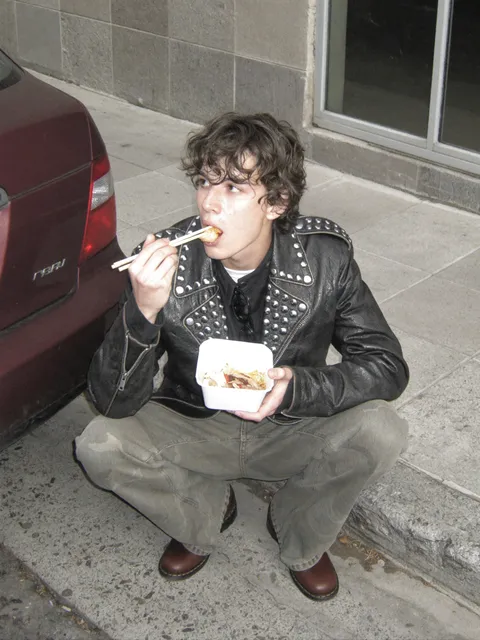
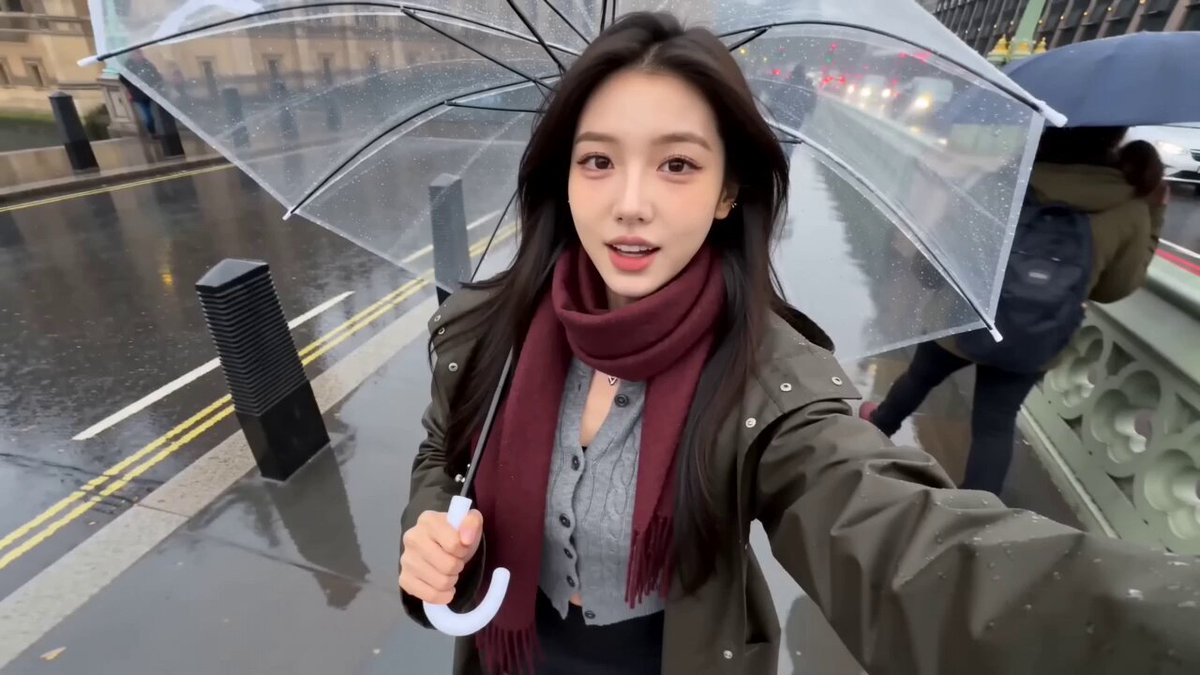
An AI generated thumbnail maker creates custom video cover images from text descriptions. You describe the main subject, setting, mood, and any text space you need, then the tool generates a thumbnail image optimized for small sizes. It helps you produce video covers, channel art, or post previews without starting from scratch in design software.
AI Generated Thumbnail Maker
Gaming channel cover
Input
a bold close-up of a retro game controller on a bright orange background with dramatic lighting and space for a title
Expected output
a high-contrast thumbnail-style image with the controller as the main subject, dramatic shadows creating depth, and a clean area at the top or bottom for text overlay
Cooking video preview
Input
a steaming bowl of ramen with chopsticks lifting noodles, warm kitchen lighting, shallow depth of field
Expected output
an appetizing close-up food scene with strong color saturation, the noodles lifted and steam visible, and soft background blur to focus attention on the subject
Podcast episode card
Input
two studio microphones facing each other on a dark desk with a soft gradient background and warm rim light
Expected output
a moody podcast-style image with clear separation between the microphones in the foreground and the gradient background, rim lighting adding dimension to the scene
Create a custom thumbnail image for a video, channel, or post from a written description that reads well at small sizes.
Start from a plain description
Type what the thumbnail should show instead of starting from a blank design, then review what the generator returns.
Keep a consistent look
Repeat the same style cues across prompts so covers for a channel or series stay visually connected.
Move from idea to image quickly
A short prompt and a couple of settings are enough to produce a starting cover you can refine.
How It Works
1
Describe the scene
Describe the desired image.
2
Pick the settings
Choose the available generation settings.
3
Generate and review
Generate, review, and download a suitable result.
Writing a thumbnail prompt
A clear description helps the generator produce a cover that reads well at small sizes.
Input Constraints
- Name the main subject first, then the setting and mood
- Keep the prompt to a few concrete details instead of a long list
- Mention the format you need, like a wide cover or a square card
- Avoid personal or sensitive details in the prompt
Practical Tips
- Lead with the subject and a strong focal point
- Add lighting and color cues to set the mood
- Generate a few options and keep the one that reads best at small size
- Adjust only one detail at a time when you regenerate
Privacy
- Do not upload personal or sensitive material unless you have permission to use it.
Usage Rights
- Confirm that you have the rights needed for the inputs and intended use of the result.
Prompt recipes
Copy a structure, then adjust the subject, lighting, camera, and output details for your own result.
Tech review thumbnail with product focus
a sleek smartphone angled on a dark reflective surface, dramatic side lighting, neon blue accent light, clean space at top for video title
Focuses on one clear product, uses dramatic lighting for depth, includes accent color for visual interest, and reserves space for text.
Fitness workout preview
a close-up of athletic sneakers on a gym floor, dynamic low-angle shot, bright motivational lighting, bold orange and black palette
Uses a low angle for energy, focuses on a recognizable fitness element, and chooses bold colors that pop at small sizes.
Travel vlog cover
a backpack and camera resting on a mountain overlook, golden hour lighting, expansive valley in the background, warm inviting tones
Combines adventure props with scenic backdrop, uses golden hour for warmth, and creates a sense of journey and destination.
Tutorial or how-to thumbnail
hands holding a smartphone with screen visible, overhead flat lay, bright even lighting, clean white background, space for text on left
Uses flat lay composition for clarity, focuses on the action, provides high contrast with a white background, and leaves text space.
Music performance preview
a close-up of hands on a piano keyboard, stage lighting with purple and blue gels, shallow depth of field, dramatic concert mood
Captures the essence of performance with a focused detail, uses stage lighting for mood, and shallow depth to create intimacy.
Animation or story video card
a stylized cartoon character with exaggerated expression, bright colorful background with geometric shapes, playful energetic feel
Uses character as the focal point, bright colors and shapes for visual energy, and a style that works well at thumbnail scale.
Best use cases
Match the workflow to the input you have and the result you need before opening the generator.
YouTube video thumbnail
Input: Bold subject, high contrast, strong focal point, text space reserved, 16:9 aspect ratio cue
Result: Eye-catching thumbnail optimized for YouTube feed and search results
Tool: Text to Image with high saturation and dramatic lighting
Social media video preview
Input: Clear subject, bold colors, vertical or square format cue, minimal background clutter
Result: Attention-grabbing preview suitable for Instagram, TikTok, or Facebook video posts
Tool: Text to Image with bold colors and clean composition
Podcast episode artwork
Input: Thematic subject, moody lighting, square format, consistent style across episodes
Result: Episode card suitable for podcast platforms and social sharing
Tool: Text to Image with moody or atmospheric style
Course or tutorial preview
Input: Clear instructional subject, bright even lighting, space for lesson title, professional look
Result: Lesson thumbnail suitable for online courses or tutorial platforms
Tool: Text to Image with clean, professional style
Livestream or event cover
Input: Energetic subject, bold colors, text space for event title and time, high contrast
Result: Stream cover suitable for Twitch, YouTube Live, or event promotion
Tool: Text to Image with high energy and bold graphics
Limitations to know before generating
- The generator creates thumbnail images but may not produce exact 16:9 or other aspect ratios; you may need to crop or resize the result.
- Text rendering within thumbnails may be unclear or misspelled and should be reviewed and refined in design software after generation.
- Fine details may not read clearly at small thumbnail sizes; simpler compositions usually perform better.
- The generator cannot guarantee that the result will stand out in a crowded feed; review and compare with similar content before using.
- Colors in the generated image may appear differently at small sizes or on different devices; test visibility before publishing.
- Review the result for clarity, focal strength, and text space before using it as a video or channel thumbnail.
Creative Suite: AI Video Generator & AI Image Generator Tools
Power up your creative workflow with our AI-driven tools. Generate stunning videos, create images, and apply custom adjustments - our AI Video Generator and AI Image Generator offer a complete solution for all your creative needs.
Strictly Prohibits Adult/NSFW Content








Pricing
Choose the credit package that works best for you.
No hidden fees • Cancel anytime • Unused credits roll over
Starter
Perfect for trying out AI creation.
Credits
200 credits / month
- Up to 20 videos per month
- Up to 100 images per month
$6.99/ month$9.9930% OFF
Billed monthly
First-time subscribers get 30% off their first month, then standard price
What's included
- Credits never expire
- Standard models
- HD, Watermark-Free Downloads
- Private Generation
- Faster Generation Speed
- Ad-free experience
Basic
Perfect for light creators.
Credits
500 credits / month
- Up to 50 videos per month
- Up to 250 images per month
$13.99/ month$19.9930% OFF
Billed monthly
First-time subscribers get 30% off their first month, then standard price
What's included
- Credits never expire
- Standard models
- HD, Watermark-Free Downloads
- Private Generation
- Faster Generation Speed
- Ad-free experience
Pro
PopularBest value for creators
Credits
1,200 credits / month
- Up to 120 videos per month
- Up to 600 images per month
$39.99/ month
Billed monthly
What's included
- Credits never expire
- All models + Early access to new models
- HD, Watermark-Free Downloads
- Private Generation
- Faster Generation Speed
- Ultra HD resolution
- Ad-free experience
Ultra
For video creators and power users.
Credits
5,000 credits / month
- Up to 500 videos per month
- Up to 2,500 images per month
$99.99/ month
Billed monthly
What's included
- Credits never expire
- All models + Early access to new models
- HD, Watermark-Free Downloads
- Private Generation
- Faster Generation Speed
- Ultra HD resolution
- Ad-free experience
Free
Standard models only — upgrade to unlock premium models.
Credits
10 free credits on signup
Questions? Contact us at support@domer.io
Create your next thumbnail
Open the text-to-image tool, describe the cover you need, and generate an image to review and download.