
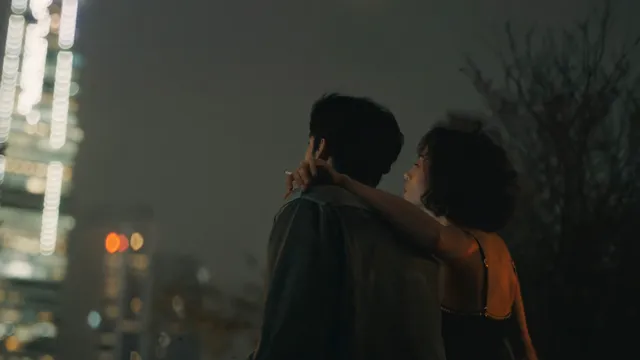
AI Image Generator Application — Text-to-Image Tool
Open ai image generator application to turn text descriptions into visual images. Type what you want to see and get generated results in seconds.
AI Image Generator
0/20000 characters
My images
Loading...
What is an AI image generator application?
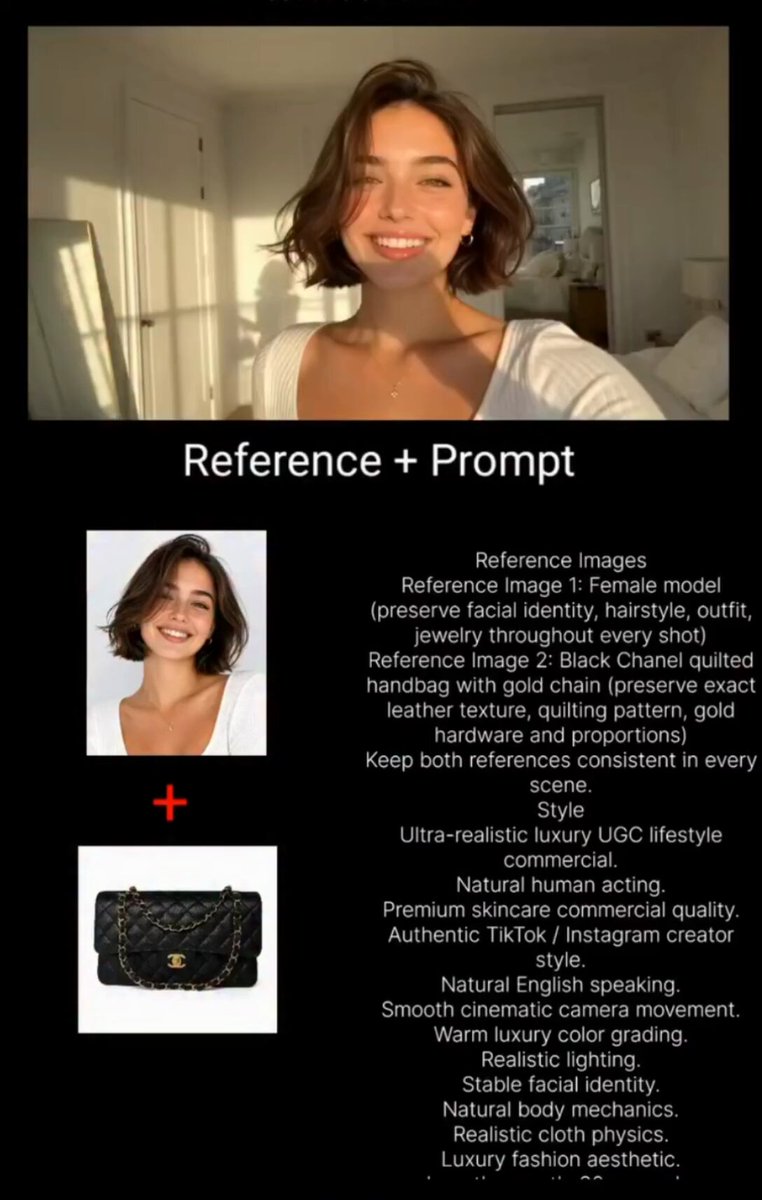
An AI image generator application is a software tool that creates images from text descriptions. You open the application, type what you want to see, choose generation settings, and the tool produces a visual result. Use it to generate visuals for presentations, social media, concept art, or personal projects.
AI Image Generator Application — Text-to-Image Tool
Mountain landscape for a presentation
Input
Snow-capped mountain peak at sunrise, alpine meadow in the foreground with wildflowers, crisp morning light, photorealistic
Expected output
A realistic landscape scene with sharp mountain detail, blooming meadow foreground, and warm sunrise gradient on the peak
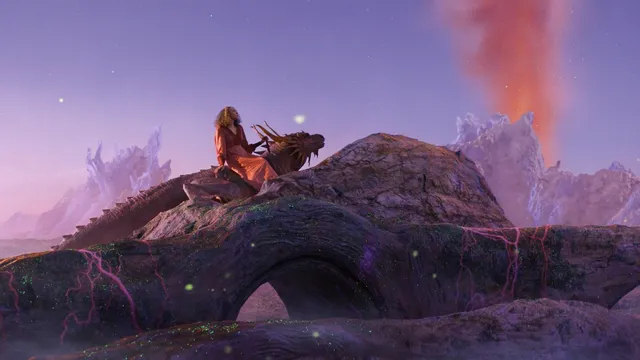
Fantasy creature concept art
Input
A dragon made of crystal and light, perched on a rocky cliff under a starry sky, translucent wings glowing from within
Expected output
A fantastical creature image with translucent crystal textures, glowing internal lighting, and a dark starry backdrop
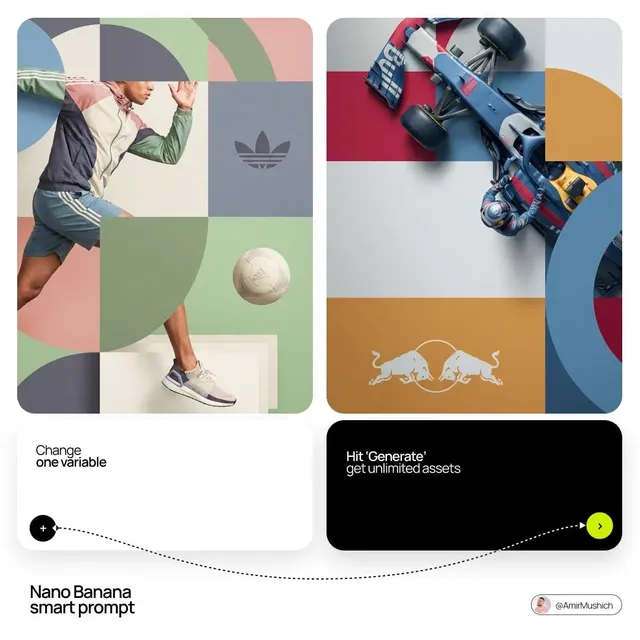
Themed visual series
Input
A cozy cabin in four seasons: spring flowers, summer green, autumn orange, winter snow, four-panel grid composition
Expected output
A four-panel seasonal visual showing the same cabin structure with distinct seasonal color palettes and weather effects
Use a software application that generates images from text prompts.
Access image generation through a dedicated tool
Use the text-to-image application interface to input prompts, adjust settings, and download results in one place.
Manage prompts and outputs within a single workflow
Keep your generation history, settings, and downloaded images organized through the application workflow.
Generate visuals on demand for any project
Create custom images for presentations, social media, concept art, or personal projects from simple text descriptions.
How It Works
1
Describe the desired image
Describe the desired image.
2
Choose the available generation settings
Choose the available generation settings.
3
Generate, review, and download
Generate, review, and download a suitable result.
Using the application effectively
Learn the interface by starting with simple prompts.
Input Constraints
- Do not include personal or sensitive information in your prompts.
- Avoid generating content that imitates protected intellectual property.
Practical Tips
- Start with a single subject and add scene details after reviewing the first result.
- Explore the available settings to see how each one affects the output.
- Save prompts that work well for reuse and variation.
- Use the download or export option to keep copies of your generated images.
Privacy
- Do not upload personal or sensitive material unless you have permission to use it.
Usage Rights
- Confirm that you have the rights needed for the inputs and intended use of the result.
Prompt recipes
Copy a structure, then adjust the subject, lighting, camera, and output details for your own result.
Professional presentation visual
A clean infographic-style illustration showing a business growth chart with upward arrow, blue and white color scheme, modern flat design, professional and corporate style.
Describing the infographic style and corporate colors produces a polished visual suitable for business presentations or reports.
Concept art for creative projects
A futuristic robot character with sleek metallic surfaces and glowing blue accents, standing in a high-tech lab, digital concept art style with detailed textures.
Detailed concept prompts with style and texture cues create images that work as visual references for game design, storytelling, or creative projects.
Social media carousel cover
A vibrant abstract background with flowing shapes in gradient colors from pink to orange, space for text in the upper third, Instagram carousel format, energetic and modern.
Specifying the format, layout, and mood produces a social media cover ready for text overlay and carousel posting.
Photorealistic scene for visual storytelling
A quiet village street at dusk with warm streetlights, cobblestone pavement, old brick buildings, and soft golden hour lighting, photorealistic style with cinematic color grading.
Photorealistic prompts with lighting and color grading details create immersive scenes suitable for storytelling or visual projects.
Abstract art for personal projects
An abstract composition with overlapping geometric shapes in muted earth tones, subtle texture, balanced composition, contemporary art style, calm and sophisticated mood.
Abstract prompts with color and mood details produce unique artwork suitable for personal use, portfolios, or decorative purposes.
Best use cases
Match the workflow to the input you have and the result you need before opening the generator.
Creating visuals for business presentations
Input: Descriptions of professional scenes, infographics, or concepts with corporate color schemes
Result: Polished, professional-looking visuals ready for slides and reports
Tool: Text to Image with professional and infographic keywords
Generating concept art for creative projects
Input: Detailed prompts with character, scene, or object descriptions and art style cues
Result: Concept images that visualize your creative ideas for games, stories, or designs
Tool: Text to Image with concept art and detailed style keywords
Designing social media graphics and covers
Input: Layout descriptions with color, mood, and format suited to social platforms
Result: Eye-catching graphics ready for posting or further editing
Tool: Text to Image with social media format and layout keywords
Producing reference images for personal or artistic projects
Input: Specific scene, character, or object descriptions with visual details
Result: Reference images that help guide your work or communicate ideas
Tool: Text to Image with clear visual descriptions
Limitations to know before generating
- The application generates images from text prompts. Complex or vague prompts may produce results that need refinement.
- Image quality and accuracy depend on prompt specificity. Clear descriptions produce better results.
- The application creates single images per prompt. Multi-panel or sequential layouts require separate generations.
- Generated images are the AI's interpretation of your text. Review the result to confirm it matches your intended use.
- You are responsible for confirming you have the rights needed for your intended use of the generated images.
Creative Suite: AI Video Generator & AI Image Generator Tools
Power up your creative workflow with our AI-driven tools. Generate stunning videos, create images, and apply custom adjustments - our AI Video Generator and AI Image Generator offer a complete solution for all your creative needs.
Strictly Prohibits Adult/NSFW Content








Pricing
Choose the credit package that works best for you.
No hidden fees • Cancel anytime • Unused credits roll over
Starter
Perfect for trying out AI creation.
Credits
200 credits / month
- Up to 20 videos per month
- Up to 100 images per month
$6.99/ month$9.9930% OFF
Billed monthly
First-time subscribers get 30% off their first month, then standard price
What's included
- Credits never expire
- Standard models
- HD, Watermark-Free Downloads
- Private Generation
- Faster Generation Speed
- Ad-free experience
Basic
Perfect for light creators.
Credits
500 credits / month
- Up to 50 videos per month
- Up to 250 images per month
$13.99/ month$19.9930% OFF
Billed monthly
First-time subscribers get 30% off their first month, then standard price
What's included
- Credits never expire
- Standard models
- HD, Watermark-Free Downloads
- Private Generation
- Faster Generation Speed
- Ad-free experience
Pro
PopularBest value for creators
Credits
1,200 credits / month
- Up to 120 videos per month
- Up to 600 images per month
$39.99/ month
Billed monthly
What's included
- Credits never expire
- All models + Early access to new models
- HD, Watermark-Free Downloads
- Private Generation
- Faster Generation Speed
- Ultra HD resolution
- Ad-free experience
Ultra
For video creators and power users.
Credits
5,000 credits / month
- Up to 500 videos per month
- Up to 2,500 images per month
$99.99/ month
Billed monthly
What's included
- Credits never expire
- All models + Early access to new models
- HD, Watermark-Free Downloads
- Private Generation
- Faster Generation Speed
- Ultra HD resolution
- Ad-free experience
Free
Standard models only — upgrade to unlock premium models.
Credits
10 free credits on signup
Questions? Contact us at support@domer.io
Open the image generator application
Start the text-to-image tool and create your first image from a text prompt.