
AI Image Generator Fingers
Generate images with better hand detail: describe hand poses clearly, review finger count and anatomy, and refine your prompts.
AI Image Generator
0/20000 characters
My images
Loading...
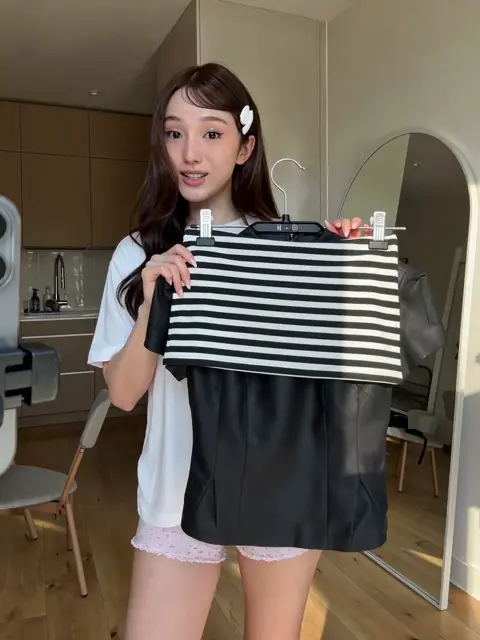

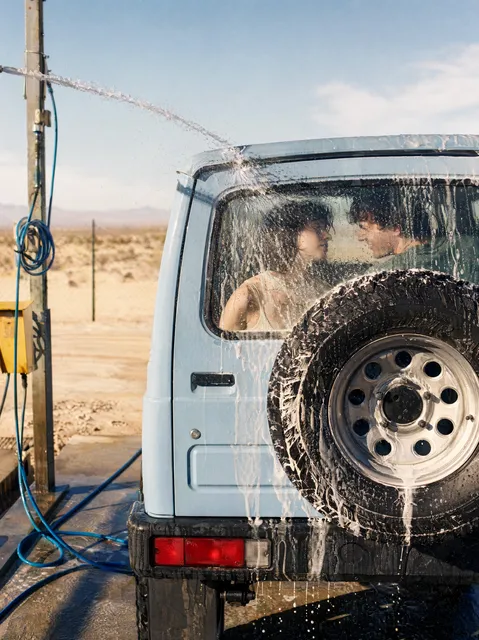
How do I get better fingers in AI-generated images?
Describe the hand pose or gesture clearly in your prompt, specifying what the fingers are doing. After generating, review finger count and proportions. If the result is not accurate, adjust your prompt and regenerate.
AI Image Generator Fingers
Portrait with a hand gesture
Input
A woman in a casual jacket, smiling, with one hand raised showing a peace sign, fingers clearly separated, natural lighting
Expected output
A portrait where the raised hand shows distinct fingers in a peace sign, with natural skin tones and lighting on each finger
Close-up holding an object
Input
A hand holding a smartphone, fingers wrapped naturally around the edges, visible fingernails, soft indoor lighting
Expected output
A hand-and-phone close-up where each finger curves around the device with visible knuckle detail and natural proportions
Character doing a hand sign
Input
An anime-style character making a finger gun gesture, one eye closed, dynamic pose, clean line art
Expected output
An anime character with a clearly defined finger gun gesture, thumb up and index finger extended, other fingers curled naturally
Generate images with realistic, well-defined hands and fingers by using clear prompts and reviewing results
Describe hand poses in your prompt
Include specific hand positions and gestures in your text description to guide how fingers appear in the generated image.
Review and refine finger detail
Check the generated result for finger count and anatomy. You can adjust your prompt and regenerate for a better outcome.
Experiment with prompt phrasing
Small changes in how you describe hands can noticeably improve finger realism and separation in the final image.
How It Works
1
Describe the desired image.
Describe the desired image.
2
Choose the available generation settings.
Choose the available generation settings.
3
Generate, review, and download a suitable result.
Generate, review, and download a suitable result.
Tips for better hand and finger results
Hands are one of the trickiest parts of AI image generation. These tips help you get more consistent results.
Input Constraints
- Describe hand poses in concrete terms rather than relying on the generator to guess
- Avoid prompts that hide hands behind objects or crop them at the wrist
- Review each result for finger count and natural proportions before using it
Practical Tips
- Use terms like 'fingers clearly separated' or 'visible individual fingers' in your prompt
- Specify what the hand is doing rather than leaving it vague
- If fingers look distorted, try regenerating with a slightly reworded prompt
- For close-up hand shots, mention visible details such as knuckles or fingernails
Privacy
- Do not upload personal or sensitive material unless you have permission to use it.
Usage Rights
- Confirm that you have the rights needed for the inputs and intended use of the result.
Prompt recipes
Copy a structure, then adjust the subject, lighting, camera, and output details for your own result.
Hand holding a coffee cup
A hand holding a white ceramic coffee cup, fingers gently curved around the handle, visible knuckles, warm indoor light
Describes the grip and finger position clearly, guiding the generator toward a natural, anatomically correct hand pose.
Pointing gesture in portrait
A man pointing forward with his index finger, other fingers curled into the palm, clear hand detail, neutral background
Specifies which finger is extended and what the others are doing, reducing ambiguity and improving finger accuracy.
Hand writing with a pen
A close-up of a hand writing in a notebook, fingers gripping a pen, visible fingernails, soft desk lamp light
Focuses on the action and grip, providing enough context for the generator to render fingers in a realistic writing pose.
Two hands shaking
Two hands clasped in a handshake, fingers interlocked, visible thumb and index finger, professional setting, natural light
Describes the interaction and finger placement, helping the generator understand the relationship between the two hands.
Relaxed hand resting on a table
A hand resting flat on a wooden table, fingers spread slightly, visible nail detail, soft natural light from the side
Provides a simple, static pose with clear finger placement, making it easier for the generator to produce accurate results.
Best use cases
Match the workflow to the input you have and the result you need before opening the generator.
Portrait with hand gesture
Input: Specific gesture description with finger placement details
Result: A portrait where the hand gesture is clear and fingers are anatomically correct
Tool: Text to Image with hand gesture keywords
Product photo with hands
Input: Hand interaction with product plus grip and finger detail
Result: A product image showing natural hand position and finger placement
Tool: Text to Image with product photography style
Character illustration with hands
Input: Character pose with specific hand action and finger state
Result: An illustration where hands and fingers support the character's personality and action
Tool: Text to Image with illustration style
Close-up hand detail
Input: Hand activity with visible finger details like knuckles or nails
Result: A close-up image with clear finger anatomy and realistic skin texture
Tool: Text to Image with detailed lighting keywords
Limitations to know before generating
- Hands and fingers are among the most difficult subjects for AI image generation; expect to regenerate and refine prompts.
- Complex hand poses, overlapping fingers, or multiple hands in one image increase the chance of anatomical errors.
- Results improve with clear descriptions, but some prompts may still produce extra or missing fingers that require manual editing.
- You are responsible for reviewing each image for finger accuracy before using it in any project.
- The tool works best for simple, clearly described hand poses; intricate gestures or extreme angles may need multiple attempts or post-processing.
Creative Suite: AI Video Generator & AI Image Generator Tools
Power up your creative workflow with our AI-driven tools. Generate stunning videos, create images, and apply custom adjustments - our AI Video Generator and AI Image Generator offer a complete solution for all your creative needs.
Strictly Prohibits Adult/NSFW Content








Pricing
Choose the credit package that works best for you.
No hidden fees • Cancel anytime • Unused credits roll over
Starter
Perfect for trying out AI creation.
Credits
200 credits / month
- Up to 20 videos per month
- Up to 100 images per month
$6.99/ month$9.9930% OFF
Billed monthly
First-time subscribers get 30% off their first month, then standard price
What's included
- Credits never expire
- Standard models
- HD, Watermark-Free Downloads
- Private Generation
- Faster Generation Speed
- Ad-free experience
Basic
Perfect for light creators.
Credits
500 credits / month
- Up to 50 videos per month
- Up to 250 images per month
$13.99/ month$19.9930% OFF
Billed monthly
First-time subscribers get 30% off their first month, then standard price
What's included
- Credits never expire
- Standard models
- HD, Watermark-Free Downloads
- Private Generation
- Faster Generation Speed
- Ad-free experience
Pro
PopularBest value for creators
Credits
1,200 credits / month
- Up to 120 videos per month
- Up to 600 images per month
$39.99/ month
Billed monthly
What's included
- Credits never expire
- All models + Early access to new models
- HD, Watermark-Free Downloads
- Private Generation
- Faster Generation Speed
- Ultra HD resolution
- Ad-free experience
Ultra
For video creators and power users.
Credits
5,000 credits / month
- Up to 500 videos per month
- Up to 2,500 images per month
$99.99/ month
Billed monthly
What's included
- Credits never expire
- All models + Early access to new models
- HD, Watermark-Free Downloads
- Private Generation
- Faster Generation Speed
- Ultra HD resolution
- Ad-free experience
Free
Standard models only — upgrade to unlock premium models.
Credits
10 free credits on signup
Questions? Contact us at support@domer.io
Try generating images with better hand detail
Open the AI image generator, describe the hands and fingers you want, and see the result. Adjust your prompt and regenerate for the best outcome.