
Create
AI Image Generator From Pictures
Describe pictures you have in mind to generate new images. Turn visual inspiration into AI-generated artwork through detailed text prompts.
AI Image Generator
0/20000 characters
My images
Loading...
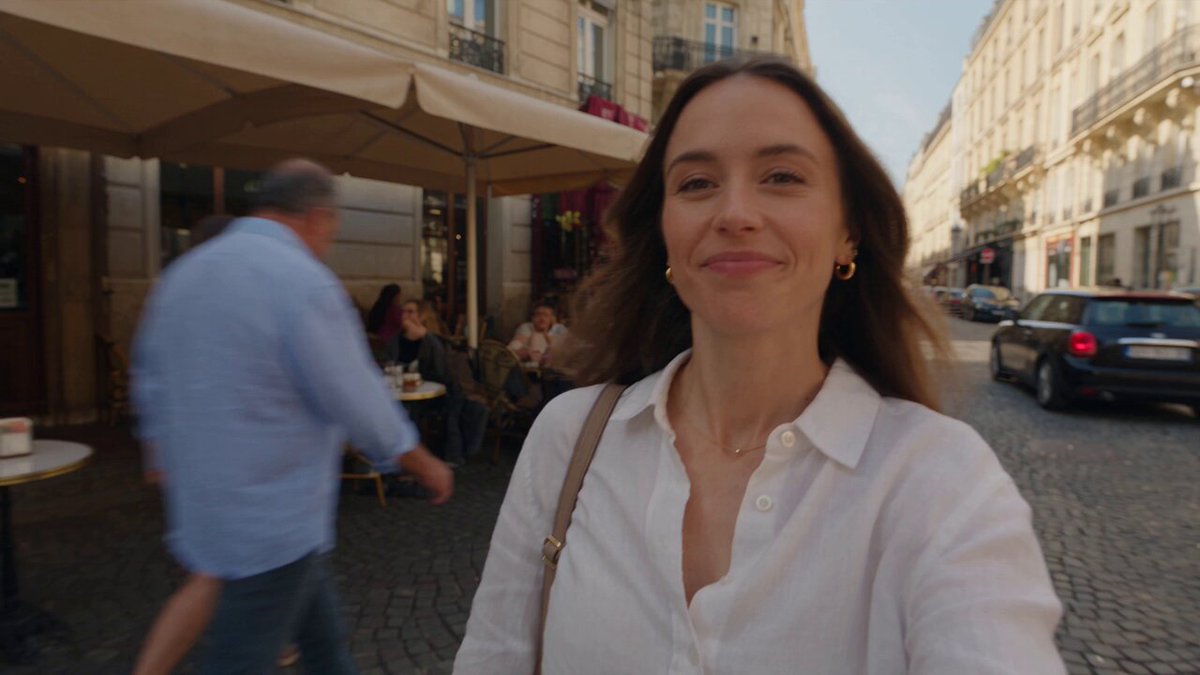
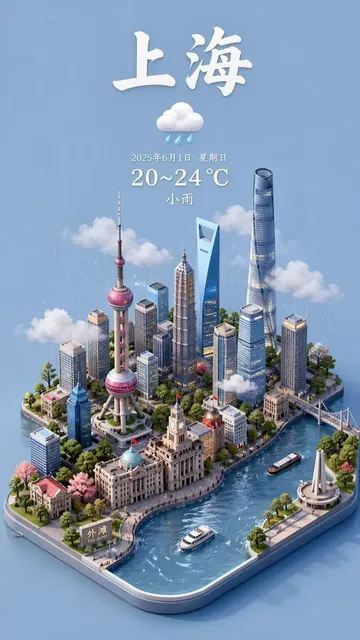
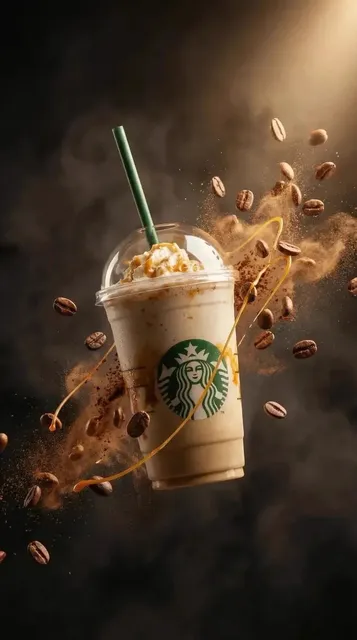
How to generate images inspired by pictures you have seen
Write a detailed text description of the pictures you want to reference, including composition, subject, style, lighting, colors, and mood. The AI generates a new image based on your written description. This workflow is useful when you want to capture the visual style or atmosphere from pictures you have seen without needing to upload them, or when you want to combine elements from multiple picture references into one new image.
AI Image Generator From Pictures
Recreate a reference photo composition
Input
A narrow alley between brick buildings with a single red umbrella visible from above, rainy street reflecting neon lights, similar to a travel photo composition
Expected output
A generated street scene with wet reflective surfaces, warm window light, and the red umbrella as the focal accent
Style transfer from a painting concept
Input
A vase of sunflowers on a wooden table, rough oil paint texture, visible brush strokes, warm yellow and ochre tones, impressionist style
Expected output
A painterly still life with thick texture simulation, layered color application, and visible directional brush marks
Mood reinterpretation of a landscape photo
Input
A foggy forest path with tall pine trees on both sides, soft mist between trunks, muted green and gray tones, early morning atmosphere
Expected output
A misty forest scene with layered fog depth, silhouetted tree shapes, and subdued natural color palette
Create new AI-generated images by describing the style, composition, or elements from pictures you have seen, using text prompts to guide the generation.
Draw inspiration from real-world visuals
Use descriptions of existing images as creative starting points without needing to upload or share the original files.
Translate visual ideas into new generated content
Describe the elements you like from a reference and let the AI produce a fresh interpretation with those characteristics.
Explore stylistic variations of known compositions
Keep the same composition but change the style, time of day, or color palette through text adjustments.
How It Works
1
Describe the desired image
Describe the desired image.
2
Choose the available generation settings
Choose the available generation settings.
3
Generate, review, and download
Generate, review, and download a suitable result.
Describing images effectively
Focus on visual elements you want to carry over.
Input Constraints
- Do not upload reference images — this tool accepts text descriptions only.
- Avoid describing copyrighted or trademarked imagery.
Practical Tips
- Describe the overall composition first, then specific details like lighting and colors.
- Mention the camera angle or perspective used in the original image.
- Note the mood or atmosphere to help recreate the same feeling.
- Identify which elements are essential to keep and which can change.
Privacy
- Do not upload personal or sensitive material unless you have permission to use it.
Usage Rights
- Confirm that you have the rights needed for the inputs and intended use of the result.
Prompt recipes
Copy a structure, then adjust the subject, lighting, camera, and output details for your own result.
Architecture photo in different lighting
Based on a picture of a modern glass building: same structure and perspective, but transform to a nighttime scene with interior lights visible through windows, blue hour sky, urban light reflections on glass facade
Maintains architectural composition while changing time of day and lighting, useful for showing the same space under different conditions.
Portrait in historical painting style
Inspired by a portrait photograph: transform into a Renaissance oil painting style, classical three-quarter pose, chiaroscuro lighting from upper left, rich jewel-tone background, visible canvas texture
Applies historical art techniques to a modern portrait concept, bridging photographic and classical painting aesthetics.
Nature scene with genre transformation
Based on a forest landscape picture: keep the same tree arrangement and path composition, but add fantasy elements like glowing flora, ethereal mist with light shafts, magical color saturation, concept art style
Preserves realistic spatial structure while layering fantastical details, creating a recognizable yet imaginative scene.
Product shot in different context
Inspired by a studio product photo of a watch: same watch design and angle, but place it on a natural wood surface outdoors, dappled sunlight, leaves and morning dew visible, lifestyle photography mood
Shifts product presentation from clinical studio to aspirational lifestyle context while keeping the product itself consistent.
Street scene with artistic interpretation
Based on a picture of a busy market: same stall layout and crowd density, but render in a loose watercolor sketch style, limited color palette of warm earth tones and blue accents, visible paper texture, impressionistic details
Translates photographic information into a specific artistic medium with clear stylistic constraints that guide the transformation.
Landscape with seasonal shift
Inspired by a summer countryside picture: keep the same rolling hills and farmhouse placement, but transform to autumn with orange and red foliage, golden fields, warm afternoon lighting, harvest season atmosphere
Maintains compositional elements while changing seasonal characteristics, allowing direct comparison of the same scene across time.
Best use cases
Match the workflow to the input you have and the result you need before opening the generator.
Visual style consistency across projects
Input: Description of a picture that defines your desired visual style, with instructions to apply that style to different subjects
Result: A series of images that share the same aesthetic qualities even with different content
Tool: Text to Image with detailed style vocabulary extracted from the reference picture
Concept visualization from inspiration images
Input: Description of pictures that inspire your concept, combined with instructions for what to keep and what to change
Result: A new image that captures the essence of the inspiration while serving your specific creative needs
Tool: Text to Image with clear separation between reference elements and new creative direction
Composition study and variation
Input: Description of a picture's composition with instructions to maintain the structure while changing style, lighting, or content
Result: Images that explore different treatments of the same compositional framework
Tool: Text to Image with composition terms like rule of thirds, leading lines, and framing
Mood board creation from multiple picture references
Input: Description combining visual elements from several pictures, specifying which qualities to take from each
Result: A cohesive image that synthesizes multiple inspirations into one unified visual
Tool: Text to Image with organized descriptions that clearly attribute elements to different sources
Limitations to know before generating
- The tool does not accept uploaded pictures; all visual information must be conveyed through text descriptions
- Complex compositions with many specific details may be difficult to describe comprehensively, leading to approximations
- The AI interprets your description based on its training; results may differ from the exact pictures you have in mind
- Subtle stylistic nuances from reference pictures may not transfer accurately without extremely detailed descriptions
- Maintaining exact consistency across multiple generations requires careful prompt management and may still show variation
Creative Suite: AI Video Generator & AI Image Generator Tools
Power up your creative workflow with our AI-driven tools. Generate stunning videos, create images, and apply custom adjustments - our AI Video Generator and AI Image Generator offer a complete solution for all your creative needs.
Strictly Prohibits Adult/NSFW Content








Pricing
Choose the credit package that works best for you.
No hidden fees • Cancel anytime • Unused credits roll over
Starter
Perfect for trying out AI creation.
Credits
200 credits / month
- Up to 20 videos per month
- Up to 100 images per month
$6.99/ month$9.9930% OFF
Billed monthly
First-time subscribers get 30% off their first month, then standard price
What's included
- Credits never expire
- Standard models
- HD, Watermark-Free Downloads
- Private Generation
- Faster Generation Speed
- Ad-free experience
Basic
Perfect for light creators.
Credits
500 credits / month
- Up to 50 videos per month
- Up to 250 images per month
$13.99/ month$19.9930% OFF
Billed monthly
First-time subscribers get 30% off their first month, then standard price
What's included
- Credits never expire
- Standard models
- HD, Watermark-Free Downloads
- Private Generation
- Faster Generation Speed
- Ad-free experience
Pro
PopularBest value for creators
Credits
1,200 credits / month
- Up to 120 videos per month
- Up to 600 images per month
$39.99/ month
Billed monthly
What's included
- Credits never expire
- All models + Early access to new models
- HD, Watermark-Free Downloads
- Private Generation
- Faster Generation Speed
- Ultra HD resolution
- Ad-free experience
Ultra
For video creators and power users.
Credits
5,000 credits / month
- Up to 500 videos per month
- Up to 2,500 images per month
$99.99/ month
Billed monthly
What's included
- Credits never expire
- All models + Early access to new models
- HD, Watermark-Free Downloads
- Private Generation
- Faster Generation Speed
- Ultra HD resolution
- Ad-free experience
Free
Standard models only — upgrade to unlock premium models.
Credits
10 free credits on signup
Questions? Contact us at support@domer.io
Describe a reference image now
Open the text-to-image tool and describe the picture elements you want to recreate.