
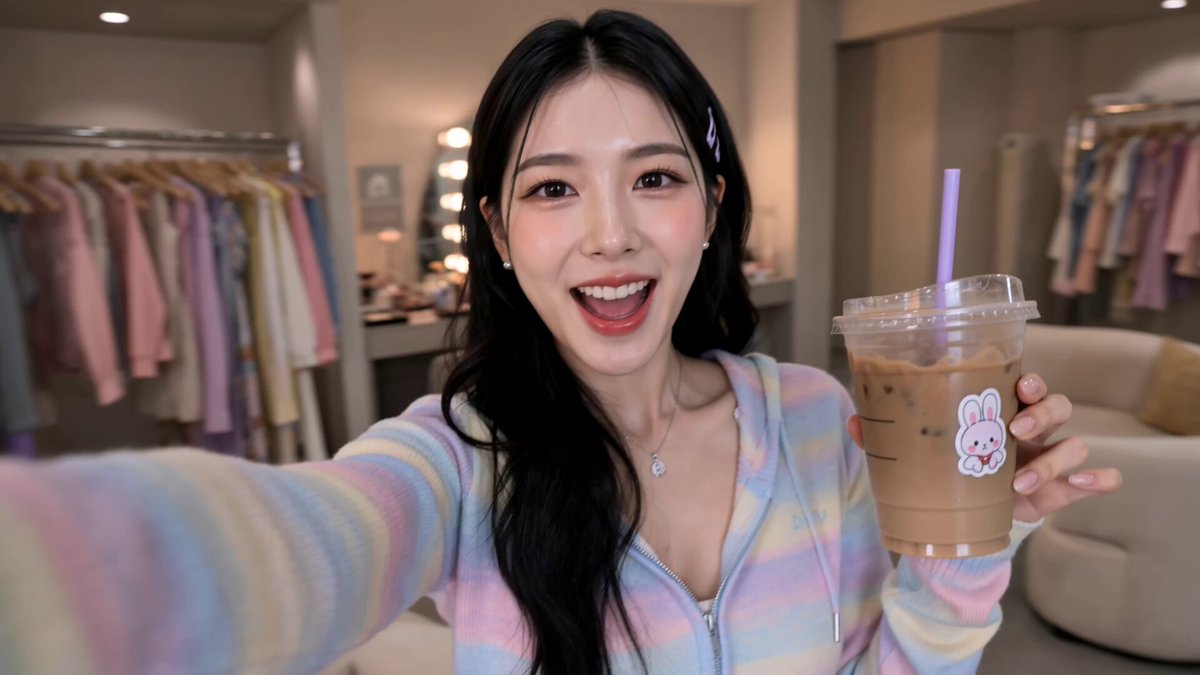
AI Image Generator From Upload
Upload an image you own and describe changes in text. Generate a new version that combines your visual reference with written instructions.
AI Image Generator
0/20000 characters
My images
Loading...
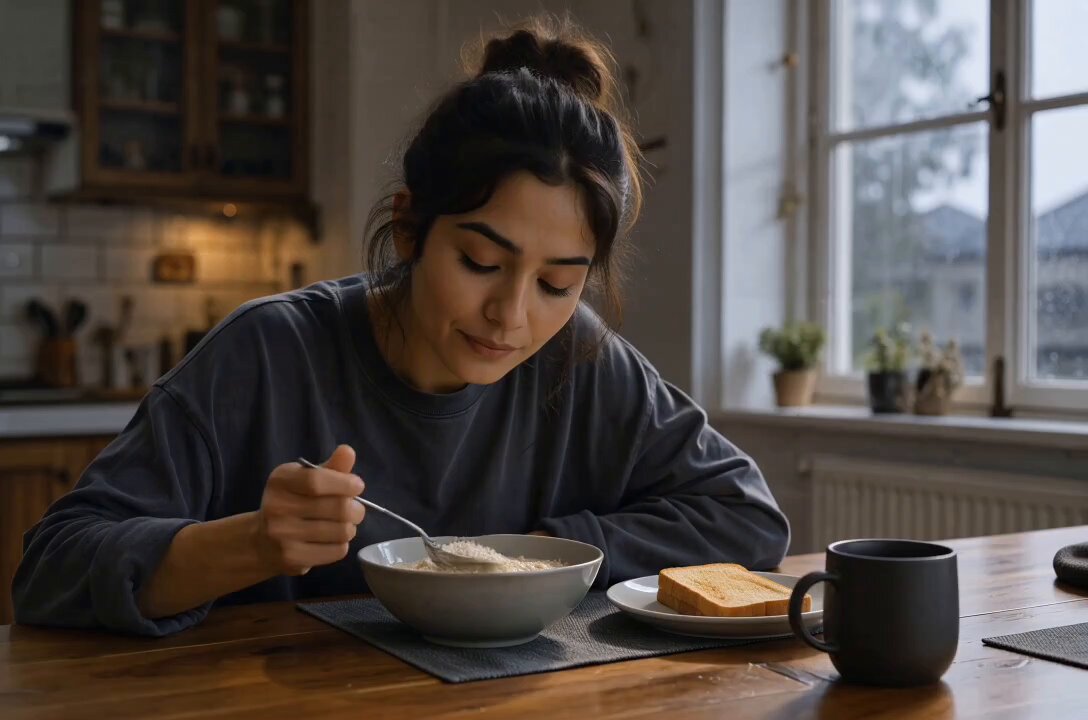
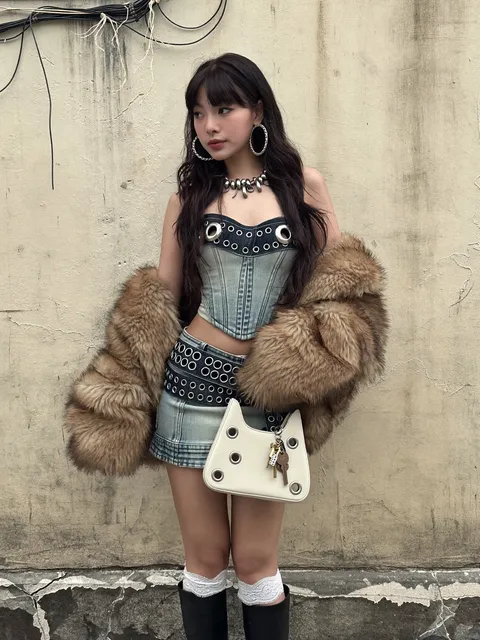
How does an AI image generator from upload work?
You upload an image you have permission to use as a starting point, then write a text description of what you want to change. The tool generates a new image that applies your instructions to the uploaded reference.
AI Image Generator From Upload
Transform a product photo
Input
Upload a product photo and describe: 'change the background to a bright outdoor market scene with warm sunlight'
Expected output
A generated image that keeps the original product but places it in the described market setting
Change the art style
Input
Upload a portrait photo and describe: 'convert this to a watercolor painting style with soft edges and pastel colors'
Expected output
A generated version of the portrait with the described watercolor treatment
Add elements to a scene
Input
Upload a photo of an empty room and describe: 'add a large potted plant in the corner and change the wall color to warm beige'
Expected output
A generated image showing the room with the added plant and updated wall color
Generate new images by uploading a starting image and adding text instructions
Build from existing visuals
Use an image you already have as the foundation and describe the changes or new direction.
Flexible transformations
Change backgrounds, styles, colors, or add new elements by combining upload with a text instruction.
Guided generation
The uploaded image provides a visual anchor while your text describes what should be different.
How It Works
1
Describe the desired image.
Describe the desired image.
2
Choose the available generation settings.
Choose the available generation settings.
3
Generate, review, and download a suitable result.
Generate, review, and download a suitable result.
Tips for upload-based generation
Provide a clear source image and a specific description of what should change.
Input Constraints
- Only upload images you have permission to use
- Describe changes explicitly—what to keep, what to change, and what to add
- Avoid uploading images with sensitive, personal, or copyrighted content
Practical Tips
- Start with a well-lit, clear source image for better transformation results
- Describe one or two changes at a time rather than a complete overhaul
- If the result does not match, adjust your text instruction and try again
Privacy
- Do not upload personal or sensitive material unless you have permission to use it.
Usage Rights
- Confirm that you have the rights needed for the inputs and intended use of the result.
Prompt recipes
Copy a structure, then adjust the subject, lighting, camera, and output details for your own result.
Background replacement
Upload a portrait photo and describe: 'replace the background with a soft gradient from light blue to white, keep the subject unchanged'
Focuses the transformation on the background while preserving the main subject.
Style transfer
Upload a photograph and describe: 'convert this to an oil painting style with visible brush strokes and warm tones'
Applies a clear artistic style to the existing composition without changing the content.
Add object to scene
Upload a room photo and describe: 'add a modern floor lamp in the left corner and a small rug under the coffee table'
Specifies exactly what and where to add, making the transformation clear and actionable.
Color adjustment
Upload an interior photo and describe: 'change the wall color from white to soft sage green, keep furniture and lighting the same'
Isolates a single visual change while maintaining the rest of the scene.
Lighting change
Upload an outdoor photo and describe: 'change the lighting to golden hour sunset, warm orange tones, long shadows'
Describes a complete lighting shift with specific color and shadow cues.
Best use cases
Match the workflow to the input you have and the result you need before opening the generator.
Product mockup
Input: Product photo with clear instruction to change background or setting
Result: A new image showing the product in the described context
Tool: AI Image Generator with upload and background replacement prompt
Design iteration
Input: Room or space photo with specific changes to colors, objects, or layout
Result: A variation of the original space with the requested modifications
Tool: AI Image Generator with upload and targeted change prompt
Artistic reinterpretation
Input: Any photo with a style transformation request
Result: A new image in the requested artistic style while retaining the original composition
Tool: AI Image Generator with upload and style prompt
Scene enhancement
Input: Photo with instruction to add elements or change lighting
Result: An enhanced version of the scene with the additions or adjustments
Tool: AI Image Generator with upload and additive prompt
Limitations to know before generating
- The tool generates a new image based on your upload and text; it does not perform pixel-perfect editing.
- Complex instructions with many simultaneous changes may produce unpredictable results.
- The quality of the output depends on the clarity and lighting of the uploaded image.
- You must have permission to upload and transform the source image.
- Text rendering within the result is often unreliable or distorted.
- Generated results are interpretations of your text; they may not match your exact vision without iteration.
Creative Suite: AI Video Generator & AI Image Generator Tools
Power up your creative workflow with our AI-driven tools. Generate stunning videos, create images, and apply custom adjustments - our AI Video Generator and AI Image Generator offer a complete solution for all your creative needs.
Strictly Prohibits Adult/NSFW Content








Pricing
Choose the credit package that works best for you.
No hidden fees • Cancel anytime • Unused credits roll over
Starter
Perfect for trying out AI creation.
Credits
200 credits / month
- Up to 20 videos per month
- Up to 100 images per month
$6.99/ month$9.9930% OFF
Billed monthly
First-time subscribers get 30% off their first month, then standard price
What's included
- Credits never expire
- Standard models
- HD, Watermark-Free Downloads
- Private Generation
- Faster Generation Speed
- Ad-free experience
Basic
Perfect for light creators.
Credits
500 credits / month
- Up to 50 videos per month
- Up to 250 images per month
$13.99/ month$19.9930% OFF
Billed monthly
First-time subscribers get 30% off their first month, then standard price
What's included
- Credits never expire
- Standard models
- HD, Watermark-Free Downloads
- Private Generation
- Faster Generation Speed
- Ad-free experience
Pro
PopularBest value for creators
Credits
1,200 credits / month
- Up to 120 videos per month
- Up to 600 images per month
$39.99/ month
Billed monthly
What's included
- Credits never expire
- All models + Early access to new models
- HD, Watermark-Free Downloads
- Private Generation
- Faster Generation Speed
- Ultra HD resolution
- Ad-free experience
Ultra
For video creators and power users.
Credits
5,000 credits / month
- Up to 500 videos per month
- Up to 2,500 images per month
$99.99/ month
Billed monthly
What's included
- Credits never expire
- All models + Early access to new models
- HD, Watermark-Free Downloads
- Private Generation
- Faster Generation Speed
- Ultra HD resolution
- Ad-free experience
Free
Standard models only — upgrade to unlock premium models.
Credits
10 free credits on signup
Questions? Contact us at support@domer.io
Upload and generate
Provide an image you are allowed to use and describe the changes you want to see.