
AI Image Generator In Figma
Generate images from text to use in Figma designs. Create visuals in your browser, download them, and place them in your design files.
AI Image Generator
0/20000 characters
My images
Loading...
How do I use an AI image generator for Figma?
An AI image generator for Figma work is a browser-based tool that creates images from text prompts, which you then download and import into Figma. You describe the scene, subject, composition, color palette, and mood in your prompt, choose generation settings, review the result, and download it. The image file can then be placed into your Figma artboards like any other asset. This workflow lets you create custom visuals that match your design direction without searching stock libraries.
AI Image Generator In Figma
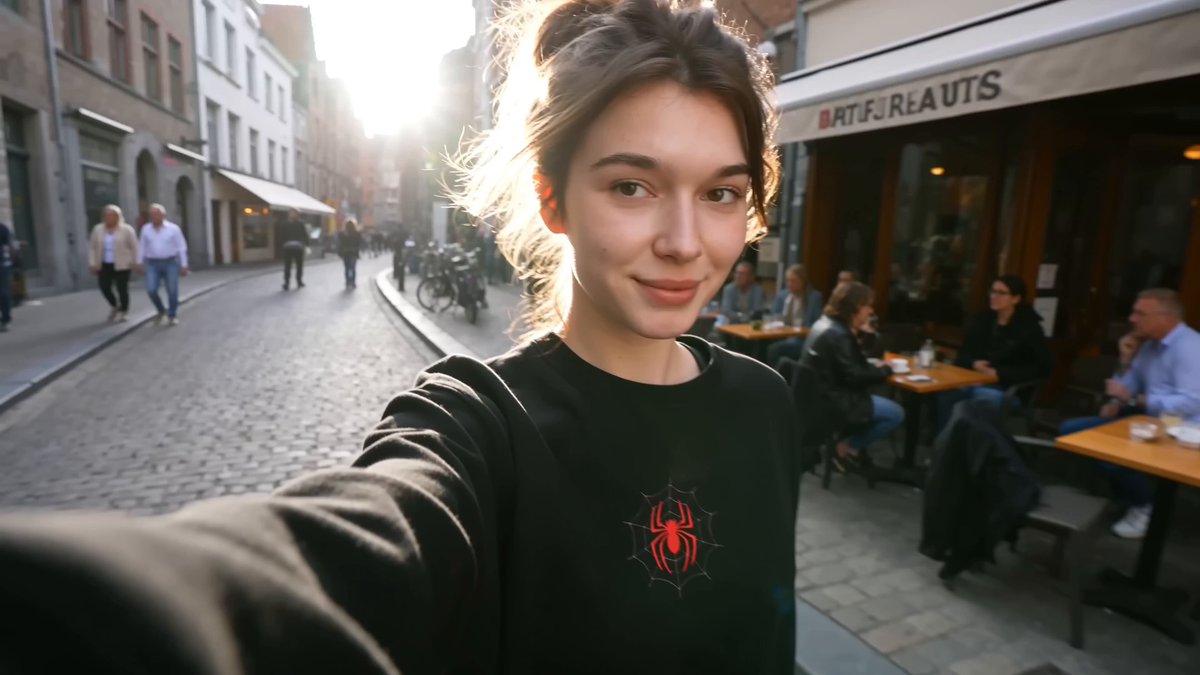
Hero banner for a landing page
Input
A wide hero banner showing a modern workspace with soft morning light, teal and charcoal palette, clean composition for a SaaS landing page
Expected output
A wide banner-style image with the described workspace scene and color palette, ready to place into a hero section.
App screen illustration
Input
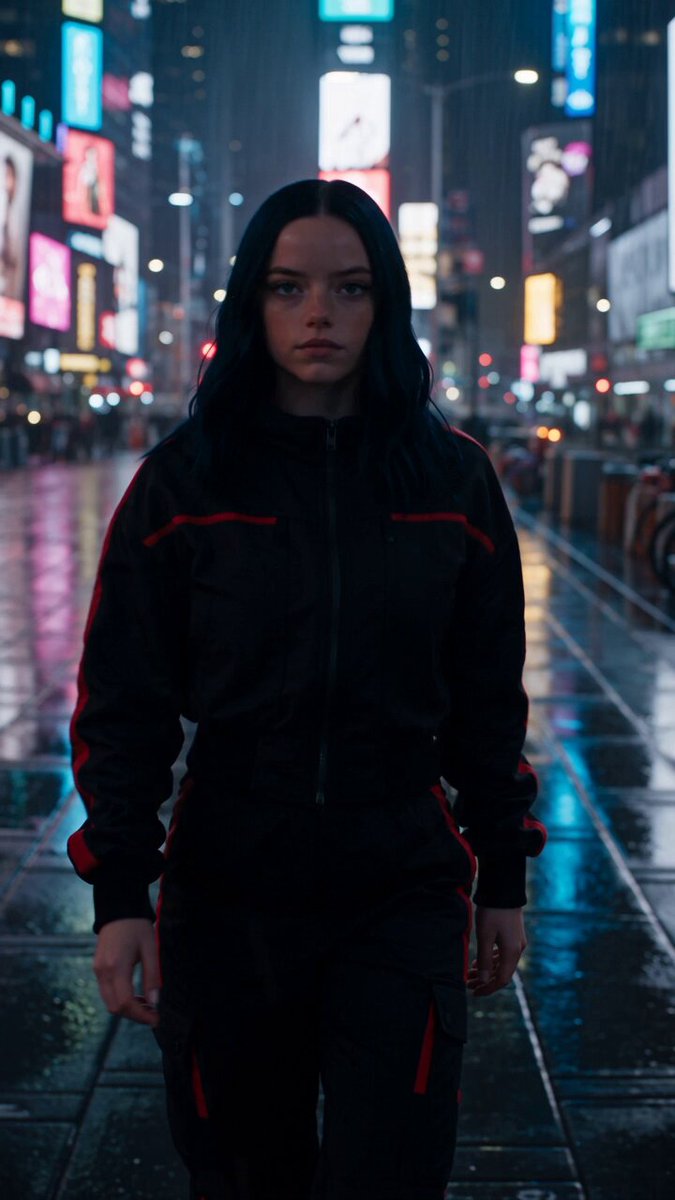
A friendly 3D-style illustration of a smartphone with floating notification bubbles, pastel colors, for a mobile app onboarding screen
Expected output
A pastel 3D-style illustration matching the described smartphone scene, sized for an app screen placeholder.
Brand mood board image
Input
An abstract gradient texture with flowing shapes in coral, cream, and navy, for a brand mood board
Expected output
An abstract gradient texture with the described flowing shapes and colors, suitable for a mood board.
Describe AI-generated images to use in Figma design work
Fresh visuals for design files
Generate an original image from a prompt and place it into your Figma artboards without hunting through stock libraries.
Fast direction changes
Change a few words in the prompt to test different palettes, layouts, and moods before committing to a design direction.
No drawing skills needed
Describe the image you have in mind and let the generator produce a visual you can review, refine, and place.
How It Works
1
Describe the desired image.
Describe the desired image.
2
Choose the available generation settings.
Choose the available generation settings.
3
Generate, review, and download a suitable result.
Generate, review, and download a suitable result.
Practical guidance for design assets
Keep prompts focused on the scene, style, and purpose so results are easier to place in a design.
Input Constraints
- An internet connection is needed to use the web-based generator.
- Describe scenes, subjects, and style rather than expecting exact pixel output.
- Do not upload personal or sensitive material unless you have permission to use it.
Practical Tips
- Include composition hints such as wide, square, or tall in your prompt.
- State the palette and mood you want so results match your artboard.
- Review the result and regenerate with small prompt edits when needed.
Privacy
- Do not upload personal or sensitive material unless you have permission to use it.
Usage Rights
- Confirm that you have the rights needed for the inputs and intended use of the result.
Prompt recipes
Copy a structure, then adjust the subject, lighting, camera, and output details for your own result.
Feature section illustration
A minimalist 2D illustration of a laptop showing a dashboard with colorful graphs, soft shadows, pastel blue and pink palette, clean vector style for a product feature section
Specific device, screen content, color palette, and style create a focused product feature visual ready for import.
Background texture for a card
A subtle gradient background in warm beige and soft gold with gentle noise texture, horizontal composition, for a pricing card background
Color palette, texture detail, and intended use guide the generator toward a background that supports text and UI elements.
Hero image for a travel app
A wide panoramic photo of a tropical beach at sunset, vibrant orange and pink sky, palm trees silhouetted, peaceful mood, photorealistic style
Wide composition, specific scene, color palette, and photorealistic style produce a ready-to-use hero banner.
Icon set placeholder concept
A colorful abstract shape with rounded edges in a flat 3D style, gradient fill from yellow to orange, centered on a white background, icon-ready composition
Shape description, color gradient, and centered composition create a placeholder visual for icon design exploration.
Mood board photo for branding
A close-up overhead photo of a clean desk with a notebook, coffee cup, and succulent plant, natural light, cream and sage green color palette, lifestyle aesthetic
Overhead composition, specific objects, color palette, and lifestyle style deliver a mood board photo that sets brand tone.
Best use cases
Match the workflow to the input you have and the result you need before opening the generator.
Landing page hero image
Input: Wide composition with scene, palette, and mood matching the page design
Result: A banner-ready image to place in the hero section
Tool: AI Image Generator
App onboarding screen visual
Input: Illustration description with friendly style and clear subject
Result: An illustration matching the app's visual language
Tool: AI Image Generator
Background texture for UI cards
Input: Gradient or texture description with palette and composition hints
Result: A subtle background that supports text and UI elements
Tool: AI Image Generator
Brand mood board imagery
Input: Lifestyle or product scene with brand colors and aesthetic
Result: A visual that establishes brand mood and direction
Tool: AI Image Generator
Limitations to know before generating
- This is a web-based generator, not a Figma plugin, so you download and import images manually
- Results depend on how clearly you describe composition, palette, and purpose
- The generator interprets your text and may require multiple attempts for precise layouts
- You are responsible for confirming image quality and appropriateness before placing it in client work
- Confirm you have the rights needed for your intended use before publishing the design
Creative Suite: AI Video Generator & AI Image Generator Tools
Power up your creative workflow with our AI-driven tools. Generate stunning videos, create images, and apply custom adjustments - our AI Video Generator and AI Image Generator offer a complete solution for all your creative needs.
Strictly Prohibits Adult/NSFW Content








Pricing
Choose the credit package that works best for you.
No hidden fees • Cancel anytime • Unused credits roll over
Starter
Perfect for trying out AI creation.
Credits
200 credits / month
- Up to 20 videos per month
- Up to 100 images per month
$6.99/ month$9.9930% OFF
Billed monthly
First-time subscribers get 30% off their first month, then standard price
What's included
- Credits never expire
- Standard models
- HD, Watermark-Free Downloads
- Private Generation
- Faster Generation Speed
- Ad-free experience
Basic
Perfect for light creators.
Credits
500 credits / month
- Up to 50 videos per month
- Up to 250 images per month
$13.99/ month$19.9930% OFF
Billed monthly
First-time subscribers get 30% off their first month, then standard price
What's included
- Credits never expire
- Standard models
- HD, Watermark-Free Downloads
- Private Generation
- Faster Generation Speed
- Ad-free experience
Pro
PopularBest value for creators
Credits
1,200 credits / month
- Up to 120 videos per month
- Up to 600 images per month
$39.99/ month
Billed monthly
What's included
- Credits never expire
- All models + Early access to new models
- HD, Watermark-Free Downloads
- Private Generation
- Faster Generation Speed
- Ultra HD resolution
- Ad-free experience
Ultra
For video creators and power users.
Credits
5,000 credits / month
- Up to 500 videos per month
- Up to 2,500 images per month
$99.99/ month
Billed monthly
What's included
- Credits never expire
- All models + Early access to new models
- HD, Watermark-Free Downloads
- Private Generation
- Faster Generation Speed
- Ultra HD resolution
- Ad-free experience
Free
Standard models only — upgrade to unlock premium models.
Credits
10 free credits on signup
Questions? Contact us at support@domer.io
Create an image for your design
Open the AI image generator, describe the visual you need, and download a result to place into your Figma file.