
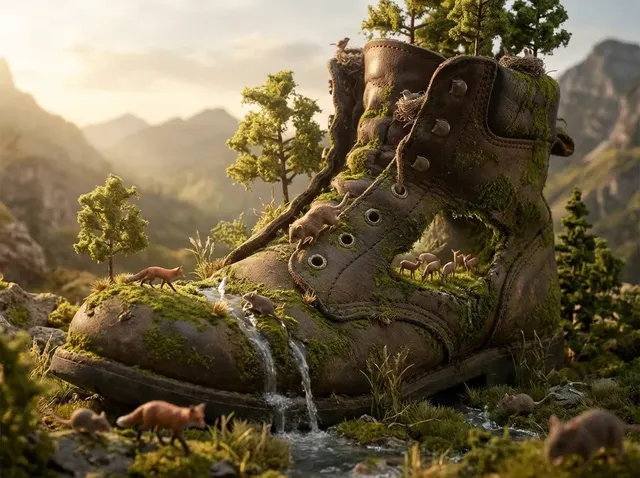
ai image generator insert image guide
Use ai image generator insert image to create scenes with inserted elements using text. Describe the setting and objects you want placed within it, then.
AI Image Generator
0/20000 characters
My images
Loading...
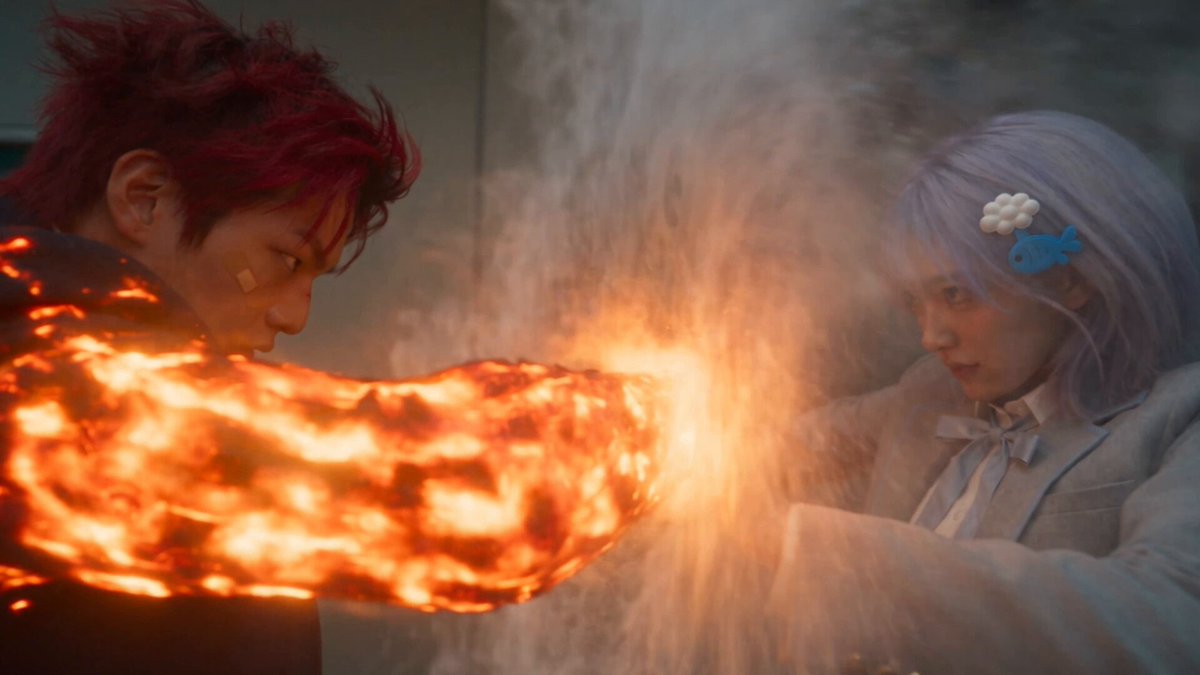

How do I insert elements into a scene with AI?
An AI image generator creates composite scenes from your text description. You describe the background setting first, then specify the elements you want inserted—objects, characters, or features—and where they should appear using spatial language like 'in the foreground', 'on the left', or 'at the center'. The generator interprets your description and produces a complete scene with the inserted elements integrated into the setting. This approach works well for placing subjects in contexts that would be difficult or impossible to photograph.
ai image generator insert image guide
Object in a room scene
Input
Minimalist modern living room with a large arched window, a vintage turntable on a walnut console table, afternoon sunlight streaming in
Expected output
A clean interior scene with the described window, turntable, console, and warm afternoon lighting throughout the space.
Building in a landscape
Input
Snowy mountain landscape with a single glass cabin nestled among pine trees at the base, smoke rising from chimney, twilight blue lighting
Expected output
A mountain scene with a glass cabin integrated into the forest, warm light from the windows contrasting with cool twilight colours.
Character in a setting
Input
Busy outdoor market scene with a young woman in a yellow dress standing at a fruit stall, colourful produce, morning sunlight
Expected output
A vibrant market scene with the woman as the focal point, surrounded by colourful fruit stalls and morning atmosphere.
Generate images where new elements are placed into a described scene
Build scenes by layering
Describe the background setting and the elements you want to appear in it for a complete scene.
Place subjects in any context
Put objects or characters into settings that would be difficult or impossible to photograph.
Control composition
Describe where each element should be placed in the frame for precise layout.
How It Works
1
Describe the desired image.
Describe the desired image.
2
Choose the available generation settings.
Choose the available generation settings.
3
Generate, review, and download a suitable result.
Generate, review, and download a suitable result.
Scene composition tips
Describe the arrangement of elements in the scene to control the composition.
Input Constraints
- Start with the overall setting, then describe the specific elements to insert.
- Use spatial terms like 'in the foreground', 'to the right', 'at centre', or 'in the background'.
- Describe the lighting condition that applies to the entire scene.
- Mention scale and proportion to help elements fit naturally together.
- Keep the number of key elements to three or fewer for a focused composition.
Practical Tips
- Describe the interaction between elements — a person looking at an object reads more naturally than a person and an object listed separately.
- Use consistent lighting and colour temperature for all elements in the scene.
- If the inserted element looks disconnected, describe how it interacts with the setting.
Privacy
- Do not upload personal or sensitive material unless you have permission to use it.
Usage Rights
- Confirm that you have the rights needed for the inputs and intended use of the result.
Prompt recipes
Copy a structure, then adjust the subject, lighting, camera, and output details for your own result.
Product in lifestyle setting
A cozy kitchen countertop scene with a modern coffee maker in the center, morning sunlight from a window on the right, fresh croissants on a plate beside it, warm and inviting atmosphere
Setting description, product placement, lighting direction, and surrounding elements create a natural lifestyle product scene.
Vehicle in an environment
A red sports car parked on a winding coastal road at sunset, ocean and cliffs in the background, dramatic lighting with long shadows, cinematic composition
Vehicle subject, specific setting, time of day, and cinematic style integrate the car into a dramatic landscape.
Character in an interior
A chef in a white uniform cooking at a stove in a professional kitchen, pots and pans hanging in the background, steam rising from a pan, warm overhead lighting
Character action, setting details, background elements, and lighting create a complete kitchen scene.
Furniture in a room
A mid-century modern armchair positioned by a tall window with sheer curtains, a small side table with a lamp next to it, afternoon light casting soft shadows, calm reading nook atmosphere
Furniture placement, window context, accompanying objects, and lighting create a composed interior vignette.
Animal in a habitat
A red fox sitting on a mossy log in a dense autumn forest, fallen leaves on the ground, shafts of golden light filtering through the trees, peaceful woodland scene
Animal subject, natural setting, seasonal details, and lighting integrate the fox into an authentic habitat scene.
Best use cases
Match the workflow to the input you have and the result you need before opening the generator.
Product photography concepts
Input: Product description with lifestyle setting, lighting, and surrounding objects
Result: A product scene showing the item in a natural use context
Tool: Text to Image
Editorial illustration
Input: Character or object description with narrative setting and mood
Result: An illustrative scene supporting a story or article theme
Tool: Text to Image
Architectural visualization
Input: Building description with surrounding landscape and environmental context
Result: A structure integrated into a realistic or conceptual setting
Tool: Text to Image
Social media storytelling
Input: Scene description with focal element and atmospheric details
Result: A narrative visual for social posts or content campaigns
Tool: Text to Image
Limitations to know before generating
- The tool works from text descriptions, not by uploading an existing image to modify
- Composition quality depends on how clearly you describe spatial relationships and placement
- Complex scenes with many inserted elements may require multiple attempts to achieve natural integration
- Lighting and scale must be described consistently to avoid disconnected-looking elements
- You are responsible for reviewing results for realism and confirming rights for your intended use
Creative Suite: AI Video Generator & AI Image Generator Tools
Power up your creative workflow with our AI-driven tools. Generate stunning videos, create images, and apply custom adjustments - our AI Video Generator and AI Image Generator offer a complete solution for all your creative needs.
Strictly Prohibits Adult/NSFW Content








Pricing
Choose the credit package that works best for you.
No hidden fees • Cancel anytime • Unused credits roll over
Starter
Perfect for trying out AI creation.
Credits
200 credits / month
- Up to 20 videos per month
- Up to 100 images per month
$6.99/ month$9.9930% OFF
Billed monthly
First-time subscribers get 30% off their first month, then standard price
What's included
- Credits never expire
- Standard models
- HD, Watermark-Free Downloads
- Private Generation
- Faster Generation Speed
- Ad-free experience
Basic
Perfect for light creators.
Credits
500 credits / month
- Up to 50 videos per month
- Up to 250 images per month
$13.99/ month$19.9930% OFF
Billed monthly
First-time subscribers get 30% off their first month, then standard price
What's included
- Credits never expire
- Standard models
- HD, Watermark-Free Downloads
- Private Generation
- Faster Generation Speed
- Ad-free experience
Pro
PopularBest value for creators
Credits
1,200 credits / month
- Up to 120 videos per month
- Up to 600 images per month
$39.99/ month
Billed monthly
What's included
- Credits never expire
- All models + Early access to new models
- HD, Watermark-Free Downloads
- Private Generation
- Faster Generation Speed
- Ultra HD resolution
- Ad-free experience
Ultra
For video creators and power users.
Credits
5,000 credits / month
- Up to 500 videos per month
- Up to 2,500 images per month
$99.99/ month
Billed monthly
What's included
- Credits never expire
- All models + Early access to new models
- HD, Watermark-Free Downloads
- Private Generation
- Faster Generation Speed
- Ultra HD resolution
- Ad-free experience
Free
Standard models only — upgrade to unlock premium models.
Credits
10 free credits on signup
Questions? Contact us at support@domer.io
Build scenes with inserted elements
Describe a setting and the objects or characters you want placed within it.