
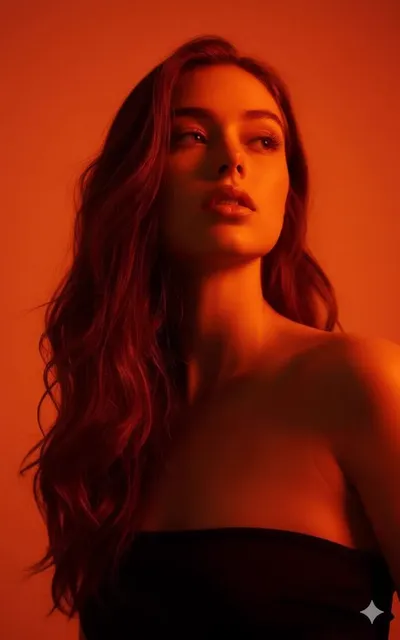
AI Image Generator Magic Studio
Turn creative descriptions into polished visuals with a studio-inspired workflow. Describe scenes, choose settings, and generate images you can review and.
AI Image Generator
0/20000 characters
My images
Loading...
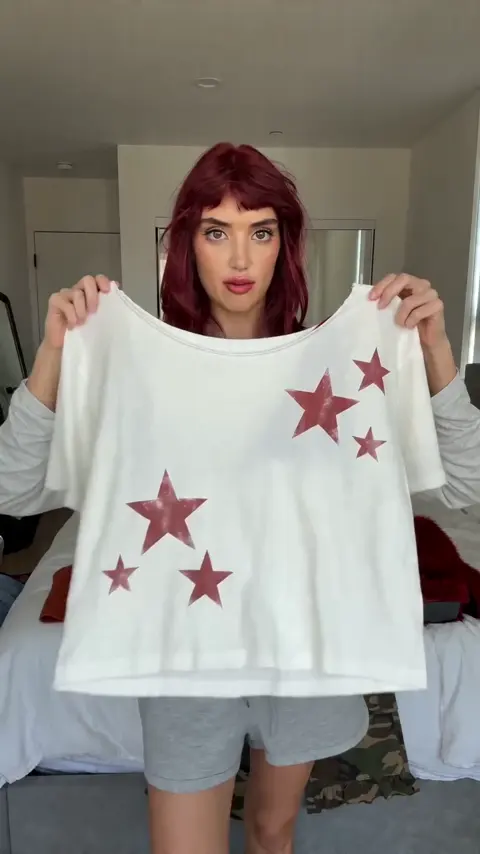
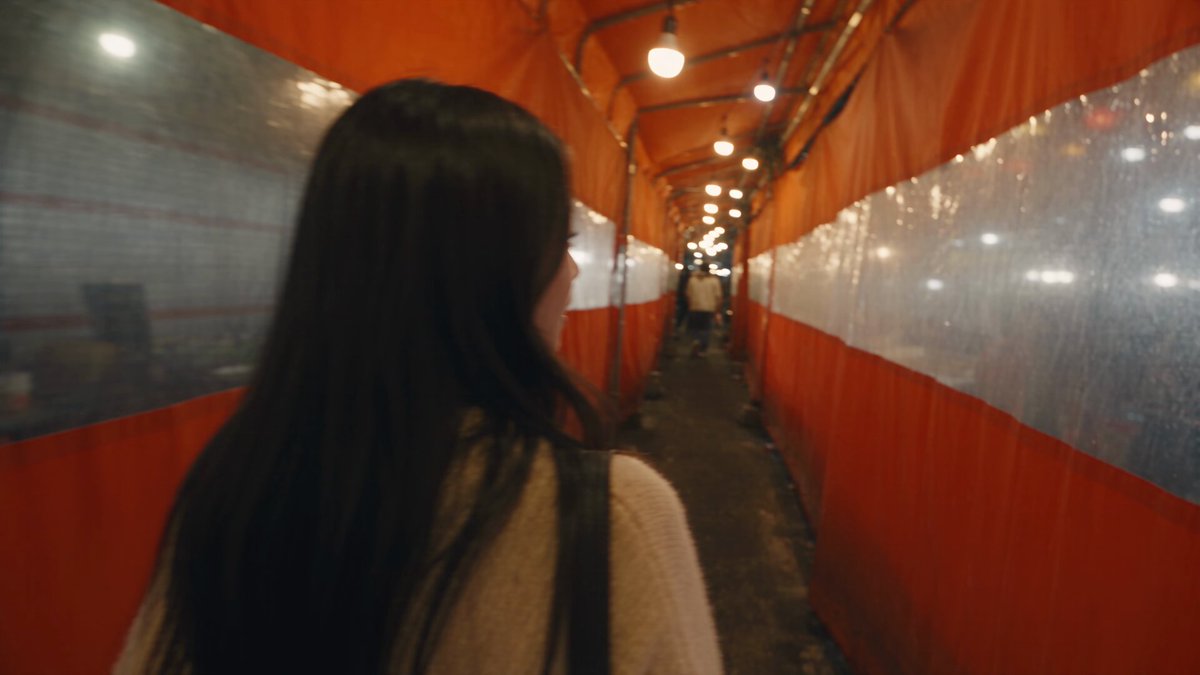
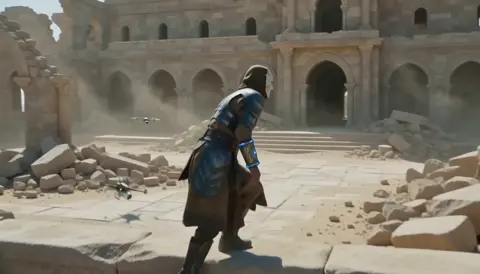
What is an AI image generator magic studio?
An AI image generator magic studio is a text-to-image workflow that lets you describe imaginative scenes—fantasy landscapes, artistic portraits, concept art—and generate studio-quality visuals without manual illustration. You write a detailed prompt about lighting, composition, and atmosphere, choose generation settings, then review and download the result.
AI Image Generator Magic Studio
Fantasy scene from a creative description
Input
A glowing crystal floating above a mossy stone pedestal in a dark cavern, surrounded by tiny floating lights
Expected output
A fantasy-style image showing a luminous crystal above a stone pedestal with floating light particles in a dark cave
Artistic portrait with magical elements
Input
A woman with flowing silver hair surrounded by swirling golden dust, dark background, dramatic studio lighting
Expected output
An artistic portrait with silver hair, golden particles, and dramatic studio lighting against a dark backdrop
Concept art for a creative project
Input
A floating island with an ancient stone archway, waterfalls cascading into clouds, sunset sky
Expected output
A concept art image of a floating island with an archway, waterfalls, and a sunset sky
Turn imaginative descriptions into polished visuals using a text-to-image workflow inspired by studio-quality production
Bring creative concepts to life
Describe imaginative scenes and subjects in text and generate visuals that match your creative vision without manual illustration.
Studio-quality results from prompts
Include lighting, composition, and atmosphere details to produce images with a polished, studio-quality look.
Explore creative directions through text
Experiment with different descriptions of the same concept to explore variations in style, mood, and composition.
How It Works
1
Describe the desired image
Describe the desired image.
2
Choose the available generation settings
Choose the available generation settings.
3
Generate, review, and download a suitable result
Generate, review, and download a suitable result.
Creating studio-quality creative images
Guidance for producing polished, imaginative visuals.
Input Constraints
- Be specific about the creative elements you want to include.
- Avoid describing copyrighted characters or trademarked designs.
- Keep the composition focused on one or two main subjects.
Practical Tips
- Describe the lighting as dramatic, soft, or atmospheric to set the mood.
- Include color palette cues like warm, cool, or monochromatic.
- Mention the visual style such as cinematic, painterly, or concept art.
- Specify the framing like close-up, wide shot, or portrait orientation.
Privacy
- Do not upload personal or sensitive material unless you have permission to use it.
Usage Rights
- Confirm that you have the rights needed for the inputs and intended use of the result.
Prompt recipes
Copy a structure, then adjust the subject, lighting, camera, and output details for your own result.
Fantasy landscape with atmospheric lighting
A vast enchanted forest at twilight with glowing mushrooms, mist rising from the ground, ancient stone ruins covered in vines, soft purple and blue ambient light filtering through tall trees
Combines specific setting elements (mushrooms, ruins, vines) with atmospheric lighting cues (twilight, purple-blue light, mist) to create a cohesive fantasy mood.
Dramatic character portrait with magical effects
A close-up portrait of a sorcerer with glowing blue eyes, energy crackling around their hands, dark hooded robe, stormy sky background, cinematic side lighting, intense expression
Focuses on one character with clear visual effects (glowing eyes, energy) and specific lighting (cinematic side light) to create studio-quality drama.
Concept art for a futuristic vehicle
A sleek flying motorcycle hovering above a neon-lit cyberpunk street, chrome and matte black finish, glowing engine trails, rain-slicked pavement reflections, wide-angle shot
Describes the subject, materials (chrome, matte black), environment (neon street, rain), and camera angle to guide composition and style.
Ethereal nature scene with soft light
A hidden waterfall in a bamboo forest, soft morning sunlight streaming through green leaves, delicate water droplets catching the light, serene and peaceful atmosphere, painterly style
Uses soft descriptors (morning sunlight, delicate droplets, serene) and a style keyword (painterly) to create a calm, artistic visual.
Epic action scene with dynamic composition
A knight in silver armor leaping across a stone bridge as it collapses, flames and debris in the background, dramatic low-angle shot, motion blur on falling rocks, heroic pose
Combines action elements (leaping, collapsing bridge, debris) with camera technique (low-angle, motion blur) to produce a dynamic, cinematic moment.
Best use cases
Match the workflow to the input you have and the result you need before opening the generator.
Storyboard a fantasy scene for a creative project
Input: Detailed description of setting, characters, lighting, and mood
Result: A polished concept art image that captures the scene's atmosphere and composition
Tool: Text to Image
Generate artistic portraits with magical or dramatic effects
Input: Character description with specific lighting, effects, and expression details
Result: A studio-quality character portrait with the requested visual effects
Tool: Text to Image
Visualize product or vehicle concepts with professional finish
Input: Object description including materials, environment, and camera angle
Result: A concept-art style image showing the object in a realistic or stylized setting
Tool: Text to Image
Explore variations of a creative idea quickly
Input: Base description with one element changed (color, lighting, angle, mood)
Result: Multiple versions of the same concept with different visual treatments
Tool: Text to Image
Limitations to know before generating
- Output quality depends on how clearly you describe lighting, composition, and atmosphere—vague prompts may produce generic results.
- Complex scenes with many characters or objects may not arrange as expected; simpler compositions are more predictable.
- The generator interprets your description but cannot guarantee exact placement or specific artistic techniques.
- Review all generated images for unintended visual artifacts or elements before use.
- Generated images may not be suitable for commercial use without verifying rights and permissions for your specific context.
Creative Suite: AI Video Generator & AI Image Generator Tools
Power up your creative workflow with our AI-driven tools. Generate stunning videos, create images, and apply custom adjustments - our AI Video Generator and AI Image Generator offer a complete solution for all your creative needs.
Strictly Prohibits Adult/NSFW Content








Pricing
Choose the credit package that works best for you.
No hidden fees • Cancel anytime • Unused credits roll over
Starter
Perfect for trying out AI creation.
Credits
200 credits / month
- Up to 20 videos per month
- Up to 100 images per month
$6.99/ month$9.9930% OFF
Billed monthly
First-time subscribers get 30% off their first month, then standard price
What's included
- Credits never expire
- Standard models
- HD, Watermark-Free Downloads
- Private Generation
- Faster Generation Speed
- Ad-free experience
Basic
Perfect for light creators.
Credits
500 credits / month
- Up to 50 videos per month
- Up to 250 images per month
$13.99/ month$19.9930% OFF
Billed monthly
First-time subscribers get 30% off their first month, then standard price
What's included
- Credits never expire
- Standard models
- HD, Watermark-Free Downloads
- Private Generation
- Faster Generation Speed
- Ad-free experience
Pro
PopularBest value for creators
Credits
1,200 credits / month
- Up to 120 videos per month
- Up to 600 images per month
$39.99/ month
Billed monthly
What's included
- Credits never expire
- All models + Early access to new models
- HD, Watermark-Free Downloads
- Private Generation
- Faster Generation Speed
- Ultra HD resolution
- Ad-free experience
Ultra
For video creators and power users.
Credits
5,000 credits / month
- Up to 500 videos per month
- Up to 2,500 images per month
$99.99/ month
Billed monthly
What's included
- Credits never expire
- All models + Early access to new models
- HD, Watermark-Free Downloads
- Private Generation
- Faster Generation Speed
- Ultra HD resolution
- Ad-free experience
Free
Standard models only — upgrade to unlock premium models.
Credits
10 free credits on signup
Questions? Contact us at support@domer.io
Create your first magic studio image
Open the text-to-image tool, describe a creative scene or subject, and generate a studio-quality visual.