
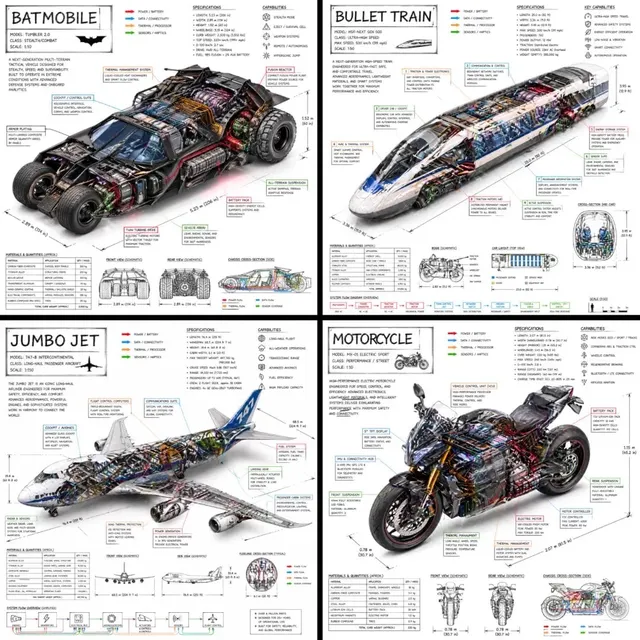
AI Image Generator Quality: Sharper Results
Write detailed prompts and adjust settings to improve image quality. Generate, review, and refine your descriptions for sharper, more detailed visuals.
AI Image Generator
0/20000 characters
My images
Loading...
How do you improve AI image generator quality?
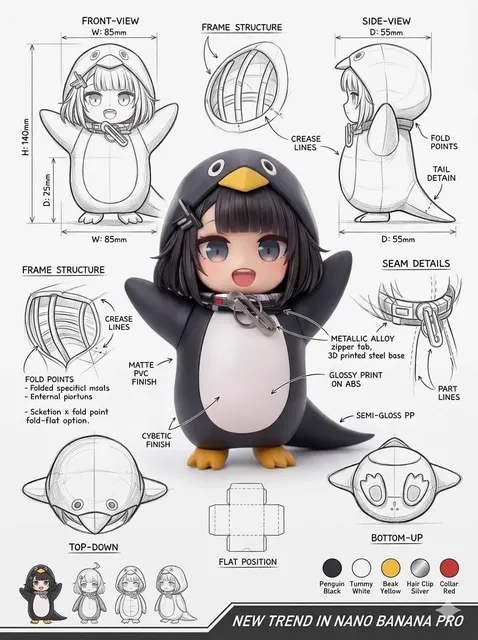
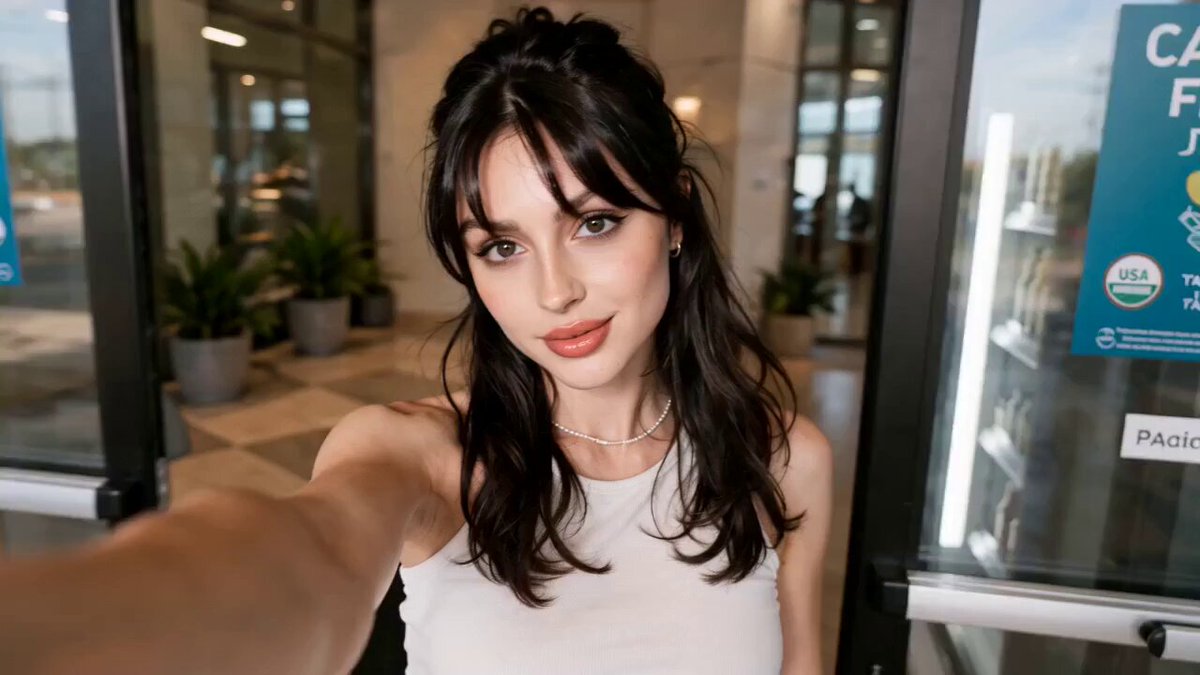
To improve AI image generator quality, write detailed prompts that include the subject, style, lighting, and mood. Adjust available settings and refine the description based on the result. More specific prompts and careful settings produce sharper, more detailed images.
AI Image Generator Quality: Sharper Results
a high-resolution landscape with specific lighting
Input
A detailed mountain landscape at sunrise, sharp peaks with snow, foreground wildflowers, golden hour light, high detail, wide-angle view
Expected output
An image showing the described landscape with sharp details, golden lighting, and clear foreground and background elements.
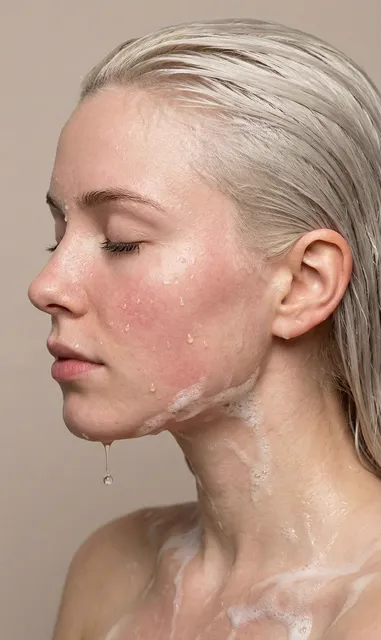
a detailed portrait with defined textures
Input
A close-up portrait of a person with detailed skin texture, soft window light from the side, shallow depth of field, professional photography style
Expected output
A portrait image reflecting the described lighting, texture detail, and camera depth.
an architectural visualization with precise styling
Input
A modern glass office building with clean lines, reflective windows, blue sky with clouds, midday sun, high detail, architectural photography
Expected output
An architectural image matching the described building style, lighting, and photographic detail level.
Improve generated image quality by writing detailed prompts, adjusting settings, and refining descriptions to produce sharper, more detailed results.
Improve output quality by refining prompt details
Adding specific details about subject, lighting, and composition helps the generator produce sharper, more accurate images.
Experiment with different descriptive language for better results
Trying different phrasings and style keywords lets you discover which prompts produce the highest quality output.
Adjust settings to match the quality level needed
Using available generation settings alongside detailed prompts gives you more control over the final result.
How It Works
1
1. Describe your image
Describe the desired image.
2
2. Adjust settings
Choose the available generation settings.
3
3. Generate and download
Generate, review, and download a suitable result.
Tips for better results
Small changes in wording can produce noticeably different outcomes.
Input Constraints
- Focus on the subject, setting, lighting, and mood.
- Avoid contradictory or impossible descriptions.
- Specify style preferences where relevant.
- Mention key details like color palette and composition.
- Keep prompts clear and specific rather than overly long.
Practical Tips
- Lead with the main subject, then add context.
- Use adjectives for mood, light, and texture.
- Mention art style or medium if you want a specific look.
- Review the result and refine the prompt for closer matches.
- Try different phrasings to explore visual alternatives.
Privacy
- Do not upload personal or sensitive material unless you have permission to use it.
Usage Rights
- Confirm that you have the rights needed for the inputs and intended use of the result.
Prompt recipes
Copy a structure, then adjust the subject, lighting, camera, and output details for your own result.
High-detail portrait with lighting cues
A close-up portrait with sharp focus on the eyes, soft side lighting from a window, visible skin texture, shallow depth of field, professional photography
Specifies focus area, lighting direction, texture detail, and photographic style to guide quality.
Landscape with foreground and background detail
A mountain landscape at sunrise with sharp snow-capped peaks in the background, wildflowers in the foreground, golden hour light, high detail
Names foreground and background elements, lighting, and detail level to create depth and clarity.
Product shot with texture and reflection
A stainless steel watch on a marble surface, reflections on the metal, side lighting, macro detail, high resolution
Describes material, surface, lighting, and detail level to produce a sharp commercial image.
Architectural detail with clean lines
A modern glass building facade with clean geometric lines, reflective windows, blue sky, midday sun, architectural photography, high sharpness
Specifies architectural elements, lighting, and photographic style to emphasize clarity and detail.
Nature closeup with shallow focus
A macro shot of a bee on a purple flower, shallow depth of field, soft bokeh background, morning light, high detail on the bee
Uses camera terms and focus cues to direct detail where it matters most.
Best use cases
Match the workflow to the input you have and the result you need before opening the generator.
Generate a high-quality product image
Input: Product name, material, lighting, surface, detail level
Result: A sharp product shot with clear details
Tool: Text to Image with detailed product prompt
Create a detailed landscape or nature scene
Input: Scene description, foreground and background, lighting, time of day
Result: A landscape image with depth and clarity
Tool: Text to Image with layered scene description
Produce a professional portrait
Input: Subject, lighting direction, focus area, texture, style
Result: A portrait with sharp focus and realistic lighting
Tool: Text to Image with portrait-focused prompt
Design an architectural visualization
Input: Building style, materials, lighting, perspective, detail level
Result: An architectural image with clean lines and sharpness
Tool: Text to Image with architectural keywords
Limitations to know before generating
- Image quality depends on prompt detail; vague descriptions produce lower-quality results.
- Generated images may still contain visual artifacts or inconsistencies even with detailed prompts.
- Text rendering in images is unreliable and often incorrect.
- Complex scenes with many objects may not achieve uniform quality across all elements.
- Available settings influence but do not guarantee specific resolution or sharpness.
Creative Suite: AI Video Generator & AI Image Generator Tools
Power up your creative workflow with our AI-driven tools. Generate stunning videos, create images, and apply custom adjustments - our AI Video Generator and AI Image Generator offer a complete solution for all your creative needs.
Strictly Prohibits Adult/NSFW Content








Pricing
Choose the credit package that works best for you.
No hidden fees • Cancel anytime • Unused credits roll over
Starter
Perfect for trying out AI creation.
Credits
200 credits / month
- Up to 20 videos per month
- Up to 100 images per month
$6.99/ month$9.9930% OFF
Billed monthly
First-time subscribers get 30% off their first month, then standard price
What's included
- Credits never expire
- Standard models
- HD, Watermark-Free Downloads
- Private Generation
- Faster Generation Speed
- Ad-free experience
Basic
Perfect for light creators.
Credits
500 credits / month
- Up to 50 videos per month
- Up to 250 images per month
$13.99/ month$19.9930% OFF
Billed monthly
First-time subscribers get 30% off their first month, then standard price
What's included
- Credits never expire
- Standard models
- HD, Watermark-Free Downloads
- Private Generation
- Faster Generation Speed
- Ad-free experience
Pro
PopularBest value for creators
Credits
1,200 credits / month
- Up to 120 videos per month
- Up to 600 images per month
$39.99/ month
Billed monthly
What's included
- Credits never expire
- All models + Early access to new models
- HD, Watermark-Free Downloads
- Private Generation
- Faster Generation Speed
- Ultra HD resolution
- Ad-free experience
Ultra
For video creators and power users.
Credits
5,000 credits / month
- Up to 500 videos per month
- Up to 2,500 images per month
$99.99/ month
Billed monthly
What's included
- Credits never expire
- All models + Early access to new models
- HD, Watermark-Free Downloads
- Private Generation
- Faster Generation Speed
- Ultra HD resolution
- Ad-free experience
Free
Standard models only — upgrade to unlock premium models.
Credits
10 free credits on signup
Questions? Contact us at support@domer.io
Try it with your own text
Open the generator, write a description of the image you want to create, choose your preferred settings, and see what the tool produces.