

AI Image Generator Suggestions
Turn text descriptions into custom images. Describe what you want to see, adjust settings, and generate visuals for any project in moments.
AI Image Generator
0/20000 characters
My images
Loading...
What are AI image generator suggestions?
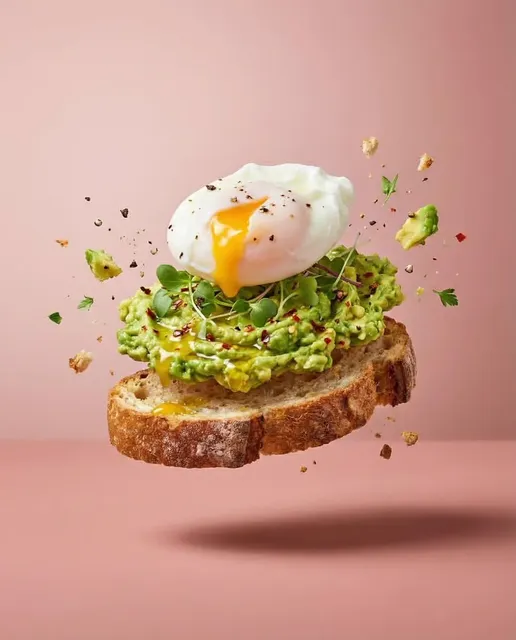
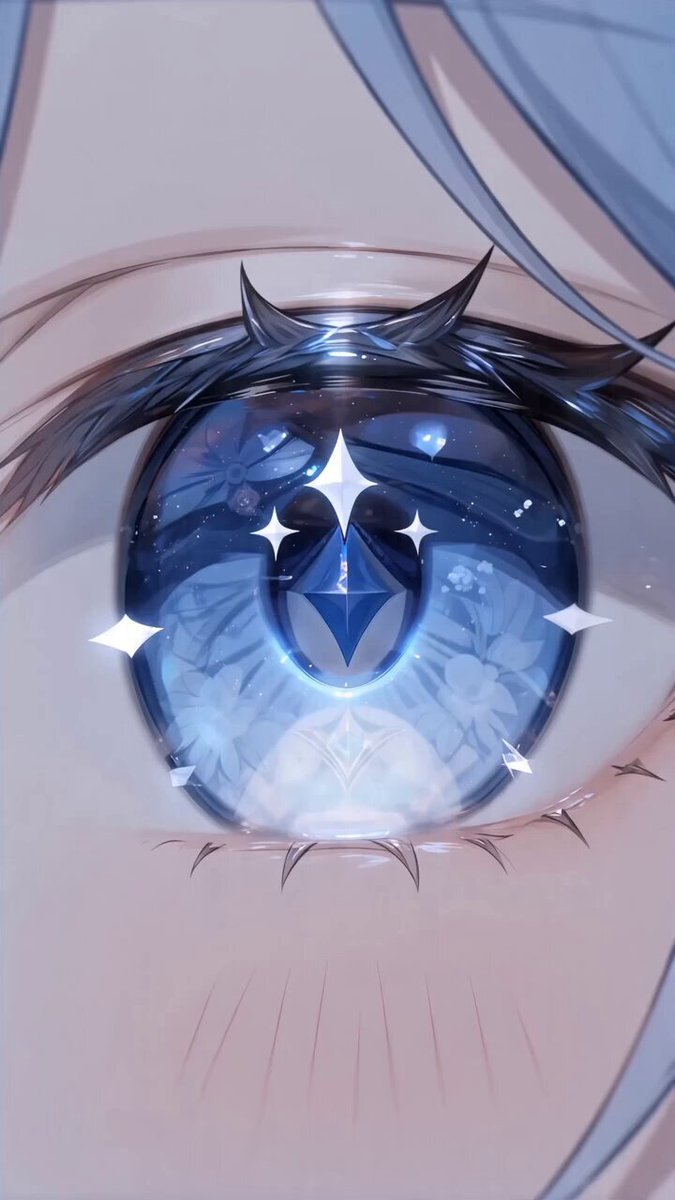
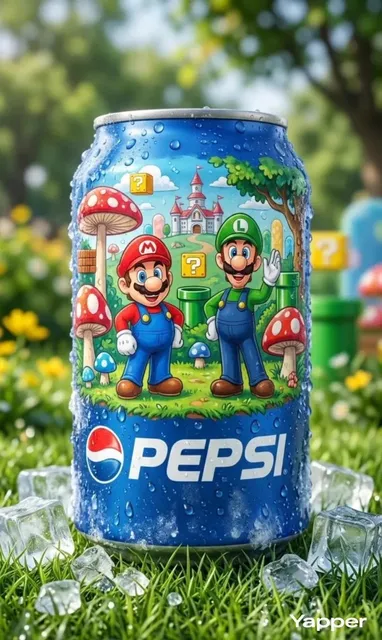
AI image generator suggestions refer to the practice of creating visual content by providing detailed text prompts to an AI tool. The generator interprets your description—subject, style, mood, setting—and produces matching images. It's useful for mood boards, marketing assets, concept art, and any project where you need visuals quickly without manual design work.
AI Image Generator Suggestions
Product concept visualization
Input
A minimalist wooden desk with built-in wireless charging, soft morning light, shallow depth of field
Expected output
A photorealistic image of a wooden desk with integrated charging, showing gentle shadows and a clean workspace composition
Social media visual
Input
A vibrant flat-lay composition of coffee, notebook, and fresh flowers on a marble surface, pastel color palette
Expected output
An aesthetically arranged flat-lay image with balanced pastel tones and natural lighting
Character or scene concept
Input
A futuristic city street at night with neon reflections on wet pavement, cyberpunk aesthetic, wide-angle view
Expected output
A cinematic cityscape image with neon-glowing storefronts, rain-slicked streets, and a moody atmospheric sky
Generate custom images from text descriptions for creative projects, marketing, and visual exploration.
Turn text into visuals instantly
Describe what you have in mind and get a generated image in moments, no design skills needed.
Explore multiple creative directions
Try different prompts, settings, and styles to compare variations before settling on a final look.
Works for any project type
From mood boards and marketing assets to concept art and personal projects, generate images for almost any need.
How It Works
1
Describe the desired image
Describe the desired image.
2
Choose the available generation settings
Choose the available generation settings.
3
Generate, review, and download a suitable result
Generate, review, and download a suitable result.
Tips for better results
A few things to keep in mind when generating images.
Input Constraints
- Be specific about the subject, setting, and visual style in your prompt.
- Keep descriptions within the character limit of the prompt field.
- Review generated images before using them in any project.
Practical Tips
- Start with a short prompt and add details as you refine the result.
- Mention lighting, color palette, and composition for more control over the output.
- Try different wording to get varied interpretations of the same idea.
Privacy
- Do not upload personal or sensitive material unless you have permission to use it.
Usage Rights
- Confirm that you have the rights needed for the inputs and intended use of the result.
Prompt recipes
Copy a structure, then adjust the subject, lighting, camera, and output details for your own result.
E-commerce product hero shot
Wireless noise-canceling headphones in matte black resting on a light oak surface, soft diffused studio lighting from above, minimal composition with negative space on the right
Specifies product, material, surface, lighting direction, and composition layout for a clean commercial look.
Editorial lifestyle scene
A breakfast table by a large window with croissants, coffee cup, and open magazine, natural morning sunlight casting soft shadows, warm neutral tones, overhead angle
Combines subject arrangement, lighting quality, color palette, and camera angle to create an editorial aesthetic.
Fantasy character concept
A forest mage with moss-covered cloak and glowing staff, standing in an ancient grove with shafts of golden light through the canopy, painterly illustration style
Describes character details, setting elements, lighting mood, and artistic style for cohesive concept art.
Abstract texture background
Swirling marble texture in deep teal and gold with fine metallic veins, high-resolution seamless pattern, luxury aesthetic
Defines texture type, color scheme, pattern requirement, and intended feel for background design use.
Architectural interior render
Modern minimalist living room with floor-to-ceiling windows, concrete walls, low-profile furniture, afternoon light creating geometric shadows, Scandinavian design
Specifies architectural elements, furniture style, lighting context, and design movement for realistic interior visualization.
Nature macro photography
Close-up of morning dew drops on a spider web with soft bokeh background, early sunrise golden light, shallow depth of field, delicate detail
Uses photography terminology—bokeh, depth of field, lighting time—to guide photorealistic macro output.
Best use cases
Match the workflow to the input you have and the result you need before opening the generator.
Marketing campaign visuals
Input: Product or service context with brand mood, target emotion, and composition notes
Result: On-brand images suitable for ads, social posts, or landing pages
Tool: Text to Image with style and mood keywords
Concept art for creative projects
Input: Character, environment, or prop descriptions with artistic style references
Result: Visual concepts to guide further design or illustration work
Tool: Text to Image with illustration or painting style terms
Mood boards and design exploration
Input: Aesthetic direction, color palette, and thematic keywords
Result: A collection of reference images to define visual direction
Tool: Text to Image with varied prompt iterations
Content creation for blogs or social media
Input: Scene or subject relevant to content topic, with composition and tone notes
Result: Ready-to-use images that visually support written content
Tool: Text to Image with context-specific descriptions
Limitations to know before generating
- Generated images should be reviewed for accuracy—hands, faces, text, and complex objects may show artifacts or distortion
- Style consistency across multiple generations requires careful prompt wording and may still show variation between outputs
- The tool does not guarantee commercial rights or copyright clearance—verify usage rights based on your specific application
- Abstract concepts or highly specific branded aesthetics may require multiple iterations to approximate your intended look
Creative Suite: AI Video Generator & AI Image Generator Tools
Power up your creative workflow with our AI-driven tools. Generate stunning videos, create images, and apply custom adjustments - our AI Video Generator and AI Image Generator offer a complete solution for all your creative needs.
Strictly Prohibits Adult/NSFW Content








Pricing
Choose the credit package that works best for you.
No hidden fees • Cancel anytime • Unused credits roll over
Starter
Perfect for trying out AI creation.
Credits
200 credits / month
- Up to 20 videos per month
- Up to 100 images per month
$6.99/ month$9.9930% OFF
Billed monthly
First-time subscribers get 30% off their first month, then standard price
What's included
- Credits never expire
- Standard models
- HD, Watermark-Free Downloads
- Private Generation
- Faster Generation Speed
- Ad-free experience
Basic
Perfect for light creators.
Credits
500 credits / month
- Up to 50 videos per month
- Up to 250 images per month
$13.99/ month$19.9930% OFF
Billed monthly
First-time subscribers get 30% off their first month, then standard price
What's included
- Credits never expire
- Standard models
- HD, Watermark-Free Downloads
- Private Generation
- Faster Generation Speed
- Ad-free experience
Pro
PopularBest value for creators
Credits
1,200 credits / month
- Up to 120 videos per month
- Up to 600 images per month
$39.99/ month
Billed monthly
What's included
- Credits never expire
- All models + Early access to new models
- HD, Watermark-Free Downloads
- Private Generation
- Faster Generation Speed
- Ultra HD resolution
- Ad-free experience
Ultra
For video creators and power users.
Credits
5,000 credits / month
- Up to 500 videos per month
- Up to 2,500 images per month
$99.99/ month
Billed monthly
What's included
- Credits never expire
- All models + Early access to new models
- HD, Watermark-Free Downloads
- Private Generation
- Faster Generation Speed
- Ultra HD resolution
- Ad-free experience
Free
Standard models only — upgrade to unlock premium models.
Credits
10 free credits on signup
Questions? Contact us at support@domer.io
Try AI Image Generation Now
Open the text-to-image tool and describe the image you want to create.