
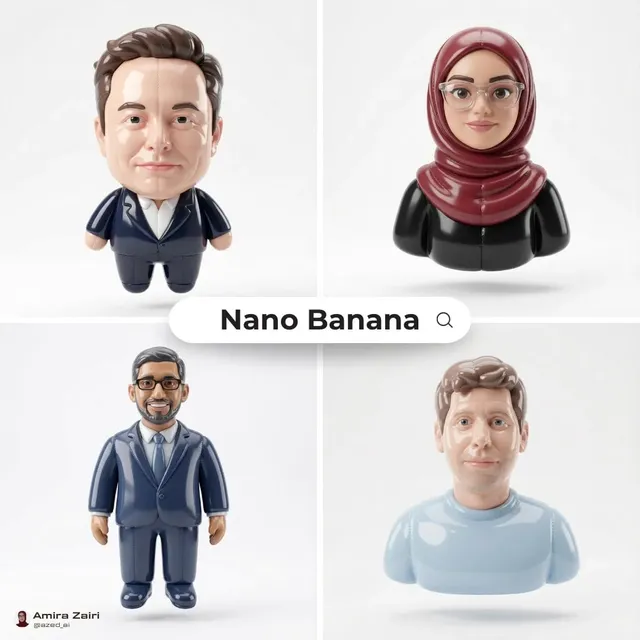
AI Image Generator Tutorials
Learn to generate images from text prompts. Follow practical examples—product concepts, social visuals, scene art—and see how prompt details shape the result.
AI Image Generator
0/20000 characters
My images
Loading...
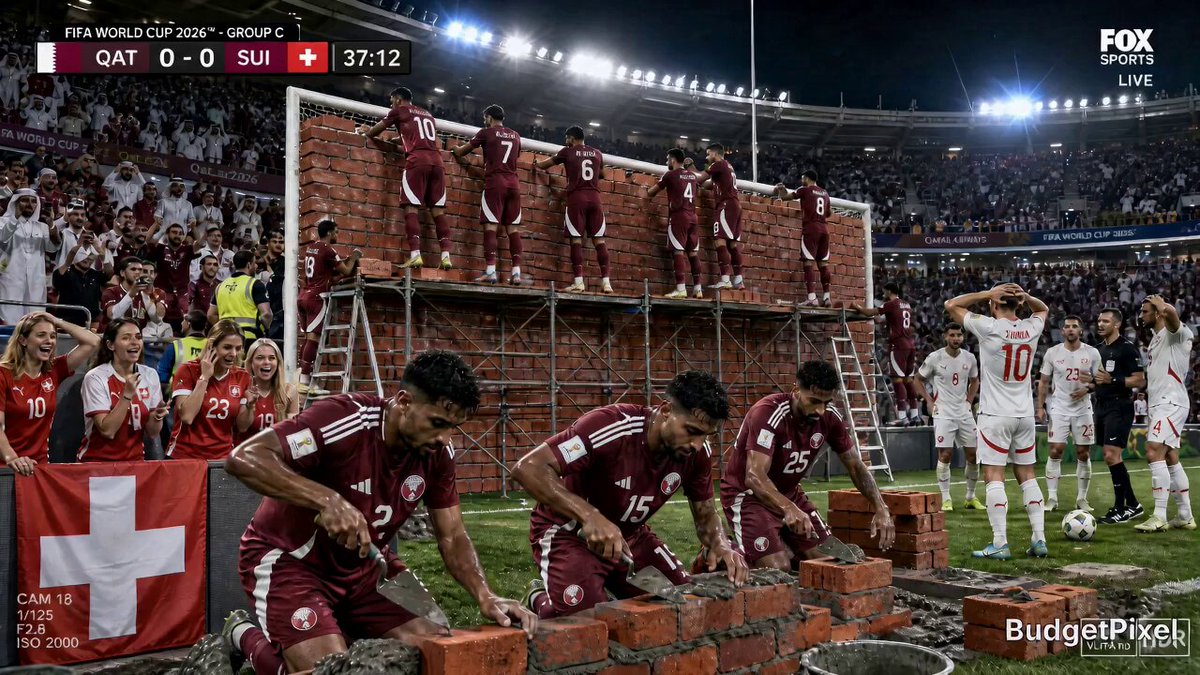
How do I use an AI image generator?
To use an AI image generator, write a text description of the image you want—including subject, setting, style, colors, and lighting—then generate the image. The more specific your prompt, the closer the output will match your intent. Review the result and refine your prompt as needed.
AI Image Generator Tutorials
Product concept visualization
Input
A minimalist wooden desk with built-in wireless charging, soft morning light, shallow depth of field
Expected output
A photorealistic image of a wooden desk with integrated charging, showing gentle shadows and a clean workspace composition
Social media flat-lay
Input
A vibrant flat-lay composition of coffee, notebook, and fresh flowers on a marble surface, pastel color palette
Expected output
An aesthetically arranged flat-lay image with balanced pastel tones and natural lighting
Character scene concept
Input
A futuristic city street at night with neon reflections on wet pavement, cyberpunk aesthetic, wide-angle view
Expected output
A cinematic cityscape image with neon-glowing storefronts, rain-slicked streets, and a moody atmospheric sky
Learn to generate useful images from text descriptions
Turn ideas into visuals instantly
Generate images from text prompts without design skills, making it easy to visualize concepts quickly.
Explore creative directions
Try different prompts, settings, and styles to compare variations before settling on a final look.
Works for diverse projects
Generate images for mood boards, marketing assets, concept art, social media, or personal projects.
How It Works
1
Write a descriptive text prompt
Describe the desired image.
2
Choose generation settings
Choose the available generation settings.
3
Review and refine
Generate, review, and download a suitable result.
Tips for effective prompts
Include subject, setting, lighting, colors, and style to get more accurate results.
Input Constraints
- Be specific about the subject, setting, and visual style
- Avoid contradictory instructions in the same prompt
- Review generated images before using them in any project
- Respect intellectual property when describing existing characters or styles
Practical Tips
- Start with a short prompt and add details as you refine the result
- Mention lighting: 'soft morning light', 'harsh shadows', 'golden hour glow'
- Describe color palette: 'pastel tones', 'vibrant neon', 'muted earth tones'
- Specify composition: 'close-up', 'wide-angle', 'centered subject', 'shallow depth of field'
- Try different wording to get varied interpretations of the same idea
Privacy
- Do not upload personal or sensitive material unless you have permission to use it.
Usage Rights
- Confirm that you have the rights needed for the inputs and intended use of the result.
Prompt recipes
Copy a structure, then adjust the subject, lighting, camera, and output details for your own result.
Product photography style
A sleek black wireless speaker on a white marble countertop, soft diffused lighting from above, minimalist composition with negative space on the right, professional product photography style
Combines product detail with professional lighting and composition cues, producing a clean, commercial-ready image.
Editorial lifestyle shot
A woman in a beige linen dress sitting by a large window with sheer curtains, holding a book, soft afternoon light, warm tones, editorial fashion photography style
Describes subject, pose, setting, and lighting with editorial context, creating a natural, magazine-quality image.
Concept art for storytelling
A lone astronaut standing on a rocky alien planet surface, two moons visible in a purple-tinted sky, distant mountains, cinematic wide-angle composition, sci-fi concept art style
Includes setting, atmospheric details, and cinematic framing, ideal for narrative concept development.
Social media graphic
A flat-lay of a laptop, coffee cup, succulent plant, and notebook on a light wood desk, top-down view, bright and airy aesthetic, Instagram-style composition
Specifies layout, angle, and social media context, producing a ready-to-post visual with popular aesthetic appeal.
Atmospheric landscape
A misty forest with sunlight streaming through tall pine trees, soft fog at ground level, early morning, green and gold tones, peaceful natural scene
Combines atmospheric effects with lighting and color palette, creating a serene, immersive landscape image.
Abstract texture background
A close-up abstract texture of layered watercolor paint in blue, teal, and white, organic flowing shapes, soft gradients, suitable for a presentation background
Describes medium, color, and use case, resulting in a versatile abstract image for design projects.
Best use cases
Match the workflow to the input you have and the result you need before opening the generator.
Marketing team creating ad visuals
Input: Product or scene description with brand colors, lighting, and composition notes
Result: High-quality images for social ads, landing pages, or email campaigns
Tool: /text-to-image
Content creator building a mood board
Input: Multiple prompts covering different aesthetics, colors, and subjects
Result: Range of concept images to guide project direction
Tool: /text-to-image
Designer prototyping visual concepts
Input: Detailed prompt with style, lighting, and composition specifics
Result: Concept visual to share with clients or team before final design
Tool: /text-to-image
Blogger needing custom imagery
Input: Scene or subject description matching article theme and tone
Result: Unique images that align with blog content and brand aesthetic
Tool: /text-to-image
Limitations to know before generating
- Results depend on prompt clarity; vague or contradictory descriptions may produce unexpected output.
- The tool generates images based on your text; it cannot read your mind or infer unstated details.
- Complex scenes with many elements may require multiple iterations to achieve the desired composition.
- Review usage rights before publishing or selling generated images; confirm you have the necessary permissions.
Creative Suite: AI Video Generator & AI Image Generator Tools
Power up your creative workflow with our AI-driven tools. Generate stunning videos, create images, and apply custom adjustments - our AI Video Generator and AI Image Generator offer a complete solution for all your creative needs.
Strictly Prohibits Adult/NSFW Content








Pricing
Choose the credit package that works best for you.
No hidden fees • Cancel anytime • Unused credits roll over
Starter
Perfect for trying out AI creation.
Credits
200 credits / month
- Up to 20 videos per month
- Up to 100 images per month
$6.99/ month$9.9930% OFF
Billed monthly
First-time subscribers get 30% off their first month, then standard price
What's included
- Credits never expire
- Standard models
- HD, Watermark-Free Downloads
- Private Generation
- Faster Generation Speed
- Ad-free experience
Basic
Perfect for light creators.
Credits
500 credits / month
- Up to 50 videos per month
- Up to 250 images per month
$13.99/ month$19.9930% OFF
Billed monthly
First-time subscribers get 30% off their first month, then standard price
What's included
- Credits never expire
- Standard models
- HD, Watermark-Free Downloads
- Private Generation
- Faster Generation Speed
- Ad-free experience
Pro
PopularBest value for creators
Credits
1,200 credits / month
- Up to 120 videos per month
- Up to 600 images per month
$39.99/ month
Billed monthly
What's included
- Credits never expire
- All models + Early access to new models
- HD, Watermark-Free Downloads
- Private Generation
- Faster Generation Speed
- Ultra HD resolution
- Ad-free experience
Ultra
For video creators and power users.
Credits
5,000 credits / month
- Up to 500 videos per month
- Up to 2,500 images per month
$99.99/ month
Billed monthly
What's included
- Credits never expire
- All models + Early access to new models
- HD, Watermark-Free Downloads
- Private Generation
- Faster Generation Speed
- Ultra HD resolution
- Ad-free experience
Free
Standard models only — upgrade to unlock premium models.
Credits
10 free credits on signup
Questions? Contact us at support@domer.io
Start generating images now
Open the text-to-image tool, describe what you want to see, and create your first image.