
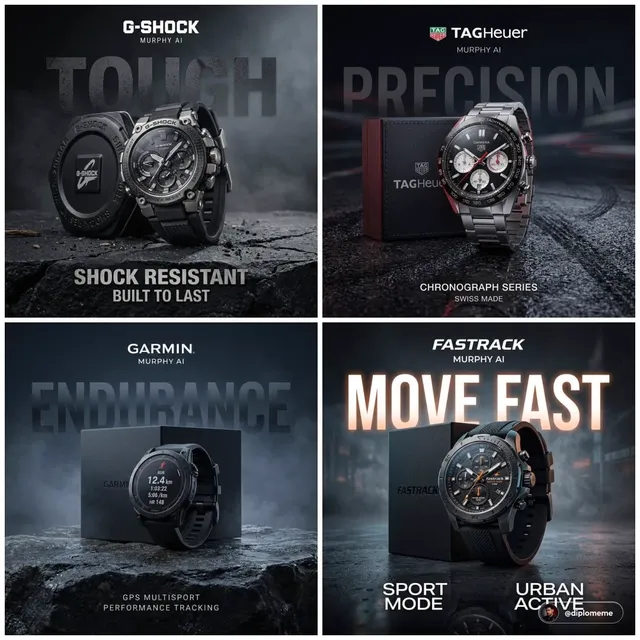
AI Image Generator UI Design
Use ai image generator ui design to create UI design mockups and interface concepts from text. Visualize app screens, landing pages, and dashboards without.
AI Image Generator
0/20000 characters
My images
Loading...

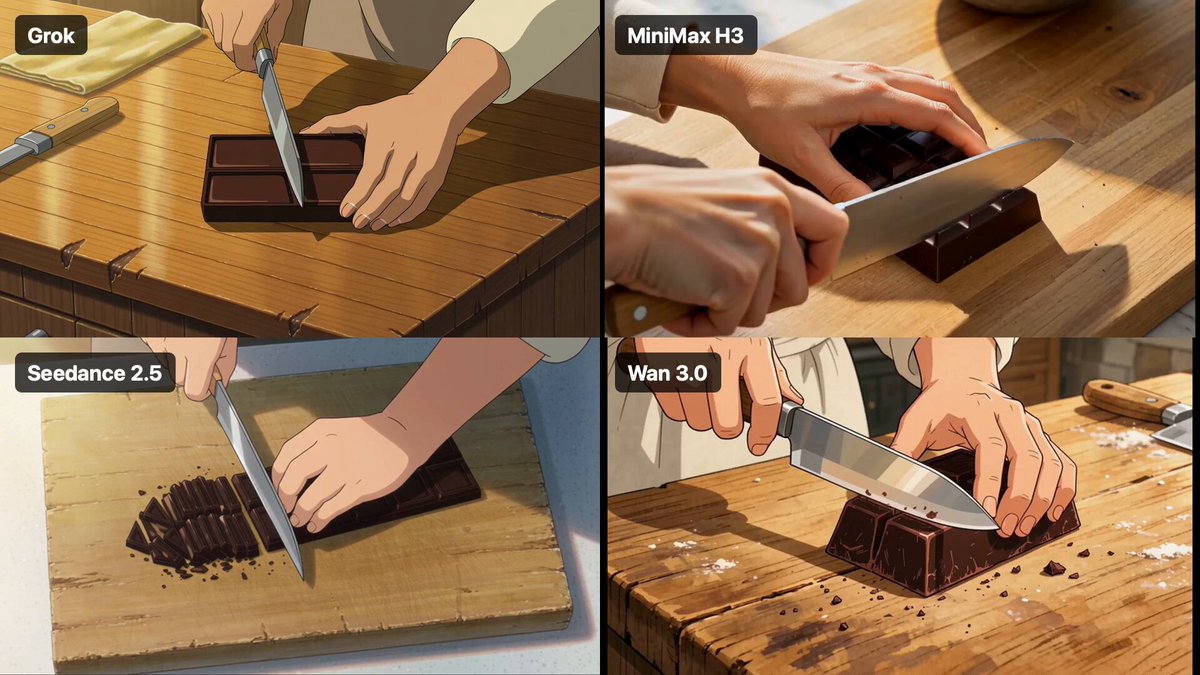
How do you generate UI design mockups with AI?
Describe the interface type, layout structure, key UI elements, and visual style in your prompt. The generator creates a visual mockup based on your description—useful for wireframing, exploring design directions, and communicating concepts before detailed design work.
AI Image Generator UI Design
Mobile App Dashboard
Input
Mobile app dashboard screen with modern card layout, health stats widgets, clean white background, soft shadows, teal accent color
Expected output
A mobile UI concept with card-based layout, health data visualizations, and modern spacing
Landing Page Hero
Input
Landing page hero section with clean typography, left-aligned headline, right-side illustration placeholder, gradient button, minimal design
Expected output
A landing page hero layout with typography hierarchy and visual balance
Settings Panel
Input
Settings panel UI concept with toggle controls, grouped sections, sidebar navigation, light mode, organized rows with icons
Expected output
A settings interface with structured sections, toggle switches, and navigation elements
Generate visual UI design mockups and interface concepts from text descriptions for wireframing, layout exploration, and stakeholder presentations.
Speed Up Wireframing
Quickly generate visual concepts for layout exploration without starting from scratch in design tools.
Explore Design Directions
Try multiple visual approaches by adjusting your prompt to see different styles, layouts, and color schemes.
Communicate Concepts
Share visual ideas with stakeholders or team members before committing to detailed mockups.
How It Works
1
Describe Your Image
Describe the desired image.
2
Adjust Settings
Choose the available generation settings.
3
Generate and Download
Generate, review, and download a suitable result.
Tips for Great Results
Follow these guidelines to get the best possible images from your prompts.
Input Constraints
- Keep descriptions focused on the main subject and setting
- Avoid requesting real people, copyrighted characters, or private content
- Specify the mood, lighting, or artistic style you want
Practical Tips
- Use descriptive adjectives for better results
- Include references to art styles or photographic techniques
- Mention lighting direction and color temperature for realistic images
- Start simple and add details gradually
- Try multiple variations of the same prompt
Privacy
- Do not upload personal or sensitive material unless you have permission to use it.
Usage Rights
- Confirm that you have the rights needed for the inputs and intended use of the result.
Prompt recipes
Copy a structure, then adjust the subject, lighting, camera, and output details for your own result.
E-Commerce Product Grid
E-commerce product grid layout, 3 columns, product photos with titles and prices below, clean white background, subtle shadows, modern sans-serif font
Specifies layout structure, content hierarchy, and visual style, giving the AI clear UI composition cues.
Dark Mode Dashboard
Dark mode analytics dashboard with line charts, KPI cards at top, dark blue-gray background, neon accent highlights, glowing data points
Combines layout elements (charts, cards) with visual style (dark mode, neon accents) for a cohesive UI concept.
Onboarding Screen
Mobile onboarding screen with centered illustration, headline above, short description text, skip button top-right, next button bottom
Describes spatial arrangement and UI controls, helping the generator understand mobile interface structure.
SaaS Pricing Table
Pricing table with three tiers, center tier highlighted with color border, feature checkmarks in rows, clean card design, soft shadows
Details the layout pattern (three tiers, highlight), visual hierarchy (center emphasis), and styling cues.
Login Form Concept
Login form UI with email and password fields, rounded input boxes, gradient login button, 'Forgot password' link below, centered layout
Specifies form elements, styling details, and layout alignment for a clear UI concept.
Best use cases
Match the workflow to the input you have and the result you need before opening the generator.
Early-stage wireframing
Input: Layout type, key sections, and rough content structure
Result: Visual wireframe concept with spatial layout
Tool: Text to Image with UI structure keywords
Design style exploration
Input: Interface type with color scheme, typography, and mood
Result: Styled UI concept showing visual direction
Tool: Text to Image with style and color descriptors
Stakeholder presentation
Input: Screen type, key features, and branding cues
Result: Polished visual concept for discussion
Tool: Text to Image with brand and layout details
Component ideation
Input: Specific UI component with interaction hints
Result: Component concept with visual treatment
Tool: Text to Image with component and style keywords
Limitations to know before generating
- Generated mockups are visual concepts, not functional or interactive interfaces.
- Text, icons, and fine details may not render accurately—consider them placeholder representations.
- Complex layouts with many UI elements can produce inconsistent or unclear results.
- Not a replacement for detailed design tools—use for ideation and early exploration.
Creative Suite: AI Video Generator & AI Image Generator Tools
Power up your creative workflow with our AI-driven tools. Generate stunning videos, create images, and apply custom adjustments - our AI Video Generator and AI Image Generator offer a complete solution for all your creative needs.
Strictly Prohibits Adult/NSFW Content








Pricing
Choose the credit package that works best for you.
No hidden fees • Cancel anytime • Unused credits roll over
Starter
Perfect for trying out AI creation.
Credits
200 credits / month
- Up to 20 videos per month
- Up to 100 images per month
$6.99/ month$9.9930% OFF
Billed monthly
First-time subscribers get 30% off their first month, then standard price
What's included
- Credits never expire
- Standard models
- HD, Watermark-Free Downloads
- Private Generation
- Faster Generation Speed
- Ad-free experience
Basic
Perfect for light creators.
Credits
500 credits / month
- Up to 50 videos per month
- Up to 250 images per month
$13.99/ month$19.9930% OFF
Billed monthly
First-time subscribers get 30% off their first month, then standard price
What's included
- Credits never expire
- Standard models
- HD, Watermark-Free Downloads
- Private Generation
- Faster Generation Speed
- Ad-free experience
Pro
PopularBest value for creators
Credits
1,200 credits / month
- Up to 120 videos per month
- Up to 600 images per month
$39.99/ month
Billed monthly
What's included
- Credits never expire
- All models + Early access to new models
- HD, Watermark-Free Downloads
- Private Generation
- Faster Generation Speed
- Ultra HD resolution
- Ad-free experience
Ultra
For video creators and power users.
Credits
5,000 credits / month
- Up to 500 videos per month
- Up to 2,500 images per month
$99.99/ month
Billed monthly
What's included
- Credits never expire
- All models + Early access to new models
- HD, Watermark-Free Downloads
- Private Generation
- Faster Generation Speed
- Ultra HD resolution
- Ad-free experience
Free
Standard models only — upgrade to unlock premium models.
Credits
10 free credits on signup
Questions? Contact us at support@domer.io
Generate Your UI Design Concept Now
Open the tool and turn your text description into a custom UI design visual.