
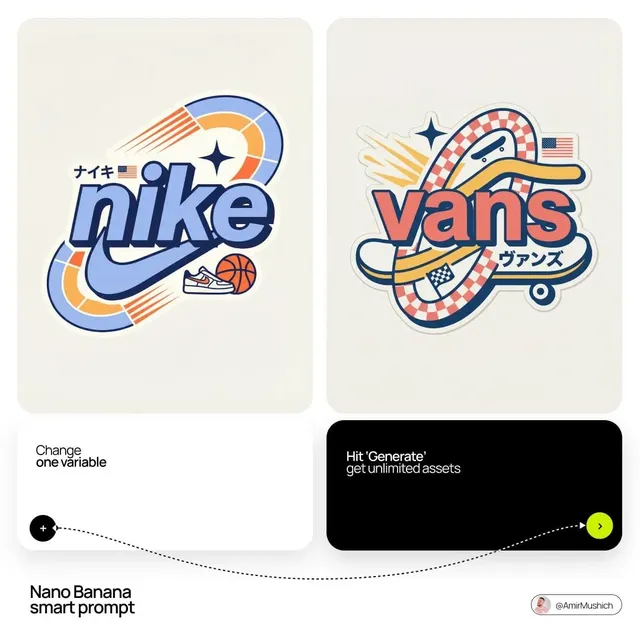
AI Image Generator Using Base Image
Use ai image generator using base image to create variations from a described base concept. Describe a starting visual, specify changes, choose settings, and.
AI Image Generator
0/20000 characters
My images
Loading...

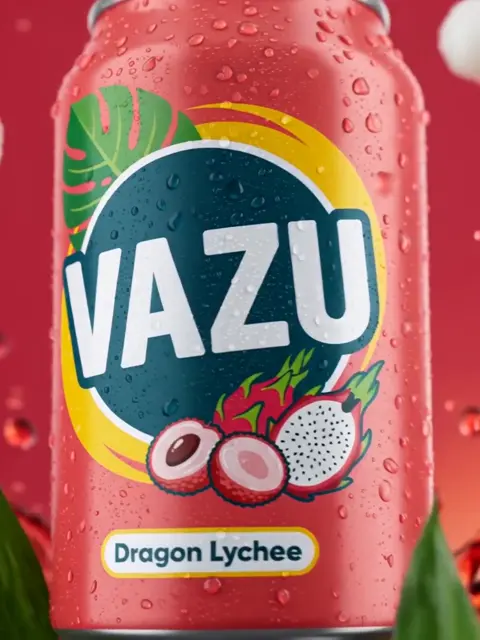
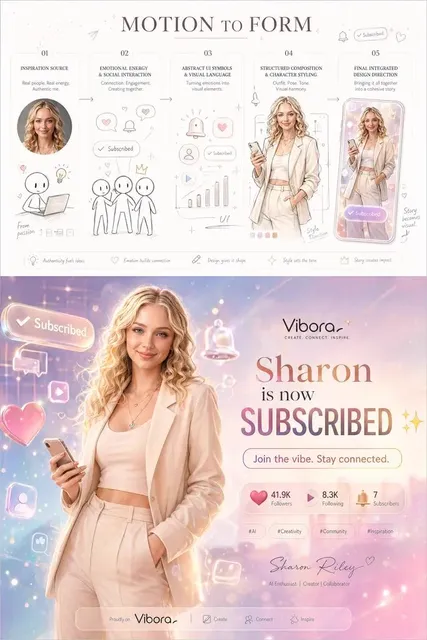
How do I use a base image with this generator?
This generator works from text descriptions. Describe the base visual concept you have in mind, then specify the changes you want—style shift, mood transformation, background replacement, or color palette change. The tool generates a new image based on your description.
AI Image Generator Using Base Image
Style change on scene
Input
A city skyline described as a base reference, changing the style to a watercolor painting with loose brush strokes
Expected output
A city skyline rendered as a loose watercolor painting with bleeding colors and brush strokes
Subject variation
Input
A portrait of a person described as a base reference, changing the background to a futuristic cityscape
Expected output
A portrait composition with the subject in a futuristic city environment background
Mood transformation
Input
A garden scene described as a base, transforming the mood from sunny to dark and stormy with dramatic clouds
Expected output
The same garden transformed into a dramatic storm scene with dark clouds and moody lighting
Generate image variations by describing a base concept and the specific transformations you want to apply
Reference-based iteration
Use a described base image as a starting point and iterate on style, setting, or mood through text changes.
Controlled transformation
Change specific aspects of an image while keeping the core subject intact by describing what stays vs changes.
Creative exploration
Take one concept through multiple visual treatments by varying your prompt around a consistent base reference.
How It Works
1
Describe
Describe the desired image.
2
Configure
Choose the available generation settings.
3
Generate
Generate, review, and download a suitable result.
Best practices
Tips for getting the best results
Input Constraints
- Avoid describing content you do not have permission to use
- Keep prompts clear and specific for more accurate results
- Review outputs before sharing or publishing
Practical Tips
- Include subject, setting, lighting, and mood in your prompt
- Add style references like photo, painting, or sketch for different looks
- Start simple and add details gradually to refine results
- Specify colors and composition for more control
- Use neutral terms for available settings
- Regenerate with small prompt changes to explore variations
Privacy
- Do not upload personal or sensitive material unless you have permission to use it.
Usage Rights
- Confirm that you have the rights needed for the inputs and intended use of the result.
Prompt recipes
Copy a structure, then adjust the subject, lighting, camera, and output details for your own result.
Transform time of day on a landscape
A beach scene as a base reference, change the lighting from midday to sunset with warm orange and pink sky, long shadows on the sand
Keeps the core scene intact while transforming mood and atmosphere through lighting and color, showing how time-of-day shifts affect the same location.
Style transfer from photo to painting
A mountain landscape as a base reference, transform into an impressionist oil painting style with visible brush strokes, vibrant blues and greens
Changes rendering style while preserving the subject and composition, useful for exploring artistic interpretations of a concept.
Season change on the same scene
A forest path as a base reference, transform from summer to winter with snow covering the ground and trees, overcast gray sky
Maintains location and composition while changing seasonal elements, demonstrating controlled environmental transformation.
Color palette replacement
An interior living room as a base reference, replace the warm earth tones with cool blues and grays, keep the furniture layout the same
Isolates color palette as the variable while preserving spatial composition, useful for design exploration and mood testing.
Add or remove elements from a base scene
A city street as a base reference, remove all vehicles and people to create an empty post-apocalyptic atmosphere, add overgrown vegetation
Describes specific additions and subtractions from the base concept, showing how to maintain a setting while changing its narrative.
Best use cases
Match the workflow to the input you have and the result you need before opening the generator.
Explore style variations on the same subject
Input: Describe the base subject and composition, then specify the style change
Result: Multiple style interpretations of the same concept
Tool: Text to Image with style keywords like 'watercolor', 'photorealistic', 'sketch'
Test mood or atmosphere changes on a scene
Input: Describe the base scene, then specify lighting, weather, or color changes
Result: The same scene with transformed mood
Tool: Text to Image with lighting and atmosphere keywords
Iterate on design concepts with controlled changes
Input: Describe the base design, isolate the variable you want to change
Result: Design iterations with specific differences
Tool: Text to Image with precise descriptions of changes
Generate before/after visual comparisons
Input: Describe the base state, then generate a second prompt with the transformation
Result: Two images showing transformation from base to result
Tool: Text to Image with consistent base description and clear change specification
Limitations to know before generating
- The tool does not accept uploaded image files—describe the base concept in text
- Results are interpretations based on your description, not pixel-accurate transformations
- Complex transformations may require multiple generation attempts with refined prompts
- Consistency between base and variation depends on prompt clarity and specificity
- Review rights and suitability before using generated variations in commercial projects
Creative Suite: AI Video Generator & AI Image Generator Tools
Power up your creative workflow with our AI-driven tools. Generate stunning videos, create images, and apply custom adjustments - our AI Video Generator and AI Image Generator offer a complete solution for all your creative needs.
Strictly Prohibits Adult/NSFW Content








Pricing
Choose the credit package that works best for you.
No hidden fees • Cancel anytime • Unused credits roll over
Starter
Perfect for trying out AI creation.
Credits
200 credits / month
- Up to 20 videos per month
- Up to 100 images per month
$6.99/ month$9.9930% OFF
Billed monthly
First-time subscribers get 30% off their first month, then standard price
What's included
- Credits never expire
- Standard models
- HD, Watermark-Free Downloads
- Private Generation
- Faster Generation Speed
- Ad-free experience
Basic
Perfect for light creators.
Credits
500 credits / month
- Up to 50 videos per month
- Up to 250 images per month
$13.99/ month$19.9930% OFF
Billed monthly
First-time subscribers get 30% off their first month, then standard price
What's included
- Credits never expire
- Standard models
- HD, Watermark-Free Downloads
- Private Generation
- Faster Generation Speed
- Ad-free experience
Pro
PopularBest value for creators
Credits
1,200 credits / month
- Up to 120 videos per month
- Up to 600 images per month
$39.99/ month
Billed monthly
What's included
- Credits never expire
- All models + Early access to new models
- HD, Watermark-Free Downloads
- Private Generation
- Faster Generation Speed
- Ultra HD resolution
- Ad-free experience
Ultra
For video creators and power users.
Credits
5,000 credits / month
- Up to 500 videos per month
- Up to 2,500 images per month
$99.99/ month
Billed monthly
What's included
- Credits never expire
- All models + Early access to new models
- HD, Watermark-Free Downloads
- Private Generation
- Faster Generation Speed
- Ultra HD resolution
- Ad-free experience
Free
Standard models only — upgrade to unlock premium models.
Credits
10 free credits on signup
Questions? Contact us at support@domer.io
Ready to create your image?
Open the AI image generator and describe what you want to see.