

AI Image Generator Using Image
Generate images from text descriptions. Describe what you want to create, choose settings, and download the result for your project.
AI Image Generator
0/20000 characters
My images
Loading...
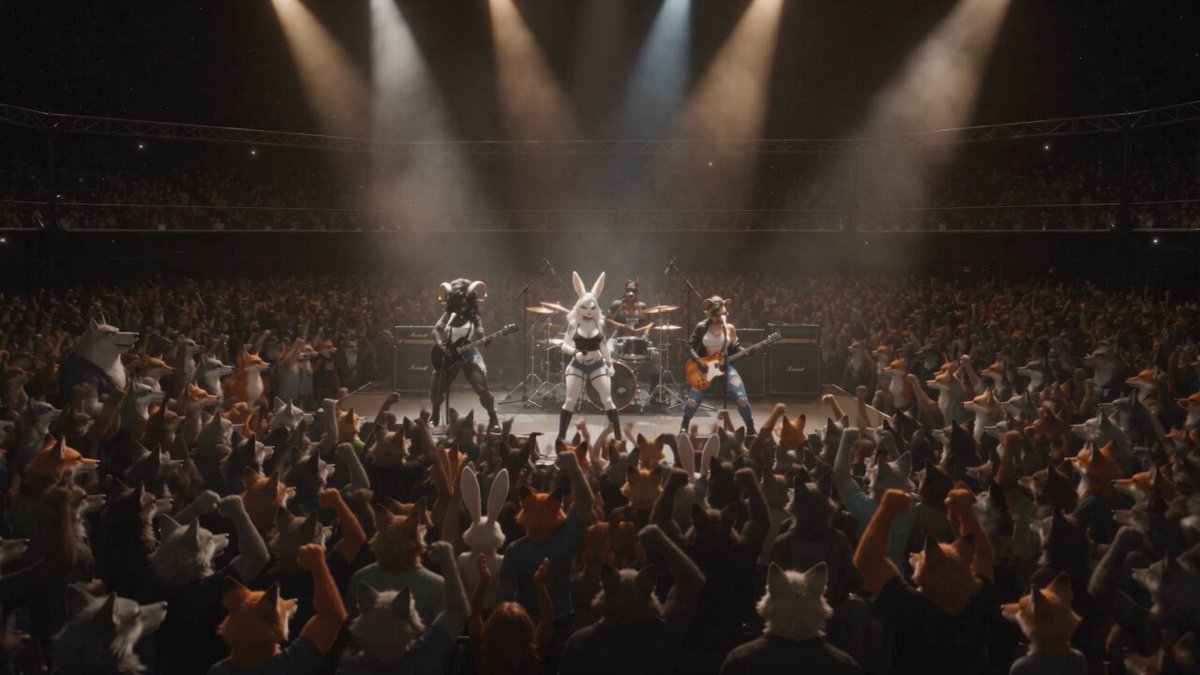
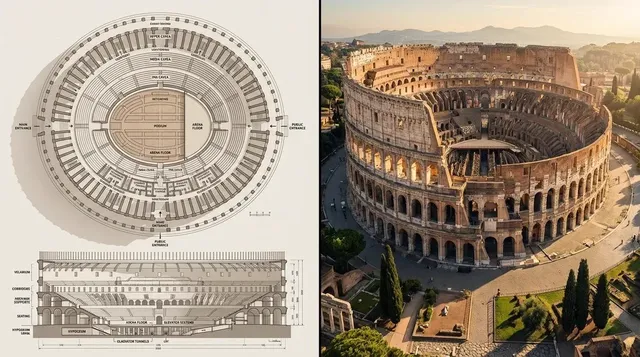
How does this AI image generator work?
This tool generates images from written text descriptions. Describe the subject, style, colors, composition, and mood you want, choose generation settings, and the tool creates a visual based on your prompt. No image upload or design software required.
AI Image Generator Using Image
Character concept art
Input
A character in fantasy armor standing in a forest clearing, dramatic lighting from above, detailed textures, concept art style
Expected output
A generated character concept art scene with forest setting and dramatic lighting
Architectural visualization
Input
A modern glass building with vertical gardens, surrounded by urban plaza, daytime natural light, clean professional rendering
Expected output
A generated architectural visualization with glass surfaces and greenery
Social media visual
Input
An abstract background with flowing curves in pastel pink and blue, space for text overlay, horizontal format
Expected output
A generated abstract background with soft colors and open composition
Generate new images from detailed text descriptions to create visuals for projects without needing source photos
Turn ideas into visuals
Use simple text descriptions to generate images without needing design software or photography skills.
Consistent creative output
Experiment with different descriptions to explore a wide range of visual directions and find the look that fits your project.
Scale visual content production
Produce visual content rapidly by describing what you need, making iteration faster than traditional creation methods.
How It Works
1
Describe your image
Describe the desired image.
2
Adjust settings
Choose the available generation settings.
3
Generate and download
Generate, review, and download a suitable result.
Tips for using the AI image generator
Getting the results you want starts with a clear description. These tips help you craft effective prompts.
Input Constraints
- Avoid describing real people, trademarks, or copyrighted characters
- Focus on visual styles rather than specific brands or products
- Keep descriptions appropriate for general audiences
Practical Tips
- Be specific about style: realistic, cartoon, oil painting, etc.
- Describe lighting, colors, and composition
- Mention mood or atmosphere you want to convey
- Include details about foreground and background
- Try shorter prompts first, then add details
Privacy
- Do not upload personal or sensitive material unless you have permission to use it.
Usage Rights
- Confirm that you have the rights needed for the inputs and intended use of the result.
Prompt recipes
Copy a structure, then adjust the subject, lighting, camera, and output details for your own result.
Product photography style visual
A sleek black smartphone on a minimalist white surface, soft gradient background, studio lighting from top left, product photography style
Combines product subject with lighting direction, background style, and photography keywords to create a professional-looking product shot for mockups or presentations.
Fantasy environment for storytelling
An ancient stone temple overgrown with moss and vines, shafts of sunlight breaking through the canopy above, fantasy illustration style, rich greens and golds
Describes setting, lighting, color palette, and art style to create an immersive environment concept for creative projects or game design.
Abstract art for backgrounds
A flowing abstract composition in deep blue and teal, organic shapes overlapping, smooth gradients, minimal detail, horizontal format
Focuses on colors, shapes, and composition without a specific subject, creating a versatile background for presentations or social media.
Portrait with specific atmosphere
A close-up portrait of a person with thoughtful expression, soft natural window light from the left, muted earth tones, shallow depth of field
Specifies lighting source, color palette, expression, and depth of field to create a cinematic portrait style suitable for editorial or creative work.
Scene with narrative context
A cozy coffee shop interior during golden hour, warm sunlight streaming through large windows, people reading at small tables, inviting atmosphere
Describes time of day, setting, activity, and mood to create a scene with narrative context useful for concept art or lifestyle content.
Technical illustration style
A detailed cross-section diagram of a mechanical watch, labeled components, clean white background, technical illustration style, high precision
Uses technical keywords, diagram framing, and precision cues to generate educational or explainer-style visuals.
Best use cases
Match the workflow to the input you have and the result you need before opening the generator.
Create concept art or design mockups
Input: Describe subject, setting, lighting, style, and composition in detail
Result: Visual concepts for projects, pitches, or early-stage design
Tool: Text to Image with concept art or design keywords
Generate social media or marketing visuals
Input: Describe colors, mood, composition, and text space
Result: Branded or themed visuals ready for posts
Tool: Text to Image with aspect ratio and layout cues
Produce illustrations for articles or presentations
Input: Describe the scene or concept that matches the topic and tone
Result: Supporting imagery for content publication
Tool: Text to Image with subject and mood keywords
Visualize products or scenes that do not exist yet
Input: Describe product features, environment, lighting, and style
Result: Visuals for prototypes or pre-production pitches
Tool: Text to Image with product and environment descriptions
Explore visual styles or aesthetics
Input: Describe art style, colors, composition, and reference influences
Result: Style experiments or moodboard images
Tool: Text to Image with style and influence keywords
Limitations to know before generating
- Results depend on prompt clarity—vague or ambiguous descriptions produce less predictable outputs
- Text rendering within images may be unclear or distorted; add text separately if needed
- Complex scenes with many subjects or intricate interactions may not match descriptions exactly
- Fine details like facial features or small objects may not render with precision
- Review results for accuracy, quality, and suitability before using in projects or publications
Creative Suite: AI Video Generator & AI Image Generator Tools
Power up your creative workflow with our AI-driven tools. Generate stunning videos, create images, and apply custom adjustments - our AI Video Generator and AI Image Generator offer a complete solution for all your creative needs.
Strictly Prohibits Adult/NSFW Content








Pricing
Choose the credit package that works best for you.
No hidden fees • Cancel anytime • Unused credits roll over
Starter
Perfect for trying out AI creation.
Credits
200 credits / month
- Up to 20 videos per month
- Up to 100 images per month
$6.99/ month$9.9930% OFF
Billed monthly
First-time subscribers get 30% off their first month, then standard price
What's included
- Credits never expire
- Standard models
- HD, Watermark-Free Downloads
- Private Generation
- Faster Generation Speed
- Ad-free experience
Basic
Perfect for light creators.
Credits
500 credits / month
- Up to 50 videos per month
- Up to 250 images per month
$13.99/ month$19.9930% OFF
Billed monthly
First-time subscribers get 30% off their first month, then standard price
What's included
- Credits never expire
- Standard models
- HD, Watermark-Free Downloads
- Private Generation
- Faster Generation Speed
- Ad-free experience
Pro
PopularBest value for creators
Credits
1,200 credits / month
- Up to 120 videos per month
- Up to 600 images per month
$39.99/ month
Billed monthly
What's included
- Credits never expire
- All models + Early access to new models
- HD, Watermark-Free Downloads
- Private Generation
- Faster Generation Speed
- Ultra HD resolution
- Ad-free experience
Ultra
For video creators and power users.
Credits
5,000 credits / month
- Up to 500 videos per month
- Up to 2,500 images per month
$99.99/ month
Billed monthly
What's included
- Credits never expire
- All models + Early access to new models
- HD, Watermark-Free Downloads
- Private Generation
- Faster Generation Speed
- Ultra HD resolution
- Ad-free experience
Free
Standard models only — upgrade to unlock premium models.
Credits
10 free credits on signup
Questions? Contact us at support@domer.io
Start creating with the AI image generator
Open the text-to-image tool, describe what you want to create, and generate your first result in moments.