
Create
AI Image Generator with Reference Photos
Describe your image and reference photos for style or composition. Generate a new visual that combines text and photo guidance.
AI Image Generator
0/20000 characters
My images
Loading...
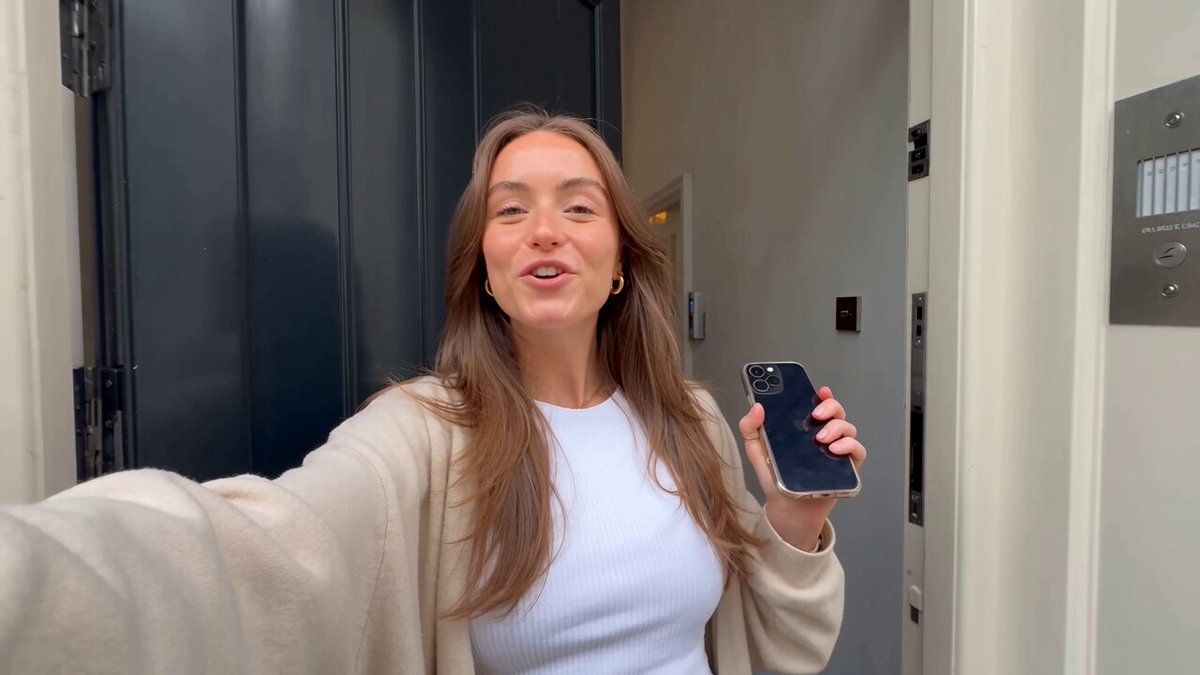
How to use reference photos with AI image generation
For ai image generator with reference photos, this tool accepts a text description of the image you want. You can mention reference photos in your prompt to guide the output's style, color, or composition. The generator combines your text and the visual cues from the references to produce a new image. Review the result and adjust your prompt or reference choices as needed.
AI Image Generator with Reference Photos
Style transfer from a reference photo
Input
Create a portrait in the same painting style as my reference photo, but of a young woman with curly red hair
Expected output
A portrait image in the artistic style of the reference photo showing a different subject
Color palette from a reference
Input
A cozy bedroom scene using the same warm color palette as my reference photo of a sunset
Expected output
A bedroom scene image with warm sunset-inspired colors matching the reference photo
Composition inspired by a reference
Input
A street market scene with the same wide-angle composition as my reference photo, but set in a rainy night time
Expected output
A nighttime market scene with the same wide framing as the reference but different setting and weather
Generate new images by combining text prompts with reference photos to guide output style, subject, or composition.
Guide output with visual references
Describe the subject in text while using a reference photo to influence style, color, or composition.
Align results with your visual intent
Show the direction you want visually through reference photos and fine-tune with text descriptions.
Combine the best of text and image guidance
Use photos to set the visual context and text to specify the exact subject and details.
How It Works
1
Describe the desired image
Describe the desired image.
2
Choose the available generation settings
Choose the available generation settings.
3
Generate, review, and download a suitable result
Generate, review, and download a suitable result.
Using reference photos effectively
Make the most of photo references in combination with text.
Input Constraints
- Only use reference photos you own or have permission to use.
- Describe your subject clearly in text even with a strong reference.
- Do not use reference photos of people without their consent.
Practical Tips
- Be specific about which aspects of the reference you want to follow.
- Use references for style, mood, or color rather than exact subject matter.
- Try different reference photos to see how each one changes the result.
- Keep your text description detailed to avoid relying on the reference alone.
Privacy
- Do not upload personal or sensitive material unless you have permission to use it.
Usage Rights
- Confirm that you have the rights needed for the inputs and intended use of the result.
Prompt recipes
Copy a structure, then adjust the subject, lighting, camera, and output details for your own result.
Borrow artistic style from multiple references
A landscape at sunset, using the brushstroke style from my impressionist reference and the color palette from my golden-hour reference photo
Combines two distinct reference qualities—brushwork and color—to create a unique visual fusion.
Match lighting setup from a reference
A product shot of a watch on a marble surface, using the same three-point studio lighting as my reference photo
References a professional lighting setup to ensure consistent, high-quality product presentation.
Adopt composition and framing from a reference
A portrait of a musician holding a guitar, using the same rule-of-thirds framing and shallow depth of field as my reference portrait
Borrows proven compositional techniques from a reference to create a well-balanced new portrait.
Use reference photo mood for a different subject
A quiet library interior with soft natural light, matching the calm, muted mood of my reference cafe photo
Transfers the emotional tone and lighting quality from one setting to a completely different scene.
Combine color grading and texture from references
A close-up of a leather jacket, using the vintage film color grading from reference A and the fabric texture detail from reference B
Merges color treatment and material texture from separate references to enrich the final image.
Best use cases
Match the workflow to the input you have and the result you need before opening the generator.
Brand-consistent visuals for a campaign
Input: Scene description with reference photos showing brand color palette and visual mood
Result: A new image that feels on-brand without reusing the same photos
Tool: Text to Image
Concept art with a specific aesthetic
Input: Character or scene description referencing the artistic style of existing work
Result: A new concept illustration with the visual style of the reference
Tool: Text to Image
Product photography matching a catalog style
Input: Product description with reference photos showing desired lighting and background
Result: A product image that matches the visual tone of the reference catalog
Tool: Text to Image
Editorial images for publication
Input: Editorial scene description with reference from the target publication
Result: An image that fits the visual language and quality standards of the publication
Tool: Text to Image
Limitations to know before generating
- Reference photos guide the output but do not guarantee exact replication of every detail.
- You must own or have permission to use any reference photos you provide.
- Results depend on how clearly you describe which aspects of the references to follow.
- Combining multiple references with conflicting styles may produce unpredictable results.
- Generated images should be reviewed to ensure they do not reproduce copyrighted or sensitive elements from the references.
Creative Suite: AI Video Generator & AI Image Generator Tools
Power up your creative workflow with our AI-driven tools. Generate stunning videos, create images, and apply custom adjustments - our AI Video Generator and AI Image Generator offer a complete solution for all your creative needs.
Strictly Prohibits Adult/NSFW Content








Pricing
Choose the credit package that works best for you.
No hidden fees • Cancel anytime • Unused credits roll over
Starter
Perfect for trying out AI creation.
Credits
200 credits / month
- Up to 20 videos per month
- Up to 100 images per month
$6.99/ month$9.9930% OFF
Billed monthly
First-time subscribers get 30% off their first month, then standard price
What's included
- Credits never expire
- Standard models
- HD, Watermark-Free Downloads
- Private Generation
- Faster Generation Speed
- Ad-free experience
Basic
Perfect for light creators.
Credits
500 credits / month
- Up to 50 videos per month
- Up to 250 images per month
$13.99/ month$19.9930% OFF
Billed monthly
First-time subscribers get 30% off their first month, then standard price
What's included
- Credits never expire
- Standard models
- HD, Watermark-Free Downloads
- Private Generation
- Faster Generation Speed
- Ad-free experience
Pro
PopularBest value for creators
Credits
1,200 credits / month
- Up to 120 videos per month
- Up to 600 images per month
$39.99/ month
Billed monthly
What's included
- Credits never expire
- All models + Early access to new models
- HD, Watermark-Free Downloads
- Private Generation
- Faster Generation Speed
- Ultra HD resolution
- Ad-free experience
Ultra
For video creators and power users.
Credits
5,000 credits / month
- Up to 500 videos per month
- Up to 2,500 images per month
$99.99/ month
Billed monthly
What's included
- Credits never expire
- All models + Early access to new models
- HD, Watermark-Free Downloads
- Private Generation
- Faster Generation Speed
- Ultra HD resolution
- Ad-free experience
Free
Standard models only — upgrade to unlock premium models.
Credits
10 free credits on signup
Questions? Contact us at support@domer.io
Generate with a reference photo
Open the text-to-image tool, describe the image you want inspired by a reference photo, and create a new visual.