
AI Linked In Photo Generator
Use ai linked in photo generator to create professional LinkedIn images from text prompts. Describe headshots, banners, or post visuals, generate options, and.
AI Image Generator
0/20000 characters
My images
Loading...
What is an AI Linked In Photo Generator?
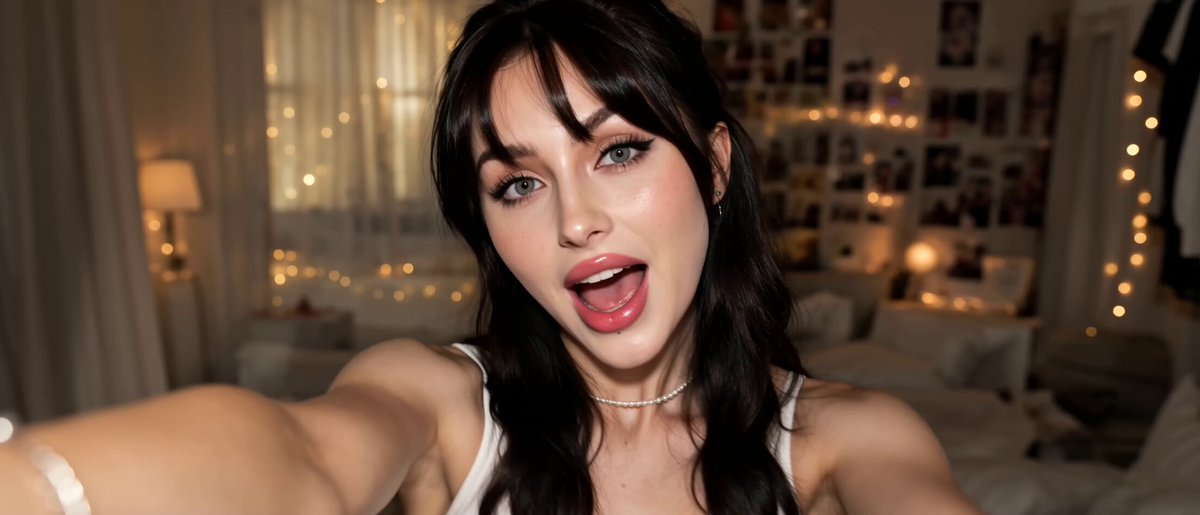
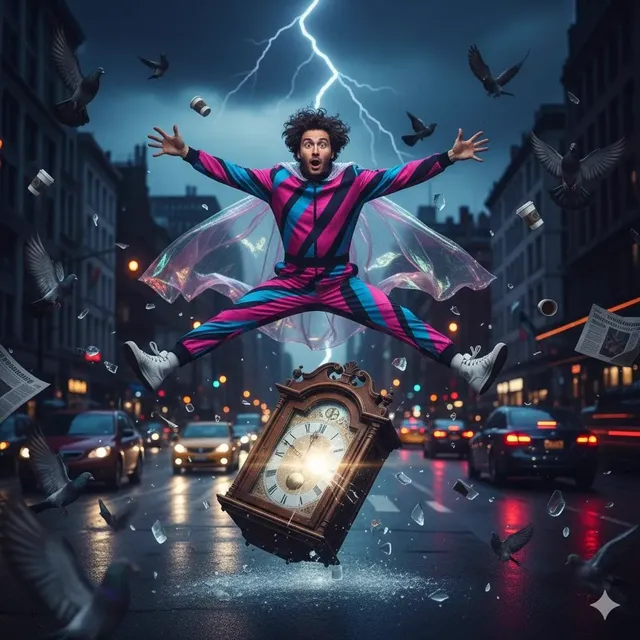
An AI linked in photo generator creates professional-looking images for LinkedIn from text descriptions. You write a prompt describing appearance, lighting, background, and composition, choose generation settings, then review and download the result. It produces synthetic images for profiles, banners, and post content without scheduling a photoshoot or hiring a photographer.
AI Linked In Photo Generator
Professional headshot style
Input
A woman in a navy blazer with a neutral background, professional studio lighting, soft focus background
Expected output
A professional studio-lit portrait of a woman in a navy blazer with a neutral, soft-focused background
LinkedIn banner background
Input
Abstract technology pattern in dark blue and silver, clean corporate style, wide banner format
Expected output
A wide corporate-style abstract pattern in dark blue and silver, suitable as a LinkedIn banner background
Industry visual for posts
Input
A team of professionals collaborating around a digital screen in a modern glass-walled conference room
Expected output
A professional scene of a team collaborating around a screen in a modern glass-walled conference room
Create professional images for LinkedIn profiles, banners, and posts without arranging photoshoots or sourcing stock photography.
Professional-grade output
Generate high-quality professional visuals suitable for business profiles and content.
Time savings
Create professional imagery without arranging photoshoots or sourcing stock photography.
Flexible applications
Generate headshots, backgrounds, and industry visuals from simple descriptive text.
How It Works
1
Describe the image
Describe the desired image.
2
Choose settings
Choose the available generation settings.
3
Generate and download
Generate, review, and download a suitable result.
Tips for professional imagery
Creating LinkedIn-appropriate visuals requires attention to style and composition.
Input Constraints
- Use professional and neutral descriptors for business-appropriate outputs.
- Avoid casual or overly artistic styles for profile images.
Practical Tips
- Include lighting keywords like 'studio lighting', 'soft lighting', or 'natural window light'.
- For headshots, specify 'neutral background' or 'plain background' for cleaner results.
- For banners, mention the aspect ratio or format you need.
Privacy
- Do not upload personal or sensitive material unless you have permission to use it.
Usage Rights
- Confirm that you have the rights needed for the inputs and intended use of the result.
Prompt recipes
Copy a structure, then adjust the subject, lighting, camera, and output details for your own result.
Corporate executive portrait
A professional headshot of a person in a charcoal gray suit and white shirt, neutral gray background, even studio lighting, confident expression, shoulders visible
Specifies formal attire, neutral backdrop, even lighting, and a clear framing that reads as executive presence.
Creative professional headshot
A portrait of a person in a casual blazer and turtleneck, softly blurred modern office in the background, natural window light from the side, friendly smile
Balances professionalism with approachability using softer lighting, casual-formal attire, and a relaxed background blur.
LinkedIn profile banner with industry theme
Wide banner image showing abstract circuit board patterns in deep blue and silver, horizontal layout, clean minimal style, suitable for tech professional profile
Defines wide aspect ratio, industry-appropriate theme, and minimal style that won't compete with profile photo.
Team collaboration post visual
A diverse group of four professionals gathered around a large monitor in a bright modern office, discussing charts on screen, natural daylight, engaged expressions
Creates a realistic workplace scene with specific action, diverse representation, and natural lighting for authentic post content.
Product or service announcement image
Close-up of hands typing on a laptop with a coffee cup beside it on a wooden desk, soft morning light, warm tones, shallow depth of field
Provides a relatable work-life moment with specific props, lighting, and depth cues that work well for service-business posts.
Best use cases
Match the workflow to the input you have and the result you need before opening the generator.
Building a new LinkedIn profile
Input: Detailed description of professional attire, neutral background, and studio-style lighting for a headshot
Result: A polished synthetic portrait suitable as a profile photo placeholder
Tool: Text to Image with portrait-focused prompt
Creating a custom profile banner
Input: Wide-format abstract or industry-themed pattern description with brand colors
Result: A wide banner image that complements your profile without distracting from your photo
Tool: Text to Image with banner aspect ratio and minimal composition
Generating visuals for post content
Input: Scene descriptions with workplace context, team interactions, or product-in-use moments
Result: Post images that illustrate your content topic and increase engagement
Tool: Text to Image with scene-based prompts and natural lighting
Mockup or concept imagery for case studies
Input: Industry-specific scenes, tools, or environments that match your service area
Result: Professional-looking context images that support your case study narrative
Tool: Text to Image with detailed scene and industry keywords
Limitations to know before generating
- Generated portraits are synthetic and do not depict real, identifiable individuals.
- Image quality and realism depend on prompt clarity; vague descriptions produce less useful results.
- Text rendering within images can be inconsistent; avoid including business names or slogans in the prompt.
- Review each result for appropriateness and accuracy before using it in a professional context.
- Confirm rights and platform guidelines before publishing any generated image to your LinkedIn profile or posts.
Creative Suite: AI Video Generator & AI Image Generator Tools
Power up your creative workflow with our AI-driven tools. Generate stunning videos, create images, and apply custom adjustments - our AI Video Generator and AI Image Generator offer a complete solution for all your creative needs.
Strictly Prohibits Adult/NSFW Content








Pricing
Choose the credit package that works best for you.
No hidden fees • Cancel anytime • Unused credits roll over
Starter
Perfect for trying out AI creation.
Credits
200 credits / month
- Up to 20 videos per month
- Up to 100 images per month
$6.99/ month$9.9930% OFF
Billed monthly
First-time subscribers get 30% off their first month, then standard price
What's included
- Credits never expire
- Standard models
- HD, Watermark-Free Downloads
- Private Generation
- Faster Generation Speed
- Ad-free experience
Basic
Perfect for light creators.
Credits
500 credits / month
- Up to 50 videos per month
- Up to 250 images per month
$13.99/ month$19.9930% OFF
Billed monthly
First-time subscribers get 30% off their first month, then standard price
What's included
- Credits never expire
- Standard models
- HD, Watermark-Free Downloads
- Private Generation
- Faster Generation Speed
- Ad-free experience
Pro
PopularBest value for creators
Credits
1,200 credits / month
- Up to 120 videos per month
- Up to 600 images per month
$39.99/ month
Billed monthly
What's included
- Credits never expire
- All models + Early access to new models
- HD, Watermark-Free Downloads
- Private Generation
- Faster Generation Speed
- Ultra HD resolution
- Ad-free experience
Ultra
For video creators and power users.
Credits
5,000 credits / month
- Up to 500 videos per month
- Up to 2,500 images per month
$99.99/ month
Billed monthly
What's included
- Credits never expire
- All models + Early access to new models
- HD, Watermark-Free Downloads
- Private Generation
- Faster Generation Speed
- Ultra HD resolution
- Ad-free experience
Free
Standard models only — upgrade to unlock premium models.
Credits
10 free credits on signup
Questions? Contact us at support@domer.io
Create your LinkedIn visual
Open the text-to-image generator and describe the professional image you need.