
AI Roblox Avatar Generator for Your Profile
Use ai roblox avatar generator to upload a clear photo, choose a profile style, review the likeness, and download the version that fits your gaming profile.
AI Image Generator
0/20000 characters
My images
Loading...
How does an AI Roblox avatar generator work?
An AI Roblox avatar generator creates profile images from your uploaded photo. Upload a clear, front-facing image, choose a scenario and visual style that match the platform where you'll use the picture, then review the generated result for likeness and accuracy before downloading. The tool transforms your photo into a styled profile image based on your selections.
AI Roblox Avatar Generator for Your Profile
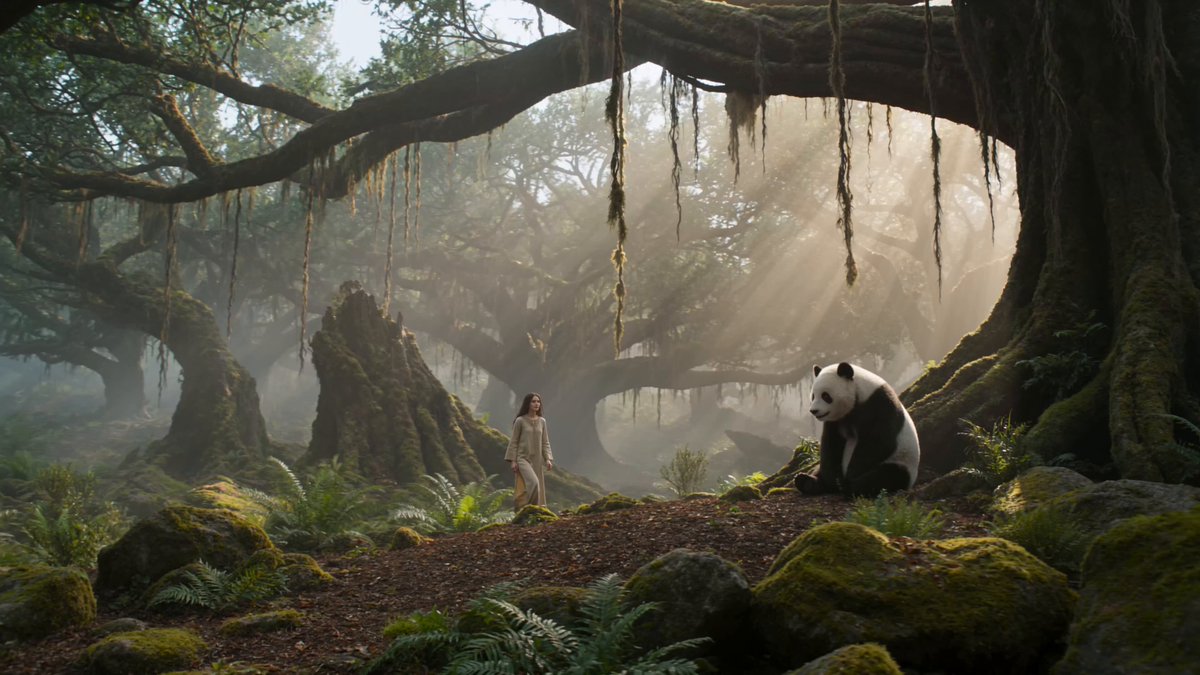
Blocky Knight Avatar
Input
Upload a clear, front-facing photo, then choose the scenario and visual style that suit the platform where you will use the picture.
Expected output
A colorful blocky game-style knight avatar with the described armor and cape. The result is based on the uploaded photo, so review the likeness and final crop before using it.
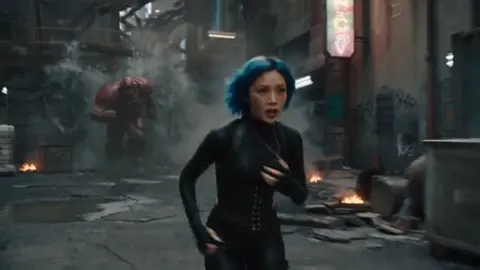
Neon Skater Avatar
Input
Upload a clear, front-facing photo, then choose the scenario and visual style that suit the platform where you will use the picture.
Expected output
A playful blocky skater avatar with the neon hair and hoodie colors you described. The result is based on the uploaded photo, so review the likeness and final crop before using it.
Space Explorer Avatar
Input
Upload a clear, front-facing photo, then choose the scenario and visual style that suit the platform where you will use the picture.
Expected output
A blocky space-explorer avatar in the described suit with a starry backdrop. The result is based on the uploaded photo, so review the likeness and final crop before using it.
Turn one clear photo into a profile-ready image by selecting the context and visual style that fit where you will use it
Work from a photo of yourself
Start with a clear image, then create a new profile look without arranging another photo session.
Match the place you will use it
Choose a professional, social, dating, or creative direction and a style that fits the profile context.
Review the result before sharing
Compare the generated image with your original photo and only use a version that represents you accurately.
How It Works
1
Upload a clear photo
Use a well-lit photo with the face clearly visible.
2
Choose a scenario and visual style
Pick the context and look that suit the profile you are preparing.
3
Generate, compare, and download
Review the output for likeness, accuracy, and the final profile crop before using it.
Preparing a photo for a useful profile picture
A clear photo and a deliberate scenario give you a more useful image to review.
Input Constraints
- Use a clear photo where the face is visible and well lit.
- Choose a scenario that matches the platform or situation where you will use the picture.
- Review the generated result before presenting it as a photo of yourself.
Practical Tips
- Use a front-facing image with even light and minimal obstructions.
- Pick the scenario first, then use the style to set the visual treatment.
- Generate more than one option and compare the likeness before downloading.
Privacy
- Do not upload personal or sensitive material unless you have permission to use it.
Usage Rights
- Confirm that you have the rights needed for the inputs and intended use of the result.
Prompt recipes
Copy a structure, then adjust the subject, lighting, camera, and output details for your own result.
Gaming Knight Profile
Upload a well-lit front-facing photo with clear facial features. Select 'Gaming Avatar' scenario, then choose 'Knight' style with bold armor colors and a dramatic cape.
Combines clear photo input with a specific gaming context and visual style that creates a recognizable blocky character suitable for game profiles
Casual Skater Look
Upload a photo with good lighting and minimal background distractions. Choose 'Social Profile' scenario, then select 'Skater' style with neon accents and relaxed clothing colors.
Matches a casual social platform context with a playful style that maintains facial likeness while adding personality through clothing and color choices
Space Explorer Character
Upload a clear headshot photo with the face centered. Select 'Creative Profile' scenario, then choose 'Space Explorer' style with futuristic suit elements and a cosmic background.
Pairs a creative context with a themed style that transforms the photo into a character while keeping the profile crop and facial features recognizable
Fantasy Mage Avatar
Upload a front-facing photo with even lighting. Choose 'Gaming Community' scenario, then select 'Mage' style with robes, magical elements, and mystical color palette.
Uses a gaming-focused scenario with fantasy styling that creates a thematic profile image appropriate for gaming forums and communities
Cyberpunk Hacker Profile
Upload a clear photo with the face well-lit and centered. Select 'Creative Avatar' scenario, then choose 'Cyberpunk Hacker' style with neon highlights, tech accessories, and urban backdrop.
Combines a creative platform context with a distinct visual style that adds thematic elements while preserving facial recognition for profile use
Best use cases
Match the workflow to the input you have and the result you need before opening the generator.
Create a gaming profile avatar
Input: Clear front-facing photo with good lighting, Gaming Avatar scenario, Knight or Warrior style
Result: A blocky game-style character that maintains facial likeness with gaming-appropriate styling
Tool: AI Profile Picture Generator with Gaming Avatar scenario selection
Design a social media profile picture
Input: Well-lit headshot photo, Social Profile scenario, Casual or Skater style with preferred colors
Result: A stylized profile image that represents you accurately on social platforms
Tool: AI Profile Picture Generator with Social Profile scenario
Make a creative community avatar
Input: Clear facial photo with minimal obstructions, Creative Profile scenario, Fantasy or Sci-Fi style
Result: A themed character avatar that maintains your likeness while adding creative elements
Tool: AI Profile Picture Generator with Creative Profile scenario
Generate a character for gaming forums
Input: Front-facing photo with even lighting, Gaming Community scenario, Mage, Rogue, or Explorer style
Result: A game-themed profile picture suitable for forums and community platforms
Tool: AI Profile Picture Generator with Gaming Community scenario
Limitations to know before generating
- Photo quality and lighting directly affect the clarity and likeness of the generated result
- Facial recognition depends on the uploaded photo having a clear, unobstructed view of the face
- Generated images are stylized interpretations; compare the result with your original photo before using it as your profile picture
- Scenario and style choices are limited to the options provided by the tool; custom style requests are not supported
- Results work best for profile pictures on gaming and social platforms; they may not suit professional or formal contexts
Creative Suite: AI Video Generator & AI Image Generator Tools
Power up your creative workflow with our AI-driven tools. Generate stunning videos, create images, and apply custom adjustments - our AI Video Generator and AI Image Generator offer a complete solution for all your creative needs.
Strictly Prohibits Adult/NSFW Content








Pricing
Choose the credit package that works best for you.
No hidden fees • Cancel anytime • Unused credits roll over
Starter
Perfect for trying out AI creation.
Credits
200 credits / month
- Up to 20 videos per month
- Up to 100 images per month
$6.99/ month$9.9930% OFF
Billed monthly
First-time subscribers get 30% off their first month, then standard price
What's included
- Credits never expire
- Standard models
- HD, Watermark-Free Downloads
- Private Generation
- Faster Generation Speed
- Ad-free experience
Basic
Perfect for light creators.
Credits
500 credits / month
- Up to 50 videos per month
- Up to 250 images per month
$13.99/ month$19.9930% OFF
Billed monthly
First-time subscribers get 30% off their first month, then standard price
What's included
- Credits never expire
- Standard models
- HD, Watermark-Free Downloads
- Private Generation
- Faster Generation Speed
- Ad-free experience
Pro
PopularBest value for creators
Credits
1,200 credits / month
- Up to 120 videos per month
- Up to 600 images per month
$39.99/ month
Billed monthly
What's included
- Credits never expire
- All models + Early access to new models
- HD, Watermark-Free Downloads
- Private Generation
- Faster Generation Speed
- Ultra HD resolution
- Ad-free experience
Ultra
For video creators and power users.
Credits
5,000 credits / month
- Up to 500 videos per month
- Up to 2,500 images per month
$99.99/ month
Billed monthly
What's included
- Credits never expire
- All models + Early access to new models
- HD, Watermark-Free Downloads
- Private Generation
- Faster Generation Speed
- Ultra HD resolution
- Ad-free experience
Free
Standard models only — upgrade to unlock premium models.
Credits
10 free credits on signup
Questions? Contact us at support@domer.io
Create a profile picture from a clear photo
Open the AI Profile Picture Generator, upload a clear photo, and choose the version that fits your profile context.