

AI Team Photo Generator
Describe your team scene and generate a photo-style visual. Adjust settings, review the output, and download a result for presentations or mockups.
AI Image Generator
0/20000 characters
My images
Loading...
What is an AI team photo generator?
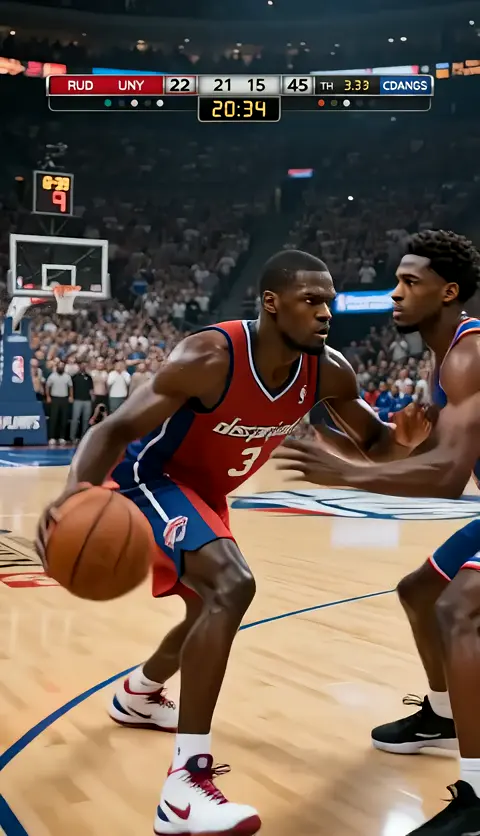
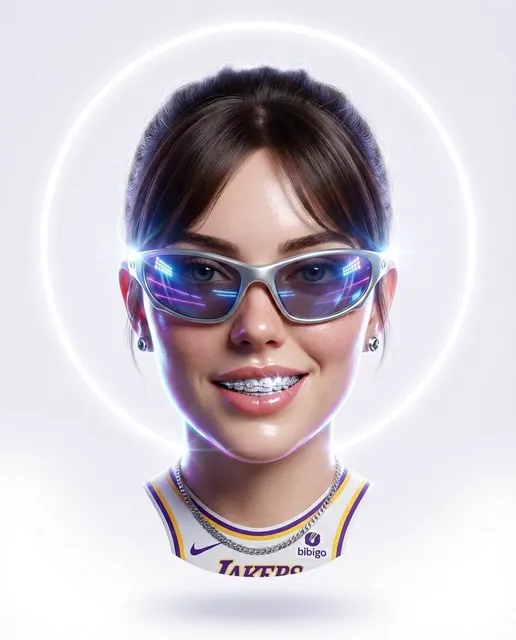
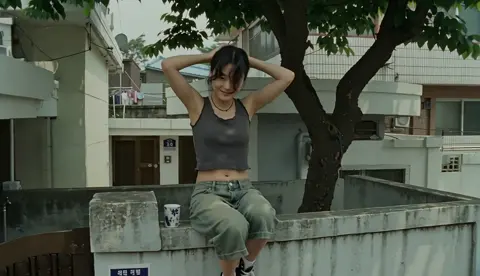
An AI team photo generator creates photo-style team visuals from text descriptions. You describe the setting, group composition, and mood, adjust generation settings, and review the output. It's useful for concept mockups, presentation placeholders, or exploring visual directions before organizing an actual photo session.
AI Team Photo Generator
Corporate office team photo
Input
A professional team of five people standing in a modern office with glass walls, bright natural lighting, business casual attire, smiling and facing the camera
Expected output
A corporate-style team photo with five people in a modern office setting, natural lighting, and professional composition
Startup team in casual setting
Input
A diverse startup team of six gathered around a wooden table in a coworking space, laptops open, casual clothing, warm ambient lighting, collaborative atmosphere
Expected output
A casual team photo showing a collaborative workspace scene with six people in a relaxed setting
Remote team video call layout
Input
A grid layout of eight team members in a video conference, each in their home office, varied backgrounds, professional upper-body framing, screen-lit faces
Expected output
A video-call-style team photo grid with eight participants in home office settings
Generate team photo visuals from text descriptions for presentations, websites, or concept mockups
Concept visuals for presentations
Generate team photo mockups to fill placeholder spots in pitch decks, website drafts, or design comps before scheduling an actual photo session.
Explore visual directions quickly
Describe different settings, lighting, and compositions to compare visual options and decide on the direction before organizing a real shoot.
No scheduling or location logistics
Create team photo concepts from descriptions without coordinating schedules, booking locations, or arranging equipment.
How It Works
1
Describe the team scene
Describe the desired image.
2
Choose generation settings
Choose the available generation settings.
3
Generate and review the photo
Generate, review, and download a suitable result.
Tips for generating team photo visuals
Clear descriptions of setting, group composition, lighting, and mood help you get more realistic team photo concepts.
Input Constraints
- Describe the setting, group size, attire, and lighting clearly.
- Avoid prompts requesting specific real people or trademarked characters.
- Use generic descriptions for people rather than naming real individuals.
Practical Tips
- Start with the number of people and their arrangement: standing in a row, gathered around a table, or grid layout.
- Describe the setting: modern office, coworking space, outdoor location, or video call grid.
- Mention lighting: natural window light, warm ambient, screen-lit, or studio lighting.
- Specify attire and mood: business casual, casual startup, professional, or relaxed collaborative.
- Include composition notes: facing camera, upper-body framing, or wide-angle group shot.
Privacy
- Do not upload personal or sensitive material unless you have permission to use it.
Usage Rights
- Confirm that you have the rights needed for the inputs and intended use of the result.
Prompt recipes
Copy a structure, then adjust the subject, lighting, camera, and output details for your own result.
Corporate headquarters team portrait
A professional team of eight standing in a bright glass-walled conference room, business attire, smiling, arms crossed or hands folded, natural daylight, centered composition
Specifies group size, setting, attire, posture, and lighting, creating a clear corporate portrait scene with formal composition.
Creative agency workspace shot
A diverse team of six sitting and standing in a colorful creative studio, casual clothing, laptops and design posters visible, warm string lights, relaxed candid poses
Describes a casual creative setting with props and lighting details, steering the output toward an authentic agency workspace vibe.
Remote team video grid for website
A 3x3 grid of nine team members on a video call, each in their home office, varied backgrounds, professional upper-body framing, soft screen lighting, neutral expressions
Defines the grid layout and individual framing, making it clear this is a remote team photo for a website or presentation.
Outdoor team-building photo
A team of ten standing on a grassy hill at sunset, casual outdoor clothing, grouped in two rows, warm golden-hour lighting, relaxed smiles, wide-angle composition
Sets the outdoor scene with specific lighting and composition, creating a team-building or retreat photo feel.
Startup founder team portrait
Three startup founders sitting on a modern gray couch, business casual attire, confident expressions, minimalist office background, soft natural light from large windows
Focuses on a small founder team with a clean minimalist setting and professional but approachable mood, suitable for pitch decks or press kits.
Best use cases
Match the workflow to the input you have and the result you need before opening the generator.
Filling placeholder images in a pitch deck
Input: Description of team size, setting, and composition matching the deck's visual style
Result: A concept team photo that fits the placeholder spot and conveys the intended professionalism or energy
Tool: Text to Image with composition and lighting keywords
Exploring team photo directions before scheduling a shoot
Input: Multiple prompts with varied settings, lighting, and arrangements
Result: Several concept visuals to compare and choose the best direction for the actual photo session
Tool: Text to Image with varied setting and mood descriptions
Creating remote team visuals for a website about page
Input: Video call grid layout description with varied home office backgrounds
Result: A remote team photo grid concept that represents distributed work and fits the website design
Tool: Text to Image with grid layout and screen-lit framing
Limitations to know before generating
- Generated team photos are concept visuals, not real photographs of actual people. Use them as placeholders or mockups, not as representations of real team members.
- Facial features, expressions, and individual details may not be consistent or realistic. Review the output and adjust prompts if the result doesn't match your needs.
- AI-generated visuals may not accurately reflect diversity, age, or other demographic details. Be specific in your prompt if representation matters for your project.
- Composition, lighting, and framing quality depend on prompt clarity. Vague descriptions may produce generic or awkward group arrangements.
- These visuals are not substitutes for professional team photography. For final marketing materials, websites, or press use, schedule a real photo session.
Creative Suite: AI Video Generator & AI Image Generator Tools
Power up your creative workflow with our AI-driven tools. Generate stunning videos, create images, and apply custom adjustments - our AI Video Generator and AI Image Generator offer a complete solution for all your creative needs.
Strictly Prohibits Adult/NSFW Content








Pricing
Choose the credit package that works best for you.
No hidden fees • Cancel anytime • Unused credits roll over
Starter
Perfect for trying out AI creation.
Credits
200 credits / month
- Up to 20 videos per month
- Up to 100 images per month
$6.99/ month$9.9930% OFF
Billed monthly
First-time subscribers get 30% off their first month, then standard price
What's included
- Credits never expire
- Standard models
- HD, Watermark-Free Downloads
- Private Generation
- Faster Generation Speed
- Ad-free experience
Basic
Perfect for light creators.
Credits
500 credits / month
- Up to 50 videos per month
- Up to 250 images per month
$13.99/ month$19.9930% OFF
Billed monthly
First-time subscribers get 30% off their first month, then standard price
What's included
- Credits never expire
- Standard models
- HD, Watermark-Free Downloads
- Private Generation
- Faster Generation Speed
- Ad-free experience
Pro
PopularBest value for creators
Credits
1,200 credits / month
- Up to 120 videos per month
- Up to 600 images per month
$39.99/ month
Billed monthly
What's included
- Credits never expire
- All models + Early access to new models
- HD, Watermark-Free Downloads
- Private Generation
- Faster Generation Speed
- Ultra HD resolution
- Ad-free experience
Ultra
For video creators and power users.
Credits
5,000 credits / month
- Up to 500 videos per month
- Up to 2,500 images per month
$99.99/ month
Billed monthly
What's included
- Credits never expire
- All models + Early access to new models
- HD, Watermark-Free Downloads
- Private Generation
- Faster Generation Speed
- Ultra HD resolution
- Ad-free experience
Free
Standard models only — upgrade to unlock premium models.
Credits
10 free credits on signup
Questions? Contact us at support@domer.io
Generate a team photo concept
Open the text-to-image tool, describe your team scene, and create a photo-style visual for presentations or mockups.