
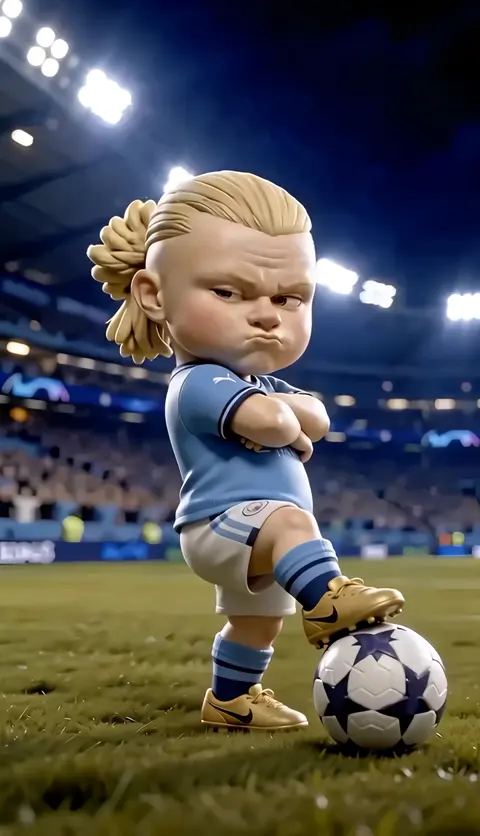
AI Tool Image Generator — Images from Text
Create images from text descriptions. Describe what you want, adjust settings, and generate a result to review.
AI Image Generator
0/20000 characters
My images
Loading...

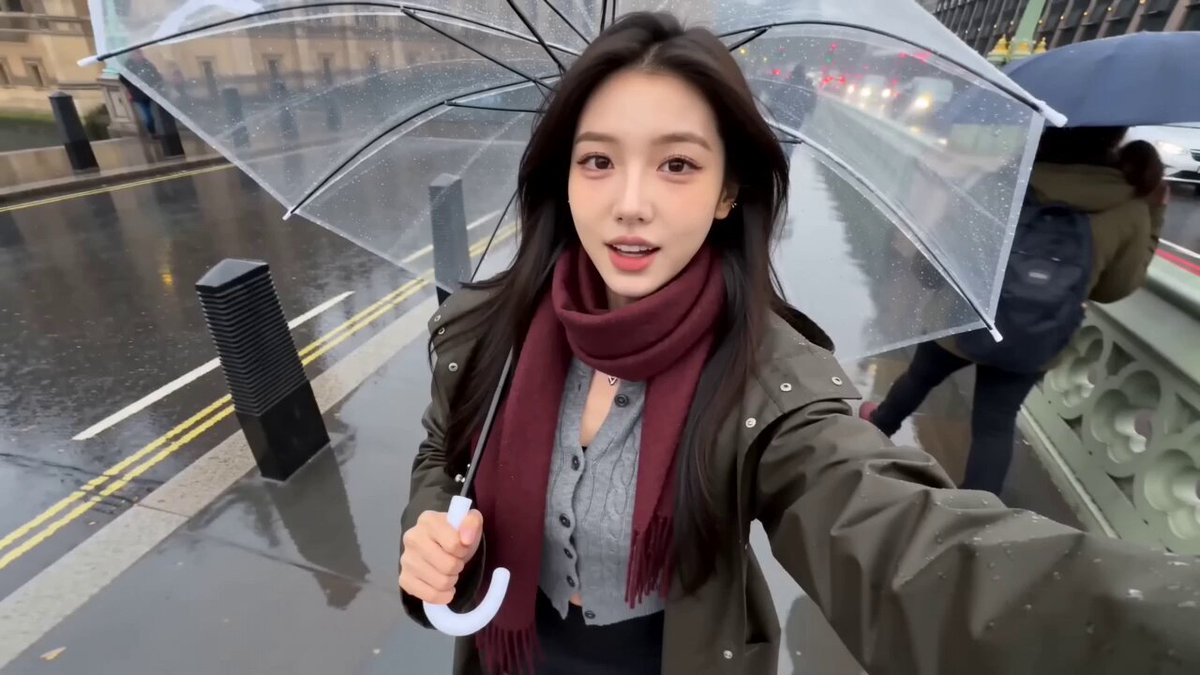
How does an AI tool image generator work?
An AI tool image generator converts your written description into a visual image. You provide details about the subject, style, and composition, choose generation settings, and the tool produces an image based on that input. Review the result and refine your prompt to get closer to your goal.
AI Tool Image Generator — Images from Text
Workflow diagram visual
Input
A simple flowchart showing a user signing up, uploading a file, processing, and receiving results, with clean modern icons and arrows.
Expected output
A clean diagram image with rounded boxes for each step, directional arrows between them, and simple icon symbols in a modern flat style.
Product mockup preview
Input
A smartphone mockup showing a weather app interface on a wooden desk next to a coffee cup and a small plant.
Expected output
A product presentation image with a centered phone showing an app screen, warm wood desk texture, and complementary small objects around it.
Mood board element
Input
A collection of design elements in a boho style: woven textures, dried flowers, warm terracotta tones, and macrame details arranged artistically.
Expected output
A flat-lay composition with layered textures in warm earth tones, dried botanicals, and visible woven patterns in natural lighting.
Create images from text descriptions for creative, professional, and practical projects.
Practical visual creation tool
Use a dedicated AI tool to convert written ideas into visual images for both creative and professional purposes.
Support creative and professional projects
Generate images for presentations, mood boards, design references, content creation, and project visualization.
Quick visual drafts from ideas
Describe your concept in text and get a visual draft in moments. Iterate on the prompt to refine the output without starting from scratch.
How It Works
1
Describe the desired image
Describe the desired image.
2
Choose the available generation settings
Choose the available generation settings.
3
Generate, review, and download
Generate, review, and download a suitable result.
Using the tool effectively
Keep your descriptions practical and focused on what you need.
Input Constraints
- Describe the subject or concept clearly.
- Mention the intended use or context.
- Include specific visual details that matter.
Practical Tips
- Think about what format or framing best suits your project.
- Use descriptive but concise language for better predictability.
- Try variations of lighting or color to match your project needs.
- Review results critically to decide if they meet your requirements.
Privacy
- Do not upload personal or sensitive material unless you have permission to use it.
Usage Rights
- Confirm that you have the rights needed for the inputs and intended use of the result.
Prompt recipes
Copy a structure, then adjust the subject, lighting, camera, and output details for your own result.
Technical diagram for docs
A three-tier architecture diagram with database, API layer, and frontend, labeled boxes connected by arrows, clean blue and gray, white background
Specifies structure, labeling, and professional color scheme for technical documentation.
Social media header
A horizontal banner with abstract gradient shapes in purple and teal, modern geometric style, space for text overlay on the left
Describes layout, color, and text space, making it ready for social platform headers.
Presentation slide visual
An illustration of a person climbing a staircase made of books, warm lighting, motivational theme, clean background
Combines metaphor, mood, and simplicity for a slide that supports a growth or learning message.
App onboarding screen
A friendly illustration of a user checking off tasks on a phone screen, pastel colors, minimal detail, centered composition
Uses approachable style and clear subject to match onboarding UX tone and function.
Blog post featured image
A desk workspace with a laptop, notebook, coffee, and plant, natural window light from the right, cozy productivity vibe
Evokes relatable workspace context and warm mood, ideal for productivity or remote work content.
Marketing email visual
A flat-lay of skincare products on a marble surface with botanical elements, soft shadows, clean and elegant
Describes product context, surface texture, and aesthetic for polished e-commerce imagery.
Best use cases
Match the workflow to the input you have and the result you need before opening the generator.
Documentation and guides
Input: Clear description of process steps, icons, and layout with labels and directional cues
Result: Diagram or flowchart image ready for embedding in technical docs or tutorials
Tool: Text to Image with diagram keywords and clean background
Marketing and social content
Input: Visual scene or composition with brand colors, mood, and space for text or logo overlay
Result: Branded image for social posts, ads, or email campaigns
Tool: Text to Image with color palette and layout guidance
Presentation and pitch decks
Input: Illustrative metaphor or concept visual with clean background and supporting mood
Result: Slide-ready image that reinforces your message without competing with text
Tool: Text to Image with illustration style and simplicity cues
Product and UX design
Input: Mockup or interface context with device, environment, and realistic lighting
Result: Visual prototype or app screen preview for user testing or stakeholder review
Tool: Text to Image with product photography or interface keywords
Limitations to know before generating
- Generated text within images may be misspelled or illegible; verify before using in final materials.
- Complex diagrams with many labeled elements may not render accurately; simplify or use dedicated diagramming tools.
- Results are raster images; you may need vector editing software for scalable or editable outputs.
- The tool does not guarantee brand consistency; review each image to ensure it matches your visual identity.
- Generated images are starting points; professional projects may require designer refinement.
Creative Suite: AI Video Generator & AI Image Generator Tools
Power up your creative workflow with our AI-driven tools. Generate stunning videos, create images, and apply custom adjustments - our AI Video Generator and AI Image Generator offer a complete solution for all your creative needs.
Strictly Prohibits Adult/NSFW Content








Pricing
Choose the credit package that works best for you.
No hidden fees • Cancel anytime • Unused credits roll over
Starter
Perfect for trying out AI creation.
Credits
200 credits / month
- Up to 20 videos per month
- Up to 100 images per month
$6.99/ month$9.9930% OFF
Billed monthly
First-time subscribers get 30% off their first month, then standard price
What's included
- Credits never expire
- Standard models
- HD, Watermark-Free Downloads
- Private Generation
- Faster Generation Speed
- Ad-free experience
Basic
Perfect for light creators.
Credits
500 credits / month
- Up to 50 videos per month
- Up to 250 images per month
$13.99/ month$19.9930% OFF
Billed monthly
First-time subscribers get 30% off their first month, then standard price
What's included
- Credits never expire
- Standard models
- HD, Watermark-Free Downloads
- Private Generation
- Faster Generation Speed
- Ad-free experience
Pro
PopularBest value for creators
Credits
1,200 credits / month
- Up to 120 videos per month
- Up to 600 images per month
$39.99/ month
Billed monthly
What's included
- Credits never expire
- All models + Early access to new models
- HD, Watermark-Free Downloads
- Private Generation
- Faster Generation Speed
- Ultra HD resolution
- Ad-free experience
Ultra
For video creators and power users.
Credits
5,000 credits / month
- Up to 500 videos per month
- Up to 2,500 images per month
$99.99/ month
Billed monthly
What's included
- Credits never expire
- All models + Early access to new models
- HD, Watermark-Free Downloads
- Private Generation
- Faster Generation Speed
- Ultra HD resolution
- Ad-free experience
Free
Standard models only — upgrade to unlock premium models.
Credits
10 free credits on signup
Questions? Contact us at support@domer.io
Use the AI image tool
Open the text-to-image tool, describe the image you need, and generate a result you can review and download for your project.