
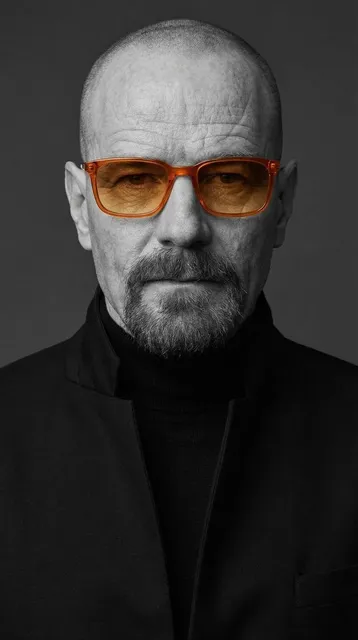
Avatar Maker App for Instant Profiles
Use avatar maker app to upload a clear photo, pick a profile style that matches your platform, and download a picture you've reviewed for likeness and fit.
AI Image Generator
0/20000 characters
My images
Loading...
What does an avatar maker app do?
An avatar maker app turns one clear photo into a styled profile picture. You upload a well-lit photo, choose a scenario like professional or social, pick a visual style, and review the result before downloading. The output is based on your photo, so check the likeness and crop before using it anywhere.
Avatar Maker App for Instant Profiles
New social profile
Input
Upload a clear, front-facing photo, then choose the scenario and visual style that suit the platform where you will use the picture.
Expected output
A bright cartoon avatar ready for a social profile. The result is based on the uploaded photo, so review the likeness and final crop before using it.
Team member icon
Input
Upload a clear, front-facing photo, then choose the scenario and visual style that suit the platform where you will use the picture.
Expected output
A clean flat avatar icon for a team page. The result is based on the uploaded photo, so review the likeness and final crop before using it.
Pet brand avatar
Input
Upload a clear, front-facing photo, then choose the scenario and visual style that suit the platform where you will use the picture.
Expected output
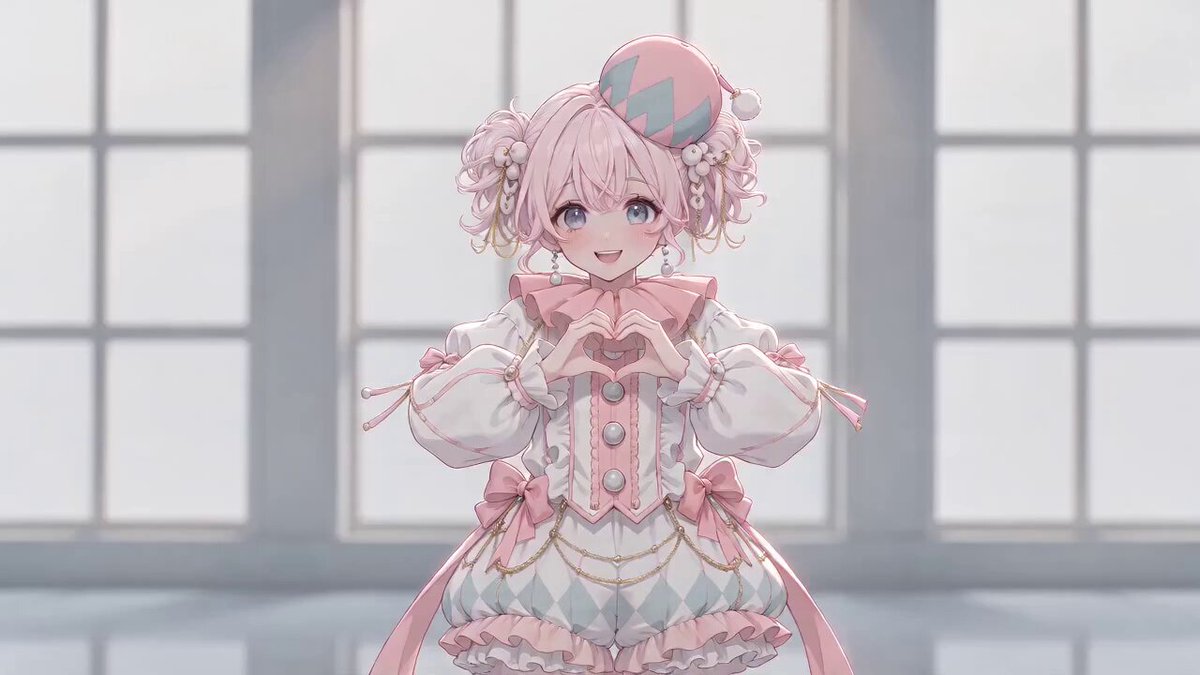
A cute pastel pet avatar image. The result is based on the uploaded photo, so review the likeness and final crop before using it.
Create a profile picture by uploading your photo and selecting a visual style that fits your platform or context.
Work from a photo of yourself
Start with a clear image, then create a new profile look without arranging another photo session.
Match the place you will use it
Choose a professional, social, dating, or creative direction and a style that fits the profile context.
Review the result before sharing
Compare the generated image with your original photo and only use a version that represents you accurately.
How It Works
1
Upload a clear photo
Use a well-lit photo with the face clearly visible.
2
Choose a scenario and visual style
Pick the context and look that suit the profile you are preparing.
3
Generate, compare, and download
Review the output for likeness, accuracy, and the final profile crop before using it.
Preparing a photo for a useful profile picture
A clear photo and a deliberate scenario give you a more useful image to review.
Input Constraints
- Use a clear photo where the face is visible and well lit.
- Choose a scenario that matches the platform or situation where you will use the picture.
- Review the generated result before presenting it as a photo of yourself.
Practical Tips
- Use a front-facing image with even light and minimal obstructions.
- Pick the scenario first, then use the style to set the visual treatment.
- Generate more than one option and compare the likeness before downloading.
Privacy
- Do not upload personal or sensitive material unless you have permission to use it.
Usage Rights
- Confirm that you have the rights needed for the inputs and intended use of the result.
Prompt recipes
Copy a structure, then adjust the subject, lighting, camera, and output details for your own result.
Professional LinkedIn headshot from a casual photo
Create a professional business headshot with neutral background, natural lighting, professional attire visible, confident expression, suitable for LinkedIn and corporate profiles
Transforms casual photos into polished business images by specifying professional context, neutral styling, and corporate platform expectations.
Bright social media avatar for Instagram or Twitter
Generate a vibrant, friendly social media avatar with bold colors, approachable expression, modern flat design style, optimized for small profile circles
Emphasizes visual impact at small sizes with bright colors and flat design that read clearly in social feed thumbnails.
Gaming platform profile with stylized edge
Create a gaming avatar with dramatic lighting, cool color palette, edgy stylization, suitable for Steam, Discord, or Twitch profiles
Matches gaming community aesthetics with dramatic mood and stylization while maintaining recognizable likeness.
Minimal team directory icon
Generate a clean, minimal flat icon avatar with simple shapes, limited color palette, professional and friendly, suitable for company team pages and internal tools
Prioritizes clarity and consistency for internal team displays where uniform style matters more than photorealism.
Dating app profile picture with warmth
Create a warm, approachable dating profile picture with soft lighting, genuine smile, inviting expression, natural background blur, suitable for dating platforms
Balances authenticity with flattering presentation by emphasizing warmth, approachability, and natural lighting for personal connection.
Best use cases
Match the workflow to the input you have and the result you need before opening the generator.
Need a professional headshot for job applications and LinkedIn without scheduling a photo shoot
Input: Clear front-facing casual photo with good lighting and neutral expression
Result: Professional business headshot with neutral background and corporate-appropriate styling
Tool: AI Profile Picture Generator with professional scenario setting
Creating consistent team avatars for a company directory or internal tool
Input: Individual team member photos with similar lighting and framing
Result: Uniform flat icon avatars with consistent style and color treatment across the team
Tool: AI Profile Picture Generator with team/minimal style setting
Refreshing social media profiles across multiple platforms with a cohesive look
Input: One good source photo that represents how you want to be seen online
Result: Multiple styled variations optimized for Instagram, Twitter, Facebook profile circles
Tool: AI Profile Picture Generator with social scenario and multiple style iterations
Building a recognizable gaming or streaming persona without custom illustration costs
Input: Photo with clear facial features and expression that matches your gaming personality
Result: Stylized gaming avatar with dramatic lighting and edgy aesthetic for Discord, Twitch, Steam
Tool: AI Profile Picture Generator with gaming scenario and stylized options
Limitations to know before generating
- Generated avatars are interpretations of your photo, not guaranteed exact likenesses — always review before using publicly
- Results depend heavily on input photo quality; poor lighting, obstructions, or unclear faces produce unreliable outputs
- Some visual styles may not preserve fine facial details or may alter features in ways unsuitable for professional contexts
- The tool cannot verify identity or confirm you have rights to use someone else's photo — you are responsible for using appropriate images
- Generated images may not meet specific platform requirements for dimensions, file size, or content policies — check before uploading
Creative Suite: AI Video Generator & AI Image Generator Tools
Power up your creative workflow with our AI-driven tools. Generate stunning videos, create images, and apply custom adjustments - our AI Video Generator and AI Image Generator offer a complete solution for all your creative needs.
Strictly Prohibits Adult/NSFW Content








Pricing
Choose the credit package that works best for you.
No hidden fees • Cancel anytime • Unused credits roll over
Starter
Perfect for trying out AI creation.
Credits
200 credits / month
- Up to 20 videos per month
- Up to 100 images per month
$6.99/ month$9.9930% OFF
Billed monthly
First-time subscribers get 30% off their first month, then standard price
What's included
- Credits never expire
- Standard models
- HD, Watermark-Free Downloads
- Private Generation
- Faster Generation Speed
- Ad-free experience
Basic
Perfect for light creators.
Credits
500 credits / month
- Up to 50 videos per month
- Up to 250 images per month
$13.99/ month$19.9930% OFF
Billed monthly
First-time subscribers get 30% off their first month, then standard price
What's included
- Credits never expire
- Standard models
- HD, Watermark-Free Downloads
- Private Generation
- Faster Generation Speed
- Ad-free experience
Pro
PopularBest value for creators
Credits
1,200 credits / month
- Up to 120 videos per month
- Up to 600 images per month
$39.99/ month
Billed monthly
What's included
- Credits never expire
- All models + Early access to new models
- HD, Watermark-Free Downloads
- Private Generation
- Faster Generation Speed
- Ultra HD resolution
- Ad-free experience
Ultra
For video creators and power users.
Credits
5,000 credits / month
- Up to 500 videos per month
- Up to 2,500 images per month
$99.99/ month
Billed monthly
What's included
- Credits never expire
- All models + Early access to new models
- HD, Watermark-Free Downloads
- Private Generation
- Faster Generation Speed
- Ultra HD resolution
- Ad-free experience
Free
Standard models only — upgrade to unlock premium models.
Credits
10 free credits on signup
Questions? Contact us at support@domer.io
Create a profile picture from a clear photo
Open the AI Profile Picture Generator, upload a clear photo, and choose the version that fits your profile context.