
Create
ETM AI Art Generator
You already know the ETM look you want. This ETM AI art generator turns the traits you list into prompt-driven images you can review and download.
AI Image Generator
0/20000 characters
My images
Loading...
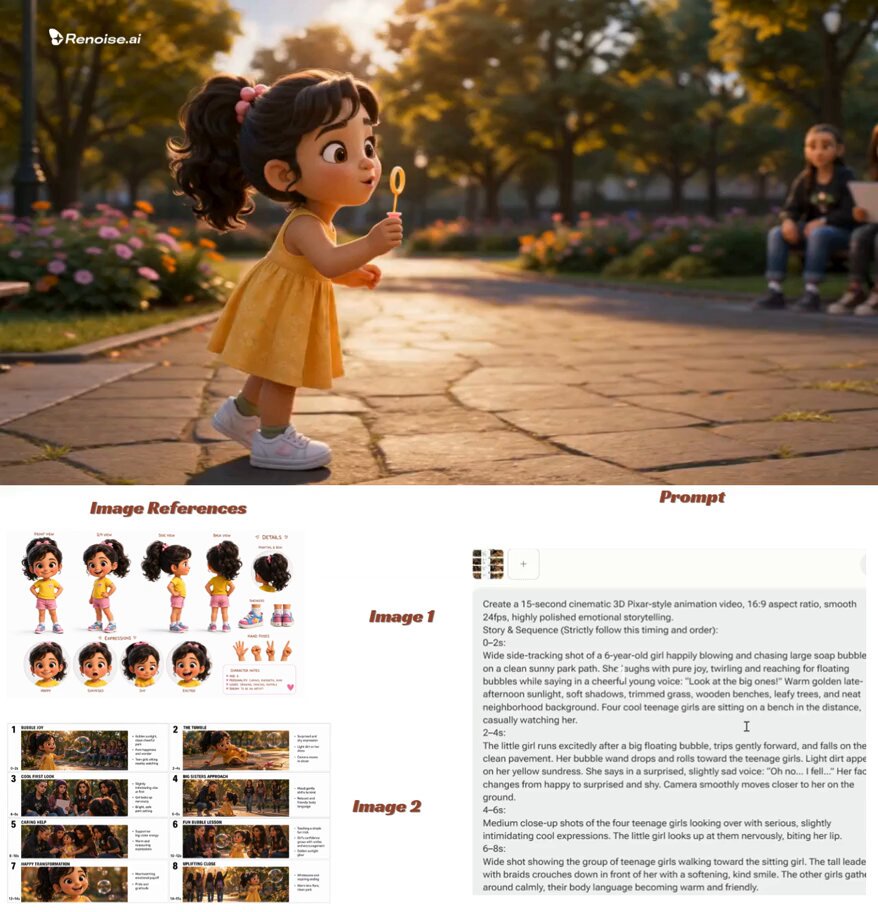
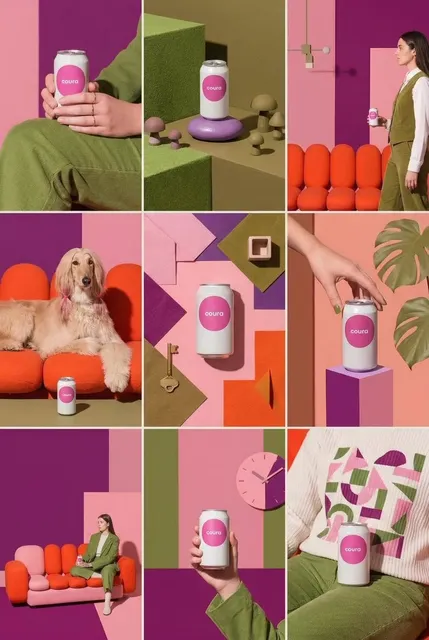
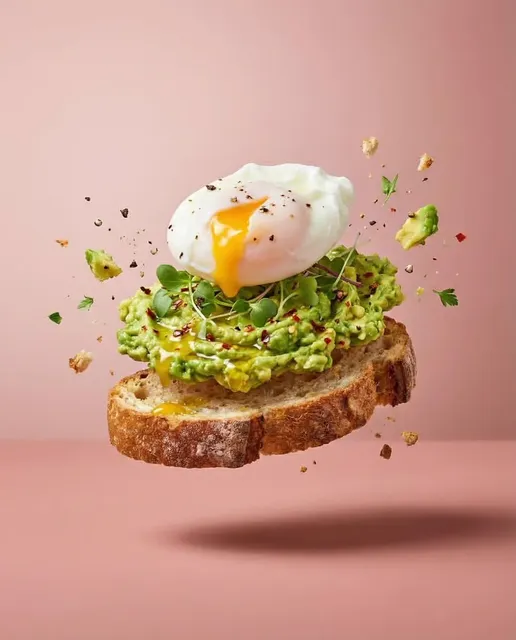
How do you generate art in an ETM style?
Start from the references you already trust for that tag and translate them into explicit prompt language: line quality, palette, shading approach, subject framing, and finishing details. This page's text-to-image tool then generates candidates from your written description. It will not guess what ETM means for you, and it does not need to; pinning the traits down in words is what makes generations match your reference instead of a generic style label. Write the trait block once, reuse it verbatim, compare each take against your own reference art, and keep the closest matches.
ETM AI Art Generator
Character built from a trait block
Input
Three traits lifted from your favorite ETM-tagged art, such as clean bold outlines, soft cel shading, and a muted pastel palette, applied to a courier with a canvas bag waiting at a rainy crossing.
Expected output
A character illustration whose outline weight and palette you can compare directly against your saved reference.
Scene in the same palette
Input
A corner store at night lit by the fridge glow, wet asphalt outside, two silhouettes under the awning, soft cel shading, muted pastels, wide framing with the storefront in the left third.
Expected output
A quiet night scene where the fridge light reads as the single main light source.
Four-pose emote set
Input
Four small vignette poses of the same courier: hurrying, resting on a crate, waving, and peeking around a door; identical outline weight and palette in all four, one accent color each.
Expected output
A row of matching poses you can check for consistent proportions across the set.
Turn the visual traits you already associate with the ETM tag into a written trait block, then generate and review images built from it.
From vague tag to concrete prompt
The workflow forces you to name the traits that actually define the look for you, which is what a single style label can never carry.
Review against your own reference
You judge every take against the art you already like, so quality is measured by match, not by marketing claims.
Characters that hold together
Reusing the same trait block across generations keeps a character recognizable while you vary pose and setting.
How It Works
1
Describe the image
Describe the desired image.
2
Pick the generation settings
Choose the available generation settings.
3
Generate and review
Generate, review, and download a suitable result.
Turning a style tag into a working trait block
Write the style as nouns a generator can act on: line weight, palette, shading, framing.
Input Constraints
- This route reads text only, so the trait list you write is what steers the style.
- Keep the trait block short, around three to five traits, and reuse it word for word.
- Avoid contradictions such as bold outlines plus photorealism in the same prompt.
- If ETM points you to a specific artist or brand, respect their position on style imitation and their marks.
Practical Tips
- Lift trait words directly from how your favorite pieces look, not from how they make you feel.
- Give every scene one named light source, like fridge glow or dusk window light.
- Vary only the action line between generations when testing character consistency.
- Review proportions in every take; small drifts accumulate across a set.
Privacy
- Do not upload personal or sensitive material unless you have permission to use it.
Usage Rights
- Confirm that you have the rights needed for the inputs and intended use of the result.
Prompt recipes
Copy a structure, then adjust the subject, lighting, camera, and output details for your own result.
Trait-block portrait
Character portrait of a courier in a canvas jacket standing at a rainy crosswalk, clean bold outlines, soft cel shading, muted pastel palette, flat evening sky; keep the outline weight consistent across the whole figure; output use: character reference sheet.
The style lives in three named traits you can edit, so swapping the look means editing words, not hoping.
Mood-first interior scene
A night corner store glowing onto wet asphalt, one warm fridge light, two silhouettes under the awning, muted pastels with a single teal accent, wide framing with the storefront in the left third; the fridge is the only light source; output use: webcomic establishing panel.
Committing to one light source and one framing rule gives you two clear checks when reviewing the take.
Same-character emote set
Four square vignette poses of the same courier: hurrying, resting on a crate, waving, peeking around a door; identical outline weight and palette in all four, one accent color per vignette on a flat ground; output use: chat sticker set.
Locking the shared traits in writing makes proportion drift between poses immediately visible.
Material texture study
Close study of the courier's canvas bag and jacket seams, visible weave texture, soft cel shading, muted pastel palette, plain ground; focus on how the material feels rather than the face; output use: outfit detail reference.
Narrowing the subject to one object isolates the trait block, so you can see exactly what the style words produce.
Cover composition take
Illustrated cover composition with the courier centered on a rain-lit street, open title space across the upper quarter, bold outlines, muted pastel palette, one warm accent from a streetlamp; keep the figure small enough to leave margins; output use: zine or playlist cover mockup.
Reserving real space for type in the prompt itself makes each take usable as a layout test, not just a picture.
Best use cases
Match the workflow to the input you have and the result you need before opening the generator.
Pin down an ambiguous style tag
Input: Two or three trusted reference pieces plus a written list of the traits they share.
Result: A reusable trait block that keeps later generations aligned with your reference instead of a generic look.
Tool: Text to Image
Emote and icon sets for a community
Input: One character brief plus four to six poses or expressions.
Result: A matching set of small takes you can review for proportion drift before publishing anywhere.
Tool: Text to Image
Webcomic or zine art direction
Input: A scene brief with framing, a named light source, and the palette written out.
Result: Panel-style candidates you judge against your own layout and pacing needs.
Tool: Text to Image
Limitations to know before generating
- The tool cannot view your reference images on this route; the trait list you write is the entire style instruction.
- Style consistency across separate generations is imperfect, so expect to iterate and keep only the closest matches.
- If ETM refers to a specific artist or brand for you, their position on style imitation and their trademarks still apply to what you publish.
- Trait blocks that fight each other, like bold outlines plus photorealistic rendering, tend to produce muddy results.
Creative Suite: AI Video Generator & AI Image Generator Tools
Power up your creative workflow with our AI-driven tools. Generate stunning videos, create images, and apply custom adjustments - our AI Video Generator and AI Image Generator offer a complete solution for all your creative needs.
Strictly Prohibits Adult/NSFW Content








Pricing
Choose the credit package that works best for you.
No hidden fees • Cancel anytime • Unused credits roll over
Starter
Perfect for trying out AI creation.
Credits
200 credits / month
- Up to 20 videos per month
- Up to 100 images per month
$6.99/ month$9.9930% OFF
Billed monthly
First-time subscribers get 30% off their first month, then standard price
What's included
- Credits never expire
- Standard models
- HD, Watermark-Free Downloads
- Private Generation
- Faster Generation Speed
- Ad-free experience
Basic
Perfect for light creators.
Credits
500 credits / month
- Up to 50 videos per month
- Up to 250 images per month
$13.99/ month$19.9930% OFF
Billed monthly
First-time subscribers get 30% off their first month, then standard price
What's included
- Credits never expire
- Standard models
- HD, Watermark-Free Downloads
- Private Generation
- Faster Generation Speed
- Ad-free experience
Pro
PopularBest value for creators
Credits
1,200 credits / month
- Up to 120 videos per month
- Up to 600 images per month
$39.99/ month
Billed monthly
What's included
- Credits never expire
- All models + Early access to new models
- HD, Watermark-Free Downloads
- Private Generation
- Faster Generation Speed
- Ultra HD resolution
- Ad-free experience
Ultra
For video creators and power users.
Credits
5,000 credits / month
- Up to 500 videos per month
- Up to 2,500 images per month
$99.99/ month
Billed monthly
What's included
- Credits never expire
- All models + Early access to new models
- HD, Watermark-Free Downloads
- Private Generation
- Faster Generation Speed
- Ultra HD resolution
- Ad-free experience
Free
Standard models only — upgrade to unlock premium models.
Credits
10 free credits on signup
Questions? Contact us at support@domer.io
Write your trait block and test it
Open the tool, paste your first trait block with a subject, and judge the takes against the reference you already trust.