
Flux Model AI Image Generator
Generate high-detail images from text. Describe materials, lighting, and composition for precise, fidelity-focused results.
AI Image Generator
0/20000 characters
My images
Loading...
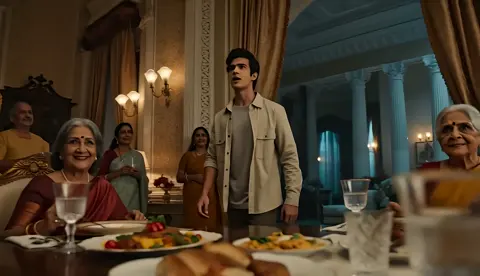
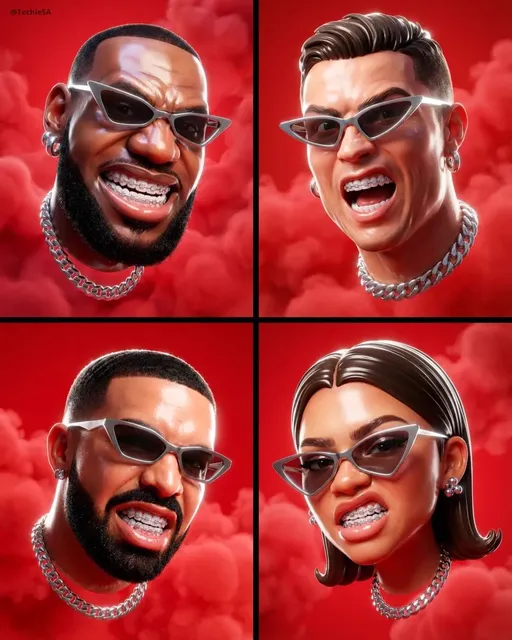
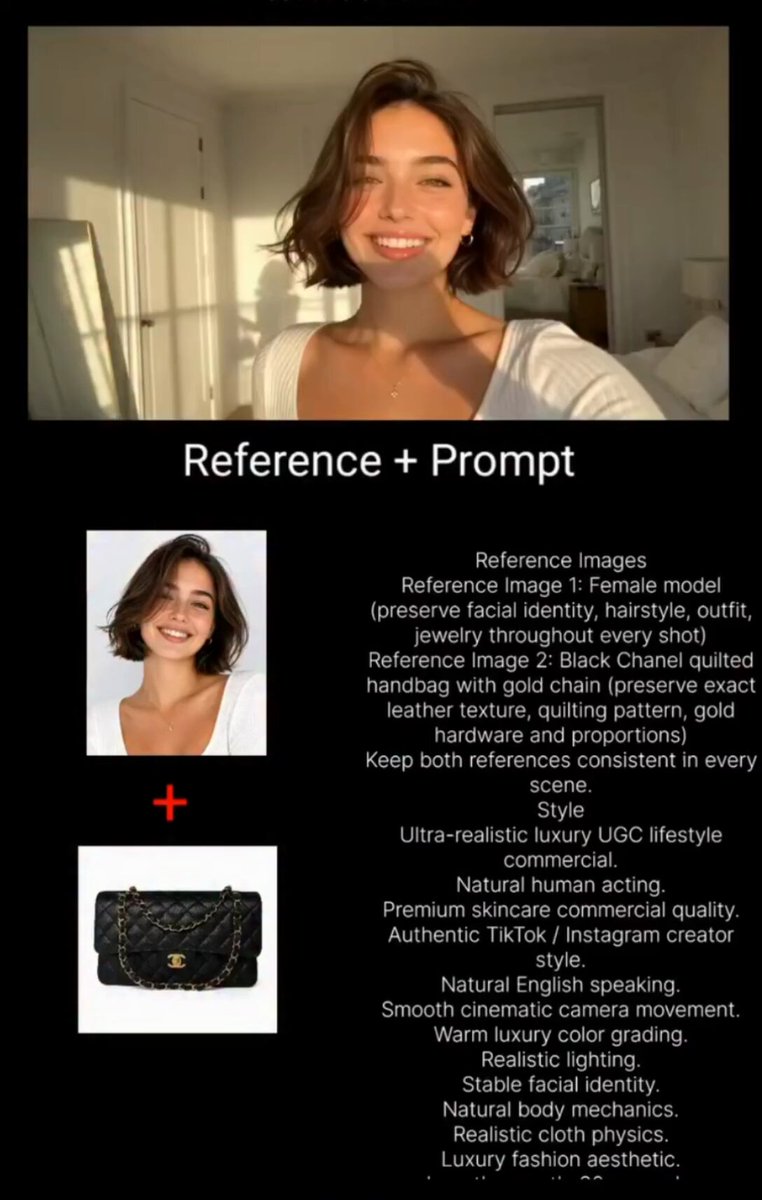
What makes a flux model image generator high-detail?
A flux model ai image generator prioritizes prompt adherence and visual fidelity. By describing surface materials, lighting direction, spatial relationships, and texture details, you guide the tool to produce images with visible detail and accurate representation of your prompt.
Flux Model AI Image Generator
Detailed product visualization
Input
A stainless steel water bottle with a visible condensation effect, standing on a wet granite surface, dramatic side lighting creating reflections on the metal, macro close-up, hyper-detailed surface texture
Expected output
A product image with visible condensation droplets, reflective metallic surface, sharp textural detail on the granite, and dramatic lighting highlighting the bottle contours
Complex fantasy scene with accurate details
Input
A stone bridge arching over a mossy river gorge, seven distinct arches visible, ivy hanging from the bridge edges, sunlight breaking through the forest canopy creating defined light beams, small waterfall in the background
Expected output
A landscape image with a recognizable arched bridge, visible ivy and moss textures, defined light rays through foliage, and spatial depth between the bridge and background waterfall
Precise architectural rendering
Input
A modern glass-and-steel corner building with a cantilevered upper floor, people walking on the ground-level plaza, blue-tinted glass panels reflecting a cloudy sky, clean geometric lines, symmetrical composition
Expected output
An architectural image with visibly cantilevered upper floor, reflective glass facades, clear geometric lines, proportional human figures for scale, and a symmetrical framing
Generate high-detail images from precise text prompts with attention to fidelity
Write detailed prompts for fidelity
The more specific your description, the closer the generated image matches your intended subject placement, textures, and composition.
Settings help refine the output
Available generation settings such as aspect ratio and visual direction give you additional control over how the prompt is interpreted.
Review detail at full resolution
Generate and examine each result on screen. Zoom in to check texture, alignment, and prompt adherence before downloading.
How It Works
1
Describe the desired image.
Describe the desired image.
2
Choose the available generation settings.
Choose the available generation settings.
3
Generate, review, and download a suitable result.
Generate, review, and download a suitable result.
Writing Prompts for High-Fidelity Results
Structure and specificity in your prompt improve how closely the output matches your description.
Input Constraints
- Describe each visual element in order of importance—subject first, then environment, then details
- Include surface material and texture cues—polished metal, rough stone, wet glass, soft fabric
- Specify lighting type and direction for accurate shading and reflection
Practical Tips
- Use precise adjectives—cracked, polished, weathered, translucent, matte, glossy
- Describe spatial relationships—in front of, behind, above, to the left of, reflected in
- Include color-specific terms—royal blue and not just blue, charcoal gray and not just gray
- Break complex scenes into logical zones: foreground, middle ground, background
Privacy
- Do not upload personal or sensitive material unless you have permission to use it.
Usage Rights
- Confirm that you have the rights needed for the inputs and intended use of the result.
Prompt recipes
Copy a structure, then adjust the subject, lighting, camera, and output details for your own result.
Macro product shot
A copper teapot with visible patina and small dents, sitting on rough slate, warm afternoon light from the right casting soft shadows, steam rising from the spout, extreme detail on the metal surface
Specifies material aging, surface texture, light direction, additional atmospheric element, and detail level for a realistic product rendering.
Architectural detail study
Close-up of a brick wall with white mortar joints, weathered red bricks showing color variation, small ivy tendrils creeping between the bricks, overcast diffused lighting, sharp focus on texture
Describes material type, color variation, organic intrusion, lighting quality, and focus priority for a high-fidelity architectural texture study.
Natural history specimen
A fossil ammonite embedded in gray limestone, spiral shell with visible chambers, surrounding rock showing fine sediment layers, top-down museum lighting, scientific illustration clarity
Names the specific subject, structural details, surrounding context, lighting setup, and intended style for a scientifically accurate rendering.
Urban scene with depth
A narrow alley between two brick buildings, wet cobblestones reflecting the overcast sky, a green dumpster in the middle ground, fire escape visible on the left building, graffiti tag on the right wall, telephoto compression
Establishes spatial layers, surface condition, specific objects with placement, and lens effect for a detailed urban composition.
Portrait with material focus
A woman wearing a wool sweater with visible knit texture, hands holding a ceramic mug with a crackle glaze finish, sitting by a window with soft side lighting, shallow depth of field, fabric and ceramic details sharp
Calls out two distinct material textures, hand and object interaction, lighting setup, depth of field, and sharpness priorities for a material-focused portrait.
Best use cases
Match the workflow to the input you have and the result you need before opening the generator.
Product photography placeholder
Input: Detailed product description with material, lighting, and surface texture
Result: A high-fidelity rendering suitable as a mockup or reference image
Tool: Text-to-image with material and lighting keywords
Concept art with technical accuracy
Input: Scene description with spatial relationships, architectural detail, and lighting cues
Result: A detailed concept illustration with accurate proportions and materials
Tool: Text-to-image with precise spatial and material descriptors
Scientific or educational illustration
Input: Subject with anatomical or structural detail, neutral lighting, and clear focus
Result: A clear, detailed image suitable for educational or reference purposes
Tool: Text-to-image with scientific terminology and clarity cues
Architectural visualization
Input: Building description with materials, lighting, human scale elements, and perspective
Result: A realistic architectural rendering with proportional detail and spatial coherence
Tool: Text-to-image with architectural terms and lighting setup
Limitations to know before generating
- Very complex scenes with many fine details may not render all elements accurately in one generation.
- Text rendering within images is often illegible or incorrect.
- Human anatomy, especially hands and faces, may require multiple attempts to achieve fidelity.
- Small objects in large scenes may lack the detail described in the prompt.
- Material reflections and lighting interactions are approximations and may not match real-world physics.
- You are responsible for confirming that your inputs and intended use respect applicable rights.
Creative Suite: AI Video Generator & AI Image Generator Tools
Power up your creative workflow with our AI-driven tools. Generate stunning videos, create images, and apply custom adjustments - our AI Video Generator and AI Image Generator offer a complete solution for all your creative needs.
Strictly Prohibits Adult/NSFW Content








Pricing
Choose the credit package that works best for you.
No hidden fees • Cancel anytime • Unused credits roll over
Starter
Perfect for trying out AI creation.
Credits
200 credits / month
- Up to 20 videos per month
- Up to 100 images per month
$6.99/ month$9.9930% OFF
Billed monthly
First-time subscribers get 30% off their first month, then standard price
What's included
- Credits never expire
- Standard models
- HD, Watermark-Free Downloads
- Private Generation
- Faster Generation Speed
- Ad-free experience
Basic
Perfect for light creators.
Credits
500 credits / month
- Up to 50 videos per month
- Up to 250 images per month
$13.99/ month$19.9930% OFF
Billed monthly
First-time subscribers get 30% off their first month, then standard price
What's included
- Credits never expire
- Standard models
- HD, Watermark-Free Downloads
- Private Generation
- Faster Generation Speed
- Ad-free experience
Pro
PopularBest value for creators
Credits
1,200 credits / month
- Up to 120 videos per month
- Up to 600 images per month
$39.99/ month
Billed monthly
What's included
- Credits never expire
- All models + Early access to new models
- HD, Watermark-Free Downloads
- Private Generation
- Faster Generation Speed
- Ultra HD resolution
- Ad-free experience
Ultra
For video creators and power users.
Credits
5,000 credits / month
- Up to 500 videos per month
- Up to 2,500 images per month
$99.99/ month
Billed monthly
What's included
- Credits never expire
- All models + Early access to new models
- HD, Watermark-Free Downloads
- Private Generation
- Faster Generation Speed
- Ultra HD resolution
- Ad-free experience
Free
Standard models only — upgrade to unlock premium models.
Credits
10 free credits on signup
Questions? Contact us at support@domer.io
Generate Detailed Images From Your Descriptions
Write a prompt with the detail level you want to see and generate a high-fidelity result. Review textures, alignment, and lighting before keeping the image.