
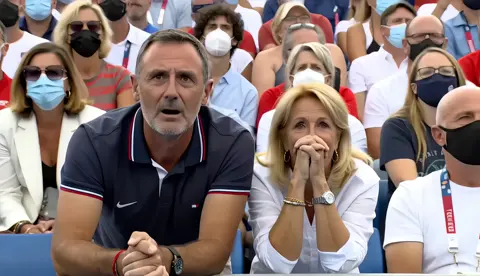
2 video in on ai video generator: split-screen scenes
Generate split-screen or multi-subject video clips from focused text prompt. Describe both scenes and framing, choose settings, review results.
AI Video Generator
0/20000 characters
Cost:10
My videos
Loading...
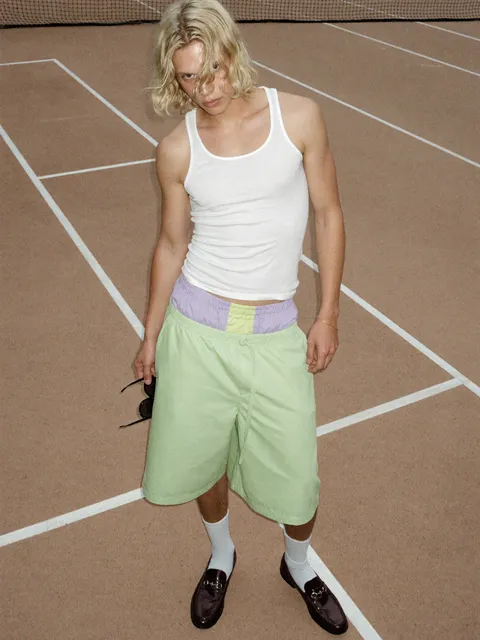
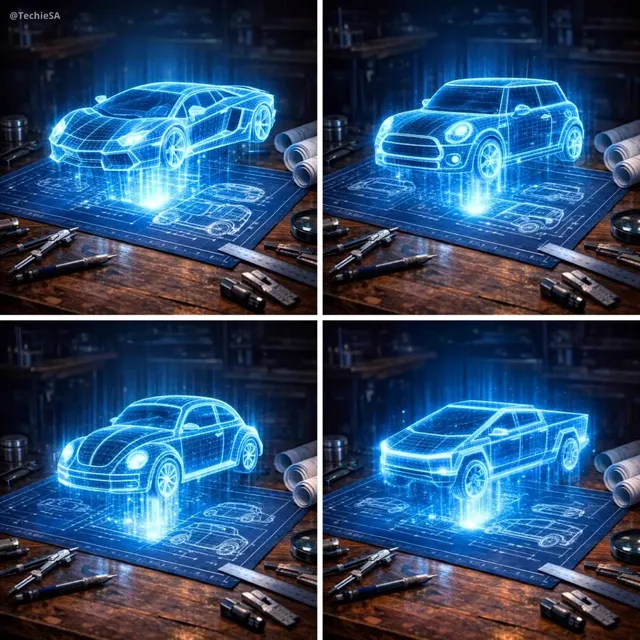
What is a 2 video in on AI video generator?
A 2 video in on AI video generator creates video clips with two scenes or subjects combined in one frame from a single text description. You describe the layout—such as split-screen or picture-in-picture—and the content of each part, then the tool generates a unified clip with both elements visible together.
2 video in on ai video generator: split-screen scenes
Side-by-side split scene
Input
A split screen: left side shows a quiet sunrise over a lake, right side shows the same lake at night under stars; water ripples steadily on both sides.
Expected output
A single clip with two synchronized scenes, one daytime and one nighttime, with matching motion across both halves.
Inset demo over a presenter
Input
A presenter sits at a desk on the right; a small inset video in the top-left corner shows a product being used; the presenter gestures toward the inset.
Expected output
A video with the presenter in the main frame and a smaller picture-in-picture scene running in the corner.
Two subjects in one shot
Input
One continuous shot: a cat walks from the left edge toward a dog resting on a rug in the center, then the dog looks up as the cat sits beside it.
Expected output
A single smooth shot where both animals appear in the same frame with consistent lighting and motion.
Create video clips with two scenes or subjects combined in one frame from a single text prompt
One prompt, two scenes
Describe both halves of your shot in a focused prompt so the generator treats them as one coherent scene.
Consistent motion
Because both subjects live in the same generation, their movement stays in step instead of looking stitched together.
Faster iterations
Adjust the wording and regenerate until the framing feels right, without juggling separate clips.
How It Works
1
Describe the scene
Describe the desired scene and motion.
2
Choose settings
Choose the available generation settings.
3
Generate and review
Generate, review, and download a suitable result.
Getting a two-scene result
Frame both parts of the video in one prompt so the generator has a single coherent description to work from.
Input Constraints
- Keep both scenes in one prompt so the result stays coherent.
- Describe motion for each subject, not just the setting.
- Match lighting and camera language across both parts.
- Review the clip before using it anywhere.
Practical Tips
- Use the same camera direction and lens wording for both halves.
- Name each subject clearly so the generator does not merge them.
- Start with simple framing, then add detail after a first pass.
- Keep personal or sensitive material out of the prompt unless you have permission.
- Regenerate with slightly different wording when the motion looks off.
Privacy
- Do not upload personal or sensitive material unless you have permission to use it.
Usage Rights
- Confirm that you have the rights needed for the inputs and intended use of the result.
Prompt recipes
Copy a structure, then adjust the subject, lighting, camera, and output details for your own result.
Before and after split screen
Vertical split screen: left side shows a messy desk with scattered papers and coffee cups, right side shows the same desk clean and organised, both sides lit identically
Clear layout description with same-scene comparison and matched lighting creates effective before/after visual.
Tutorial with inset demonstration
Main frame shows an instructor speaking directly to camera in a home office, small inset box in lower right shows hands typing code on a laptop screen, both lit naturally
Explicit frame structure with distinct subject per area creates classic tutorial layout with clear spatial relationship.
Dual perspective travel scene
Horizontal split: left half is a first-person POV walking through a market, right half is the same market from overhead drone view, both moving forward simultaneously
Synchronised motion from two perspectives with clear spatial description creates engaging multi-angle view.
Product comparison side by side
Two smartphones side by side on a white table, left phone screen showing a mapping app, right phone screen showing a weather app, soft overhead lighting on both
Simple horizontal arrangement with clear subject separation and matched conditions creates clean product comparison.
Reaction video format
Large central frame shows a cat watching a fish tank with animated movements, small picture-in-picture in top corner shows the owner smiling and watching the cat
Clear hierarchy with main subject and secondary reaction element creates familiar reaction video structure.
Best use cases
Match the workflow to the input you have and the result you need before opening the generator.
Tutorial or educational content
Input: Instructor in main frame with inset demonstration
Result: Picture-in-picture educational video
Tool: AI Video Generator with clear frame hierarchy
Before/after or comparison
Input: Split screen with matched subjects in different states
Result: Side-by-side comparison clip
Tool: AI Video Generator with symmetrical split described
Reaction or commentary video
Input: Main content with smaller reactor visible
Result: Reaction video with both elements visible
Tool: AI Video Generator with nested frame layout
Multi-angle action shot
Input: Same scene from two camera perspectives
Result: Dual-perspective action clip
Tool: AI Video Generator with synchronised motion described
Limitations to know before generating
- Split-screen and inset framing depend on how the model interprets layout language and may vary between generations
- Complex multi-element scenes may produce inconsistent sizing or positioning of split elements
- Synchronising motion between two described scenes is interpretation-dependent and may require multiple attempts
- Generated clips may not perfectly align subjects across both areas without careful prompt structure
- All generated clips should be reviewed for framing accuracy and visual coherence before use
Creative Suite: AI Video Generator & AI Image Generator Tools
Power up your creative workflow with our AI-driven tools. Generate stunning videos, create images, and apply custom adjustments - our AI Video Generator and AI Image Generator offer a complete solution for all your creative needs.
Strictly Prohibits Adult/NSFW Content








Pricing
Choose the credit package that works best for you.
No hidden fees • Cancel anytime • Unused credits roll over
Starter
Perfect for trying out AI creation.
Credits
200 credits / month
- Up to 20 videos per month
- Up to 100 images per month
$6.99/ month$9.9930% OFF
Billed monthly
First-time subscribers get 30% off their first month, then standard price
What's included
- Credits never expire
- Standard models
- HD, Watermark-Free Downloads
- Private Generation
- Faster Generation Speed
- Ad-free experience
Basic
Perfect for light creators.
Credits
500 credits / month
- Up to 50 videos per month
- Up to 250 images per month
$13.99/ month$19.9930% OFF
Billed monthly
First-time subscribers get 30% off their first month, then standard price
What's included
- Credits never expire
- Standard models
- HD, Watermark-Free Downloads
- Private Generation
- Faster Generation Speed
- Ad-free experience
Pro
PopularBest value for creators
Credits
1,200 credits / month
- Up to 120 videos per month
- Up to 600 images per month
$39.99/ month
Billed monthly
What's included
- Credits never expire
- All models + Early access to new models
- HD, Watermark-Free Downloads
- Private Generation
- Faster Generation Speed
- Ultra HD resolution
- Ad-free experience
Ultra
For video creators and power users.
Credits
5,000 credits / month
- Up to 500 videos per month
- Up to 2,500 images per month
$99.99/ month
Billed monthly
What's included
- Credits never expire
- All models + Early access to new models
- HD, Watermark-Free Downloads
- Private Generation
- Faster Generation Speed
- Ultra HD resolution
- Ad-free experience
Free
Standard models only — upgrade to unlock premium models.
Credits
10 free credits on signup
Questions? Contact us at support@domer.io
Generate your two-scene video
Open the text-to-video generator, describe both scenes in one prompt, and review the clip before you use it.