
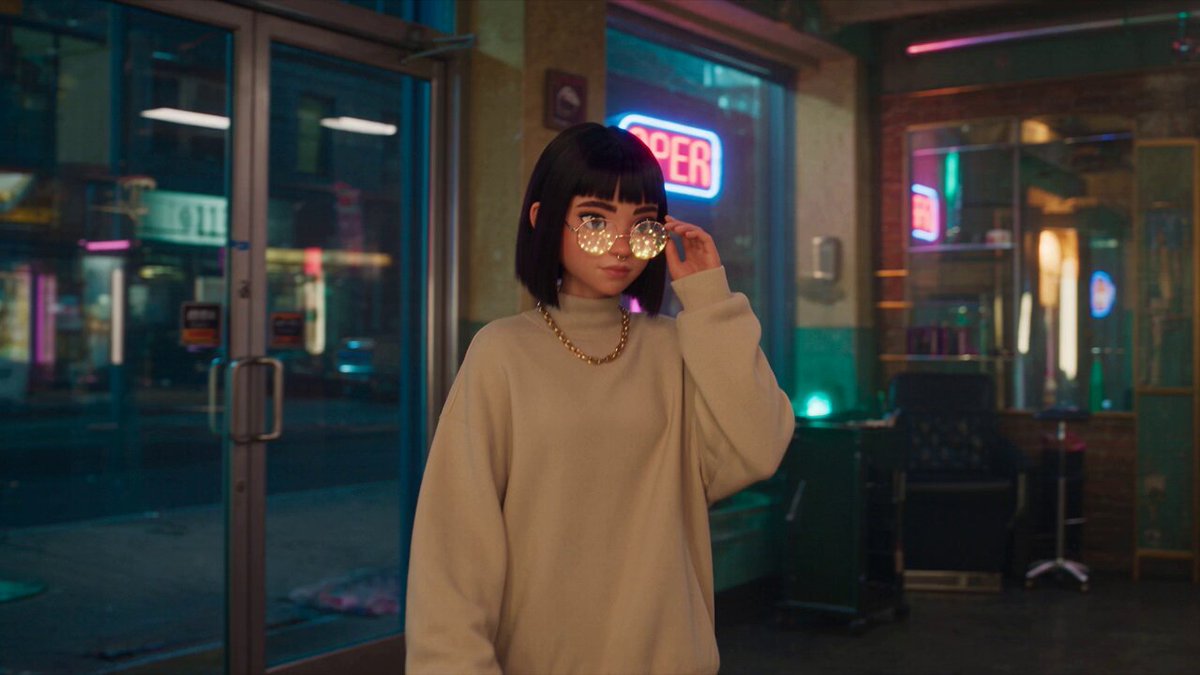
AI Actor Video Generator
Generate actor-led video clips from text. Describe the performer, setting, and actions—then review the rendered scene.
AI Video Generator
0/20000 characters
Cost:10
My videos
Loading...
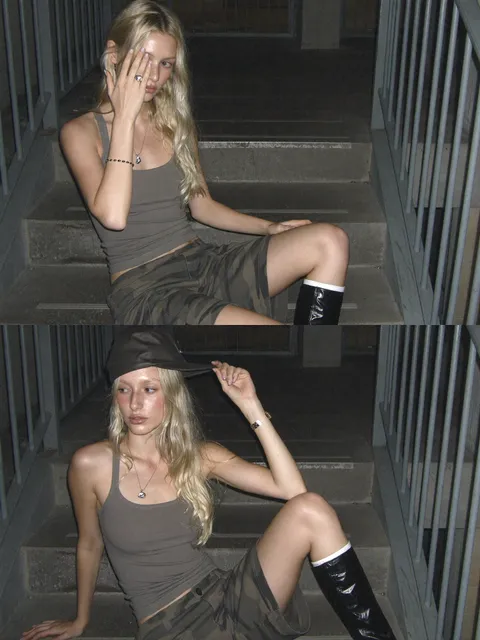
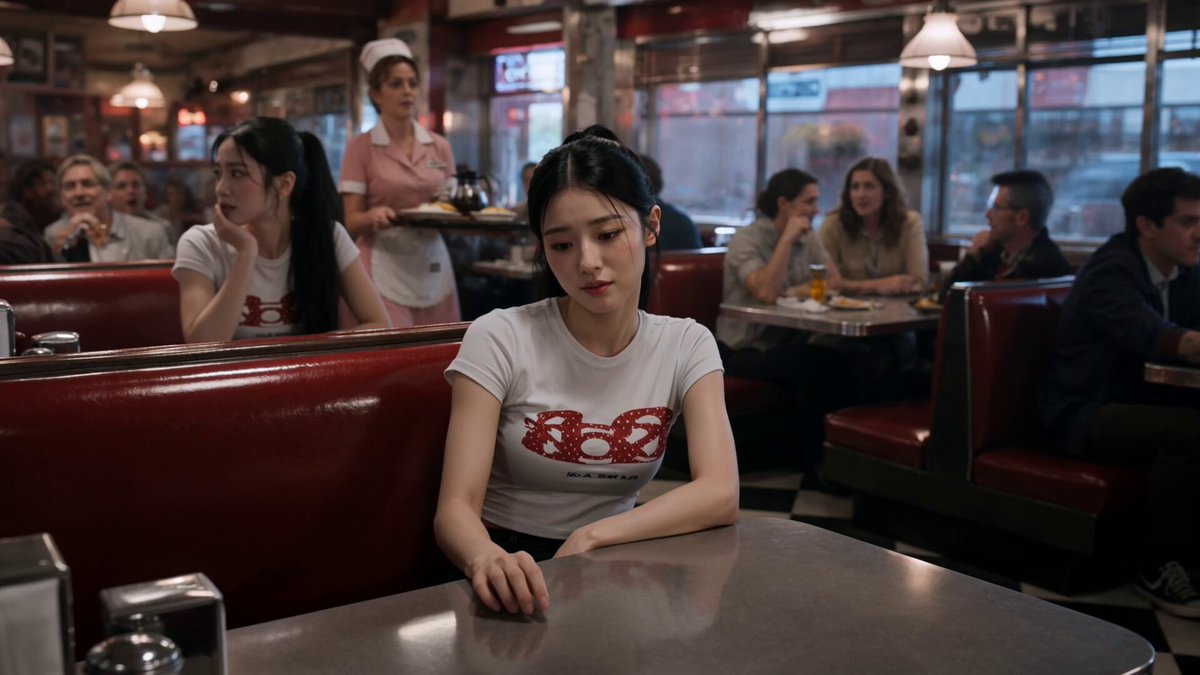
What is an AI actor video generator?
An AI actor video generator turns a written description of a performer, their appearance, actions, and setting into a short video clip. You describe what the actor looks like, what they do, and the environment—then the tool renders the scene as a reviewable result.
AI Actor Video Generator
Stage presenter
Input
A professional presenter in business attire walking onto a stage with confidence, addressing an audience with open gestures, large screen behind them showing slides
Expected output
A stage presentation clip with a presenter walking and gesturing toward a display screen
Chef demonstrating
Input
A chef in white uniform in a professional kitchen chopping vegetables with precise motions, ingredients arranged on the counter, steam rising from a pot in the background
Expected output
A cooking demonstration clip with a chef performing cutting and preparation actions
Fitness instructor leading
Input
A fitness instructor in activewear demonstrating a squat routine with clear body positioning, gym setting with mirrors and equipment in the background
Expected output
A fitness instruction clip with an actor demonstrating exercise movements with proper form
Generate video clips featuring a described human-like performer in a specific scene
Generate actor content without filming
Create actor-led scenes without scheduling shoots, hiring talent, or arranging locations—just describe the performance you need.
Control movement and expression
Specify body language, gestures, facial expressions, and actions in the prompt to guide the rendered performance.
Iterate on performance direction
Rewrite the prompt to explore different emotional tones, physical movements, or scene compositions before committing to production.
How It Works
1
Describe the scene
Describe the desired scene and motion.
2
Choose settings
Choose the available generation settings.
3
Generate and download
Generate, review, and download a suitable result.
Creating actor scene descriptions
Guidance for describing human performances.
Input Constraints
- Describe actions and appearances in neutral, descriptive terms
- Avoid claiming the actor resembles any specific real person
- Review the output for appropriateness before sharing
Practical Tips
- Describe the actor's appearance in general terms such as attire, build, and hairstyle
- Specify the setting and background environment clearly
- Describe the sequence of actions the actor performs
- Mention the actor's expression and body language such as confident, warm, focused
- Include wardrobe details if they matter to the scene such as business suit, chef uniform, activewear
- Note camera framing: close-up, medium shot, or wide shot
Privacy
- Do not upload personal or sensitive material unless you have permission to use it.
Usage Rights
- Confirm that you have the rights needed for the inputs and intended use of the result.
Prompt recipes
Copy a structure, then adjust the subject, lighting, camera, and output details for your own result.
Corporate training presenter
A middle-aged presenter in business casual attire standing beside a whiteboard in a modern conference room, gesturing toward a diagram, calm and authoritative expression, medium shot
Specifies age range, attire, setting, gesture target, and emotional tone—giving the model clear cues for a professional training context.
Customer testimonial speaker
A smiling person in casual clothing sitting on a couch in a bright living room, speaking directly to camera with relaxed hand gestures, warm natural lighting
Describes wardrobe, setting, camera direction, body language, and lighting—creating a believable testimonial or interview setup.
Product unboxing host
A young presenter in trendy streetwear at a clean white desk, opening a product box with excitement, looking between the camera and the product, overhead ring light
Combines age cue, style, setting, action sequence, gaze direction, and lighting—ideal for unboxing or product review formats.
Medical explainer host
A doctor in white coat standing in a clinical office with anatomical charts on the wall, explaining with calm gestures, direct eye contact with camera, soft professional lighting
Specifies profession, wardrobe, environment props, gesture style, and camera engagement—suitable for educational or explainer content.
Workshop instructor demonstrating
A craftsperson in apron and rolled-up sleeves at a wooden workbench, assembling a small object with focused concentration, tools and materials visible, natural daylight from window
Describes role, attire, setting, action focus, emotional state, and lighting source—creating a hands-on instructional scene.
News anchor at desk
A professional news anchor in formal suit sitting at a studio desk with city skyline background, reading from teleprompter with composed expression, studio lighting from three-point setup
Combines profession, wardrobe, setting, background, action, facial tone, and lighting technique—closely matching broadcast news standards.
Best use cases
Match the workflow to the input you have and the result you need before opening the generator.
Corporate training video
Input: Description of presenter, setting, and teaching action
Result: Professional presenter clip with clear gestures
Tool: Text to video with medium shot framing
Product demonstration
Input: Host description with product interaction details
Result: Engaging host showing product features
Tool: Text to video with close-up and wide shot options
Testimonial or interview
Input: Speaker description with emotional tone and setting
Result: Authentic-feeling speaker addressing camera
Tool: Text to video with direct-to-camera framing
Fitness or wellness instruction
Input: Instructor description with movement and form cues
Result: Clear demonstration of exercise or technique
Tool: Text to video with full-body framing
Limitations to know before generating
- The tool generates a visual approximation of the described performer—not a controllable digital actor with guaranteed consistency across multiple clips.
- Facial expressions and body language are interpreted from your description; results may vary in subtlety and emotional precision.
- Avoid describing the actor as resembling a specific real person by name; focus on general descriptive terms instead.
- Generated clips are reference-quality drafts; they may require human review or editing before use in professional or public projects.
- The tool cannot generate speech or synchronised lip movement; describe actions and expressions, not dialogue content.
Creative Suite: AI Video Generator & AI Image Generator Tools
Power up your creative workflow with our AI-driven tools. Generate stunning videos, create images, and apply custom adjustments - our AI Video Generator and AI Image Generator offer a complete solution for all your creative needs.
Strictly Prohibits Adult/NSFW Content








Pricing
Choose the credit package that works best for you.
No hidden fees • Cancel anytime • Unused credits roll over
Starter
Perfect for trying out AI creation.
Credits
200 credits / month
- Up to 20 videos per month
- Up to 100 images per month
$6.99/ month$9.9930% OFF
Billed monthly
First-time subscribers get 30% off their first month, then standard price
What's included
- Credits never expire
- Standard models
- HD, Watermark-Free Downloads
- Private Generation
- Faster Generation Speed
- Ad-free experience
Basic
Perfect for light creators.
Credits
500 credits / month
- Up to 50 videos per month
- Up to 250 images per month
$13.99/ month$19.9930% OFF
Billed monthly
First-time subscribers get 30% off their first month, then standard price
What's included
- Credits never expire
- Standard models
- HD, Watermark-Free Downloads
- Private Generation
- Faster Generation Speed
- Ad-free experience
Pro
PopularBest value for creators
Credits
1,200 credits / month
- Up to 120 videos per month
- Up to 600 images per month
$39.99/ month
Billed monthly
What's included
- Credits never expire
- All models + Early access to new models
- HD, Watermark-Free Downloads
- Private Generation
- Faster Generation Speed
- Ultra HD resolution
- Ad-free experience
Ultra
For video creators and power users.
Credits
5,000 credits / month
- Up to 500 videos per month
- Up to 2,500 images per month
$99.99/ month
Billed monthly
What's included
- Credits never expire
- All models + Early access to new models
- HD, Watermark-Free Downloads
- Private Generation
- Faster Generation Speed
- Ultra HD resolution
- Ad-free experience
Free
Standard models only — upgrade to unlock premium models.
Credits
10 free credits on signup
Questions? Contact us at support@domer.io
Create your actor scene
Describe the actor, setting, and actions you want and open the text-to-video tool.