
ai ad creator freeai video generator guide
Use ai ad creator freeai video generator to generate short ad clips from text. Describe the product and scene, choose settings, and review the draft before.
AI Video Generator
0/20000 characters
Cost:10
My videos
Loading...
What is an AI ad creator free video generator?
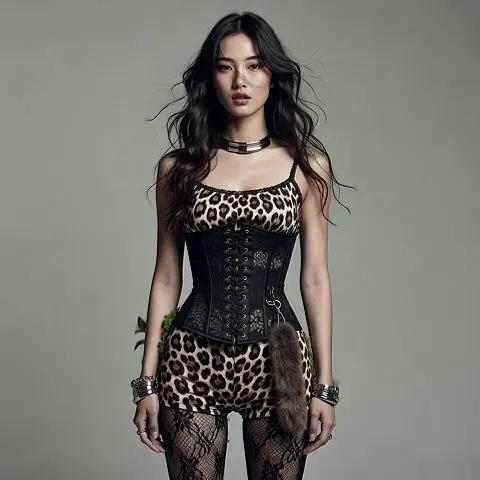
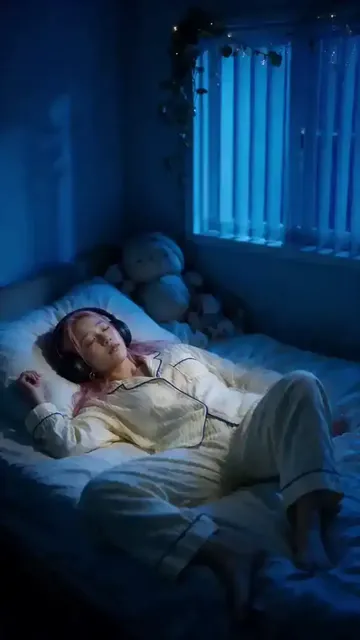
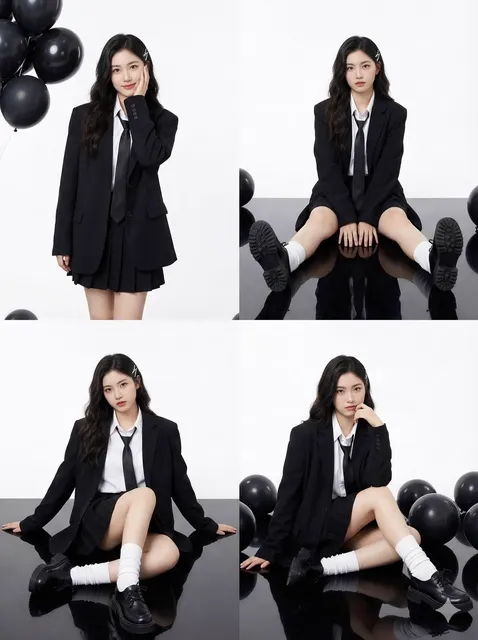
An AI ad creator free video generator turns a written description of a product or promotion into a short video clip. You describe the scene, motion, and visual style—then the tool renders a draft ad clip you can review before using it in a campaign.
ai ad creator freeai video generator guide
Coffee brand teaser
Input
A ceramic cup being filled with dark coffee on a wooden counter, steam rising, warm morning light from window, camera slowly pushing in
Expected output
A short clip showing the cup filling with coffee and steam drifting in warm light, with the camera moving closer
Spring sale promo
Input
A gift box in pastel pink opening with small flowers spilling out, soft shadows, gentle zoom toward the box, bright background
Expected output
A looping clip where the gift box opens and flowers drift out, with a slow zoom over a pastel backdrop
App feature spot
Input
A phone on a clean desk, the screen filling with a green checkmark animation, bright neutral background, subtle camera tilt downward
Expected output
A short spot showing the phone screen gaining a green checkmark with a gentle tilt and a clean, bright background
Generate short promotional video clips from a product or offer description
Compare ad angles quickly
Generate several scene variations from the same product description and compare which visual direction fits the campaign before committing.
Start from a sentence
You do not need existing footage—a clear scene description is enough to begin generating a promo clip draft.
Review before publishing
Each result is a draft: check the scene, motion, and tone, then download only the version that fits your campaign goals.
How It Works
1
Describe the scene
Describe the desired scene and motion.
2
Pick your settings
Choose the available generation settings.
3
Generate and review
Generate, review, and download a suitable result.
Ad video tips
Keep the prompt focused so the draft reads like one clear ad idea.
Input Constraints
- Describe one main action so the clip stays focused
- Keep product claims to what you can support
- Avoid using real people's likenesses unless you have permission
Practical Tips
- Mention lighting, camera movement, and pacing in the prompt
- Use short, concrete sentences for the scene
- Generate a few times and keep the version that matches the ad's tone
Privacy
- Do not upload personal or sensitive material unless you have permission to use it.
Usage Rights
- Confirm that you have the rights needed for the inputs and intended use of the result.
Prompt recipes
Copy a structure, then adjust the subject, lighting, camera, and output details for your own result.
Skincare serum reveal
A dropper dispensing amber serum onto a white marble surface, droplet forming in slow motion, soft natural light from left, clean minimalist background
Combines product action, surface material, motion effect, lighting direction, and background style—creating a polished beauty-product aesthetic.
Sneaker product showcase
A running shoe rotating slowly on a reflective black surface, spotlight from above, subtle reflections, dark gradient background, camera orbiting smoothly
Specifies product, motion, surface, lighting source, reflection cue, background, and camera movement—ideal for premium product positioning.
Holiday gift bundle
A wrapped gift box with red ribbon on a festive table with pine branches and warm fairy lights, camera zooming in slowly, cozy golden glow
Describes product, setting props, lighting mood, camera motion, and emotional tone—suitable for seasonal promotional campaigns.
App onboarding animation
A phone screen showing three onboarding slides appearing in sequence with swipe animation, clean white background, soft drop shadow, icons popping in with bounce effect
Combines screen content, animation sequence, background, lighting, and motion style—matching app promo and explainer video formats.
Food delivery hero shot
A burger being assembled in reverse slow motion with ingredients stacking from top to bottom, steam rising, warm studio lighting, dark background with bokeh highlights
Uses reverse motion for visual interest, specifies ingredient action, steam effect, lighting style, and background treatment—common in food advertising.
Best use cases
Match the workflow to the input you have and the result you need before opening the generator.
Social media ad draft
Input: Product description with motion and lighting cues
Result: Short vertical or square clip for feed placement
Tool: Text to video with aspect ratio and duration settings
Email campaign video header
Input: Product reveal or feature highlight description
Result: Wide-format clip with clear visual focus
Tool: Text to video with wide aspect ratio
Landing page background video
Input: Ambient product scene with subtle motion
Result: Loopable clip with minimal distraction
Tool: Text to video with seamless motion description
A/B test creative concepts
Input: Two prompts with different lighting or camera angles
Result: Comparable clips to test audience response
Tool: Text to video with prompt variations
Limitations to know before generating
- The tool generates a draft clip from your description—results are starting points for campaigns, not final production assets.
- You must confirm that you have the rights needed for the inputs and the intended use before publishing the result.
- Keep product claims in the prompt to what you can support—the tool cannot verify advertising compliance or accuracy.
- Generated clips may require editing, text overlays, or voiceover to become complete ad assets.
- Review every result for visual accuracy, brand alignment, and appropriateness before using it in a paid campaign.
Creative Suite: AI Video Generator & AI Image Generator Tools
Power up your creative workflow with our AI-driven tools. Generate stunning videos, create images, and apply custom adjustments - our AI Video Generator and AI Image Generator offer a complete solution for all your creative needs.
Strictly Prohibits Adult/NSFW Content








Pricing
Choose the credit package that works best for you.
No hidden fees • Cancel anytime • Unused credits roll over
Starter
Perfect for trying out AI creation.
Credits
200 credits / month
- Up to 20 videos per month
- Up to 100 images per month
$6.99/ month$9.9930% OFF
Billed monthly
First-time subscribers get 30% off their first month, then standard price
What's included
- Credits never expire
- Standard models
- HD, Watermark-Free Downloads
- Private Generation
- Faster Generation Speed
- Ad-free experience
Basic
Perfect for light creators.
Credits
500 credits / month
- Up to 50 videos per month
- Up to 250 images per month
$13.99/ month$19.9930% OFF
Billed monthly
First-time subscribers get 30% off their first month, then standard price
What's included
- Credits never expire
- Standard models
- HD, Watermark-Free Downloads
- Private Generation
- Faster Generation Speed
- Ad-free experience
Pro
PopularBest value for creators
Credits
1,200 credits / month
- Up to 120 videos per month
- Up to 600 images per month
$39.99/ month
Billed monthly
What's included
- Credits never expire
- All models + Early access to new models
- HD, Watermark-Free Downloads
- Private Generation
- Faster Generation Speed
- Ultra HD resolution
- Ad-free experience
Ultra
For video creators and power users.
Credits
5,000 credits / month
- Up to 500 videos per month
- Up to 2,500 images per month
$99.99/ month
Billed monthly
What's included
- Credits never expire
- All models + Early access to new models
- HD, Watermark-Free Downloads
- Private Generation
- Faster Generation Speed
- Ultra HD resolution
- Ad-free experience
Free
Standard models only — upgrade to unlock premium models.
Credits
10 free credits on signup
Questions? Contact us at support@domer.io
Put your next ad idea into motion
Write one sentence about the product or offer you want to promote, open the text-to-video tool, and generate a draft clip to review.