
AI Animation Video Generator App
Use ai animation video generator app to describe a scene and motion, choose settings, then generate an animated clip you can review and download.
AI Video Generator
0/20000 characters
Cost:10
My videos
Loading...
How does an AI animation video generator app work?
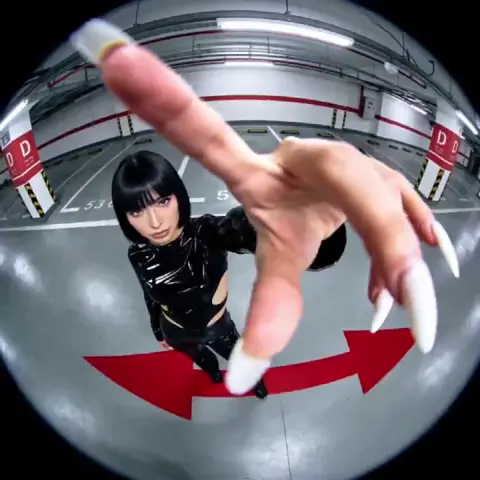
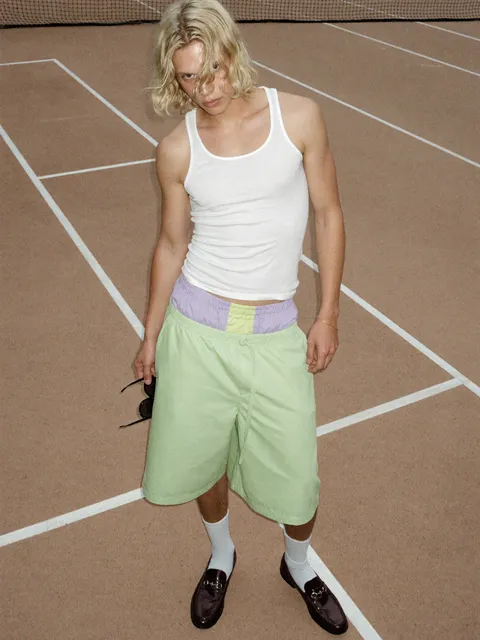
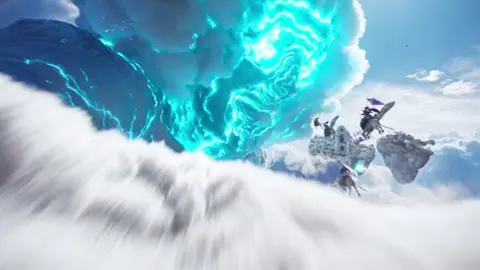
An AI animation video generator app turns text prompts into short animated clips. You describe the scene, subject, and motion in a few sentences, choose the available generation settings, then generate and review the result. When a clip fits your needs, you download it for your project.
AI Animation Video Generator App
Product demo loop
Input
A silver electric kettle pours hot water into a ceramic mug on a kitchen counter, steam rising, soft morning light from a window.
Expected output
A short loop of the kettle pouring with gentle steam motion and stable lighting.
Nature backdrop
Input
A slow aerial glide over a misty pine forest at sunrise, birds crossing the frame, camera drifting forward.
Expected output
A calm aerial clip with a smooth glide and consistent misty atmosphere.
Character walk cycle
Input
A small robot walks across a bright workshop floor, headlights blinking, tools hanging on the wall behind it.
Expected output
A short clip of the robot walking with steady motion and a coherent workshop background.
Turn scene descriptions into animated video clips for drafts and quick motion tests
Start from words
Describe the scene and motion in a prompt instead of building assets, storyboards, or keyframes first.
Iterate quickly
Adjust the wording and regenerate, so you can explore several motion ideas in one sitting.
Review before reuse
Check the generated result for motion quality and fit before deciding whether to use it.
How It Works
1
Describe the scene
Describe the desired scene and motion.
2
Choose settings
Choose the available generation settings.
3
Generate and download
Generate, review, and download a suitable result.
Writing a clear motion prompt
Concrete descriptions tend to give more useful clips.
Input Constraints
- Name the subject, setting, and what moves.
- Describe motion direction or speed when it matters.
- Keep the scene to a single clear action for a short clip.
- Avoid promising specific characters or branded content you do not own.
Practical Tips
- Start with the subject, then the action, then the environment.
- Mention camera movement like pan, zoom, or tracking if you want it.
- Mention lighting or mood when the look matters.
- Regenerate with adjusted wording instead of reusing the same prompt.
- Check the clip for motion coherence before downloading.
Privacy
- Do not upload personal or sensitive material unless you have permission to use it.
Usage Rights
- Confirm that you have the rights needed for the inputs and intended use of the result.
Prompt recipes
Copy a structure, then adjust the subject, lighting, camera, and output details for your own result.
Cinematic product reveal
A sleek smartphone slowly rotating on a reflective black surface, spotlight from above, camera circling around it, premium atmosphere.
Slow rotation with dramatic lighting creates a high-end product showcase suitable for ads or landing pages.
Nature time-lapse effect
Clouds racing across a mountain peak at sunset, shadows shifting quickly over rocky terrain, warm orange and pink sky.
Fast-moving clouds and shifting shadows mimic time-lapse photography without needing hours of footage.
Character action beat
A small dragon hatchling flaps its wings on a stone pedestal, wind ruffling its scales, torch flames flickering nearby.
Focused character action with environmental motion cues makes the scene feel alive and grounded.
Abstract concept loop
Glowing data streams flowing upward through a dark digital tunnel, particles spinning off, pulsing rhythm, tech aesthetic.
Abstract motion with consistent rhythm works well for tech presentations, intros, or explainer backgrounds.
Cozy interior scene
A cup of tea steaming on a wooden table by a rainy window, raindrops sliding down glass, soft indoor light, calm mood.
Gentle motion and atmospheric details create a warm, relatable scene for lifestyle or wellness content.
Action sports moment
A skateboarder mid-kickflip over a graffiti wall, board spinning beneath them, freeze-frame effect, urban setting.
Frozen action with motion blur captures dynamic energy in a single memorable frame.
Best use cases
Match the workflow to the input you have and the result you need before opening the generator.
Prototype an ad concept
Input: Product name, action, camera angle, and mood
Result: A draft video to review the visual idea before production
Tool: Text-to-video generator
Create background loops for streams
Input: Looping motion description with calm, repetitive elements
Result: Seamless background clips that do not distract viewers
Tool: Text-to-video generator
Test animation timing
Input: Character action or object motion with speed cues
Result: Quick motion drafts to evaluate pacing
Tool: Text-to-video generator
Generate storyboard references
Input: Scene description with camera and subject details
Result: Visual references for pre-production planning
Tool: Text-to-video generator
Limitations to know before generating
- Generated clips are drafts and may require review or regeneration to match your vision
- Complex character interactions or multi-subject scenes may not render as expected
- The app does not add audio, music, or dialogue to generated clips
- You are responsible for confirming you have rights to use inputs and outputs in your intended context
- Short, focused prompts produce better results than long, detailed descriptions
Creative Suite: AI Video Generator & AI Image Generator Tools
Power up your creative workflow with our AI-driven tools. Generate stunning videos, create images, and apply custom adjustments - our AI Video Generator and AI Image Generator offer a complete solution for all your creative needs.
Strictly Prohibits Adult/NSFW Content








Pricing
Choose the credit package that works best for you.
No hidden fees • Cancel anytime • Unused credits roll over
Starter
Perfect for trying out AI creation.
Credits
200 credits / month
- Up to 20 videos per month
- Up to 100 images per month
$6.99/ month$9.9930% OFF
Billed monthly
First-time subscribers get 30% off their first month, then standard price
What's included
- Credits never expire
- Standard models
- HD, Watermark-Free Downloads
- Private Generation
- Faster Generation Speed
- Ad-free experience
Basic
Perfect for light creators.
Credits
500 credits / month
- Up to 50 videos per month
- Up to 250 images per month
$13.99/ month$19.9930% OFF
Billed monthly
First-time subscribers get 30% off their first month, then standard price
What's included
- Credits never expire
- Standard models
- HD, Watermark-Free Downloads
- Private Generation
- Faster Generation Speed
- Ad-free experience
Pro
PopularBest value for creators
Credits
1,200 credits / month
- Up to 120 videos per month
- Up to 600 images per month
$39.99/ month
Billed monthly
What's included
- Credits never expire
- All models + Early access to new models
- HD, Watermark-Free Downloads
- Private Generation
- Faster Generation Speed
- Ultra HD resolution
- Ad-free experience
Ultra
For video creators and power users.
Credits
5,000 credits / month
- Up to 500 videos per month
- Up to 2,500 images per month
$99.99/ month
Billed monthly
What's included
- Credits never expire
- All models + Early access to new models
- HD, Watermark-Free Downloads
- Private Generation
- Faster Generation Speed
- Ultra HD resolution
- Ad-free experience
Free
Standard models only — upgrade to unlock premium models.
Credits
10 free credits on signup
Questions? Contact us at support@domer.io
Turn a scene into motion
Open the text-to-video generator, describe the scene and motion you want, and generate a clip to review.