
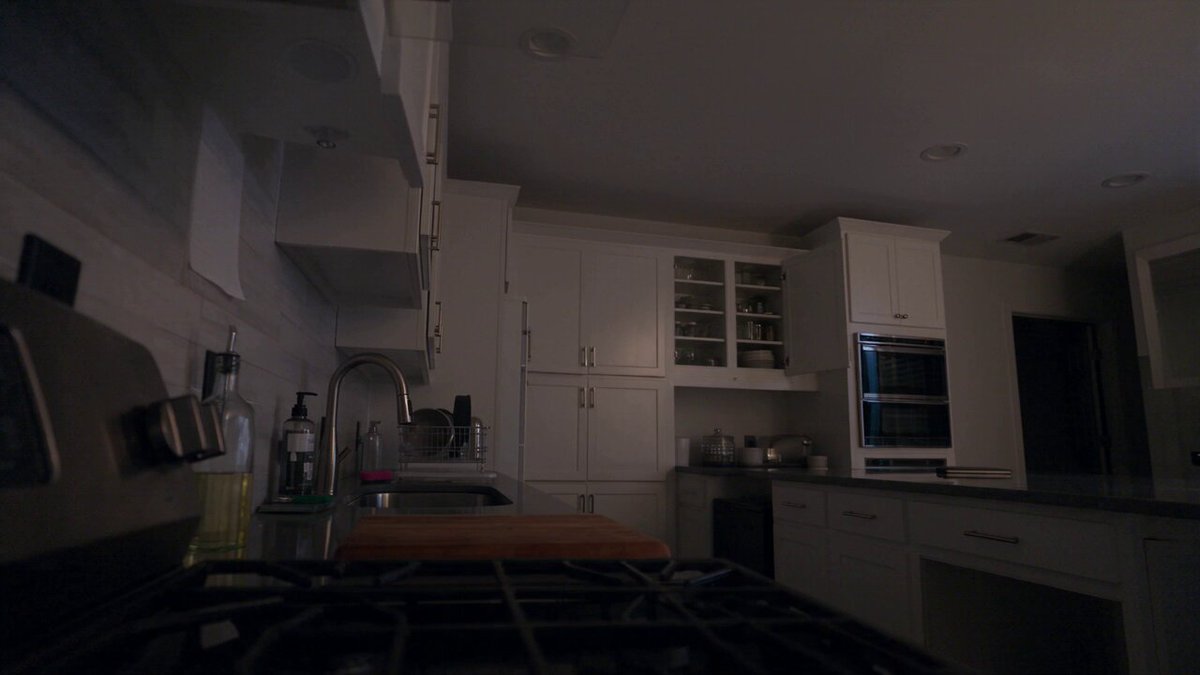
AI Apps Video Generator for Text Prompts
Turn a written scene into a video clip in your browser. Describe what you want to see, choose settings, generate, and download—no software installation.
AI Video Generator
0/20000 characters
Cost:10
My videos
Loading...

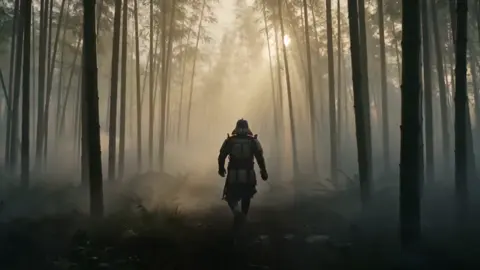
What is an AI apps video generator?
An AI apps video generator is a browser-based text-to-video application that creates video clips from written descriptions. You open the tool in a web browser on any device, describe the scene, motion, lighting, and subjects in plain text, choose generation settings, and the application renders a video clip you can review, regenerate with adjusted wording, and download when satisfied.
AI Apps Video Generator for Text Prompts
Product showcase clip
Input
A modern desk lamp on a wooden desk. The lamp arm slowly pivots. Warm light illuminates the desk surface. A notebook and pen sit beside the base.
Expected output
A short video of the desk lamp with a slow pivoting motion and warm desk lighting.
Urban timelapse effect
Input
A busy pedestrian crossing in a city center during golden hour. People walk across the crosswalk. A bus moves through the intersection. Tall buildings cast long shadows.
Expected output
A video of a city crossing with pedestrian movement, a passing bus, and golden hour shadows.
Garden sprinkler scene
Input
A garden sprinkler rotating in a green lawn. Water arcs across the grass in the afternoon sun. Small droplets catch the light. Flowers at the edge of the lawn sway gently.
Expected output
A video of rotating sprinkler arcs with visible water droplets and moving flowers.
Generate video clips from text descriptions using a browser-based application
Works in any browser
Access the video generation tool through a web application on any device without installing software.
Start with text only
No images, video clips, or special equipment needed. Just describe what you want to see.
Quick turnaround
Write a prompt, generate a clip, and review the result in a single session.
How It Works
1
Describe the scene
Describe the desired scene and motion.
2
Choose the settings
Choose the available generation settings.
3
Generate and download
Generate, review, and download a suitable result.
Getting the most from the application
Write clear scene descriptions for better video output.
Input Constraints
- Describe the setting, lighting, and subjects in your scene.
- Include motion details: how things move and at what speed.
- Keep descriptions focused on a single scene or action.
Practical Tips
- Start with the main subject, then describe the environment around it.
- Be specific about colors, shapes, and spatial relationships.
- If the output is not what you expected, adjust your description and try again.
Privacy
- Do not upload personal or sensitive material unless you have permission to use it.
Usage Rights
- Confirm that you have the rights needed for the inputs and intended use of the result.
Prompt recipes
Copy a structure, then adjust the subject, lighting, camera, and output details for your own result.
Coffee brewing sequence
A French press on a kitchen counter, boiling water poured into the glass carafe, coffee grounds blooming and swirling, steam rising, morning light from a window.
Sequential actions like pouring and blooming plus steam and light create a cozy morning vibe with clear motion.
Nature macro shot
A ladybug crawling along a green leaf with visible water droplets, soft focus background, gentle breeze moving the leaf, bright natural daylight.
Close-up subject with small motion, water droplets, and soft focus produce an engaging nature detail clip.
Urban night traffic
A busy city intersection at night, car headlights and taillights streaking past, neon signs reflecting on wet pavement, light trails from a long exposure effect.
Motion blur and light trails combined with reflections create a dynamic urban night scene.
Workspace timelapse
A desk with a laptop, coffee cup, and notebook, shadows moving across the desk as time passes, window light shifting from morning to afternoon, subtle hand appearing to move objects.
Time progression shown through changing light and shadow creates a relatable work-from-home timelapse.
Ocean wave closeup
A single ocean wave rolling toward the shore, foam forming on the crest, blue-green water with sunlight filtering through, slow motion capture of the wave breaking.
Slow-motion water motion with light and foam detail produces a mesmerizing natural scene.
Best use cases
Match the workflow to the input you have and the result you need before opening the generator.
Product demo clips
Input: Clear product description with motion like rotating, opening, or pivoting
Result: A short video showing product features and movement
Tool: Text-to-video with focus on object motion and lighting
Social media content
Input: Eye-catching scene with motion and bright visuals
Result: A shareable video clip for Instagram, TikTok, or Facebook
Tool: Text-to-video with vertical or square aspect ratio
Explainer video B-roll
Input: Generic scene like workspace, nature, or urban environment with gentle motion
Result: Background footage that supports voiceover or text overlays
Tool: Text-to-video with neutral motion and clean composition
Concept visualization
Input: Described scene for a project pitch or creative brief
Result: A quick visual mockup to communicate an idea to a team or client
Tool: Text-to-video with emphasis on composition and mood
Limitations to know before generating
- The tool is browser-based and does not require installation, but it does need a stable internet connection.
- Generated clips are short; longer videos require multiple generations and manual editing.
- The tool interprets your text description but may not match every visual detail on the first attempt.
- Complex scenes with many moving elements may require simplified prompts and multiple iterations.
- Review each generated clip for accuracy before using it in a project.
Creative Suite: AI Video Generator & AI Image Generator Tools
Power up your creative workflow with our AI-driven tools. Generate stunning videos, create images, and apply custom adjustments - our AI Video Generator and AI Image Generator offer a complete solution for all your creative needs.
Strictly Prohibits Adult/NSFW Content








Pricing
Choose the credit package that works best for you.
No hidden fees • Cancel anytime • Unused credits roll over
Starter
Perfect for trying out AI creation.
Credits
200 credits / month
- Up to 20 videos per month
- Up to 100 images per month
$6.99/ month$9.9930% OFF
Billed monthly
First-time subscribers get 30% off their first month, then standard price
What's included
- Credits never expire
- Standard models
- HD, Watermark-Free Downloads
- Private Generation
- Faster Generation Speed
- Ad-free experience
Basic
Perfect for light creators.
Credits
500 credits / month
- Up to 50 videos per month
- Up to 250 images per month
$13.99/ month$19.9930% OFF
Billed monthly
First-time subscribers get 30% off their first month, then standard price
What's included
- Credits never expire
- Standard models
- HD, Watermark-Free Downloads
- Private Generation
- Faster Generation Speed
- Ad-free experience
Pro
PopularBest value for creators
Credits
1,200 credits / month
- Up to 120 videos per month
- Up to 600 images per month
$39.99/ month
Billed monthly
What's included
- Credits never expire
- All models + Early access to new models
- HD, Watermark-Free Downloads
- Private Generation
- Faster Generation Speed
- Ultra HD resolution
- Ad-free experience
Ultra
For video creators and power users.
Credits
5,000 credits / month
- Up to 500 videos per month
- Up to 2,500 images per month
$99.99/ month
Billed monthly
What's included
- Credits never expire
- All models + Early access to new models
- HD, Watermark-Free Downloads
- Private Generation
- Faster Generation Speed
- Ultra HD resolution
- Ad-free experience
Free
Standard models only — upgrade to unlock premium models.
Credits
10 free credits on signup
Questions? Contact us at support@domer.io
Generate video from your browser
Open the text-to-video application, write a scene, and create a clip instantly.