
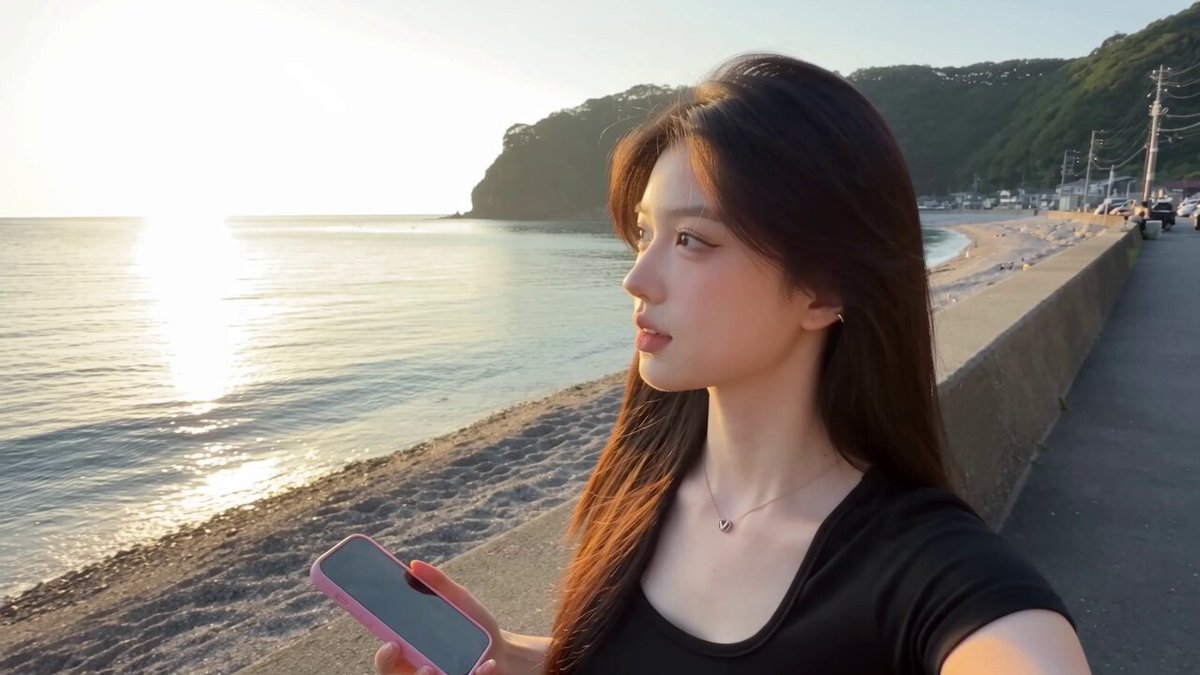
AI Background Video Generator
Describe a scene, atmosphere, and motion in text. Generate moving background clips for video projects, review the mood and pacing, then download.
AI Video Generator
0/20000 characters
Cost:10
My videos
Loading...

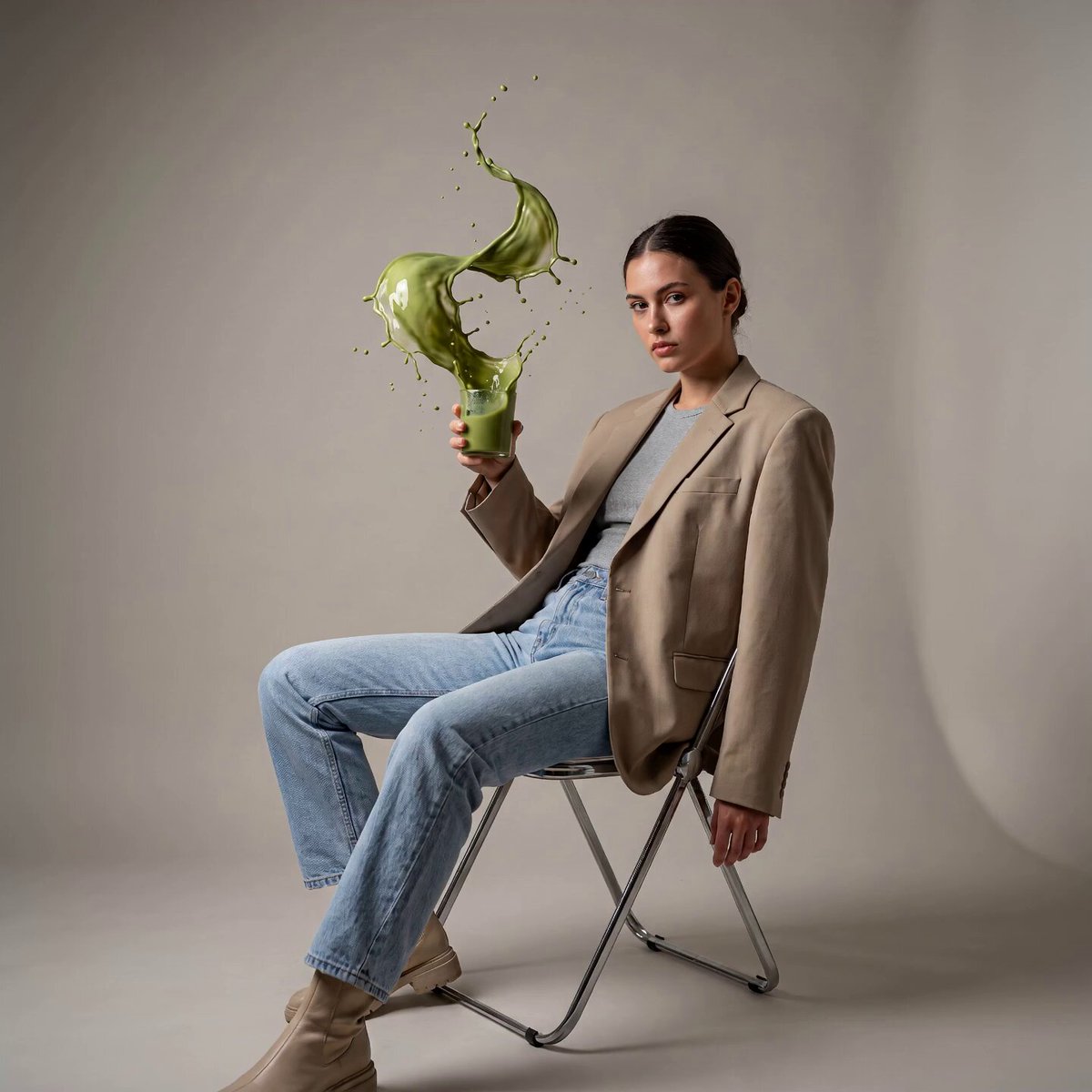
What is an AI background video generator?
An AI background video generator creates moving background video clips from text descriptions. You describe the setting, lighting, color palette, and motion, and the tool renders a scene suitable for layering behind titles, overlays, or other foreground content without filming or stock footage.
AI Background Video Generator
Calm ocean backdrop
Input
Gentle waves rolling onto a sandy beach at golden hour, warm orange and pink light reflecting on the water, slow camera pan across the shoreline.
Expected output
A slow coastal scene with visible wave movement, warm sunset lighting, and a gentle horizontal pan motion suitable as a background.
Abstract motion background
Input
Soft glowing blue and purple particles drifting upward against a dark background, subtle light trails moving diagonally across the frame.
Expected output
A dark abstract scene with floating particle motion and soft light trails, suitable as a calm ambient background.
Urban backdrop for intros
Input
A busy city street at night, neon signs reflecting on wet pavement, cars moving in fast streams of light, top-down drone perspective.
Expected output
A night cityscape with visible traffic light trails, neon reflections, and an elevated perspective providing a dynamic urban background.
Create moving background video clips from text descriptions for use behind other content
Custom footage without a camera
Produce a background video described entirely in text — no filming, stock libraries, or location scouting needed.
Match the exact mood you need
Describe the atmosphere, lighting, and motion you want and generate a background that fits the tone of your project.
Iterate quickly on different styles
Change a few words in the prompt to explore different background looks without reshooting or searching for new footage.
How It Works
1
Describe the scene and motion
Describe the desired scene and motion.
2
Choose generation settings
Choose the available generation settings.
3
Generate and download
Generate, review, and download a suitable result.
Writing effective background prompts
Focus on atmosphere, motion, and setting to get a background that blends well.
Input Constraints
- The tool accepts English text prompts for video generation.
- Results are generated visuals — they are not recordings of real events.
- The tool does not generate audio, speech, or music alongside the video.
Practical Tips
- Describe the lighting and color palette to match your project's tone.
- Specify camera motion such as pan, zoom, or static for the desired feel.
- Keep the prompt focused on one setting for a more coherent background.
- Mention whether you want the scene to loop naturally if seamless playback matters.
- Review the generated clip before adding it to a project.
Privacy
- Do not upload personal or sensitive material unless you have permission to use it.
Usage Rights
- Confirm that you have the rights needed for the inputs and intended use of the result.
Prompt recipes
Copy a structure, then adjust the subject, lighting, camera, and output details for your own result.
Sunset horizon loop
A wide ocean horizon at sunset with soft pink and orange clouds, gentle wave motion, camera slowly panning right, calm and warm.
Describes color palette, motion, and camera direction for a serene looping background.
Corporate office backdrop
Blurred office interior with desks and plants, soft natural light from windows, camera slowly tracking right, professional and clean.
Professional setting with motion blur and slow camera motion for interview or presentation backgrounds.
Cosmic particle field
Dark space with glowing purple and blue particles slowly drifting, occasional light flares, camera static, mysterious and calm.
Abstract sci-fi background with defined color palette and slow motion for tech or gaming content.
Forest path ambiance
A forest path with dappled sunlight filtering through trees, leaves gently moving in the breeze, camera slowly moving forward.
Natural setting with soft motion and forward camera movement for immersive outdoor backgrounds.
Rainy window mood
Raindrops sliding down a window with blurred city lights in the background, soft blue tones, camera static, cozy and introspective.
Atmospheric close-up with color mood and static camera for contemplative or storytelling backgrounds.
Best use cases
Match the workflow to the input you have and the result you need before opening the generator.
Video intro or outro
Input: Cinematic scene description with camera motion and mood
Result: A dynamic background clip for layering titles
Tool: Text to Video with camera motion and lighting details
Presentation backdrop
Input: Professional setting with subtle motion and soft focus
Result: A clean background for overlaying speaker or slides
Tool: Text to Video with blur and professional setting
Social media story background
Input: Abstract or nature scene with strong color palette
Result: A short looping background for vertical content
Tool: Text to Video with loop-friendly scene and color focus
Limitations to know before generating
- Generated backgrounds are visual drafts. Review motion, color, and loop quality before layering other content.
- Seamless looping is not guaranteed. Test the clip in your editing software to check if the start and end frames connect smoothly.
- Complex scenes with many moving elements may produce less predictable motion than simple focused backgrounds.
- The tool does not generate matching audio or music. Add sound separately in your video editor.
Creative Suite: AI Video Generator & AI Image Generator Tools
Power up your creative workflow with our AI-driven tools. Generate stunning videos, create images, and apply custom adjustments - our AI Video Generator and AI Image Generator offer a complete solution for all your creative needs.
Strictly Prohibits Adult/NSFW Content








Pricing
Choose the credit package that works best for you.
No hidden fees • Cancel anytime • Unused credits roll over
Starter
Perfect for trying out AI creation.
Credits
200 credits / month
- Up to 20 videos per month
- Up to 100 images per month
$6.99/ month$9.9930% OFF
Billed monthly
First-time subscribers get 30% off their first month, then standard price
What's included
- Credits never expire
- Standard models
- HD, Watermark-Free Downloads
- Private Generation
- Faster Generation Speed
- Ad-free experience
Basic
Perfect for light creators.
Credits
500 credits / month
- Up to 50 videos per month
- Up to 250 images per month
$13.99/ month$19.9930% OFF
Billed monthly
First-time subscribers get 30% off their first month, then standard price
What's included
- Credits never expire
- Standard models
- HD, Watermark-Free Downloads
- Private Generation
- Faster Generation Speed
- Ad-free experience
Pro
PopularBest value for creators
Credits
1,200 credits / month
- Up to 120 videos per month
- Up to 600 images per month
$39.99/ month
Billed monthly
What's included
- Credits never expire
- All models + Early access to new models
- HD, Watermark-Free Downloads
- Private Generation
- Faster Generation Speed
- Ultra HD resolution
- Ad-free experience
Ultra
For video creators and power users.
Credits
5,000 credits / month
- Up to 500 videos per month
- Up to 2,500 images per month
$99.99/ month
Billed monthly
What's included
- Credits never expire
- All models + Early access to new models
- HD, Watermark-Free Downloads
- Private Generation
- Faster Generation Speed
- Ultra HD resolution
- Ad-free experience
Free
Standard models only — upgrade to unlock premium models.
Credits
10 free credits on signup
Questions? Contact us at support@domer.io
Describe your background scene
Open the text-to-video tool, write the scene you want as a background, and generate a clip in a few steps.