
AI Edit Video Generator
Iterate on video scenes through prompt edits—change lighting, weather, or mood and generate a new version of the same scene.
AI Video Generator
0/20000 characters
Cost:10
My videos
Loading...

How do you edit a video scene with AI?
Keep the core scene description the same and change specific elements—lighting, weather, season, or color palette. Generate each version, compare them, and keep the one that fits your vision.
AI Edit Video Generator
Scene with different lighting
Input
An empty cafe interior, afternoon sunlight streaming through windows, warm tones, tables and chairs neatly arranged.
Expected output
A short video of a cafe scene. Change the prompt to 'evening, dim lighting, cooler tones' for an alternate version.
Weather variation
Input
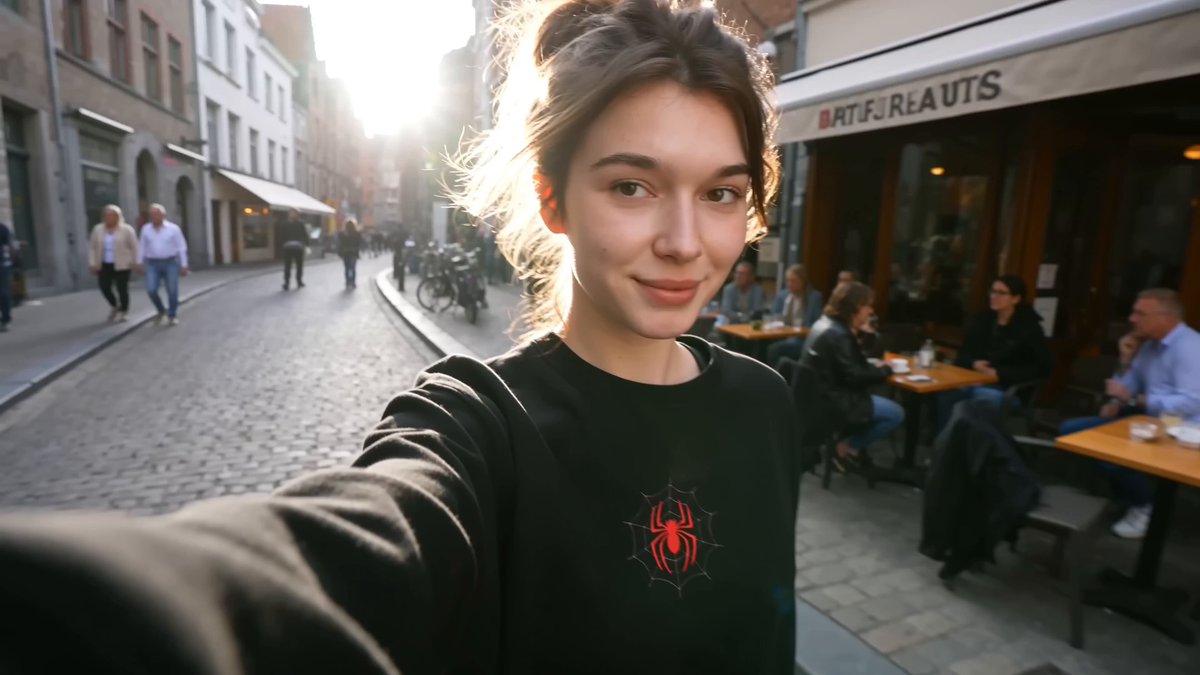
A cobblestone street in a small European town, sunny day, flowers on windowsills, people walking.
Expected output
A generated video of a town street. Modify the prompt to 'rainy, grey sky, reflections on cobblestones' for a different mood.
Season change
Input
A park bench under a large oak tree, autumn leaves falling, warm golden light, empty path.
Expected output
A generated autumn scene. Change 'autumn' to 'spring with cherry blossoms' for a seasonal variant.
Generate or iterate on a video scene by refining the text prompt
Iterate through prompt changes
Create different versions of the same scene by editing key descriptive words in your prompt.
No timeline editing needed
Generate alternative visual treatments without using video editing software.
Explore creative directions
Test multiple visual approaches for the same scene concept by varying your descriptions.
How It Works
1
Describe the scene
Describe the desired scene and motion.
2
Choose settings
Choose the available generation settings.
3
Generate and download
Generate, review, and download a suitable result.
Editing through prompts
Small prompt changes can produce significantly different results.
Input Constraints
- Change one or two descriptive elements at a time.
- Keep the core scene structure consistent across iterations.
- Review each new version before replacing the previous one.
Practical Tips
- Save your original prompt as a base to return to.
- Try changing mood words, lighting, or season for dramatic shifts.
- Generate multiple versions and compare them side by side.
Privacy
- Do not upload personal or sensitive material unless you have permission to use it.
Usage Rights
- Confirm that you have the rights needed for the inputs and intended use of the result.
Prompt recipes
Copy a structure, then adjust the subject, lighting, camera, and output details for your own result.
Lighting mood shift
A living room with a couch and bookshelf, afternoon light through the window, warm tones, calm atmosphere. Then: same room, dim lamp light, blue evening tones, quiet mood.
Changing only the lighting and color temperature transforms the emotional tone while keeping the scene recognizable.
Weather atmosphere change
A city street with cafes and storefronts, bright sunny day, people walking, clear sky. Then: same street, heavy rain, umbrellas, reflections on wet pavement, overcast.
Adding weather changes the visual texture and mood dramatically without altering the location or composition.
Seasonal transformation
A park path with trees, green leaves, people jogging, summer warmth. Then: same path, snow covering the ground, bare trees, cold winter light.
Seasonal shifts create visually distinct versions of the same location, useful for storytelling or comparison.
Time of day variation
A harbor with boats, midday sun, clear blue water, activity on the docks. Then: same harbor at dusk, orange sky, calm water, lights beginning to glow.
Time-of-day changes alter light quality and activity level, offering multiple moods from one scene.
Color palette experiment
A desert landscape with sand dunes, warm golden tones, bright sun, dry atmosphere. Then: same landscape, cooler blue-gray tones, overcast sky, muted colors.
Shifting the color palette changes the emotional impact and stylistic feel without changing the subject.
Best use cases
Match the workflow to the input you have and the result you need before opening the generator.
Testing mood variations for a project
Input: One scene description with changed lighting, weather, or season keywords
Result: Multiple mood versions of the same scene to compare and choose from
Tool: Text-to-video with iterative prompt editing
Client presentation with options
Input: Core scene with two or three atmospheric variations
Result: Side-by-side visual options for client review and decision
Tool: Text-to-video with consistent scene structure and mood keywords
Storyboard scene exploration
Input: Scene concept with different time-of-day or weather prompts
Result: Visual drafts showing how the scene changes under different conditions
Tool: Text-to-video with time and weather variation
Before-and-after concept visualization
Input: Same location with contrasting descriptors—bright vs. dim, summer vs. winter
Result: Two clips showing transformation or contrast for storytelling or pitch
Tool: Text-to-video with contrasting keywords and consistent framing
Limitations to know before generating
- The tool generates new clips from text prompts—it does not edit existing video files frame by frame.
- Results depend on how clearly you describe the elements you want to change and the elements you want to keep.
- Each generation is independent—small prompt changes can produce unexpected visual shifts.
- You are responsible for ensuring you have the rights to use the generated clips in your intended context.
- The tool does not produce audio—add sound separately if needed.
Creative Suite: AI Video Generator & AI Image Generator Tools
Power up your creative workflow with our AI-driven tools. Generate stunning videos, create images, and apply custom adjustments - our AI Video Generator and AI Image Generator offer a complete solution for all your creative needs.
Strictly Prohibits Adult/NSFW Content








Pricing
Choose the credit package that works best for you.
No hidden fees • Cancel anytime • Unused credits roll over
Starter
Perfect for trying out AI creation.
Credits
200 credits / month
- Up to 20 videos per month
- Up to 100 images per month
$6.99/ month$9.9930% OFF
Billed monthly
First-time subscribers get 30% off their first month, then standard price
What's included
- Credits never expire
- Standard models
- HD, Watermark-Free Downloads
- Private Generation
- Faster Generation Speed
- Ad-free experience
Basic
Perfect for light creators.
Credits
500 credits / month
- Up to 50 videos per month
- Up to 250 images per month
$13.99/ month$19.9930% OFF
Billed monthly
First-time subscribers get 30% off their first month, then standard price
What's included
- Credits never expire
- Standard models
- HD, Watermark-Free Downloads
- Private Generation
- Faster Generation Speed
- Ad-free experience
Pro
PopularBest value for creators
Credits
1,200 credits / month
- Up to 120 videos per month
- Up to 600 images per month
$39.99/ month
Billed monthly
What's included
- Credits never expire
- All models + Early access to new models
- HD, Watermark-Free Downloads
- Private Generation
- Faster Generation Speed
- Ultra HD resolution
- Ad-free experience
Ultra
For video creators and power users.
Credits
5,000 credits / month
- Up to 500 videos per month
- Up to 2,500 images per month
$99.99/ month
Billed monthly
What's included
- Credits never expire
- All models + Early access to new models
- HD, Watermark-Free Downloads
- Private Generation
- Faster Generation Speed
- Ultra HD resolution
- Ad-free experience
Free
Standard models only — upgrade to unlock premium models.
Credits
10 free credits on signup
Questions? Contact us at support@domer.io
Iterate on your scene
Open the text-to-video generator, describe a base scene, and experiment with prompt variations.