
Create
AI Frame to Video Generator
Use an ai frame to video generator to describe scene composition and motion, then generate a video clip. Describe spatial details, timing, and progression.
AI Video Generator
0/20000 characters
Cost:10
My videos
Loading...
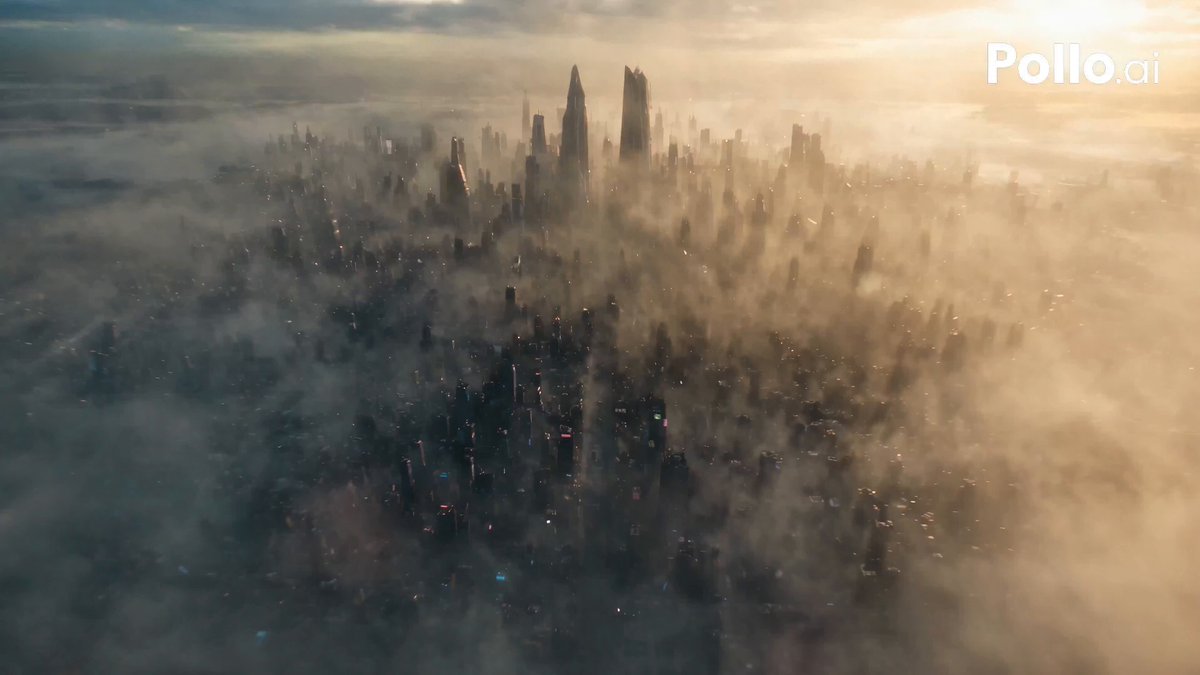
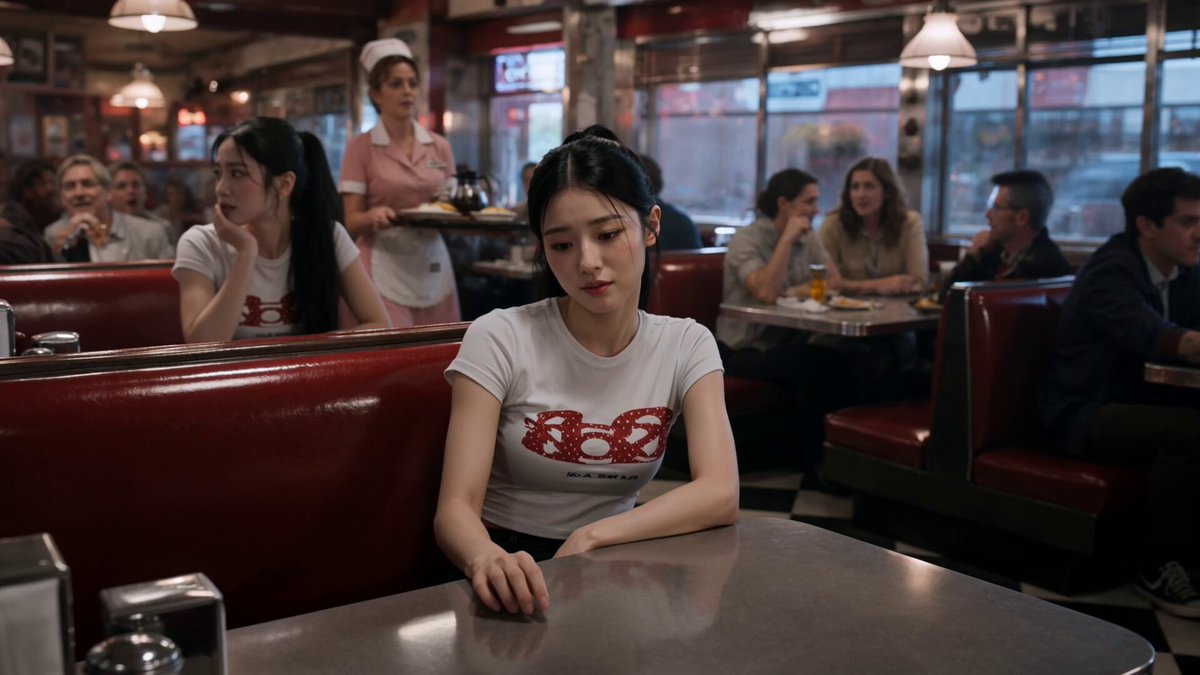
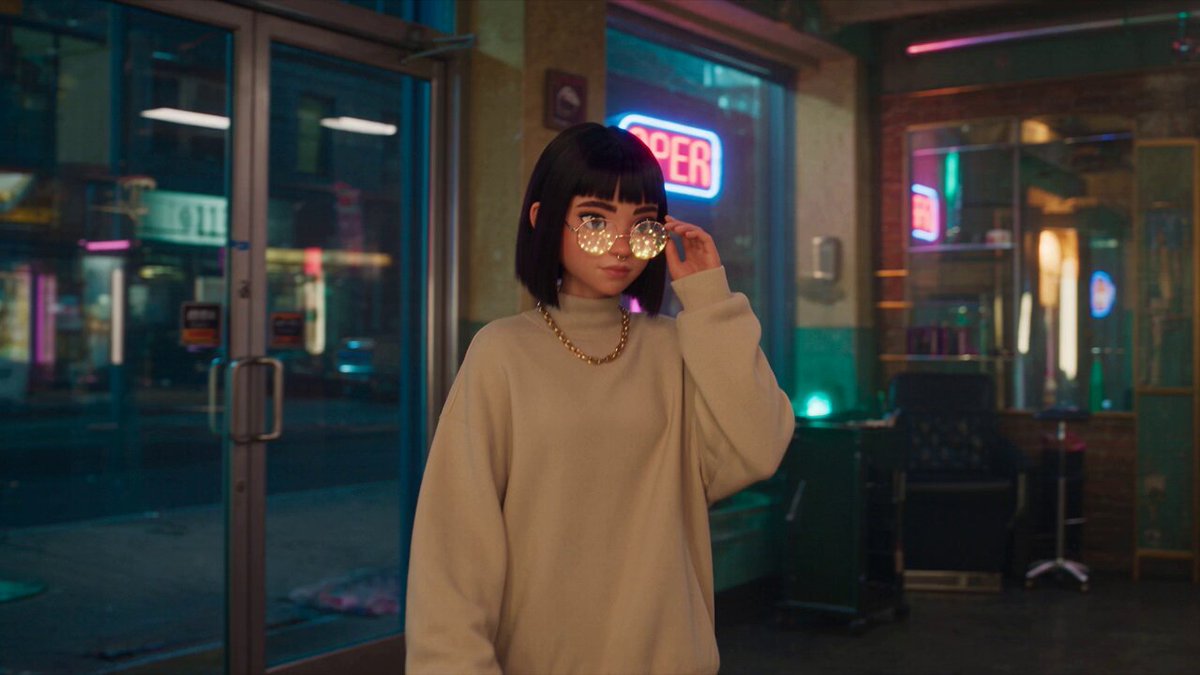
What is an AI frame to video generator?
An AI frame to video generator creates video clips from detailed scene descriptions that specify composition, spatial arrangement, and motion. You describe how elements are arranged in the scene and how they progress or move, then the tool generates a matching video clip based on your description.
AI Frame to Video Generator
Sequential scene description
Input
A sunrise over a quiet beach: first light appears on the horizon, colours shift from purple to orange, waves roll in gently
Expected output
A sequential clip showing the sunrise progression with colour transitions and wave movement
Composition-to-motion
Input
A still life of fruit on a wooden table with a white cloth, slowly zooming in with soft natural light changing
Expected output
A clip with a slow zoom into a still life scene with shifting natural light and subtle shadow movement
Detailed scene build-up
Input
A steampunk workshop with brass machines, gears turning, steam hissing from pipes, and a figure working at a desk
Expected output
A detailed workshop clip with moving machinery, steam effects, and figure movement in a steampunk setting
Generate video content from sequential scene descriptions
Video from descriptions
Turn detailed scene descriptions into video clips without recording or animation skills.
Composition control
Describe the setup and movement in your scene to guide the visual output.
Iterative refinement
Adjust your prompt and regenerate to refine the visual result.
How It Works
1
Describe the scene
Describe the desired scene and motion.
2
Configure settings
Choose the available generation settings.
3
Generate and review
Generate, review, and download a suitable result.
Structuring scene descriptions
Describe the composition and any motion you want to see.
Input Constraints
- Describe the spatial arrangement of elements in the scene
- Include any motion or progression you want to see
- Keep the scene description focused and coherent
Practical Tips
- Describe the scene from wide to close-up for depth
- Include timing cues: slow, gradual, sudden, continuous
- Review the clip to see how well the description translated to video
Privacy
- Do not upload personal or sensitive material unless you have permission to use it.
Usage Rights
- Confirm that you have the rights needed for the inputs and intended use of the result.
Prompt recipes
Copy a structure, then adjust the subject, lighting, camera, and output details for your own result.
Time progression sequence
A potted plant on a windowsill from morning to evening: soft dawn light enters from the left, gradually shifts to bright midday overhead light, then warm golden hour light from the right, ending with blue twilight glow, plant casts moving shadows throughout.
Uses time-based lighting changes and shadow progression to create a visually dynamic sequence that demonstrates environmental transformation through composition and light direction.
Layered depth reveal
A misty forest scene with three distinct layers: foreground ferns and moss in sharp focus, mid-ground tree trunks partially visible through fog, background hills fading into haze, camera slowly pushes forward through the layers revealing depth.
Describes spatial layers and camera motion to create a sense of depth and discovery, effective for nature content or atmospheric storytelling.
Object assembly progression
A flat-lay view of scattered woodworking tools on a workbench gradually organizing themselves: hammer slides to upper left, saw to upper right, nails gather in center, wood pieces align at bottom, forming a balanced composition, overhead locked camera.
Specifies initial state, end state, and item-by-item motion to create a satisfying organization sequence suitable for product, craft, or tutorial content.
Weather transition
A park bench on a grassy hill: scene starts in bright sunshine with sharp shadows, clouds gradually roll in from the left darkening the scene, light rain begins with visible droplets, puddles form around the bench, overcast gray light throughout, static wide shot.
Describes environmental progression with specific weather elements and lighting changes to create an atmospheric transition useful for mood-setting or ambient content.
Architectural walkthrough
Interior view of a modern minimalist hallway: camera starts facing a white wall with a single framed artwork, slowly rotates right revealing a floor-to-ceiling window with city view, continues rotating to show a wooden door at the end, natural daylight throughout, smooth rotation.
Uses camera rotation and spatial reveal to explore interior composition, effective for real estate, architecture, or design showcase content.
Best use cases
Match the workflow to the input you have and the result you need before opening the generator.
Concept visualization or storyboard
Input: Sequential scene description with clear composition and progression
Result: Visual reference showing how the scene unfolds over time
Tool: Text to Video with spatial and timing detail
Product or craft demonstration
Input: Object arrangement and transformation with clear start and end states
Result: Assembly or organization sequence showing process flow
Tool: Text to Video with overhead framing and step-by-step motion
Atmospheric or ambient content
Input: Environmental scene with gradual lighting or weather changes
Result: Mood-setting clip with natural progression and visual interest
Tool: Text to Video with time-based or environmental cues
Limitations to know before generating
- Complex multi-stage sequences may not render all described transitions accurately.
- Precise spatial positioning of multiple objects can be difficult to control.
- Fast or abrupt transitions may produce motion artifacts or continuity issues.
- Scene descriptions requiring exact timing or synchronization may not match expectations.
- Output works best for gradual progressions rather than complex choreographed action.
Creative Suite: AI Video Generator & AI Image Generator Tools
Power up your creative workflow with our AI-driven tools. Generate stunning videos, create images, and apply custom adjustments - our AI Video Generator and AI Image Generator offer a complete solution for all your creative needs.
Strictly Prohibits Adult/NSFW Content








Pricing
Choose the credit package that works best for you.
No hidden fees • Cancel anytime • Unused credits roll over
Starter
Perfect for trying out AI creation.
Credits
200 credits / month
- Up to 20 videos per month
- Up to 100 images per month
$6.99/ month$9.9930% OFF
Billed monthly
First-time subscribers get 30% off their first month, then standard price
What's included
- Credits never expire
- Standard models
- HD, Watermark-Free Downloads
- Private Generation
- Faster Generation Speed
- Ad-free experience
Basic
Perfect for light creators.
Credits
500 credits / month
- Up to 50 videos per month
- Up to 250 images per month
$13.99/ month$19.9930% OFF
Billed monthly
First-time subscribers get 30% off their first month, then standard price
What's included
- Credits never expire
- Standard models
- HD, Watermark-Free Downloads
- Private Generation
- Faster Generation Speed
- Ad-free experience
Pro
PopularBest value for creators
Credits
1,200 credits / month
- Up to 120 videos per month
- Up to 600 images per month
$39.99/ month
Billed monthly
What's included
- Credits never expire
- All models + Early access to new models
- HD, Watermark-Free Downloads
- Private Generation
- Faster Generation Speed
- Ultra HD resolution
- Ad-free experience
Ultra
For video creators and power users.
Credits
5,000 credits / month
- Up to 500 videos per month
- Up to 2,500 images per month
$99.99/ month
Billed monthly
What's included
- Credits never expire
- All models + Early access to new models
- HD, Watermark-Free Downloads
- Private Generation
- Faster Generation Speed
- Ultra HD resolution
- Ad-free experience
Free
Standard models only — upgrade to unlock premium models.
Credits
10 free credits on signup
Questions? Contact us at support@domer.io
Describe a composed scene
Write a scene description with spatial details and see the video result.