
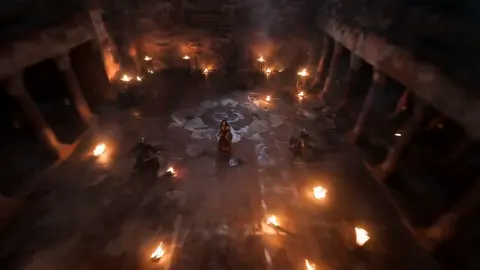
AI Human Video Generator
Generate video drafts of people acting in scenes from text descriptions. Describe the action, setting, and camera movement, then review before use.
AI Video Generator
0/20000 characters
Cost:10
My videos
Loading...
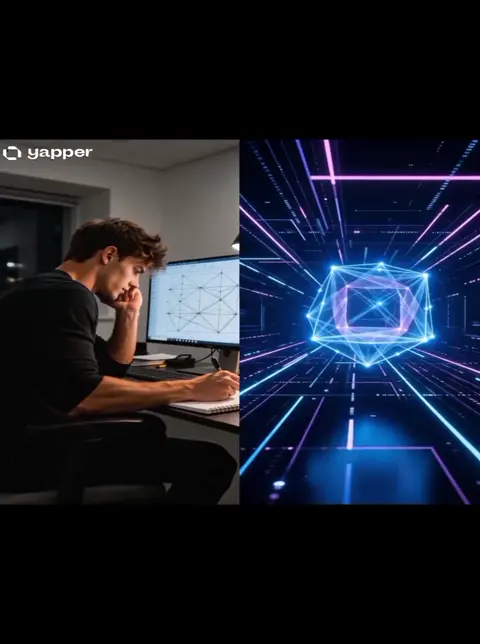
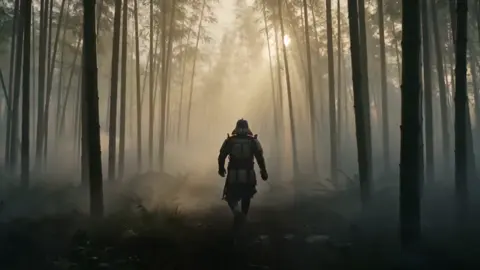
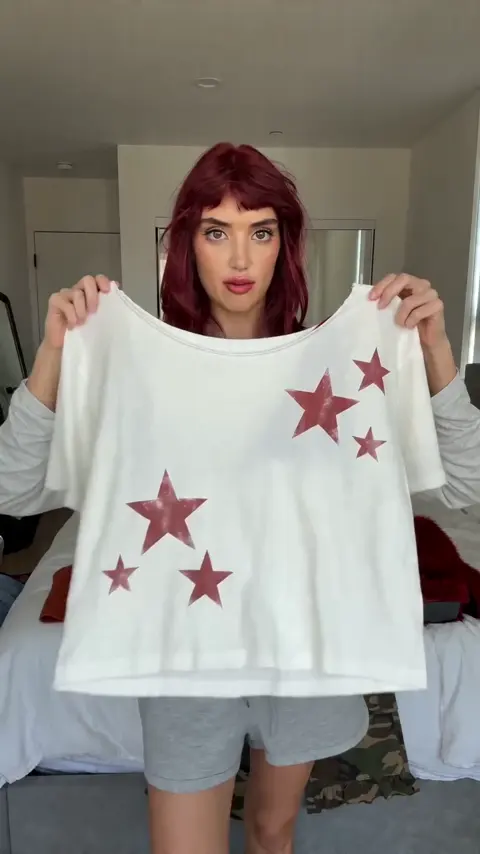
What is an AI human video generator?
An AI human video generator creates short video drafts of people performing actions in scenes based on text prompts. You describe general characters, actions, setting, and camera movement—not specific real people—then generate a draft to review for motion quality, pacing, and rights compliance before deciding to use it.
AI Human Video Generator
Cafe conversation
Input
Two friends laughing over coffee at a window table, rain outside, warm interior light, camera slowly pushing in
Expected output
A short conversational scene with natural arm movement and believable light, checked for motion smoothness.
Morning jog
Input
A runner moving along a riverside path at sunrise, breath visible in the cool air, birds in the background, side tracking shot
Expected output
A steady tracking clip with consistent sunrise light and natural running motion.
Chef at work
Input
A chef plating a dessert in a busy kitchen, focused expression, steam rising, close-up, shallow depth of field
Expected output
A detailed kitchen clip with smooth plating motion and readable steam.
Create video drafts of people in scenes from text prompts, reviewed for motion and rights before use
Describe people and action in words
Write who appears, what they do, and how the camera moves, and let the tool turn that into a video draft.
Review movement before sharing
Generated scenes of people need a motion check: look for natural gestures and steady pacing before use.
Keep likeness out of the prompt
Describe general actions and settings rather than specific real people, so the draft stays within your rights.
How It Works
1
Describe the people and scene
Describe the desired scene and motion.
2
Choose the settings
Choose the available generation settings.
3
Generate and review
Generate, review, and download a suitable result.
Prompting human scenes
Describe what people do, where they are, and how the camera moves.
Input Constraints
- Describe general characters and actions, not specific real people.
- Focus on movement that reads clearly in a short clip.
- Keep the scene to a few people so motion stays readable.
- Do not use a real person's likeness without permission.
Practical Tips
- Specify the camera angle and movement, such as a close-up or tracking shot.
- Mention lighting and mood so the scene feels consistent.
- Review gestures and pacing before deciding to use the result.
Privacy
- Do not upload personal or sensitive material unless you have permission to use it.
Usage Rights
- Confirm that you have the rights needed for the inputs and intended use of the result.
Prompt recipes
Copy a structure, then adjust the subject, lighting, camera, and output details for your own result.
Office brainstorming session
Three colleagues standing around a whiteboard in a modern office, one pointing at sketches, others nodding, natural hand gestures, bright daylight from large windows, medium shot, camera static
The whiteboard focus and hand gestures create clear readable action. Static camera and good lighting keep attention on the people.
Street musician performance
A guitarist sitting on a stool on a busy pedestrian street, fingers moving on strings, foot tapping rhythm, passersby walking in soft focus behind, golden hour light, close-up on hands then pull back to full scene
The close-up-to-wide camera move adds visual interest. Foot tapping and finger motion give specific animation cues.
Family cooking together
A parent and child at a kitchen counter, child stirring a bowl, parent chopping vegetables, warm overhead light, steam rising from a pot, medium shot, camera slowly pans left to right
Multiple simple actions in one frame create a natural scene. The slow pan and steam add motion layers without complexity.
Yoga instructor guiding a class
An instructor in a bright studio demonstrating a pose, several students in rows following along, everyone moving slowly from one position to another, soft natural light, wide shot from behind the class
Synchronized group movement is visually compelling. The behind-the-class angle keeps the instructor as the focal point.
Delivery worker at a doorstep
A delivery person in uniform approaching a residential door, holding a package, knocking, waiting, checking a device, suburban house exterior, afternoon light, medium shot
The sequence of small actions—approach, knock, wait, check—creates a mini-narrative. Clear context and lighting make it usable for commercial content.
Best use cases
Match the workflow to the input you have and the result you need before opening the generator.
Product demo with human context
Input: Person interacting with a product in a real environment, clear action and camera angle
Result: A clip showing believable product use with natural hand and body motion
Tool: AI Video Generator with detailed action and setting prompts
Social media content showing everyday moments
Input: Relatable activity like cooking, working, or exercising with clear lighting and simple motion
Result: A short, shareable clip with human motion suitable for social posts
Tool: AI Video Generator with mood and lighting keywords
Training or tutorial video placeholder
Input: Step-by-step action description with camera focus on hands or key movements
Result: A draft clip showing the action sequence for review before final production
Tool: AI Video Generator with camera angle and action detail
Concept pitch or storyboard for commercial
Input: Scene description with character roles, setting, and desired emotional tone
Result: A rough video draft that conveys the intended scene mood and pacing
Tool: AI Video Generator with setting and mood prompts
Limitations to know before generating
- Generated people are synthetic and may not match your exact vision—facial features, body language, and timing can vary
- Complex group interactions or precise choreography may produce inconsistent or unrealistic motion
- The tool does not provide model releases or commercial rights for generated human figures; review your intended use carefully
- Facial expressions and subtle gestures are harder to control than body position and general movement
- Results depend heavily on prompt clarity and generation settings; vague descriptions often lead to unexpected outcomes
Creative Suite: AI Video Generator & AI Image Generator Tools
Power up your creative workflow with our AI-driven tools. Generate stunning videos, create images, and apply custom adjustments - our AI Video Generator and AI Image Generator offer a complete solution for all your creative needs.
Strictly Prohibits Adult/NSFW Content








Pricing
Choose the credit package that works best for you.
No hidden fees • Cancel anytime • Unused credits roll over
Starter
Perfect for trying out AI creation.
Credits
200 credits / month
- Up to 20 videos per month
- Up to 100 images per month
$6.99/ month$9.9930% OFF
Billed monthly
First-time subscribers get 30% off their first month, then standard price
What's included
- Credits never expire
- Standard models
- HD, Watermark-Free Downloads
- Private Generation
- Faster Generation Speed
- Ad-free experience
Basic
Perfect for light creators.
Credits
500 credits / month
- Up to 50 videos per month
- Up to 250 images per month
$13.99/ month$19.9930% OFF
Billed monthly
First-time subscribers get 30% off their first month, then standard price
What's included
- Credits never expire
- Standard models
- HD, Watermark-Free Downloads
- Private Generation
- Faster Generation Speed
- Ad-free experience
Pro
PopularBest value for creators
Credits
1,200 credits / month
- Up to 120 videos per month
- Up to 600 images per month
$39.99/ month
Billed monthly
What's included
- Credits never expire
- All models + Early access to new models
- HD, Watermark-Free Downloads
- Private Generation
- Faster Generation Speed
- Ultra HD resolution
- Ad-free experience
Ultra
For video creators and power users.
Credits
5,000 credits / month
- Up to 500 videos per month
- Up to 2,500 images per month
$99.99/ month
Billed monthly
What's included
- Credits never expire
- All models + Early access to new models
- HD, Watermark-Free Downloads
- Private Generation
- Faster Generation Speed
- Ultra HD resolution
- Ad-free experience
Free
Standard models only — upgrade to unlock premium models.
Credits
10 free credits on signup
Questions? Contact us at support@domer.io
Generate a human scene from text
Open the text-to-video tool, describe the people and action you want, and generate a draft to review.