
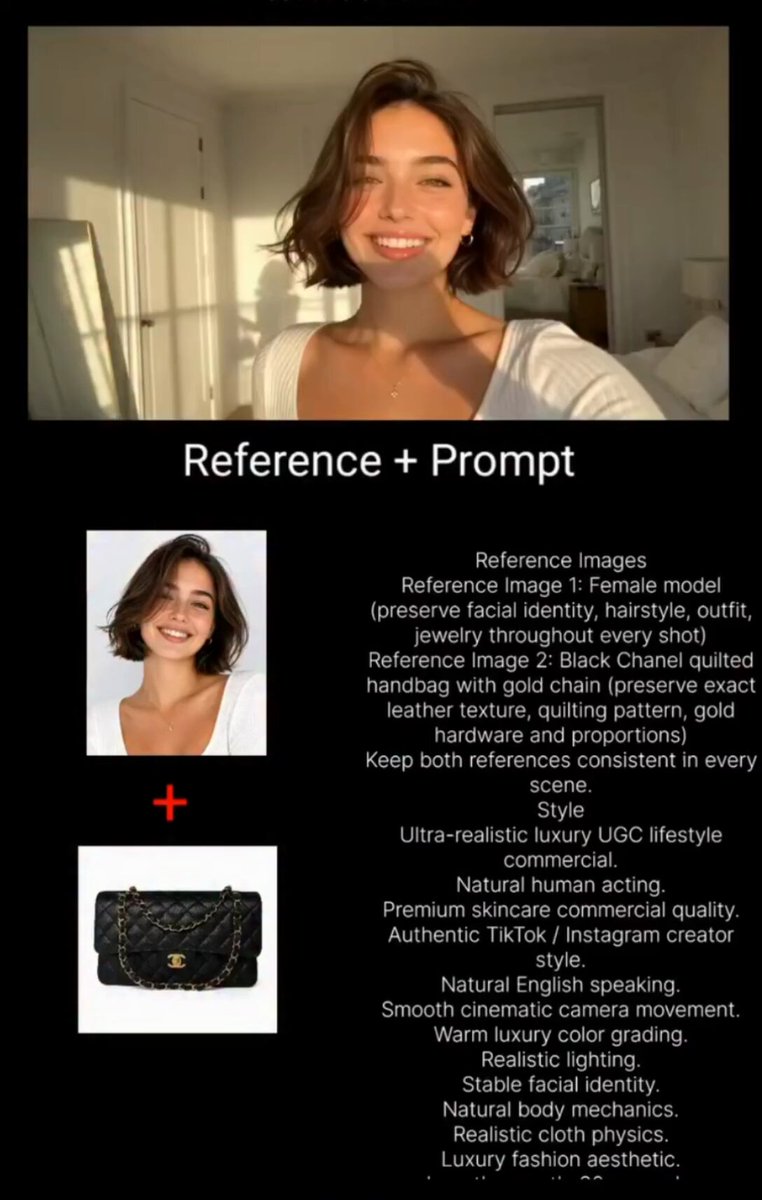
AI listing video generator for product and property clips
Describe your product or property scene with motion and lighting, choose settings, and generate a listing-ready video clip.
AI Video Generator
0/20000 characters
Cost:10
My videos
Loading...

How does an AI listing video generator work?
You describe the item you're listing — product on a surface, property room, or space — along with camera motion, lighting, and framing. The tool generates a short video clip showing the scene from your description, ready to review and use in your listing.
AI listing video generator for product and property clips
Furniture listing shot
Input
A modern gray sofa in a bright studio, camera slowly orbiting to show the fabric texture and stitching, soft daylight from the left.
Expected output
A short clip of the sofa with a slow orbit around it, showing the fabric surface and stitching under soft studio light.
Property tour opener
Input
A sunlit living room with tall windows, a slow push-in from the doorway toward the seating area, warm afternoon light.
Expected output
A clip that moves into the living room from the doorway and settles on the seating area with warm natural light.
Feature highlight clip
Input
A white sneaker on a clean pedestal, rotating in place under even studio lighting with a subtle shadow beneath.
Expected output
A rotation-style clip of the sneaker on the pedestal with steady motion and even studio lighting.
Generate a short product or property listing video clip from a text description of the item and camera motion
One prompt, one listing clip
Describe the item scene and motion in plain language instead of setting up a shoot by hand.
Settings that match the scene
Choose the available generation settings before rendering so the clip follows your description.
Review before you download
Watch the generated clip and refine the prompt or settings if the motion or framing is off.
How It Works
1
Describe the scene and motion
Describe the desired scene and motion.
2
Choose the generation settings
Choose the available generation settings.
3
Generate, review, download
Generate, review, and download a suitable result.
Writing a clear listing video prompt
Describe what the viewer should see and how it moves, in the style of a listing shot.
Input Constraints
- Describe one main subject, such as a product or room, per clip.
- State the camera movement, such as orbit, push-in, or pan.
- Keep lighting and mood consistent within the same prompt.
- Avoid content you do not have permission to use.
Practical Tips
- Start with a short sentence, then add motion details on a second pass.
- Use specific motion words: rotate, drift, glide, zoom, sweep.
- Mention the setting, like studio light or natural daylight, when it matters.
- Review the first result before downloading so you can adjust the prompt.
Privacy
- Do not upload personal or sensitive material unless you have permission to use it.
Usage Rights
- Confirm that you have the rights needed for the inputs and intended use of the result.
Prompt recipes
Copy a structure, then adjust the subject, lighting, camera, and output details for your own result.
E-commerce product spin
A ceramic coffee mug on a white turntable, slow 360-degree rotation showing the handle and glaze finish, even studio lighting with soft shadows, clean white background.
Provides full product view with consistent lighting and motion, ideal for online store listings that need clear item visualization.
Real estate living room walkthrough
Walking into a spacious living room with hardwood floors and large windows, camera moving forward from the entryway, sunlight streaming in, showing the room's layout and natural light.
Mimics property tour perspective, helping potential buyers visualize the space and flow from one area to another.
Fashion item close-up detail
Close-up of a leather handbag on a neutral surface, camera slowly panning across the stitching and hardware details, soft diffused lighting highlighting texture, elegant presentation.
Emphasizes craftsmanship and material quality with motion that guides viewer attention to key product features.
Exterior property establishing shot
A two-story house with a front lawn and driveway, camera slowly rising to reveal the full facade, golden hour lighting, trees framing the property, welcoming atmosphere.
Creates strong first impression for property listings with motion that reveals scale and setting in natural light.
Gadget feature demonstration
A smartphone on a desk, camera locked in position, screen lighting up and interface elements appearing, clean modern office background, professional product presentation style.
Highlights product functionality with minimal motion distraction, suitable for tech listings emphasizing screen and interface.
Kitchen property tour segment
A modern kitchen with white cabinets and marble countertops, camera gliding smoothly from the island toward the stove, bright daylight from a window, clean and spacious feel.
Showcases key property feature with motion that allows viewers to mentally navigate the space as if they were there.
Best use cases
Match the workflow to the input you have and the result you need before opening the generator.
E-commerce product listing
Input: Clean product description with rotation or detail pan, neutral background, even lighting
Result: A product clip showing the item clearly from multiple angles or highlighting key features
Tool: AI video generator
Real estate property tour
Input: Room or exterior description with walkthrough or rising camera motion, natural lighting emphasis
Result: A property clip that shows space, layout, and lighting as a tour segment
Tool: AI video generator
Marketplace item showcase
Input: Item on a surface with rotation or close-up motion, clear lighting, minimal distraction
Result: A short clip showing the item condition and details for resale platforms
Tool: AI video generator
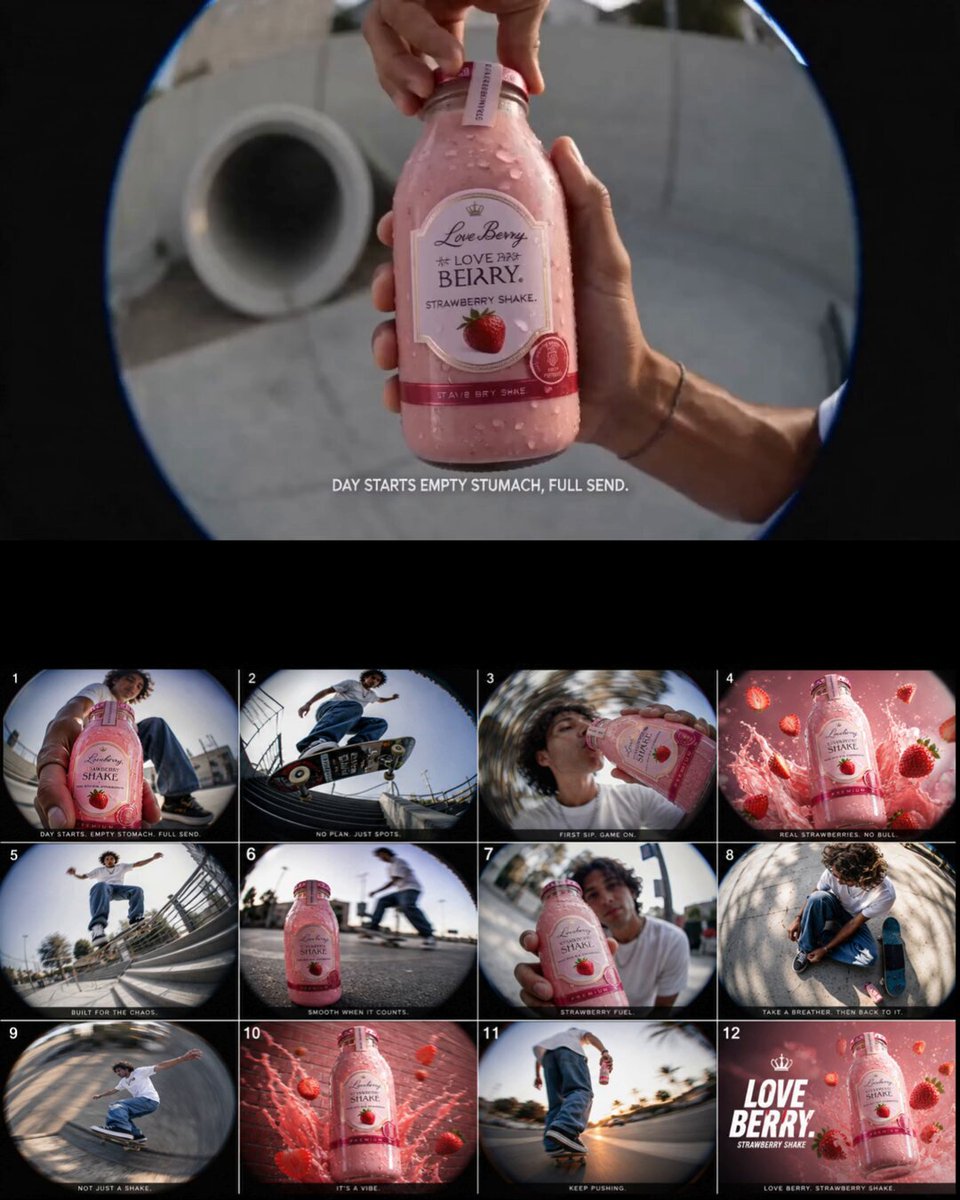
Social media product teaser
Input: Product with dramatic or eye-catching motion, mood lighting, brand-aligned setting
Result: A visually engaging clip suitable for social promotion of a product
Tool: AI video generator
Limitations to know before generating
- Generated clips are representations based on your description, not photographs of actual items; use them as visual aids, not item documentation.
- Fine details like text on packaging or small defects may not render clearly; describe key details explicitly and review results.
- Lighting and color accuracy depend on prompt wording; specify lighting type and color temperature for better results.
- Camera motion is approximate; complex multi-axis movements may not generate as described.
- For property listings, generated clips are concept visuals, not substitutes for real property photography or videography.
Creative Suite: AI Video Generator & AI Image Generator Tools
Power up your creative workflow with our AI-driven tools. Generate stunning videos, create images, and apply custom adjustments - our AI Video Generator and AI Image Generator offer a complete solution for all your creative needs.
Strictly Prohibits Adult/NSFW Content








Pricing
Choose the credit package that works best for you.
No hidden fees • Cancel anytime • Unused credits roll over
Starter
Perfect for trying out AI creation.
Credits
200 credits / month
- Up to 20 videos per month
- Up to 100 images per month
$6.99/ month$9.9930% OFF
Billed monthly
First-time subscribers get 30% off their first month, then standard price
What's included
- Credits never expire
- Standard models
- HD, Watermark-Free Downloads
- Private Generation
- Faster Generation Speed
- Ad-free experience
Basic
Perfect for light creators.
Credits
500 credits / month
- Up to 50 videos per month
- Up to 250 images per month
$13.99/ month$19.9930% OFF
Billed monthly
First-time subscribers get 30% off their first month, then standard price
What's included
- Credits never expire
- Standard models
- HD, Watermark-Free Downloads
- Private Generation
- Faster Generation Speed
- Ad-free experience
Pro
PopularBest value for creators
Credits
1,200 credits / month
- Up to 120 videos per month
- Up to 600 images per month
$39.99/ month
Billed monthly
What's included
- Credits never expire
- All models + Early access to new models
- HD, Watermark-Free Downloads
- Private Generation
- Faster Generation Speed
- Ultra HD resolution
- Ad-free experience
Ultra
For video creators and power users.
Credits
5,000 credits / month
- Up to 500 videos per month
- Up to 2,500 images per month
$99.99/ month
Billed monthly
What's included
- Credits never expire
- All models + Early access to new models
- HD, Watermark-Free Downloads
- Private Generation
- Faster Generation Speed
- Ultra HD resolution
- Ad-free experience
Free
Standard models only — upgrade to unlock premium models.
Credits
10 free credits on signup
Questions? Contact us at support@domer.io
Describe your listing scene in the text-to-video tool
Open the text-to-video generator, describe your product or property scene, and generate a clip you can review and download.