
Create
AI PSA Video Generator
Use ai psa video generator to draft public service announcement clips from text. Describe the message and scene, choose settings, then generate and review the.
AI Video Generator
0/20000 characters
Cost:10
My videos
Loading...

What is an AI PSA video generator?
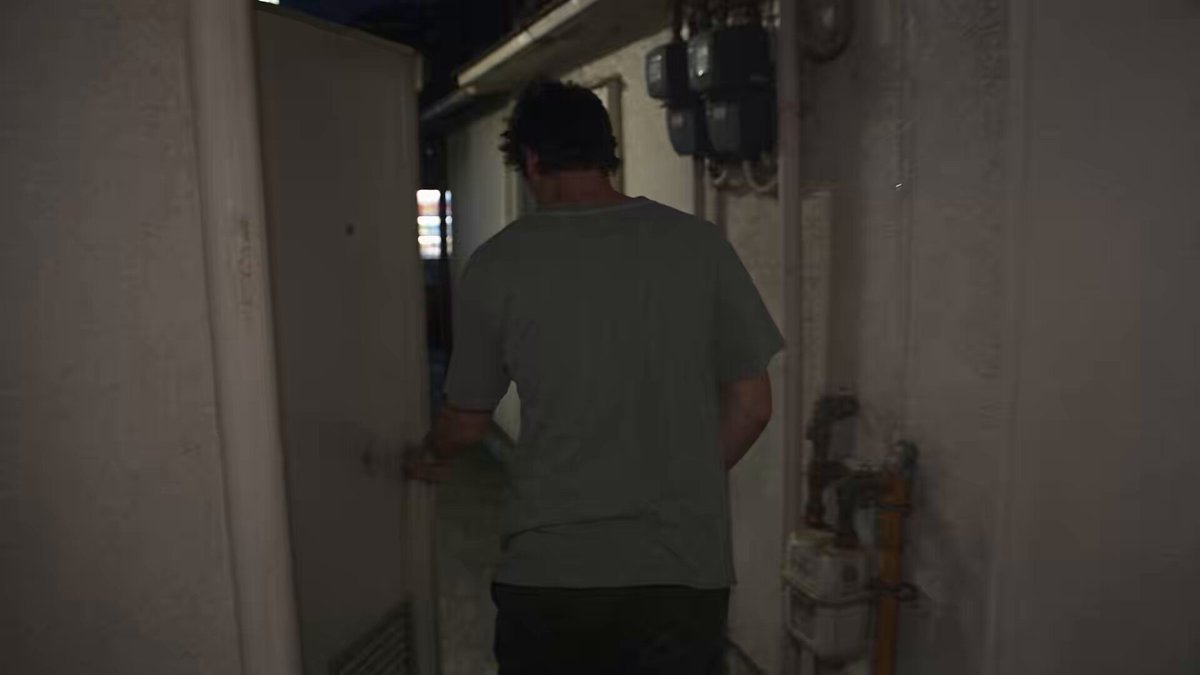
An AI PSA video generator creates short public service announcement style clips from text descriptions. You describe the message, the scene, the people or objects involved, and the mood you want, then the tool generates a draft video. The result is a starting point for community announcements or safety messages that you review for accuracy before publishing.
AI PSA Video Generator
Crosswalk safety reminder
Input
A wide shot of a city crosswalk, a family waits at the curb, the signal turns green, and they check both ways before crossing; clear daylight, calm tone.
Expected output
A short safety-themed scene showing the family waiting and crossing only after checking the signal
Recycling community notice
Input
A bright community center entrance, people place bottles and cans into labeled bins, and one person shows a neighbor which bin to use; friendly tone.
Expected output
A community scene with residents sorting recyclables and one person guiding another toward the correct bin
Hydration health tip
Input
A sunny office kitchen, a desk worker refills a water bottle from a cooler, takes a sip, and nods; simple, upbeat mood.
Expected output
A light office scene where the worker refills and drinks water with an upbeat feel
Draft a public service announcement style video from a text prompt
Test the message fast
Draft an announcement-style scene from a short prompt so you can see whether the tone lands before full production
Compare visual directions
Generate a few prompt variations to compare settings, characters, and pacing side by side
Share a concrete draft
A generated clip gives reviewers something visual to react to instead of a script on paper
How It Works
1
Describe the scene
Describe the desired scene and motion.
2
Choose settings
Choose the available generation settings.
3
Generate and review
Generate, review, and download a suitable result.
Drafting a PSA-style scene
Put the message and the setting in the prompt, and keep the tone explicit so the draft matches your intent.
Input Constraints
- State the message clearly in the prompt
- Describe the setting and who is in the scene
- Keep the tone appropriate for the intended audience
- Review the draft before sharing or publishing it
Practical Tips
- Name the action, not just the topic, so the scene has movement
- Match lighting and mood words to the tone of the message
- Try two or three phrasings to compare pacing and framing
- Do not include personal or sensitive material unless you have permission
Privacy
- Do not upload personal or sensitive material unless you have permission to use it.
Usage Rights
- Confirm that you have the rights needed for the inputs and intended use of the result.
Prompt recipes
Copy a structure, then adjust the subject, lighting, camera, and output details for your own result.
Safety reminder with clear action
A neighborhood sidewalk, a parent and child walking toward a crosswalk, they stop at the curb and look both ways before the light turns green and they cross. Clear daylight, calm and instructional tone.
Showing the full action sequence demonstrates the safe behavior, stopping and looking are the key actions, calm tone avoids fear-based messaging, and daylight keeps the scene visible
Health tip with positive framing
A bright kitchen, a person washing an apple under running water, drying it with a towel, and taking a bite with a satisfied expression. Clean and upbeat mood.
Washing the apple is the health behavior, satisfied expression shows the positive outcome, clean setting reinforces hygiene, and upbeat mood encourages imitation
Community participation call
A community garden, neighbors planting seedlings together, smiling and chatting, sunlight filtering through trees, collaborative and welcoming atmosphere.
Showing people working together demonstrates participation, smiling and chatting suggest community, sunlight creates warmth, and welcoming atmosphere invites viewers to join
Environmental reminder
A park bench, a person finishing a drink, walking to a recycling bin and placing the bottle in the correct slot, then walking away. Natural daylight, simple and matter-of-fact tone.
The full action sequence shows the desired behavior from start to finish, walking away signals completion, matter-of-fact tone normalizes the action without preaching
Emergency preparedness
A family in a living room checking a flashlight, bottled water, and a first aid kit together, calm and prepared mood, soft indoor lighting.
Showing the family together models collaborative preparedness, checking items is the key action, calm mood reduces anxiety, and indoor lighting keeps the scene relatable
Best use cases
Match the workflow to the input you have and the result you need before opening the generator.
Safety or health reminder
Input: A clear action sequence showing the safe or healthy behavior from start to finish
Result: A short instructional clip that demonstrates the behavior visually
Tool: Text-to-video with action details and calm tone
Community participation call
Input: A scene showing people working together or participating in a community activity
Result: A welcoming clip that invites viewers to join
Tool: Text-to-video with collaborative setting and positive mood
Environmental or civic reminder
Input: A matter-of-fact scene showing the desired behavior as normal and easy
Result: A simple clip that normalizes the action without moralizing
Tool: Text-to-video with action sequence and neutral tone
Emergency preparedness
Input: A calm scene showing preparation steps or safety checks
Result: A reassuring clip that shows what to do without creating panic
Tool: Text-to-video with preparation details and calm mood
Limitations to know before generating
- Generated clips are visual drafts; exact actions, people, and settings may not match your intent precisely
- Complex messages or multi-step instructions may require multiple clips or manual editing
- The tool cannot verify that the message is accurate or appropriate; you must review for accuracy and tone
- Clips work best as concept visuals or draft announcements, not as final public-facing content without review
- Review each result for message clarity, tone appropriateness, and visual accuracy before publishing
Creative Suite: AI Video Generator & AI Image Generator Tools
Power up your creative workflow with our AI-driven tools. Generate stunning videos, create images, and apply custom adjustments - our AI Video Generator and AI Image Generator offer a complete solution for all your creative needs.
Strictly Prohibits Adult/NSFW Content








Pricing
Choose the credit package that works best for you.
No hidden fees • Cancel anytime • Unused credits roll over
Starter
Perfect for trying out AI creation.
Credits
200 credits / month
- Up to 20 videos per month
- Up to 100 images per month
$6.99/ month$9.9930% OFF
Billed monthly
First-time subscribers get 30% off their first month, then standard price
What's included
- Credits never expire
- Standard models
- HD, Watermark-Free Downloads
- Private Generation
- Faster Generation Speed
- Ad-free experience
Basic
Perfect for light creators.
Credits
500 credits / month
- Up to 50 videos per month
- Up to 250 images per month
$13.99/ month$19.9930% OFF
Billed monthly
First-time subscribers get 30% off their first month, then standard price
What's included
- Credits never expire
- Standard models
- HD, Watermark-Free Downloads
- Private Generation
- Faster Generation Speed
- Ad-free experience
Pro
PopularBest value for creators
Credits
1,200 credits / month
- Up to 120 videos per month
- Up to 600 images per month
$39.99/ month
Billed monthly
What's included
- Credits never expire
- All models + Early access to new models
- HD, Watermark-Free Downloads
- Private Generation
- Faster Generation Speed
- Ultra HD resolution
- Ad-free experience
Ultra
For video creators and power users.
Credits
5,000 credits / month
- Up to 500 videos per month
- Up to 2,500 images per month
$99.99/ month
Billed monthly
What's included
- Credits never expire
- All models + Early access to new models
- HD, Watermark-Free Downloads
- Private Generation
- Faster Generation Speed
- Ultra HD resolution
- Ad-free experience
Free
Standard models only — upgrade to unlock premium models.
Credits
10 free credits on signup
Questions? Contact us at support@domer.io
Draft your announcement scene
Open the text-to-video generator, describe your message and scene, and review the draft before you use it.