
AI Save the Date Video Generator
Create short announcement videos for event dates. Describe the scene, choose settings, and generate a memorable save-the-date clip.
AI Video Generator
0/20000 characters
Cost:10
My videos
Loading...
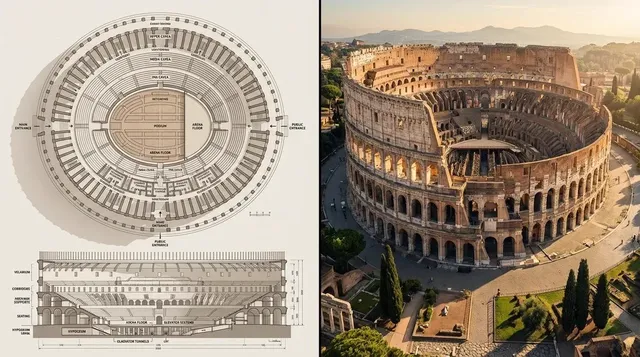
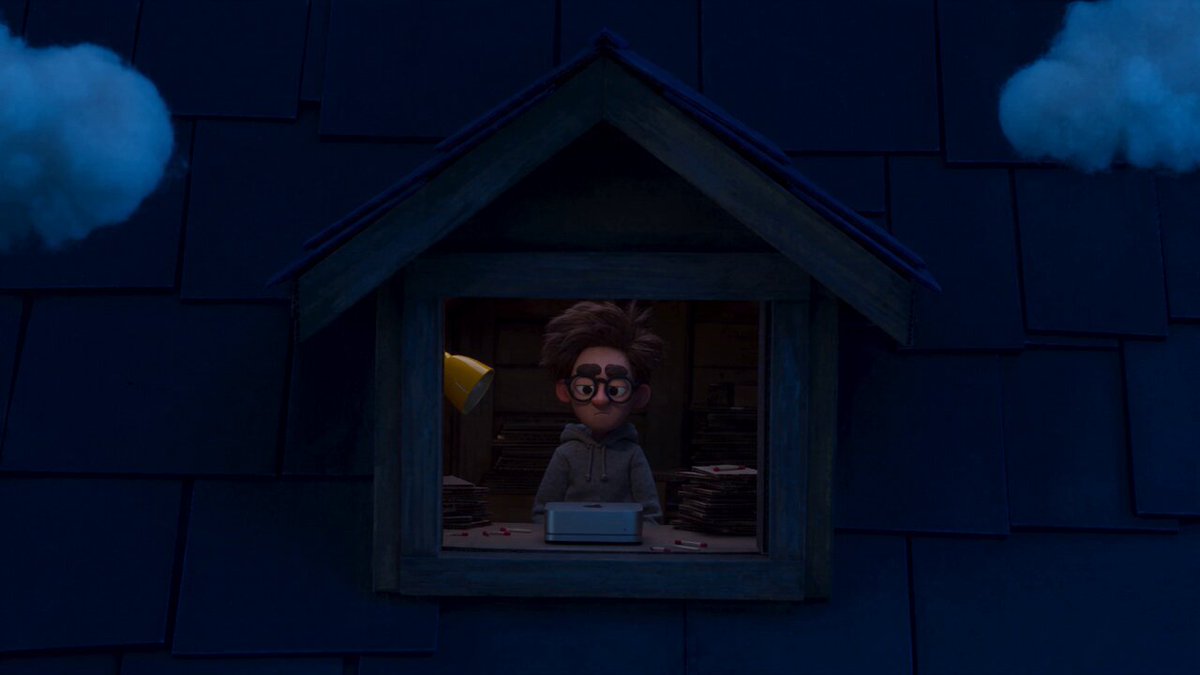
What is an AI save the date video generator?
An AI save the date video generator creates short event announcement videos from text prompts. Describe the scene, colors, and mood you want, then generate a clip to share with guests. Use it to create memorable video invitations without editing software.
AI Save the Date Video Generator
Romantic beach announcement
Input
A couple walking hand in hand along a sunset beach, their silhouettes against the orange sky, with the wedding date appearing in elegant white text near the horizon.
Expected output
A short clip of two silhouettes walking on a beach at sunset, with the date text fading in smoothly against the sky.
Playful confetti invite
Input
Colorful confetti falling over a clean white table where a single card reads the event date, with streamers curling around the card edges.
Expected output
A generated video of confetti drifting downward onto a table, landing around a card that displays the date and event name.
Countdown-style mood clip
Input
A series of soft-focus images dissolving into each other: a couple laughing, a ring, a venue exterior, ending with the date on a simple dark background.
Expected output
A short montage of dissolving scenes showing couple moments, a ring close-up, and a building exterior, finishing with the date on screen.
Create a short announcement video for an upcoming event date
Video save-the-dates without editing
Produce a personalized event announcement video by describing the scene you want, no video editing software required.
Stand out from text-only invites
Share a memorable video invitation that captures the tone and style of your event better than a text card.
Iterate until it feels right
Adjust your prompt and regenerate until the visual mood, colors, and motion match the atmosphere of your event.
How It Works
1
Describe the desired scene and motion.
Describe the desired scene and motion.
2
Choose the available generation settings.
Choose the available generation settings.
3
Generate, review, and download a suitable result.
Generate, review, and download a suitable result.
Tips for save-the-date video prompts
Think of the video as a short mood piece rather than a detailed invitation card.
Input Constraints
- The generator produces video, not text overlays. Describe any text as part of the visual scene.
- Avoid including specific locations or venues that require permission to film.
- Keep the clip length implied by the scene pacing, not by a specific duration request.
Practical Tips
- Describe the color palette that matches your event theme: soft pastels, warm gold tones, rustic green
- Include atmosphere words: romantic, playful, elegant, cozy
- Describe the couple or characters in general terms: silhouettes, a happy couple, two people
Privacy
- Do not upload personal or sensitive material unless you have permission to use it.
Usage Rights
- Confirm that you have the rights needed for the inputs and intended use of the result.
Prompt recipes
Copy a structure, then adjust the subject, lighting, camera, and output details for your own result.
Rustic outdoor wedding
Soft-focus shot of a couple walking through a field of wildflowers at golden hour, warm sunlight, the date appearing on a wooden sign in the foreground
Combines natural setting, warm lighting, and a rustic visual element that communicates an outdoor wedding vibe.
Elegant ballroom event
Close-up of a crystal chandelier sparkling, camera pulls back to reveal an elegant ballroom, the date appears in gold script over the scene
Uses luxury visual cues and elegant typography to set the tone for a formal event.
Casual beach party
Overhead shot of beach chairs and umbrellas on white sand, waves gently lapping the shore, the date drawn in the sand with a stick
Creates a relaxed, fun atmosphere perfect for a casual beach gathering or summer wedding.
Winter holiday celebration
Snow falling gently over a cozy cabin with warm lights glowing in the windows, the date appearing on a frosted window pane
Evokes a warm, festive mood ideal for winter holiday events or seasonal celebrations.
Modern city celebration
Nighttime cityscape with twinkling lights, camera pans across the skyline, the date appears in neon-style text over the buildings
Captures a modern, urban energy perfect for city-based events or contemporary celebrations.
Best use cases
Match the workflow to the input you have and the result you need before opening the generator.
Wedding save-the-date
Input: Romantic scene with couple silhouettes, natural lighting, and your wedding color palette
Result: A short, shareable video clip that sets the tone for your wedding
Tool: Text to Video
Birthday party announcement
Input: Playful scene with confetti, balloons, or party elements and bright colors
Result: An energetic clip that excites guests about the upcoming celebration
Tool: Text to Video
Corporate event invitation
Input: Professional scene with clean visuals, company colors, and elegant typography
Result: A polished video invite that communicates professionalism and event importance
Tool: Text to Video
Limitations to know before generating
- The tool generates video from prompts; it does not automatically overlay text, so describe any date text as part of the scene
- Output quality depends on how clearly you describe the event mood, colors, and visual style
- You may need several attempts to match your event theme exactly
- Review the clip to confirm it matches your event tone before sharing it with guests
Creative Suite: AI Video Generator & AI Image Generator Tools
Power up your creative workflow with our AI-driven tools. Generate stunning videos, create images, and apply custom adjustments - our AI Video Generator and AI Image Generator offer a complete solution for all your creative needs.
Strictly Prohibits Adult/NSFW Content








Pricing
Choose the credit package that works best for you.
No hidden fees • Cancel anytime • Unused credits roll over
Starter
Perfect for trying out AI creation.
Credits
200 credits / month
- Up to 20 videos per month
- Up to 100 images per month
$6.99/ month$9.9930% OFF
Billed monthly
First-time subscribers get 30% off their first month, then standard price
What's included
- Credits never expire
- Standard models
- HD, Watermark-Free Downloads
- Private Generation
- Faster Generation Speed
- Ad-free experience
Basic
Perfect for light creators.
Credits
500 credits / month
- Up to 50 videos per month
- Up to 250 images per month
$13.99/ month$19.9930% OFF
Billed monthly
First-time subscribers get 30% off their first month, then standard price
What's included
- Credits never expire
- Standard models
- HD, Watermark-Free Downloads
- Private Generation
- Faster Generation Speed
- Ad-free experience
Pro
PopularBest value for creators
Credits
1,200 credits / month
- Up to 120 videos per month
- Up to 600 images per month
$39.99/ month
Billed monthly
What's included
- Credits never expire
- All models + Early access to new models
- HD, Watermark-Free Downloads
- Private Generation
- Faster Generation Speed
- Ultra HD resolution
- Ad-free experience
Ultra
For video creators and power users.
Credits
5,000 credits / month
- Up to 500 videos per month
- Up to 2,500 images per month
$99.99/ month
Billed monthly
What's included
- Credits never expire
- All models + Early access to new models
- HD, Watermark-Free Downloads
- Private Generation
- Faster Generation Speed
- Ultra HD resolution
- Ad-free experience
Free
Standard models only — upgrade to unlock premium models.
Credits
10 free credits on signup
Questions? Contact us at support@domer.io
Create your save-the-date video
Open the text-to-video tool, describe the announcement scene you have in mind, and generate a short clip that captures the mood of your event.