
Create
AI Street Interview Video Generator
Turn interview scene descriptions into video clips. Describe location, speakers, and camera style—then generate draft footage.
AI Video Generator
0/20000 characters
Cost:10
My videos
Loading...
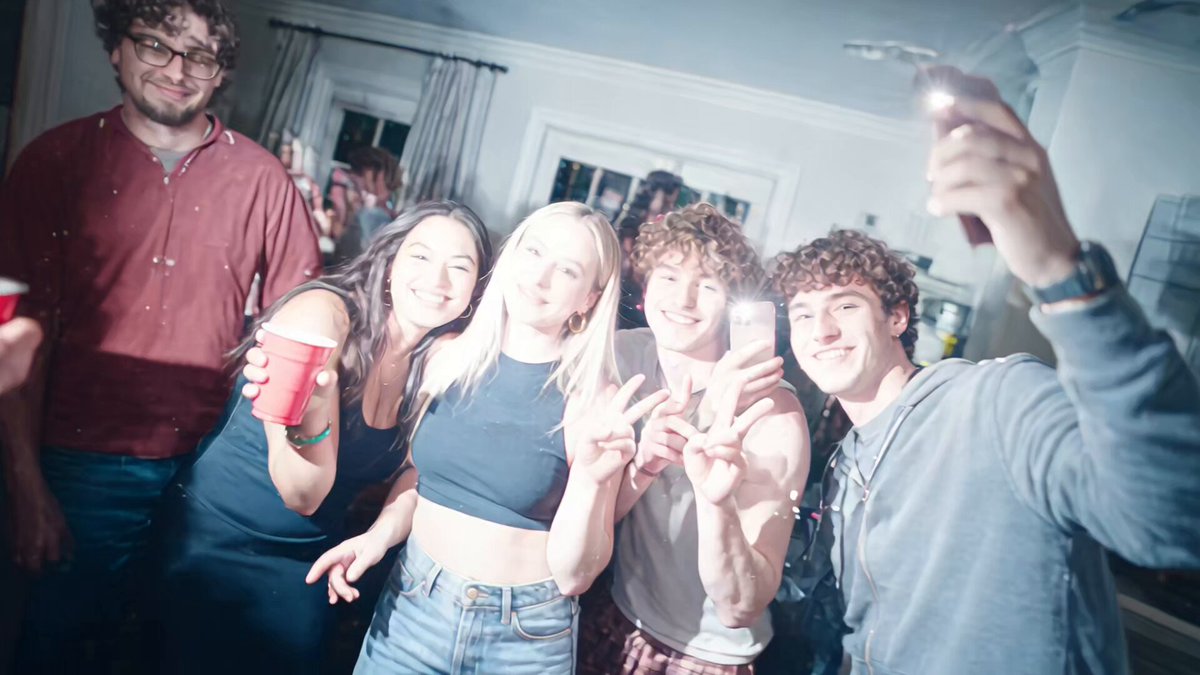
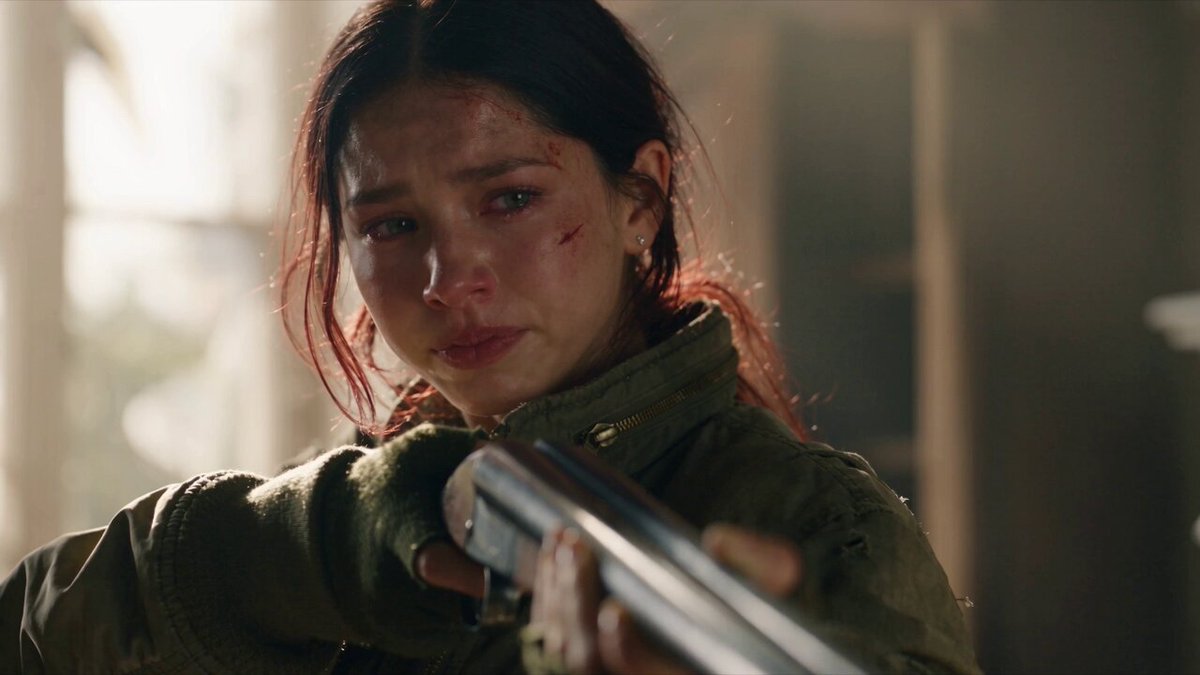
What is an AI street interview video generator?
An AI street interview video generator creates video clips of interview-style scenes from text descriptions. Describe the location, speakers, question topic, camera movement, and framing, then generate a draft clip. Use it to preview interview scenes, test framing and pacing, or create concept footage for review—keeping all characters clearly fictional.
AI Street Interview Video Generator
Morning market vox pop
Input
A reporter with a microphone stops a shopper at a busy outdoor market, bright daylight, handheld camera, both characters clearly fictional
Expected output
A short clip of a two-person interview with a lively market background and handheld framing
Sidewalk Q&A
Input
A host asks a passerby a quick question on a city sidewalk, pedestrians walking behind, natural sound feel, fictional people only
Expected output
A brief clip of the host and passerby talking with ordinary street activity behind them
Festival crowd reaction
Input
A camera pans across a festival crowd and lands on two friends sharing an opinion, confetti in the air, cheerful mood, fictional characters
Expected output
A short draft clip with a crowd pan that settles on the two friends mid-conversation
Create short street-interview-style video drafts from text descriptions of the scene and speakers.
Draft scenes before filming
Describe the setting, speakers, and camera movement to preview an interview-style scene without organizing a shoot.
Explore framing and pacing
Adjust location details, question topics, or camera cues in the prompt to compare different interview moods.
Keep characters clearly fictional
Using invented characters and settings keeps drafts appropriate for concept and review work.
How It Works
1
Describe the scene and motion
Describe the desired scene and motion.
2
Choose generation settings
Choose the available generation settings.
3
Generate, review, and download
Generate, review, and download a suitable result.
Writing interview scene prompts
Describe the location, the speakers, and the camera so the draft reads as a real street interview.
Input Constraints
- Use only fictional characters and invented settings.
- Avoid real people, real brands, or real events in prompts.
- Describe one clear interview moment per clip.
Practical Tips
- Name the location, the speakers, and the camera style first.
- Add motion cues such as 'handheld' or 'slow pan'.
- Review the draft for likeness and rights before any use.
Privacy
- Do not upload personal or sensitive material unless you have permission to use it.
Usage Rights
- Confirm that you have the rights needed for the inputs and intended use of the result.
Prompt recipes
Copy a structure, then adjust the subject, lighting, camera, and output details for your own result.
Urban opinion quick-take
A host with a microphone stops a young professional on a busy downtown sidewalk at lunch hour, asking about work-life balance, handheld camera, pedestrians flowing past, bright overcast daylight, fictional people
Specific location, timely question topic, camera style, background activity, and lighting create authentic street-interview feel with no real-person risk.
Event reaction at night
A reporter interviews two friends leaving a music festival at night, stage lights and crowd visible behind them, excited expressions, camera on shoulder, colorful wristbands, fictional characters only
Post-event timing, visible context, emotional cue, equipment style, and detail (wristbands) ground the scene in a plausible moment.
Park bench long-form conversation
A host sits on a park bench with an older fictional character, discussing neighborhood changes, trees in background, golden hour light, static camera on tripod, calm pacing
Seated setup, thoughtful topic, natural setting, time of day, and stable camera suggest reflective interview style.
Tourist reaction wide shot
A camera operator approaches a group of tourists at a landmark, asking for travel tips, wide framing showing monument behind them, midday sun, handheld follow, laughter and gestures, all fictional
Location context, group dynamic, wide framing, natural light, and physical reactions create lively documentary feel.
Rainy-day street vox pop
A reporter with an umbrella stops a commuter on a rainy city street at dusk, asking about the weather, rain visible on camera lens, streetlights reflecting in puddles, close framing, fictional person
Weather integration, atmospheric lighting, camera detail (rain on lens), tight framing, and simple topical question feel spontaneous and real.
Best use cases
Match the workflow to the input you have and the result you need before opening the generator.
Preview interview framing before organizing a shoot
Input: Location, speaker roles, camera style, and background activity
Result: A draft clip showing composition and interview feel
Tool: AI Video Generator
Test different interview moods and pacing
Input: Same setup with varied lighting, camera motion, or question topics
Result: Multiple clips showing how tone shifts with changes
Tool: AI Video Generator
Create concept footage for pitch or review
Input: Detailed scene description with camera, lighting, and speaker cues
Result: A polished draft suitable for presentation
Tool: AI Video Generator
Limitations to know before generating
- Use only fictional characters and invented settings to avoid likeness or rights issues.
- Each generation creates one interview moment; longer segments require multiple prompts.
- Visual accuracy depends on how clearly you describe location, speakers, and camera.
- Review every draft for likeness and rights before using in any public or commercial context.
- Audio is not generated; clips show visual scene only.
Creative Suite: AI Video Generator & AI Image Generator Tools
Power up your creative workflow with our AI-driven tools. Generate stunning videos, create images, and apply custom adjustments - our AI Video Generator and AI Image Generator offer a complete solution for all your creative needs.
Strictly Prohibits Adult/NSFW Content








Pricing
Choose the credit package that works best for you.
No hidden fees • Cancel anytime • Unused credits roll over
Starter
Perfect for trying out AI creation.
Credits
200 credits / month
- Up to 20 videos per month
- Up to 100 images per month
$6.99/ month$9.9930% OFF
Billed monthly
First-time subscribers get 30% off their first month, then standard price
What's included
- Credits never expire
- Standard models
- HD, Watermark-Free Downloads
- Private Generation
- Faster Generation Speed
- Ad-free experience
Basic
Perfect for light creators.
Credits
500 credits / month
- Up to 50 videos per month
- Up to 250 images per month
$13.99/ month$19.9930% OFF
Billed monthly
First-time subscribers get 30% off their first month, then standard price
What's included
- Credits never expire
- Standard models
- HD, Watermark-Free Downloads
- Private Generation
- Faster Generation Speed
- Ad-free experience
Pro
PopularBest value for creators
Credits
1,200 credits / month
- Up to 120 videos per month
- Up to 600 images per month
$39.99/ month
Billed monthly
What's included
- Credits never expire
- All models + Early access to new models
- HD, Watermark-Free Downloads
- Private Generation
- Faster Generation Speed
- Ultra HD resolution
- Ad-free experience
Ultra
For video creators and power users.
Credits
5,000 credits / month
- Up to 500 videos per month
- Up to 2,500 images per month
$99.99/ month
Billed monthly
What's included
- Credits never expire
- All models + Early access to new models
- HD, Watermark-Free Downloads
- Private Generation
- Faster Generation Speed
- Ultra HD resolution
- Ad-free experience
Free
Standard models only — upgrade to unlock premium models.
Credits
10 free credits on signup
Questions? Contact us at support@domer.io
Draft an interview-style scene
Open the text-to-video generator and describe a street interview scene to get a short draft clip.