
AI Talking Head Video Generator
Create presenter-style video from text. Describe speaker, setting, gestures, and camera—then generate, review, and download.
AI Video Generator
0/20000 characters
Cost:10
My videos
Loading...
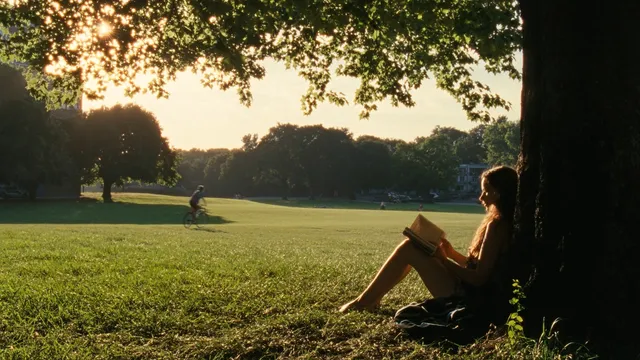
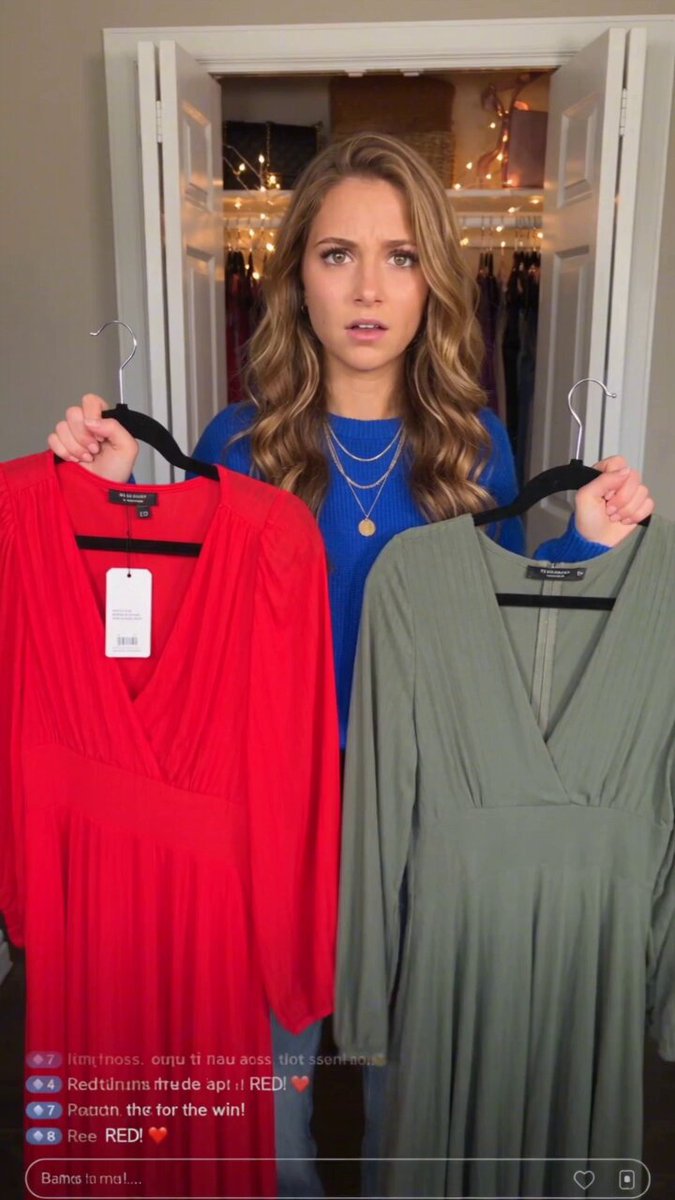
What is an AI talking head video generator?
An AI talking head video generator creates video clips of people speaking or presenting from text descriptions. Describe the person's appearance, setting, camera angle, lighting, gestures, and emotional tone, then generate a clip. Use it for tutorial presenters, news anchor styles, or standing presenter footage without a recording studio, cameras, or physical set.
AI Talking Head Video Generator
Tutorial presenter
Input
A person sitting at a desk facing the camera, speaking confidently, modern office background with bookshelf, soft key lighting.
Expected output
A talking-head clip of a person at a desk speaking to camera in an office setting with soft lighting.
News anchor style
Input
A person in formal attire behind a news desk, looking at the camera, studio lighting, blue screen background with world map.
Expected output
A news anchor-style clip with a formally dressed person behind a desk in a studio setting.
Standing presenter
Input
A person standing in a bright modern studio, gesturing naturally, large screen behind them showing charts, professional lighting.
Expected output
A full-body presenter clip with natural gestures and a display screen in a studio environment.
Generate video clips of a person speaking or presenting from a text description.
No recording studio needed
Generate presenter-style content from text descriptions without cameras, lights, or a physical set.
Environment control
Describe the setting, clothing, lighting, and camera angle to match your content's visual style.
Multiple speaker variations
Create different presenter versions from different descriptions to compare looks and settings.
How It Works
1
Describe the scene
Describe the desired scene and motion.
2
Choose settings
Choose the available generation settings.
3
Generate and download
Generate, review, and download a suitable result.
Directing talking head prompts
Describe the person and setting in detail.
Input Constraints
- Specify the camera angle: head-on, three-quarter, or profile.
- Describe the background setting clearly.
- Include lighting quality and direction.
- Mention the person's posture and presence.
Practical Tips
- Describe the person's appearance and clothing for consistency.
- Use terms like speaking to camera, presenting, or addressing audience.
- Include hand gestures or movement style for natural delivery.
- Specify the emotional tone: serious, friendly, energetic.
Privacy
- Do not upload personal or sensitive material unless you have permission to use it.
Usage Rights
- Confirm that you have the rights needed for the inputs and intended use of the result.
Prompt recipes
Copy a structure, then adjust the subject, lighting, camera, and output details for your own result.
Professional tutorial host
A person in a casual blazer sitting at a clean desk with a laptop and notebook, speaking directly to camera, office background with plants and bookshelves, soft natural light from a window to the left, calm and confident tone
Professional-casual clothing, relatable props, detailed background, light direction, and tone cue create approachable tutorial feel.
Corporate training presenter
A person in business attire standing beside a large display screen showing bullet points, gesturing with one hand toward the screen, looking at camera with friendly expression, bright even studio lighting, modern conference room background
Formal attire, presentation gesture, screen integration, lighting quality, and setting create corporate training atmosphere.
YouTube explainer host
A person in a colorful shirt sitting on a stool in front of a vibrant abstract backdrop, speaking enthusiastically to camera with expressive hand gestures, ring light visible, energetic and approachable vibe
Casual clothing, colorful background, visible light source (ring light), gesture energy, and tone create YouTube content style.
News anchor close-up
A person in formal suit and tie seated at a news desk, looking directly at camera with serious expression, studio background with world map and graphics, bright even lighting from multiple sources, composed and authoritative presence
Formal attire, news desk, branded background, professional lighting, and tone cue create broadcast news anchor style.
Casual vlog-style talking head
A person in a hoodie sitting cross-legged on a bed, speaking casually to a camera on a tripod, bedroom background with posters and plants, natural window light, relaxed and conversational tone
Casual clothing, informal posture, personal space background, natural light, and tone create authentic vlog feel.
Best use cases
Match the workflow to the input you have and the result you need before opening the generator.
Create tutorial or educational presenter footage
Input: Person description, desk or standing setup, background details, lighting, and tone
Result: A presenter clip suitable for tutorial or course content
Tool: Text to Video
Generate corporate or training presentation clips
Input: Business attire, presentation gestures, display screen, and professional setting
Result: A polished presenter clip for corporate use
Tool: Text to Video
Test different presenter styles for content
Input: Same script setup with varied clothing, background, lighting, or tone
Result: Multiple clips showing how style shifts with changes
Tool: Text to Video
Create news or broadcast-style footage
Input: Formal attire, news desk, branded background, studio lighting, and serious tone
Result: A news anchor-style clip
Tool: Text to Video
Limitations to know before generating
- This tool generates visual content from written descriptions; lip-sync to external audio is not supported.
- Audio is not generated; clips show visual scene only.
- Facial expressions and gestures must be described in the prompt to guide the output.
- Each generation creates one presenter shot; longer presentations require multiple prompts.
- Visual accuracy depends on how clearly you describe appearance, setting, camera, and lighting.
Creative Suite: AI Video Generator & AI Image Generator Tools
Power up your creative workflow with our AI-driven tools. Generate stunning videos, create images, and apply custom adjustments - our AI Video Generator and AI Image Generator offer a complete solution for all your creative needs.
Strictly Prohibits Adult/NSFW Content








Pricing
Choose the credit package that works best for you.
No hidden fees • Cancel anytime • Unused credits roll over
Starter
Perfect for trying out AI creation.
Credits
200 credits / month
- Up to 20 videos per month
- Up to 100 images per month
$6.99/ month$9.9930% OFF
Billed monthly
First-time subscribers get 30% off their first month, then standard price
What's included
- Credits never expire
- Standard models
- HD, Watermark-Free Downloads
- Private Generation
- Faster Generation Speed
- Ad-free experience
Basic
Perfect for light creators.
Credits
500 credits / month
- Up to 50 videos per month
- Up to 250 images per month
$13.99/ month$19.9930% OFF
Billed monthly
First-time subscribers get 30% off their first month, then standard price
What's included
- Credits never expire
- Standard models
- HD, Watermark-Free Downloads
- Private Generation
- Faster Generation Speed
- Ad-free experience
Pro
PopularBest value for creators
Credits
1,200 credits / month
- Up to 120 videos per month
- Up to 600 images per month
$39.99/ month
Billed monthly
What's included
- Credits never expire
- All models + Early access to new models
- HD, Watermark-Free Downloads
- Private Generation
- Faster Generation Speed
- Ultra HD resolution
- Ad-free experience
Ultra
For video creators and power users.
Credits
5,000 credits / month
- Up to 500 videos per month
- Up to 2,500 images per month
$99.99/ month
Billed monthly
What's included
- Credits never expire
- All models + Early access to new models
- HD, Watermark-Free Downloads
- Private Generation
- Faster Generation Speed
- Ultra HD resolution
- Ad-free experience
Free
Standard models only — upgrade to unlock premium models.
Credits
10 free credits on signup
Questions? Contact us at support@domer.io
Generate your presenter clip
Open the text-to-video tool, describe the speaker and setting you need, and create talking-head footage.