

AI Tools Video Generator
Turn written descriptions into video clips. Describe your scene, choose your settings, and generate video content ready for any project—no filming required.
AI Video Generator
0/20000 characters
Cost:10
My videos
Loading...

What is an AI tools video generator?
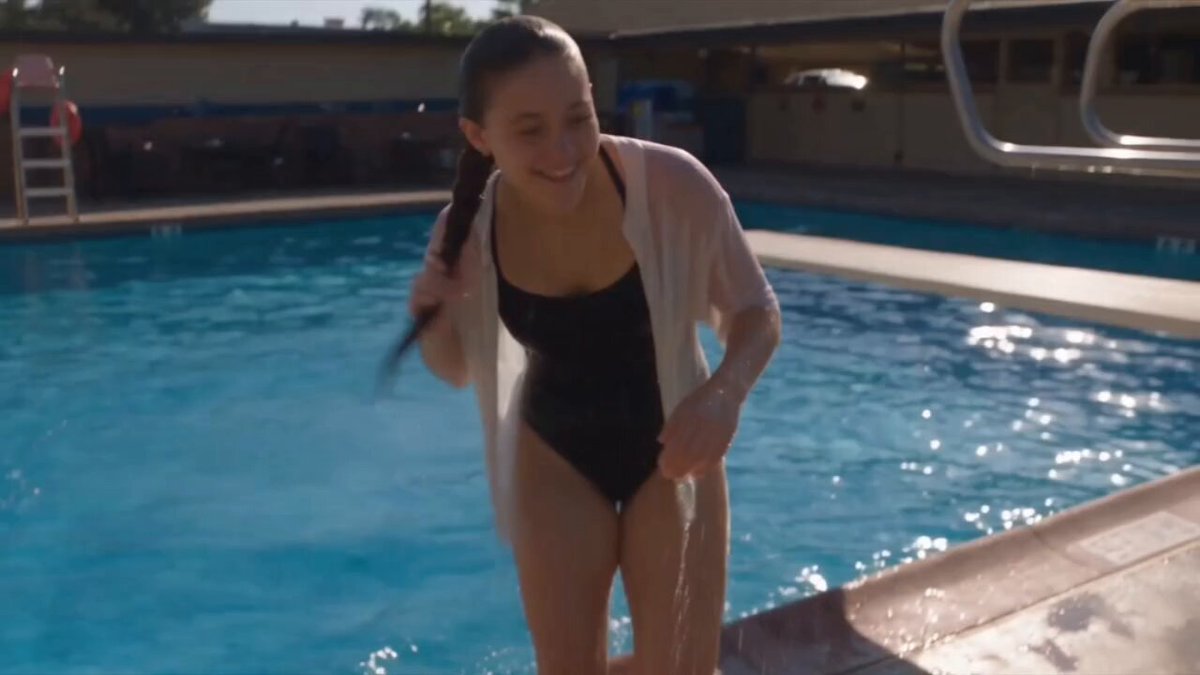
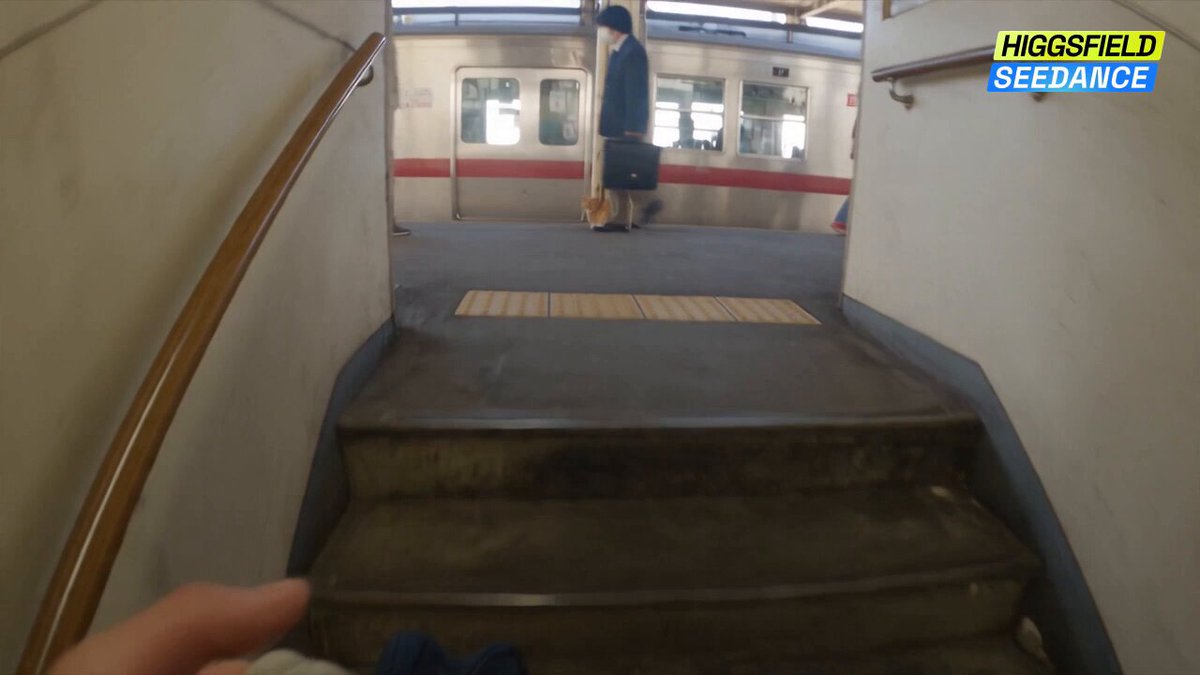
An AI tools video generator is a text-to-video tool that creates video clips from written descriptions. You provide a prompt describing the scene, subject, lighting, and motion, and the tool generates a video clip that matches your description. This workflow is used for social media, storyboards, presentations, concept visualization, and any project that needs video without filming or editing.
AI Tools Video Generator
Workflow animation from text
Input
A top-down view of a desk with documents, a laptop, a coffee cup, and a pen. Animated arrows tracing a path from one document to the laptop screen. Clean, minimal office aesthetic.
Expected output
A generated overhead desk scene with visible arrow animations tracing a process flow
Presentation background clip
Input
A slow pan across a futuristic city skyline at dusk. Sleek glass buildings reflecting the orange and purple sky. A few flying vehicles crossing the scene silently. Clean sci-fi aesthetic.
Expected output
A generated futuristic city clip with slow camera motion, skyline reflections, and moving vehicles
Social media video concept
Input
Hands pouring golden honey over a stack of pancakes on a white plate. Slow motion. Steam rising. Bright natural light from a nearby window. Fresh berries scattered around the plate.
Expected output
A generated food scene with pouring honey in slow motion, visible steam, and bright natural lighting
Generate video clips from text prompts for a variety of creative and professional uses
Add video generation to your toolkit
Use this tool alongside your existing creative workflow to produce video clips from text prompts.
No learning curve
If you can write a description of what you want to see, you can use this tool. The interface is prompt in, video out.
Works across use cases
Generate clips for presentations, social media, storyboards, mood boards, and concept visualization from the same tool.
How It Works
1
Describe the scene
Describe the desired scene and motion.
2
Adjust the settings
Choose the available generation settings.
3
Generate and download
Generate, review, and download a suitable result.
Tips for getting the most from this tool
Clear prompts and realistic expectations produce the best results.
Input Constraints
- Focus on one scene or concept per generation
- Include visual detail about lighting, motion, and setting
- Avoid describing complex scene transitions or multiple edits
Practical Tips
- Match the tone of your prompt to the use case
- Include aspect ratio hints if you have a platform in mind
- Generate multiple takes of the same prompt for variety
- Save your best results and note what worked in the prompt
Privacy
- Do not upload personal or sensitive material unless you have permission to use it.
Usage Rights
- Confirm that you have the rights needed for the inputs and intended use of the result.
Prompt recipes
Copy a structure, then adjust the subject, lighting, camera, and output details for your own result.
Cinematic travel shot
Aerial view of a winding coastal road with a car driving along it, ocean waves on one side, green hills on the other, golden hour lighting, smooth forward motion
Aerial travel shots with clear subject and lighting are visually striking. The golden hour and ocean create warmth and depth.
Product unboxing moment for ai tools video generator
Hands opening a white cardboard box on a clean desk, camera slowly zooming in, soft shadows, minimalist background, product revealed inside with tissue paper
Unboxing content with clean framing and slow reveals works well for marketing. The minimalist background keeps focus on the product.
Abstract creative background
Colorful paint pouring and mixing on a white canvas, blue and yellow blending into green, slow motion, overhead camera angle, bright studio lighting
Abstract visuals with slow motion and vibrant colors work well for creative backgrounds. The overhead angle and paint mixing create organic motion.
Urban night energy
First-person view walking through a busy city street at night, neon signs glowing, reflections on wet pavement, people passing by, handheld camera feel
First-person urban walks create immersion. The neon and wet reflections add mood and visual interest for social content.
Nature calm moment
A still pond reflecting autumn trees, leaves floating on the surface, gentle ripples spreading, soft morning mist, calm and peaceful mood
Nature scenes with reflection and subtle motion create calm. The mist and ripples add depth without overcomplicating the scene.
Best use cases
Match the workflow to the input you have and the result you need before opening the generator.
Social media content creation
Input: A short scene description with clear subject, motion, and mood suited to TikTok, Instagram, or YouTube Shorts
Result: A vertical or square video clip ready to post or edit with text overlays
Tool: Text-to-video with camera angle and platform keywords
Presentation or pitch visuals
Input: A professional scene with clean composition, slow camera movement, and neutral tone
Result: A background video clip for presentations, webinars, or pitch decks
Tool: Text-to-video with clean background and slow motion keywords
Concept or storyboard preview
Input: A detailed scene description for a script, creative idea, or campaign concept
Result: A video preview of the concept to review before production or filming
Tool: Text-to-video with narrative and scene detail keywords
Marketing or product demo
Input: A product or service scene with focus on key features, lighting, and camera angle
Result: A short demo or showcase clip for marketing campaigns or product pages
Tool: Text-to-video with product and feature keywords
Limitations to know before generating
- The tool generates video from text descriptions, not from uploaded footage or images
- Results depend on how clearly the prompt describes the scene, motion, and composition
- Generated clips should be reviewed for quality and suitability before use in projects
- Exact timing, camera movement, and visual details depend on the prompt and available settings
- Confirm rights and platform policies before using generated video content publicly or commercially
Creative Suite: AI Video Generator & AI Image Generator Tools
Power up your creative workflow with our AI-driven tools. Generate stunning videos, create images, and apply custom adjustments - our AI Video Generator and AI Image Generator offer a complete solution for all your creative needs.
Strictly Prohibits Adult/NSFW Content








Pricing
Choose the credit package that works best for you.
No hidden fees • Cancel anytime • Unused credits roll over
Starter
Perfect for trying out AI creation.
Credits
200 credits / month
- Up to 20 videos per month
- Up to 100 images per month
$6.99/ month$9.9930% OFF
Billed monthly
First-time subscribers get 30% off their first month, then standard price
What's included
- Credits never expire
- Standard models
- HD, Watermark-Free Downloads
- Private Generation
- Faster Generation Speed
- Ad-free experience
Basic
Perfect for light creators.
Credits
500 credits / month
- Up to 50 videos per month
- Up to 250 images per month
$13.99/ month$19.9930% OFF
Billed monthly
First-time subscribers get 30% off their first month, then standard price
What's included
- Credits never expire
- Standard models
- HD, Watermark-Free Downloads
- Private Generation
- Faster Generation Speed
- Ad-free experience
Pro
PopularBest value for creators
Credits
1,200 credits / month
- Up to 120 videos per month
- Up to 600 images per month
$39.99/ month
Billed monthly
What's included
- Credits never expire
- All models + Early access to new models
- HD, Watermark-Free Downloads
- Private Generation
- Faster Generation Speed
- Ultra HD resolution
- Ad-free experience
Ultra
For video creators and power users.
Credits
5,000 credits / month
- Up to 500 videos per month
- Up to 2,500 images per month
$99.99/ month
Billed monthly
What's included
- Credits never expire
- All models + Early access to new models
- HD, Watermark-Free Downloads
- Private Generation
- Faster Generation Speed
- Ultra HD resolution
- Ad-free experience
Free
Standard models only — upgrade to unlock premium models.
Credits
10 free credits on signup
Questions? Contact us at support@domer.io
Start generating video from text
Open the AI tools video generator, type your scene description, and create a clip in seconds.