

AI Video Generator 2.0 Online Tool
Describe scenes in plain text and generate video clips. Write what you want to see, choose generation settings, and review the result.
AI Video Generator
0/20000 characters
Cost:10
My videos
Loading...
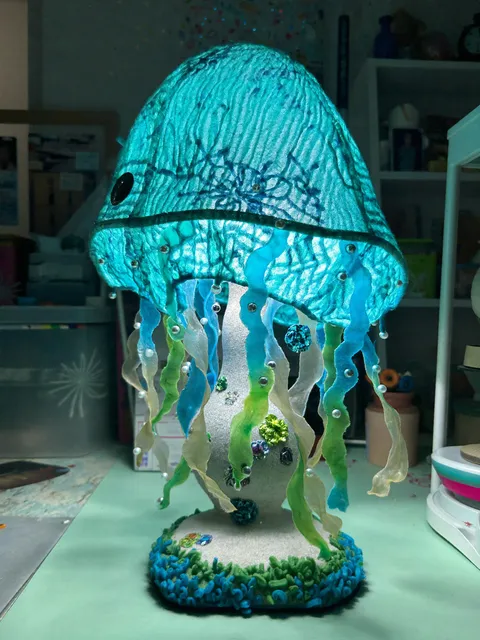
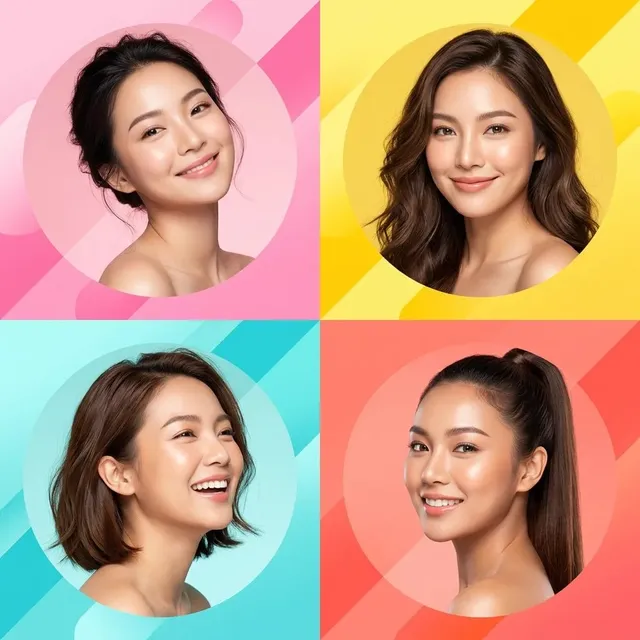
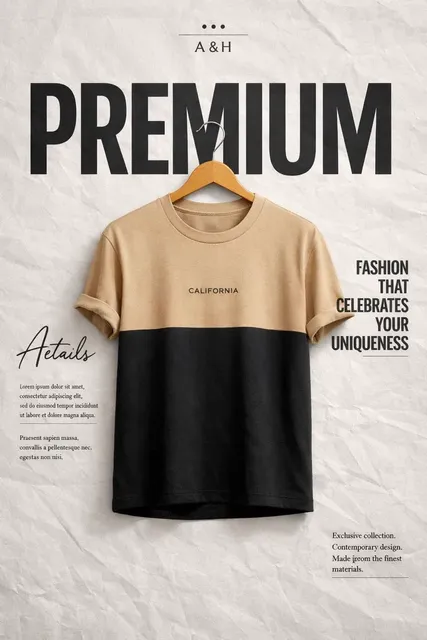
What does an AI video generator 2.0 workflow look like?
A text-to-video workflow lets you describe a scene — subject, motion, lighting, and camera angle — then generate a video clip from that description. You review the output and adjust your prompt as needed until the result matches your intent.
AI Video Generator 2.0 Online Tool
Cinematic Opening
Input
A wide-angle shot of a desert highway stretching to the horizon. A heat haze shimmers above the asphalt. The camera slowly descends from above.
Expected output
A cinematic establishing shot with heat distortion effects, wide framing, and slow vertical camera descent.
Product Hero Shot
Input
A minimalist perfume bottle on a smooth white surface. A single beam of light hits the bottle at an angle creating a sharp shadow. Camera glides in slowly.
Expected output
A product hero clip with dramatic side lighting, precise shadow, and slow dolly-in movement.
Abstract Transition
Input
Geometric shapes in muted pastels slide across a light grey background. One shape dissolves into the next. No hard edges.
Expected output
A soft abstract transition clip with shape morphing, pastel colors, and smooth dissolve effects.
Generate video clips from scene descriptions using text-to-video AI tools
Text-Driven Production
Move from concept to video in one step — the description serves as the creative brief and the production script.
Visual Exploration Through Language
Adjust style, mood, and composition by changing descriptive words rather than adjusting technical parameters.
Short Iteration Cycle
Review a result, refine the prompt, and regenerate until the output matches your intent.
How It Works
1
Describe the desired scene and motion.
Describe the desired scene and motion.
2
Choose the available generation settings.
Choose the available generation settings.
3
Generate, review, and download a suitable result.
Generate, review, and download a suitable result.
Getting the Most from a Text-to-Video Tool
Concrete visual details in the prompt lead to more coherent outputs.
Input Constraints
- Avoid version or generation claims — describe what you want to see, not what the tool is.
- Do not claim feature parity with other products or versions.
- Review the output and adjust the prompt if the result does not match expectations.
Practical Tips
- Describe the frame composition first: wide, medium, or close-up.
- Add lighting direction and quality to set the visual tone.
- Include pace cues: slow, fast, static.
- Keep the scene to one main subject for clarity.
Privacy
- Do not upload personal or sensitive material unless you have permission to use it.
Usage Rights
- Confirm that you have the rights needed for the inputs and intended use of the result.
Prompt recipes
Copy a structure, then adjust the subject, lighting, camera, and output details for your own result.
Cinematic product reveal
A sleek smartphone rotating on a black pedestal under dramatic side lighting, camera orbits slowly, reflections on glossy surface, 8 seconds
Combines product focus with controlled motion and lighting cues that guide the visual style toward polished commercial footage.
Nature documentary opener
Wide aerial view of a mountain valley at dawn, mist rising from a river, camera descends slowly toward the water, golden hour lighting
Uses scale, motion direction, and time-of-day lighting to create an establishing shot with cinematic atmosphere.
Social media teaser
Close-up of hands assembling colorful LEGO bricks on a white table, quick cuts, bright even lighting, vertical 9:16 format
Specifies framing, subject action, pacing, and aspect ratio to match social platform requirements.
Abstract motion background
Flowing liquid metal texture with ripples and reflections, slow camera push forward, cool blue and silver tones, seamless loop feel
Describes material, motion, color palette, and looping intent to produce reusable background footage.
Urban b-roll clip
Street-level view of a busy Tokyo intersection at night, neon signs reflecting on wet pavement, people crossing in blurred motion, handheld camera feel
Layers location, weather, human activity, and camera style to build a rich scene with depth and movement.
Best use cases
Match the workflow to the input you have and the result you need before opening the generator.
Social media content
Input: Short action or reaction scene with vertical framing and bright lighting
Result: A vertical 5-10 second clip optimized for Instagram Stories or TikTok
Tool: Text-to-video with aspect ratio set to 9:16
Product marketing
Input: Product on neutral background with camera movement and controlled lighting
Result: A polished product shot suitable for ads or website hero sections
Tool: Text-to-video with detailed lighting and motion description
Explainer video b-roll
Input: Scene that illustrates a concept: workspace, nature, technology in use
Result: Background footage that supports voiceover or text overlay
Tool: Text-to-video with ambient motion and neutral framing
Creative exploration
Input: Abstract or stylized scene with experimental motion or color
Result: A unique visual that tests an idea before committing to production
Tool: Text-to-video with artistic language and iteration
Limitations to know before generating
- Generated clips may require multiple iterations to match your exact vision.
- Complex scenes with many moving elements may produce less coherent results.
- The tool cannot guarantee specific visual quality or consistency across regenerations.
- Output suitability depends on your review — inspect each clip before use in a project.
- Text descriptions are interpreted by the model; subtle prompt changes can yield different results.
Creative Suite: AI Video Generator & AI Image Generator Tools
Power up your creative workflow with our AI-driven tools. Generate stunning videos, create images, and apply custom adjustments - our AI Video Generator and AI Image Generator offer a complete solution for all your creative needs.
Strictly Prohibits Adult/NSFW Content








Pricing
Choose the credit package that works best for you.
No hidden fees • Cancel anytime • Unused credits roll over
Starter
Perfect for trying out AI creation.
Credits
200 credits / month
- Up to 20 videos per month
- Up to 100 images per month
$6.99/ month$9.9930% OFF
Billed monthly
First-time subscribers get 30% off their first month, then standard price
What's included
- Credits never expire
- Standard models
- HD, Watermark-Free Downloads
- Private Generation
- Faster Generation Speed
- Ad-free experience
Basic
Perfect for light creators.
Credits
500 credits / month
- Up to 50 videos per month
- Up to 250 images per month
$13.99/ month$19.9930% OFF
Billed monthly
First-time subscribers get 30% off their first month, then standard price
What's included
- Credits never expire
- Standard models
- HD, Watermark-Free Downloads
- Private Generation
- Faster Generation Speed
- Ad-free experience
Pro
PopularBest value for creators
Credits
1,200 credits / month
- Up to 120 videos per month
- Up to 600 images per month
$39.99/ month
Billed monthly
What's included
- Credits never expire
- All models + Early access to new models
- HD, Watermark-Free Downloads
- Private Generation
- Faster Generation Speed
- Ultra HD resolution
- Ad-free experience
Ultra
For video creators and power users.
Credits
5,000 credits / month
- Up to 500 videos per month
- Up to 2,500 images per month
$99.99/ month
Billed monthly
What's included
- Credits never expire
- All models + Early access to new models
- HD, Watermark-Free Downloads
- Private Generation
- Faster Generation Speed
- Ultra HD resolution
- Ad-free experience
Free
Standard models only — upgrade to unlock premium models.
Credits
10 free credits on signup
Questions? Contact us at support@domer.io
Generate a Video from Your Idea
Open the text-to-video tool, describe the scene you want, and generate a clip.