

AI Video Generator 2024
Create video clips by describing scenes in plain text. Write what you want to see, choose your settings, and generate a result to review.
AI Video Generator
0/20000 characters
Cost:10
My videos
Loading...
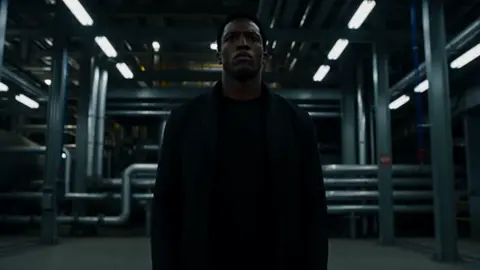
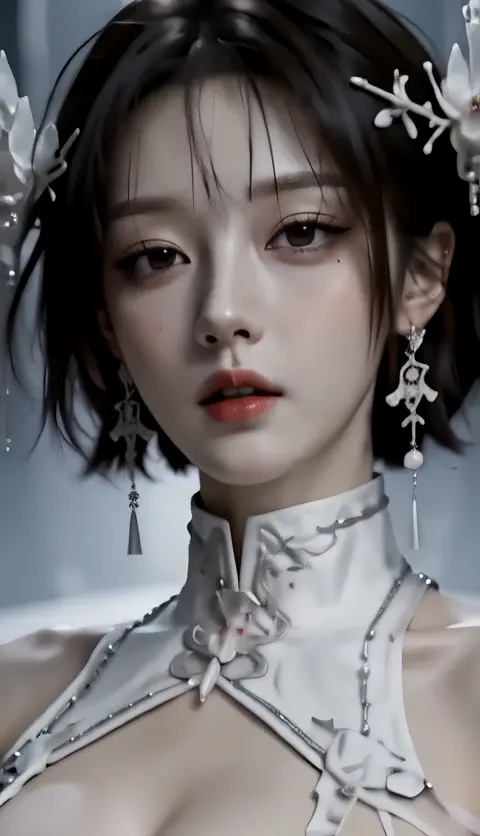
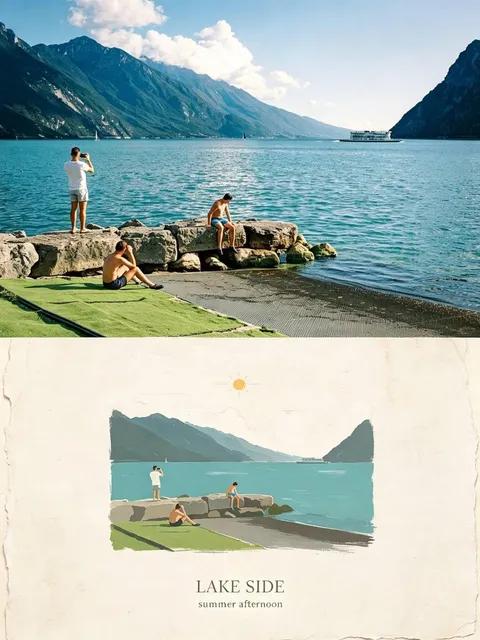
What does an AI video generator in 2024 offer?
Text-to-video tools in 2024 let you describe a scene — subject, motion, lighting, camera angle — and generate a video clip from that description. You review the output and adjust your prompt until the result matches your intent.
AI Video Generator 2024
Scene from a description
Input
A bustling city street at sunset with pedestrians crossing, streetlights turning on, and long shadows stretching across the pavement
Expected output
A generated video showing the described scene with motion and timing consistent with the prompt.
Short social clip
Input
A 10-second action scene with specific lighting and camera movement described in text
Expected output
A short video clip that reflects the described motion, composition, and visual style.
Concept visualization
Input
A narrative description of an animated concept including characters, environment, and progression
Expected output
A generated video sequence that follows the described narrative arc.
Generate video clips from text descriptions using current AI video tools
Video from text alone
Skip filming and editing — describe what you want to see and let the tool generate the footage.
Rapid iteration
Adjust your prompt and regenerate until the scene matches your vision, all from a single text input.
Consistent quality control
Review each result before deciding to use it, ensuring the output fits your project standards.
How It Works
1
Describe the scene
Describe the desired scene and motion.
2
Choose settings
Choose the available generation settings.
3
Generate and review
Generate, review, and download a suitable result.
Tips for better results
Getting the most from text-to-video generation depends on how you describe your scene.
Input Constraints
- Prompts should describe visible motion and scene composition.
- Generated results should be reviewed before final use.
- Avoid personal or sensitive content unless you have permission.
Practical Tips
- Include lighting, camera angle, and movement direction in your prompt.
- Start with a short scene description and add detail on successive attempts.
- Review the generated video for timing and visual coherence.
Privacy
- Do not upload personal or sensitive material unless you have permission to use it.
Usage Rights
- Confirm that you have the rights needed for the inputs and intended use of the result.
Prompt recipes
Copy a structure, then adjust the subject, lighting, camera, and output details for your own result.
Product showcase with motion
A coffee mug rotating slowly on a wooden table, steam rising from hot liquid inside, soft morning light from the left, 6 seconds
Combines product focus, natural motion cue (steam), lighting direction, and duration to produce a clear commercial-style clip.
Dramatic nature scene
Waves crashing against rocky cliffs at sunset, spray catching golden light, camera slowly pans right along the coastline
Layers natural motion (waves), time of day, lighting effect, and camera movement to build a cinematic moment.
Urban atmosphere clip
Rain falling on a neon-lit alley at night, reflections on wet cobblestones, a figure with an umbrella walks away from camera
Uses weather, lighting, surface detail, and human element to create depth and mood in a short scene.
Abstract visual loop
Colorful ink clouds swirling in clear water, slow motion, backlit with white background, seamless loop feeling
Describes material behavior, pacing, lighting setup, and loop intent for reusable motion graphics.
Workspace b-roll
Hands typing on a laptop keyboard, notebook and coffee cup beside it, natural window light, shallow depth of field, overhead angle
Specifies action, context objects, lighting source, focus technique, and camera angle for relatable work-scene footage.
Best use cases
Match the workflow to the input you have and the result you need before opening the generator.
Social media short
Input: Single action or reaction with vertical framing and clear subject
Result: 5-15 second vertical clip ready for Instagram or TikTok
Tool: Text-to-video with 9:16 aspect ratio
Marketing hero video
Input: Product with controlled lighting and smooth camera motion
Result: Polished product shot for landing pages or ads
Tool: Text-to-video with detailed lighting and motion description
Explainer background footage
Input: Ambient scene with subtle motion: workspace, nature, cityscape
Result: Background clip that supports voiceover or text overlay
Tool: Text-to-video with neutral framing and continuous motion
Creative concept test
Input: Experimental visual idea with specific style or mood
Result: Quick visual proof-of-concept to evaluate before production
Tool: Text-to-video with iterative prompt refinement
Limitations to know before generating
- Generated clips may need several iterations to match your exact vision.
- Complex multi-subject scenes can produce less coherent or inconsistent results.
- Output quality varies depending on prompt clarity and scene complexity.
- Each regeneration may yield different results even with the same prompt.
- Review every clip before use in a project to ensure it meets your standards.
Creative Suite: AI Video Generator & AI Image Generator Tools
Power up your creative workflow with our AI-driven tools. Generate stunning videos, create images, and apply custom adjustments - our AI Video Generator and AI Image Generator offer a complete solution for all your creative needs.
Strictly Prohibits Adult/NSFW Content








Pricing
Choose the credit package that works best for you.
No hidden fees • Cancel anytime • Unused credits roll over
Starter
Perfect for trying out AI creation.
Credits
200 credits / month
- Up to 20 videos per month
- Up to 100 images per month
$6.99/ month$9.9930% OFF
Billed monthly
First-time subscribers get 30% off their first month, then standard price
What's included
- Credits never expire
- Standard models
- HD, Watermark-Free Downloads
- Private Generation
- Faster Generation Speed
- Ad-free experience
Basic
Perfect for light creators.
Credits
500 credits / month
- Up to 50 videos per month
- Up to 250 images per month
$13.99/ month$19.9930% OFF
Billed monthly
First-time subscribers get 30% off their first month, then standard price
What's included
- Credits never expire
- Standard models
- HD, Watermark-Free Downloads
- Private Generation
- Faster Generation Speed
- Ad-free experience
Pro
PopularBest value for creators
Credits
1,200 credits / month
- Up to 120 videos per month
- Up to 600 images per month
$39.99/ month
Billed monthly
What's included
- Credits never expire
- All models + Early access to new models
- HD, Watermark-Free Downloads
- Private Generation
- Faster Generation Speed
- Ultra HD resolution
- Ad-free experience
Ultra
For video creators and power users.
Credits
5,000 credits / month
- Up to 500 videos per month
- Up to 2,500 images per month
$99.99/ month
Billed monthly
What's included
- Credits never expire
- All models + Early access to new models
- HD, Watermark-Free Downloads
- Private Generation
- Faster Generation Speed
- Ultra HD resolution
- Ad-free experience
Free
Standard models only — upgrade to unlock premium models.
Credits
10 free credits on signup
Questions? Contact us at support@domer.io
Try AI Video Generator 2024 Now
Open the tool, describe your scene, and generate your first video in minutes.