

AI Video Generator 2025
Generate video clips from scene descriptions. Write what you want to see, choose generation settings, review the result, and download.
AI Video Generator
0/20000 characters
Cost:10
My videos
Loading...
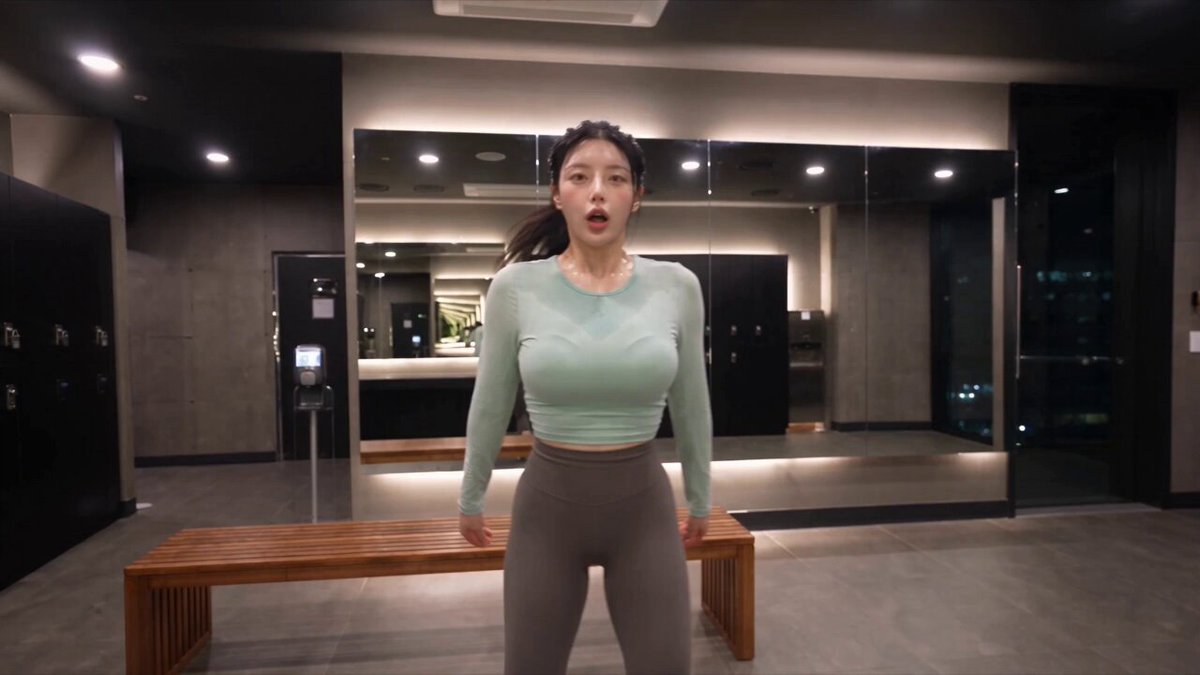
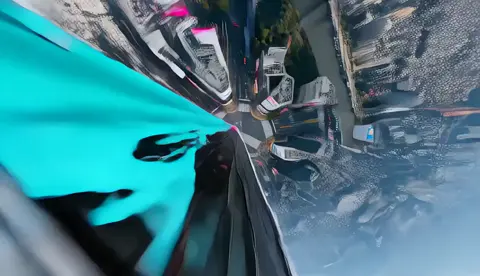
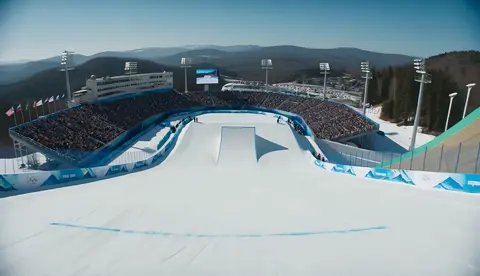
What does an AI video generator in 2025 do?
Text-to-video tools let you describe a scene in plain text — subject, motion, lighting, and camera angle — then generate a video clip from that description. You review the output and adjust your prompt until the result matches your intent.
AI Video Generator 2025
Product launch teaser
Input
A sleek white smartwatch rotating slowly on a brushed metal surface, soft studio lighting, subtle reflections, text overlay fades in bottom third, 10-second clip
Expected output
A clean product shot with smooth rotation, gentle reflections on metal, and space left for text, rendered in a modern product-video style
Social media animated post
Input
Bold geometric shapes moving across a gradient background of teal and purple, pulsing circle in center, brief text appears and dissolves, 6-second vertical format
Expected output
An energetic abstract animation with color transitions, a central focal point, and readable text timing suitable for social feeds
Short explainer segment
Input
Digital birds-eye view of a dashboard interface with data charts, cursor clicking on buttons, menu panels sliding in from right, clean tech aesthetic
Expected output
A top-down interface walkthrough with chart visuals, cursor interactions, and panel animations in a flat modern design style
Create video clips from text prompts using current-generation text-to-video AI tools
Custom visuals on demand
Generate exactly the scene you need instead of searching through generic stock footage libraries.
Works with your existing tools
Output clips that fit into standard editing workflows without special encoding or format conversion.
Fast concept-to-video turnaround
Skip storyboarding and pre-vis production by describing the final scene directly.
How It Works
1
Describe the scene
Describe the desired scene and motion.
2
Choose your settings
Choose the available generation settings.
3
Generate and download
Generate, review, and download a suitable result.
Getting the most from your prompt
A well-structured prompt saves iterations and produces better results.
Input Constraints
- Describe visual and motion elements, not abstract concepts.
- Keep prompts within a single scene for clarity.
- Avoid mentioning specific brand names or protected characters.
Practical Tips
- Start with the subject, then add environment, then motion.
- Specify aspect ratio if your project needs one.
- Mention lighting style for more polished outputs.
- Test shorter prompts before adding complex detail.
- Use concrete visual words instead of emotional descriptors.
Privacy
- Do not upload personal or sensitive material unless you have permission to use it.
Usage Rights
- Confirm that you have the rights needed for the inputs and intended use of the result.
Prompt recipes
Copy a structure, then adjust the subject, lighting, camera, and output details for your own result.
Cinematic product reveal for ai video generator 2025
A glossy black headphone set rotating on a dark reflective surface, single spotlight from above, camera orbits slowly, 8 seconds
Combines product detail, controlled lighting, camera motion, and duration to produce a polished commercial-style reveal.
Nature documentary opener for ai video generator 2025
Aerial view of a dense rainforest canopy at sunrise, mist rising from the trees, camera slowly descends toward the forest floor, golden light filtering through leaves
Uses scale, vertical motion, time of day, and atmospheric detail to create an immersive establishing shot.
Tech explainer b-roll
Close-up of a circuit board with glowing LED traces, camera slowly tracks across the surface, shallow depth of field, blue and green lighting
Specifies subject detail, camera movement, focus technique, and color palette for technical background footage.
Social vertical teaser
Hands unboxing a colorful sneaker from tissue paper, bright even lighting, vertical 9:16 format, quick cuts between angles, 6 seconds
Tailored to social platform requirements with aspect ratio, pacing, and subject action that drives engagement.
Abstract motion loop
Liquid gold texture flowing and rippling, camera slowly zooms in, seamless loop feel, black background, warm lighting
Describes material behavior, motion direction, looping intent, and color scheme for reusable motion graphics.
Best use cases
Match the workflow to the input you have and the result you need before opening the generator.
Product marketing video
Input: Product on neutral background with lighting and camera motion specified
Result: Polished product shot suitable for ads or website hero sections
Tool: Text-to-video with detailed lighting and motion description
Social media content
Input: Short action or reaction scene with vertical framing
Result: 5-15 second vertical clip optimized for Instagram or TikTok
Tool: Text-to-video with 9:16 aspect ratio setting
Explainer background footage
Input: Ambient scene with continuous motion: workspace, nature, tech
Result: Background clip that supports voiceover or text overlay
Tool: Text-to-video with neutral framing and subtle motion
Creative concept test
Input: Experimental visual with specific style, mood, or abstract elements
Result: Quick proof-of-concept to evaluate before committing to production
Tool: Text-to-video with iterative prompt refinement
Limitations to know before generating
- Generated clips may require several iterations to match your exact vision.
- Complex scenes with many moving elements can produce less coherent results.
- Output quality and style vary based on prompt clarity and scene complexity.
- Each regeneration may yield different results even with identical prompts.
- Review every clip before use to ensure it meets your project requirements.
Creative Suite: AI Video Generator & AI Image Generator Tools
Power up your creative workflow with our AI-driven tools. Generate stunning videos, create images, and apply custom adjustments - our AI Video Generator and AI Image Generator offer a complete solution for all your creative needs.
Strictly Prohibits Adult/NSFW Content








Pricing
Choose the credit package that works best for you.
No hidden fees • Cancel anytime • Unused credits roll over
Starter
Perfect for trying out AI creation.
Credits
200 credits / month
- Up to 20 videos per month
- Up to 100 images per month
$6.99/ month$9.9930% OFF
Billed monthly
First-time subscribers get 30% off their first month, then standard price
What's included
- Credits never expire
- Standard models
- HD, Watermark-Free Downloads
- Private Generation
- Faster Generation Speed
- Ad-free experience
Basic
Perfect for light creators.
Credits
500 credits / month
- Up to 50 videos per month
- Up to 250 images per month
$13.99/ month$19.9930% OFF
Billed monthly
First-time subscribers get 30% off their first month, then standard price
What's included
- Credits never expire
- Standard models
- HD, Watermark-Free Downloads
- Private Generation
- Faster Generation Speed
- Ad-free experience
Pro
PopularBest value for creators
Credits
1,200 credits / month
- Up to 120 videos per month
- Up to 600 images per month
$39.99/ month
Billed monthly
What's included
- Credits never expire
- All models + Early access to new models
- HD, Watermark-Free Downloads
- Private Generation
- Faster Generation Speed
- Ultra HD resolution
- Ad-free experience
Ultra
For video creators and power users.
Credits
5,000 credits / month
- Up to 500 videos per month
- Up to 2,500 images per month
$99.99/ month
Billed monthly
What's included
- Credits never expire
- All models + Early access to new models
- HD, Watermark-Free Downloads
- Private Generation
- Faster Generation Speed
- Ultra HD resolution
- Ad-free experience
Free
Standard models only — upgrade to unlock premium models.
Credits
10 free credits on signup
Questions? Contact us at support@domer.io
Start Generating AI Video in 2025
Open the text-to-video tool and describe the scene you need for your next project.