
AI Video Generator Character Consistency 2026
Keep one character looking the same across multiple clips. Write the character description once, paste it into every scene prompt, then generate and review.
AI Video Generator
0/20000 characters
Cost:10
My videos
Loading...
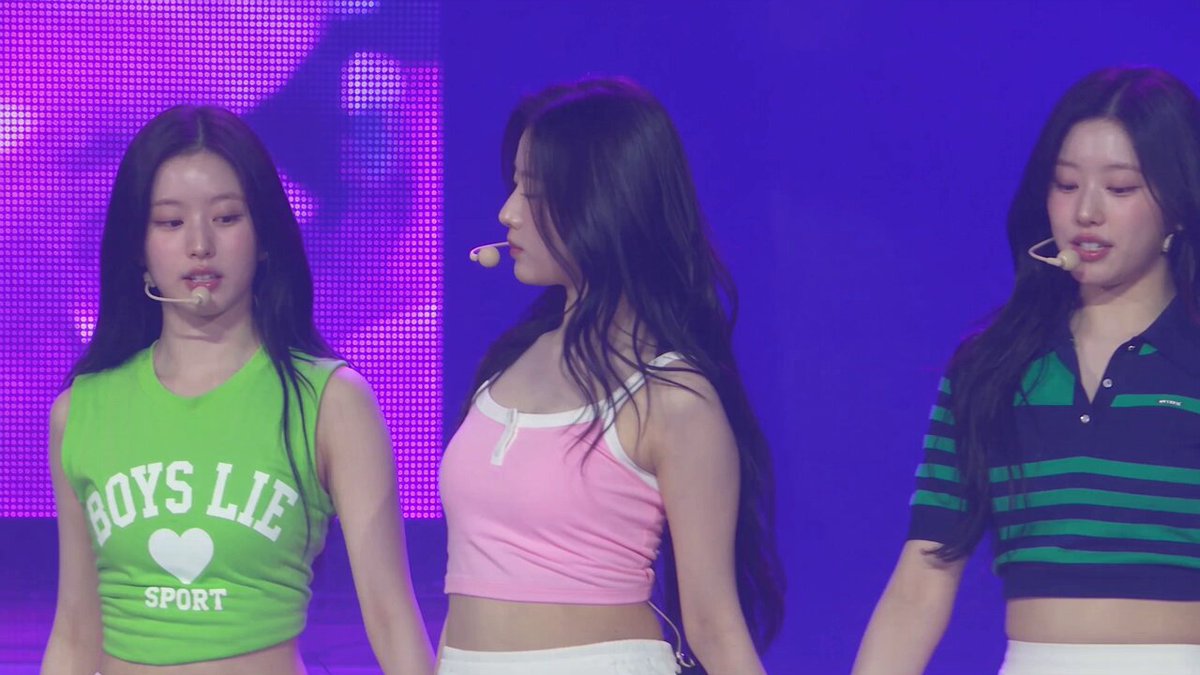
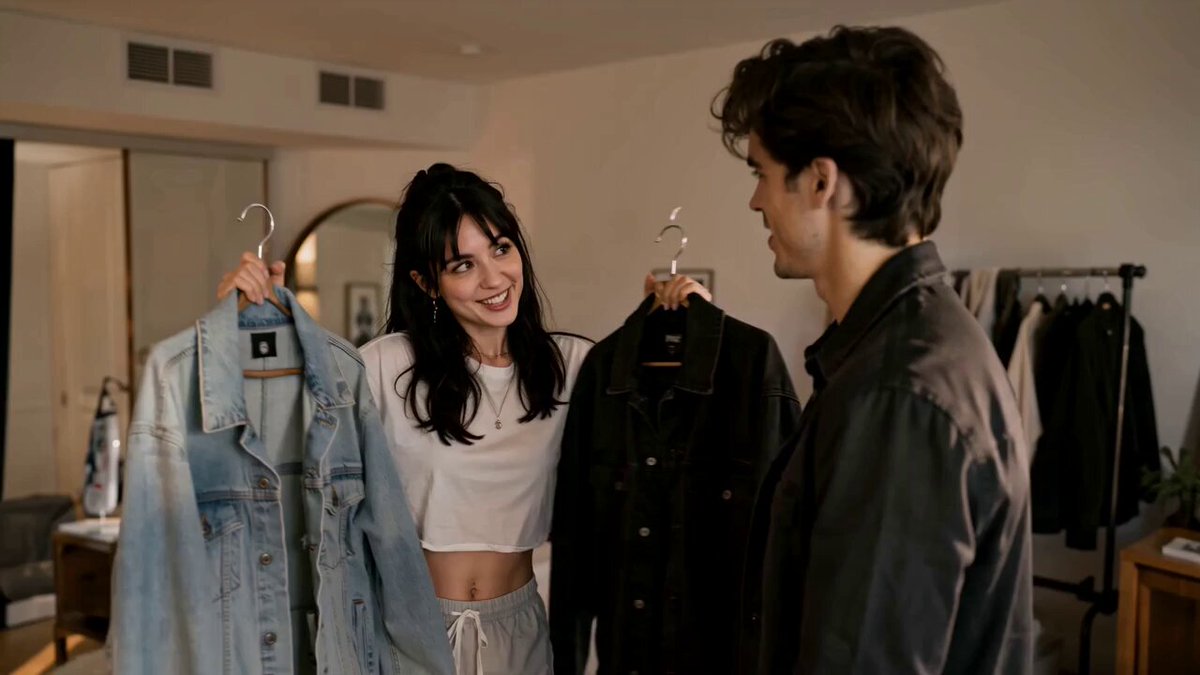
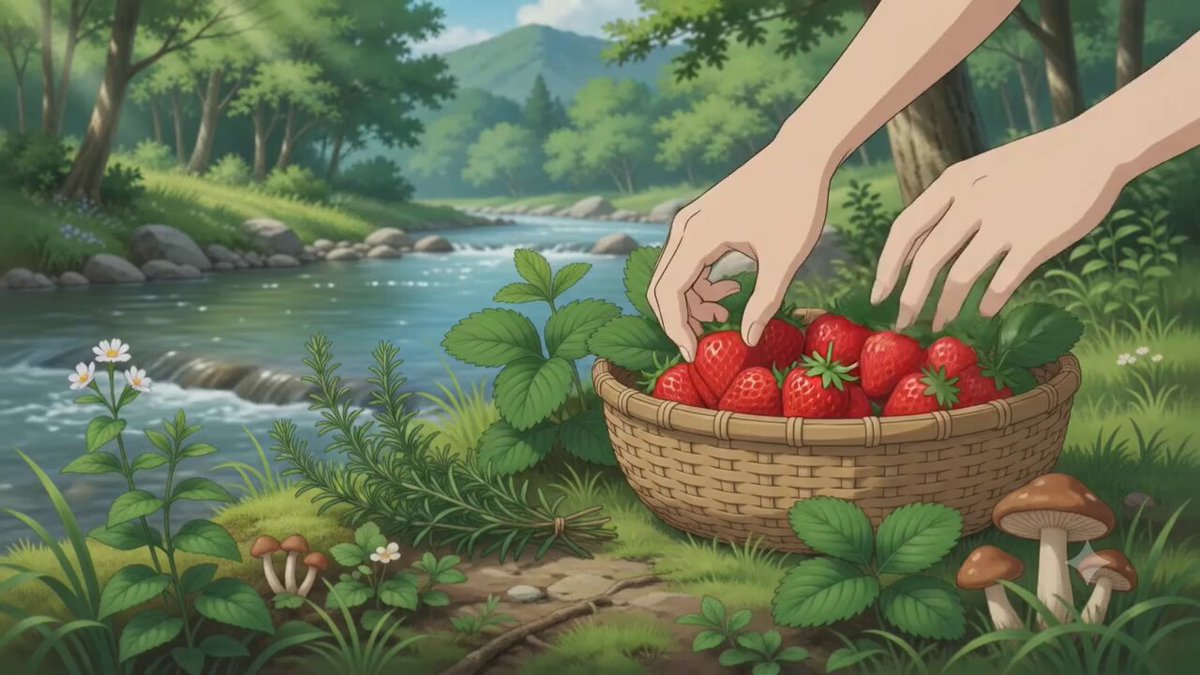
How do I keep a character consistent in AI-generated videos?
Write a detailed character description with specific appearance details like clothing, hair, build, and colors. Copy that exact description into every prompt for the series, changing only the scene and action. Generate each clip separately and compare results to confirm consistency before downloading.
AI Video Generator Character Consistency 2026
Animated mascot in two scenes
Input
A round blue robot mascot with a glowing yellow visor, waving from a rooftop; then the same robot pouring coffee in a kitchen
Expected output
Two short clips where the blue robot keeps the same shape, visor, and colors in both settings.
Reusable character for a brand
Input
A young fox character in a red hoodie and white sneakers walking through a bright market, then the same fox reading in a park
Expected output
A pair of clips showing the fox with the same hoodie, sneakers, and fur color across both locations.
Storyboard-style scene pair
Input
A knight in silver armor with a blue cape standing on a cliff, then the same knight entering a torch-lit hall
Expected output
Two connected clips where the knight's armor, cape, and proportions stay consistent between scenes.
Maintain the same character appearance across multiple generated video clips by reusing identical character descriptions in each prompt.
One consistent character
Repeat the same descriptive details in each prompt so the character reads as the same person or creature across clips.
Faster prompt reuse
Keep a saved character description and reuse it with new scene and motion lines instead of writing from scratch.
Cleaner review pass
With the character locked down, you can focus your review on motion, timing, and whether the scene matches the idea.
How It Works
1
Describe scene and motion
Describe the desired scene and motion.
2
Choose settings
Choose the available generation settings.
3
Generate and review
Generate, review, and download a suitable result.
Keeping a character consistent
Write the character's key visual details once, then keep them identical across prompt variants.
Input Constraints
- Fix the character's appearance in the first prompt: outfit, colors, build, and any signature details.
- Copy the exact character sentence into every prompt for the series.
- Change only scene and motion words between clips.
- Avoid vague labels like 'the same guy' when a specific description is needed.
Practical Tips
- Start with a short character block you can paste into each prompt.
- Keep the camera and lighting words consistent if you want a matching look.
- After generating, compare clips side by side for the character's features.
- If one clip drifts, regenerate with the original character wording before changing anything else.
Privacy
- Do not upload personal or sensitive material unless you have permission to use it.
Usage Rights
- Confirm that you have the rights needed for the inputs and intended use of the result.
Prompt recipes
Copy a structure, then adjust the subject, lighting, camera, and output details for your own result.
Brand mascot workflow
Character: A round green owl mascot with large yellow eyes and orange feet. Scene 1: The owl standing on a tree branch waving. Scene 2: The owl holding a smartphone showing a notification. Scene 3: The owl flying through a cloudy sky.
Locks the character details at the start, then varies only the scene and action for each clip in the series.
Tutorial character series
Character: A person in a light blue shirt and dark jeans with short brown hair. Scene 1: Walking into a modern office. Scene 2: Sitting at a desk typing. Scene 3: Standing by a whiteboard pointing at notes.
Maintains clothing and hair details while changing the location and action to show a progression.
Storyboard character arc
Character: A young wizard in a purple robe with silver stars and a pointed hat. Scene 1: Mixing ingredients in a cauldron in a dark tower room. Scene 2: Casting a spell with glowing hands outdoors at night. Scene 3: Reading a large spellbook by candlelight.
Uses a specific costume description repeated across three distinct magical activities and settings.
Product demo character
Character: A chef in a white chef's jacket with rolled sleeves and a black apron. Scene 1: Chopping vegetables on a wooden cutting board. Scene 2: Stirring a pan on a stovetop. Scene 3: Plating a finished dish on a white plate.
Keeps the chef's outfit consistent while showing different stages of cooking for a product or recipe demo.
Explainer character sequence
Character: A scientist in a white lab coat with safety goggles pushed up on their forehead and short black hair. Scene 1: Pipetting liquid into test tubes. Scene 2: Looking through a microscope. Scene 3: Writing notes on a clipboard.
Fixes the lab attire and appearance, then varies the lab activity to create an educational sequence.
Best use cases
Match the workflow to the input you have and the result you need before opening the generator.
Brand mascot videos
Input: Simple character with distinctive colors and features
Result: Multiple clips showing the mascot in different brand scenarios
Tool: AI Video Generator with saved character description
Tutorial or explainer series
Input: Character description with occupation-appropriate clothing
Result: Step-by-step clips with the same host or character throughout
Tool: AI Video Generator with consistent character and varied actions
Storyboard visualization
Input: Character with memorable costume or silhouette
Result: Scene-by-scene clips for story planning or pitching
Tool: AI Video Generator with locked character and scene progression
Social media character content
Input: Relatable or stylized character in everyday moments
Result: Series of short clips for ongoing character-based posts
Tool: AI Video Generator with reusable character template
Limitations to know before generating
- Even with identical descriptions, slight visual variations may occur between generations.
- Complex or subtle character details may not be preserved consistently across all clips.
- Lighting and camera angle changes can affect how the character appears even with the same description.
- Multiple regenerations may be needed to achieve acceptable consistency across a series.
- Very long character descriptions may not be fully interpreted in every generation.
- Review each clip individually and compare side by side before finalizing a series.
Creative Suite: AI Video Generator & AI Image Generator Tools
Power up your creative workflow with our AI-driven tools. Generate stunning videos, create images, and apply custom adjustments - our AI Video Generator and AI Image Generator offer a complete solution for all your creative needs.
Strictly Prohibits Adult/NSFW Content








Pricing
Choose the credit package that works best for you.
No hidden fees • Cancel anytime • Unused credits roll over
Starter
Perfect for trying out AI creation.
Credits
200 credits / month
- Up to 20 videos per month
- Up to 100 images per month
$6.99/ month$9.9930% OFF
Billed monthly
First-time subscribers get 30% off their first month, then standard price
What's included
- Credits never expire
- Standard models
- HD, Watermark-Free Downloads
- Private Generation
- Faster Generation Speed
- Ad-free experience
Basic
Perfect for light creators.
Credits
500 credits / month
- Up to 50 videos per month
- Up to 250 images per month
$13.99/ month$19.9930% OFF
Billed monthly
First-time subscribers get 30% off their first month, then standard price
What's included
- Credits never expire
- Standard models
- HD, Watermark-Free Downloads
- Private Generation
- Faster Generation Speed
- Ad-free experience
Pro
PopularBest value for creators
Credits
1,200 credits / month
- Up to 120 videos per month
- Up to 600 images per month
$39.99/ month
Billed monthly
What's included
- Credits never expire
- All models + Early access to new models
- HD, Watermark-Free Downloads
- Private Generation
- Faster Generation Speed
- Ultra HD resolution
- Ad-free experience
Ultra
For video creators and power users.
Credits
5,000 credits / month
- Up to 500 videos per month
- Up to 2,500 images per month
$99.99/ month
Billed monthly
What's included
- Credits never expire
- All models + Early access to new models
- HD, Watermark-Free Downloads
- Private Generation
- Faster Generation Speed
- Ultra HD resolution
- Ad-free experience
Free
Standard models only — upgrade to unlock premium models.
Credits
10 free credits on signup
Questions? Contact us at support@domer.io
Keep your character on-model
Open the text-to-video generator, write one character description, and reuse it across your scene prompts.