
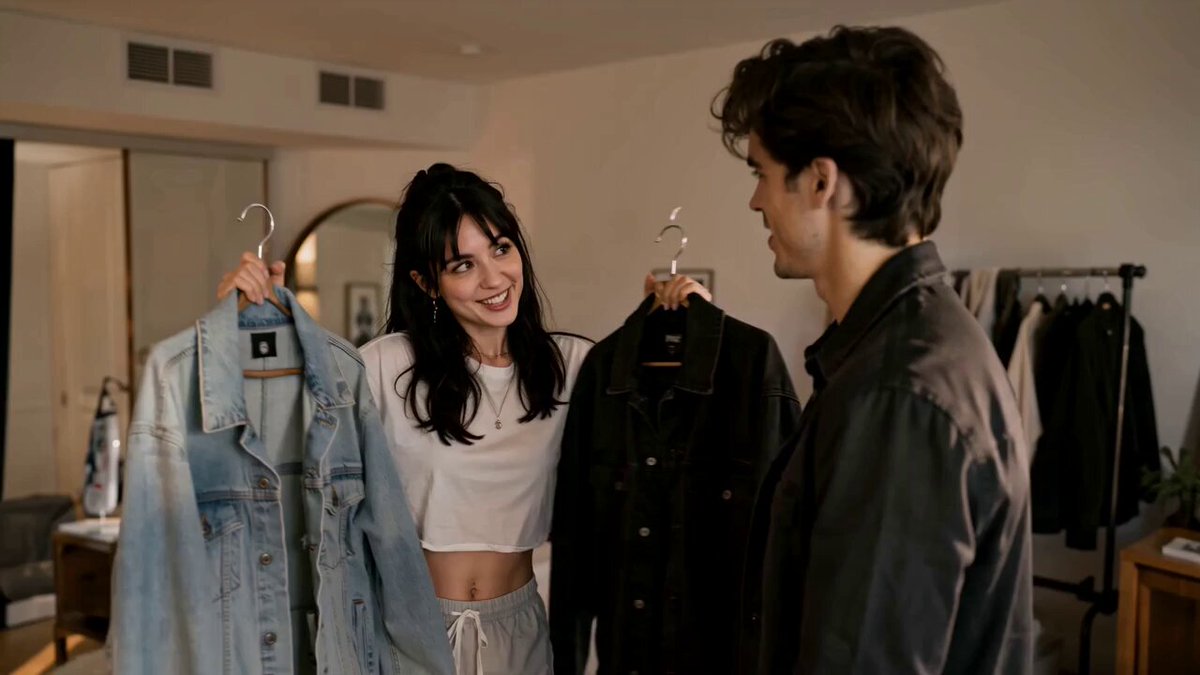
AI Video Generator for Ecommerce — Product Clips
Create product videos from text: describe the item, setting, and motion, then generate and download clips for your store.
AI Video Generator
0/20000 characters
Cost:10
My videos
Loading...

What is an AI video generator for ecommerce?
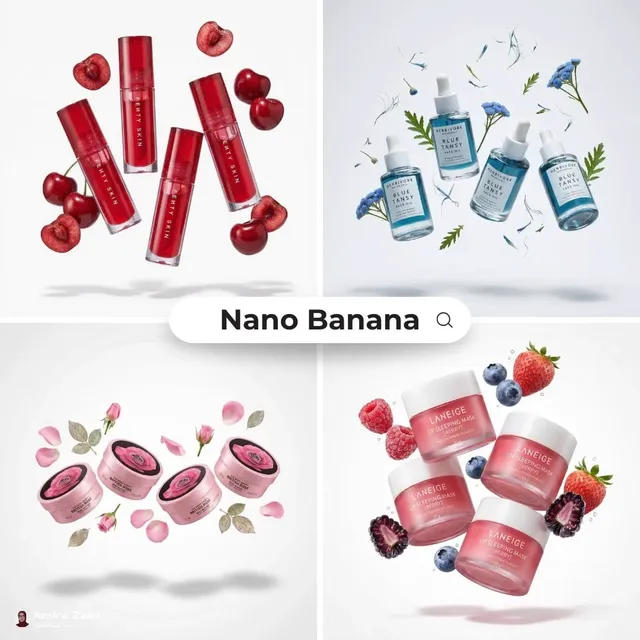
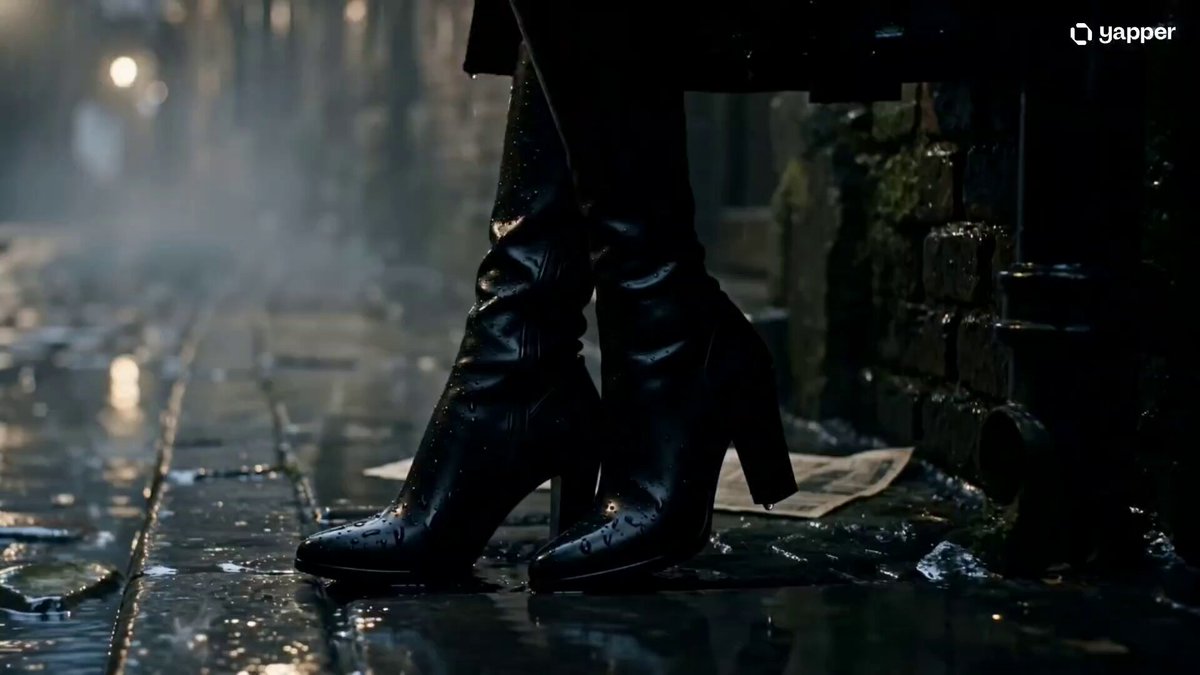
An AI video generator for ecommerce turns text descriptions into product video clips for online stores. You describe the product appearance, setting, camera motion, and mood, then review generated results for use on product pages, in ads, or across marketing channels. It helps create video content without organizing shoots or hiring production teams.
AI Video Generator for Ecommerce — Product Clips
Product hero video
Input
A minimalist white sneaker rotating on a clean platform. Soft studio lighting. Clean grey background. Sharp focus on material texture.
Expected output
A clean product hero video of a white sneaker rotating under soft studio light on a neutral background.
Lifestyle scene
Input
A person wearing a denim jacket walking through a sunlit park. Camera follows from behind. Golden hour light filtering through trees. Casual natural feel.
Expected output
A lifestyle tracking shot of a person in a denim jacket walking through a sunlit park in golden hour light.
Feature highlight clip
Input
Close-up of hands unpacking a sleek electronic device from its box. Foam padding peels away. Device glows as it powers on. Premium unboxing feel.
Expected output
A close-up unboxing scene of hands revealing an electronic device from packaging with a power-on glow.
Create product showcase and promotional video clips from text descriptions for ecommerce stores and marketplaces
Video for every product
Generate product video content for every SKU by describing each item's appearance, setting, and use case in a prompt.
No physical shoot needed
Create product videos without photography equipment, studio space, models, or shipping products to a production team.
Consistent catalog style
Use similar prompt patterns across all product descriptions for a cohesive visual style throughout your store.
How It Works
1
Describe the desired scene and motion.
Describe the desired scene and motion.
2
Choose the available generation settings.
Choose the available generation settings.
3
Generate, review, and download a suitable result.
Generate, review, and download a suitable result.
Creating effective ecommerce video prompts
Describe the product, setting, and camera motion as if directing a product photoshoot.
Input Constraints
- Describe product appearance — color, material, size, shape — in concrete terms
- Avoid claiming product performance, features, pricing, or availability
- Keep scenes focused on one product per generation for clear visual focus
Practical Tips
- Specify the product category context — jewelry, electronics, apparel — for appropriate framing
- Use background descriptions to set the lifestyle or studio context
- Add camera movement like orbit or slow reveal for product detail emphasis
Privacy
- Do not upload personal or sensitive material unless you have permission to use it.
Usage Rights
- Confirm that you have the rights needed for the inputs and intended use of the result.
Prompt recipes
Copy a structure, then adjust the subject, lighting, camera, and output details for your own result.
Studio product spin
A stainless steel water bottle rotating on a turntable, seamless white background, soft key light from top-left, subtle shadow, clean commercial product style.
Controlled rotation with studio lighting shows the product from all sides, ideal for main product page videos where customers want to see details.
Lifestyle product placement
A yoga mat rolled up on a wooden floor beside a window, morning sunlight streaming in, a hand reaching down to unroll it, peaceful and healthy vibe.
Natural setting and human interaction help potential customers visualize the product in their own routine and environment.
Unboxing reveal
Hands lifting the lid off a luxury skincare product box, tissue paper folded back, the product bottle sitting in custom foam, elegant and premium unboxing experience.
Unboxing motion creates anticipation and signals quality, particularly effective for gift items and premium products.
Feature zoom-in
Close-up of a smartphone camera lens, light reflecting off the glass, camera slowly pushing in to show lens detail, sleek and high-tech aesthetic.
Macro focus on a key feature draws attention to product quality and craftsmanship, useful for highlighting differentiators.
Action in use
A running shoe hitting a trail surface in slow motion, dirt and small stones scattering, outdoor daylight, dynamic athletic context.
Showing the product in action demonstrates functionality and durability, building trust for performance-oriented items.
Seasonal display
A stack of cozy sweaters on a rustic table, autumn leaves scattered around, soft warm lighting, camera tilting down from above, fall seasonal mood.
Seasonal styling creates urgency and emotional connection, driving conversions during campaign periods.
Product comparison layout
Three wireless earbuds cases side by side on a white surface, camera panning slowly left to right, each case in a different color, clean comparison style.
Side-by-side presentation with camera motion helps customers compare options and choose the variant that fits their preference.
Best use cases
Match the workflow to the input you have and the result you need before opening the generator.
Main product page video
Input: Clear product description with studio setting and rotation or reveal
Result: Professional hero video showing product from multiple angles
Tool: Text-to-video with studio and product motion keywords
Social media product ads
Input: Lifestyle scene with product in natural context and human interaction
Result: Relatable clips that demonstrate product use and emotional appeal
Tool: Text-to-video with lifestyle and context keywords
Email marketing visuals
Input: Seasonal or promotional product styling with mood and setting
Result: Eye-catching clips that drive urgency and click-through rates
Tool: Text-to-video with seasonal and promotional keywords
Marketplace differentiation
Input: Product feature highlight or action demonstration
Result: Clips that differentiate your listing from competitors using only images
Tool: Text-to-video focused on product features and motion
Category page headers
Input: Multiple products or product family in cohesive scene
Result: Collection videos that establish category mood and style
Tool: Text-to-video with layout and comparison keywords
Limitations to know before generating
- Generated clips are visual drafts; product details like exact branding, logos, or specific model features may not match your inventory.
- Lifestyle scenes show generic interpretations of use cases; review results to ensure they align with your target customer and brand voice.
- Product colors, materials, and proportions are approximated from text; multiple generations may be needed to achieve acceptable accuracy.
- Camera motion and framing are interpreted from your prompt; results may vary in speed, angle, and composition from your intent.
- Confirm compliance with marketplace guidelines and advertising policies before using generated clips in paid placements or third-party platforms.
Creative Suite: AI Video Generator & AI Image Generator Tools
Power up your creative workflow with our AI-driven tools. Generate stunning videos, create images, and apply custom adjustments - our AI Video Generator and AI Image Generator offer a complete solution for all your creative needs.
Strictly Prohibits Adult/NSFW Content








Pricing
Choose the credit package that works best for you.
No hidden fees • Cancel anytime • Unused credits roll over
Starter
Perfect for trying out AI creation.
Credits
200 credits / month
- Up to 20 videos per month
- Up to 100 images per month
$6.99/ month$9.9930% OFF
Billed monthly
First-time subscribers get 30% off their first month, then standard price
What's included
- Credits never expire
- Standard models
- HD, Watermark-Free Downloads
- Private Generation
- Faster Generation Speed
- Ad-free experience
Basic
Perfect for light creators.
Credits
500 credits / month
- Up to 50 videos per month
- Up to 250 images per month
$13.99/ month$19.9930% OFF
Billed monthly
First-time subscribers get 30% off their first month, then standard price
What's included
- Credits never expire
- Standard models
- HD, Watermark-Free Downloads
- Private Generation
- Faster Generation Speed
- Ad-free experience
Pro
PopularBest value for creators
Credits
1,200 credits / month
- Up to 120 videos per month
- Up to 600 images per month
$39.99/ month
Billed monthly
What's included
- Credits never expire
- All models + Early access to new models
- HD, Watermark-Free Downloads
- Private Generation
- Faster Generation Speed
- Ultra HD resolution
- Ad-free experience
Ultra
For video creators and power users.
Credits
5,000 credits / month
- Up to 500 videos per month
- Up to 2,500 images per month
$99.99/ month
Billed monthly
What's included
- Credits never expire
- All models + Early access to new models
- HD, Watermark-Free Downloads
- Private Generation
- Faster Generation Speed
- Ultra HD resolution
- Ad-free experience
Free
Standard models only — upgrade to unlock premium models.
Credits
10 free credits on signup
Questions? Contact us at support@domer.io
Generate video for your product
Describe your product, the setting, and camera motion. Choose the available settings and generate a product video clip.